Catch security flaws and exposed secrets from AI "vibe coding" before you ship.



VibeSafe is your automated pre-deploy safety scanner. It acts as a safety net for developers using AI tools (Cursor, Copilot, Claude) to ensure that generated code doesn't leak secrets, break security best practices, or leave the codebase in a messy state.
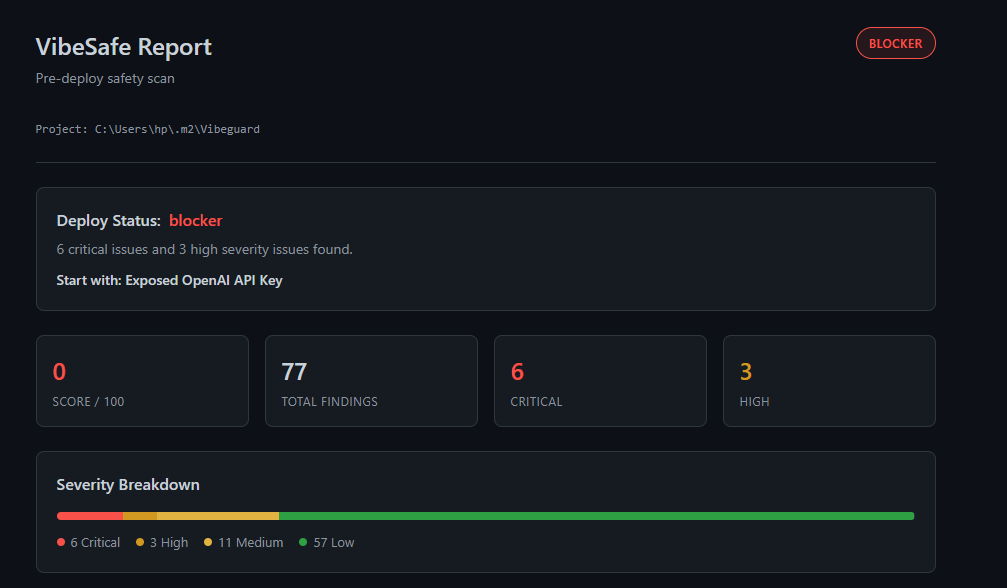
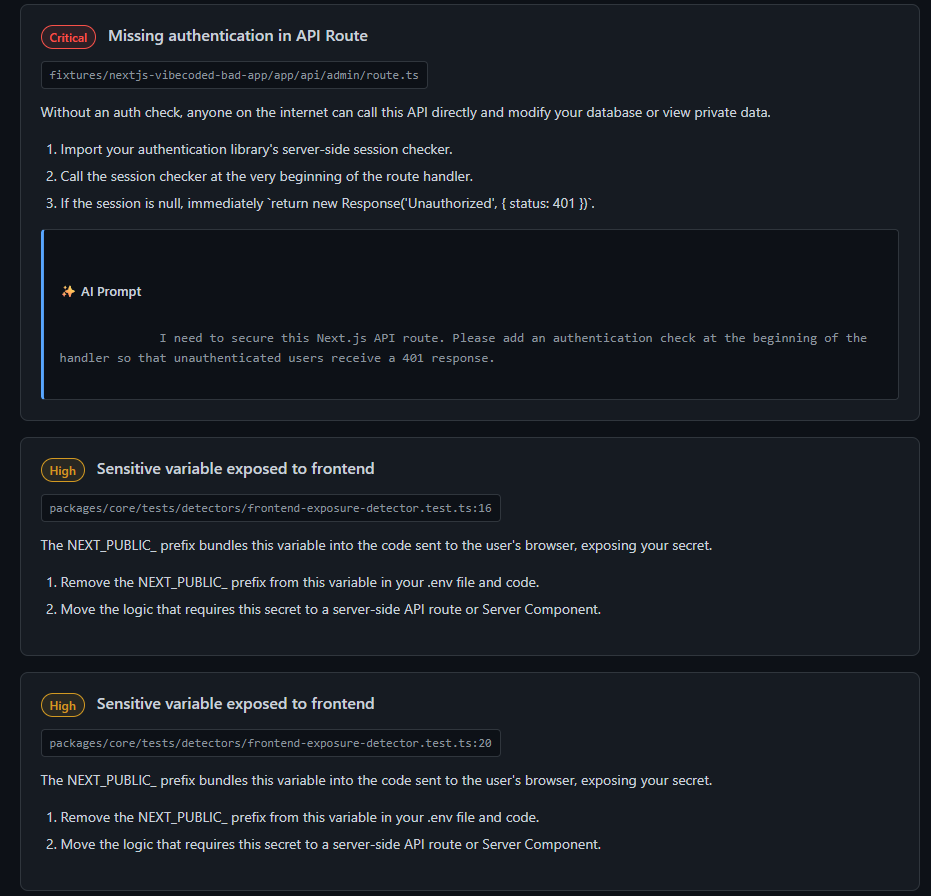
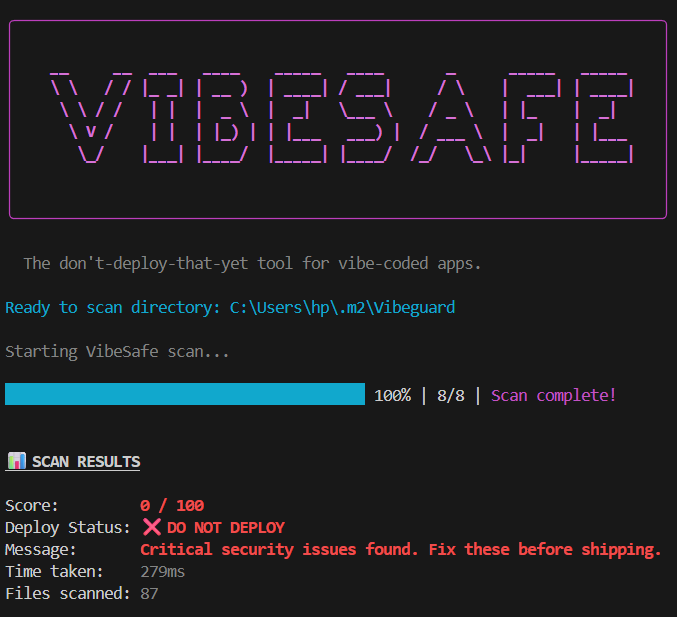
VibeSafe in Action
## ✨ Key Features
- 🕵️♂️ Pre-Deploy Scanning: Instantly scans your entire workspace for vulnerabilities, secrets, and code smells.
- 📋 Detailed Repair Plans: Get step-by-step repair plans with exact file locations and line numbers natively inside VS Code.
- 🤖 AI Fix Prompts: For every issue, VibeSafe generates a highly specific, copy-pasteable prompt. Drop it straight into Copilot or Cursor to let AI fix the AI's mistakes.
- 🛠️ Auto-Fix Capabilities: Safely apply fixes to your codebase with a single click natively through the extension.
- 📊 Detailed Dashboards: Companion CLI generates clean, interactive HTML dashboards summarizing your code health.
🚀 Installation & Usage
Installing the Extension
- Open the Extensions view in VS Code (
Ctrl+Shift+XorCmd+Shift+X). - Search for VibeSafe.
- Click Install.
- (Optional but recommended) Run
npm install -D @vibesafe/cliin your project to use the companion CLI.
Available Commands
Open the Command Palette (Ctrl+Shift+P or Cmd+Shift+P) and type VibeSafe:
VibeSafe: Scan Project: Triggers a full workspace scan and populates the VibeSafe side panel with issues.VibeSafe: Re-scan: Refreshes the scan results for the current project.VibeSafe: Copy Fix Prompt: (Contextual) Copies the AI prompt to your clipboard to paste into your AI chat assistant.VibeSafe: Apply Safe Fix: (Contextual) Applies an automated fix to an identified issue.
⚙️ Configuration
Customize VibeSafe behavior in your settings.json or the VS Code Settings UI:
| Setting | Description | Default |
|---|---|---|
vibesafe.enabledCategories |
Which rule categories to run (secret, auth, authorization, frontend_exposure, validation, dependency, code_quality, structure) |
All enabled |
vibesafe.minSeverity |
Minimum severity level to report (critical, high, medium, low) |
low |
vibesafe.scanOnOpen |
Automatically run a scan when opening a workspace | false |
vibesafe.scanOnSave |
Automatically run VibeSafe whenever you save a file | false |
🤝 Open Source
VibeSafe is open source! Feel free to contribute, report issues, or suggest features on our GitHub Repository.
