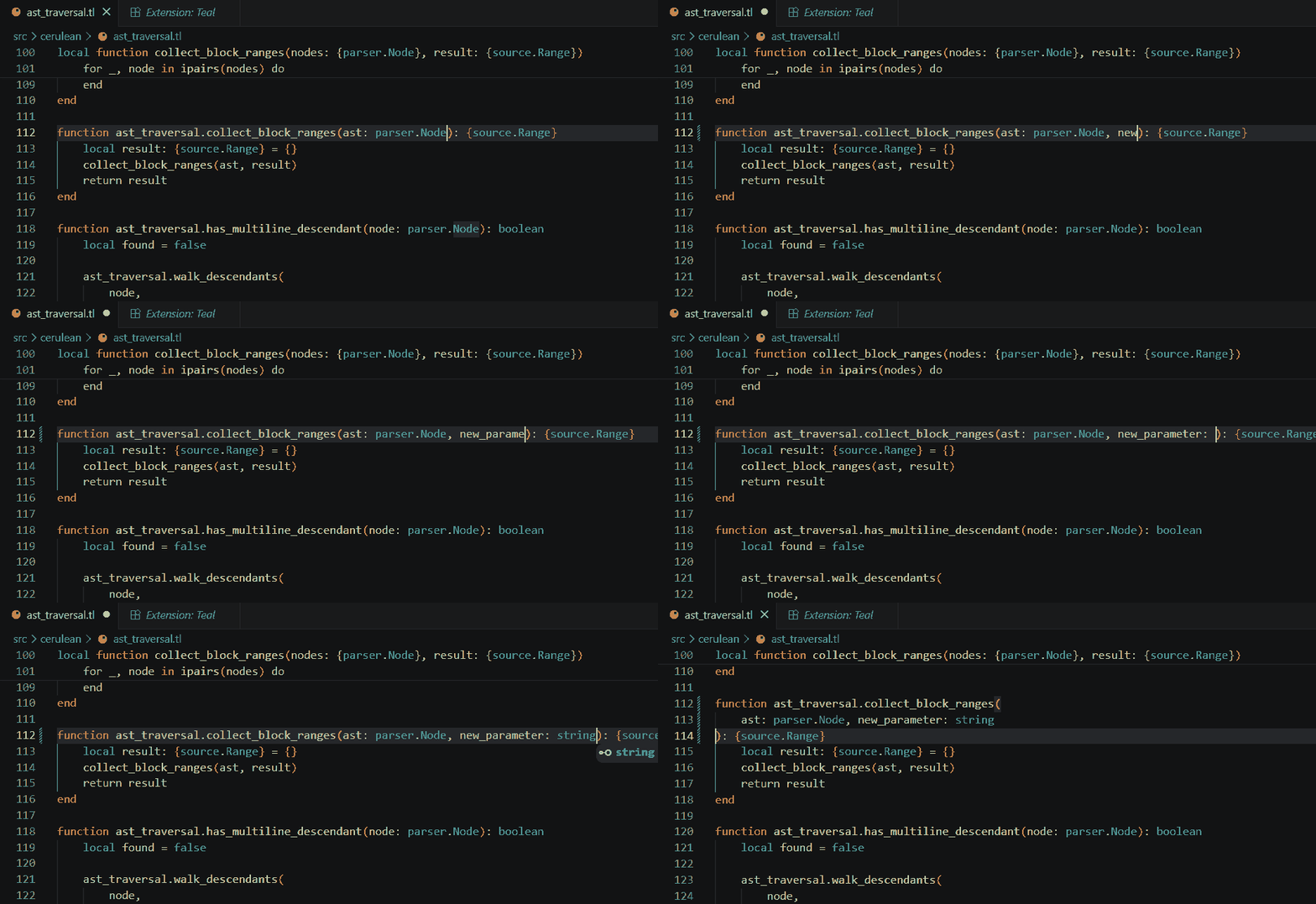
Fast formatter for Teal. Save your .tl files and directly have them formatted.


Features
- Format-on-save for Teal (
.tl) files. - Fast session daemon with no startup cost on save.
- Zero config when
ceruis on yourPATH. One setting (cerulean.cliPath) if it isn't. - Coexists with
pdesaulniers.vscode-teal, install both.
Requirements
The ceru binary must be on PATH, or cerulean.cliPath must point at it. Run luarocks install cerulean to install it. See Cerulean repo for documentation.
Verify the install:
ceru --version
Quick start
-
In user or workspace settings, set Cerulean as the Teal formatter and enable format-on-save:
"[teal]": { "editor.defaultFormatter": "efredriksson.cerulean-teal" }, "editor.formatOnSave": true -
Open a
.tlfile, make changes, and save.
Configuration
| Setting | Default | Purpose |
|---|---|---|
cerulean.cliPath |
"ceru" |
Path to the ceru binary. Override when not on PATH or to test a build. |