Testaro brings full test management to Azure DevOps without the Test Plans license. It runs on the Basic access level and stores everything natively in your own Azure DevOps organization — no separate tool, no data leaving your tenant.
See it in action
What you get
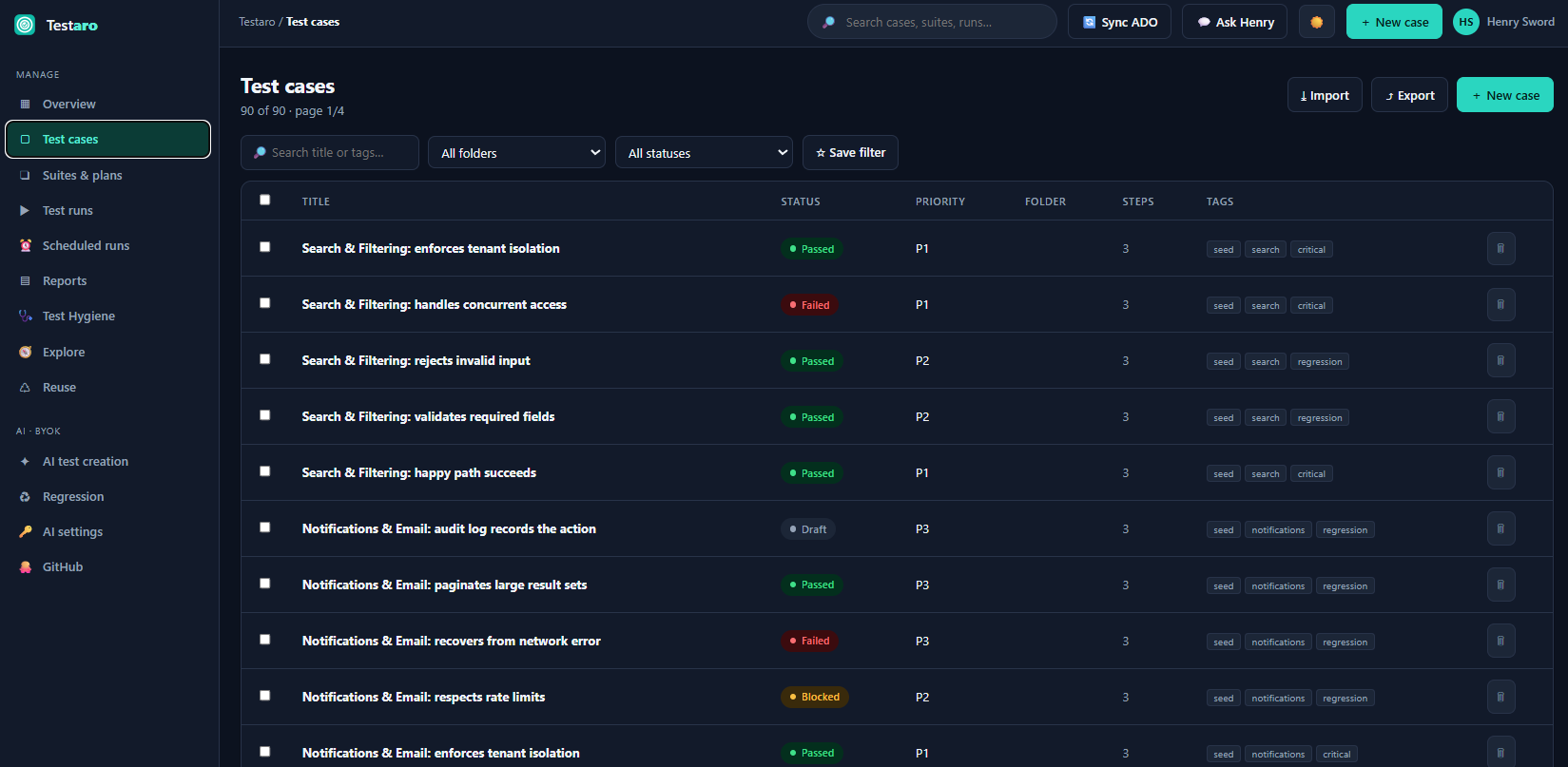
- Test cases with steps, BDD/Gherkin authoring, data-driven parameters, tags, and attachments.
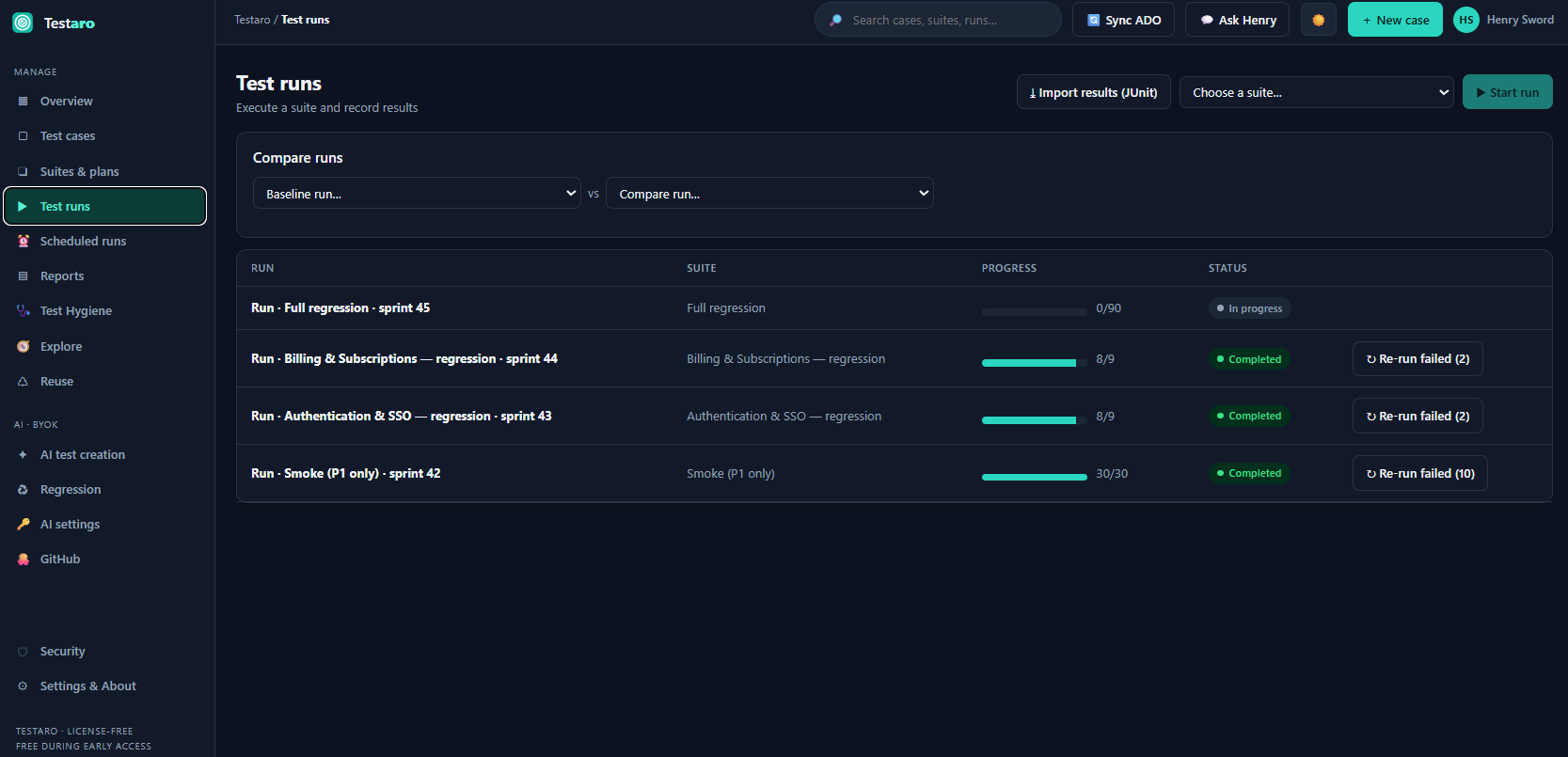
- Suites & runs — group cases, execute with pass/fail/block, and roll results back to case status.
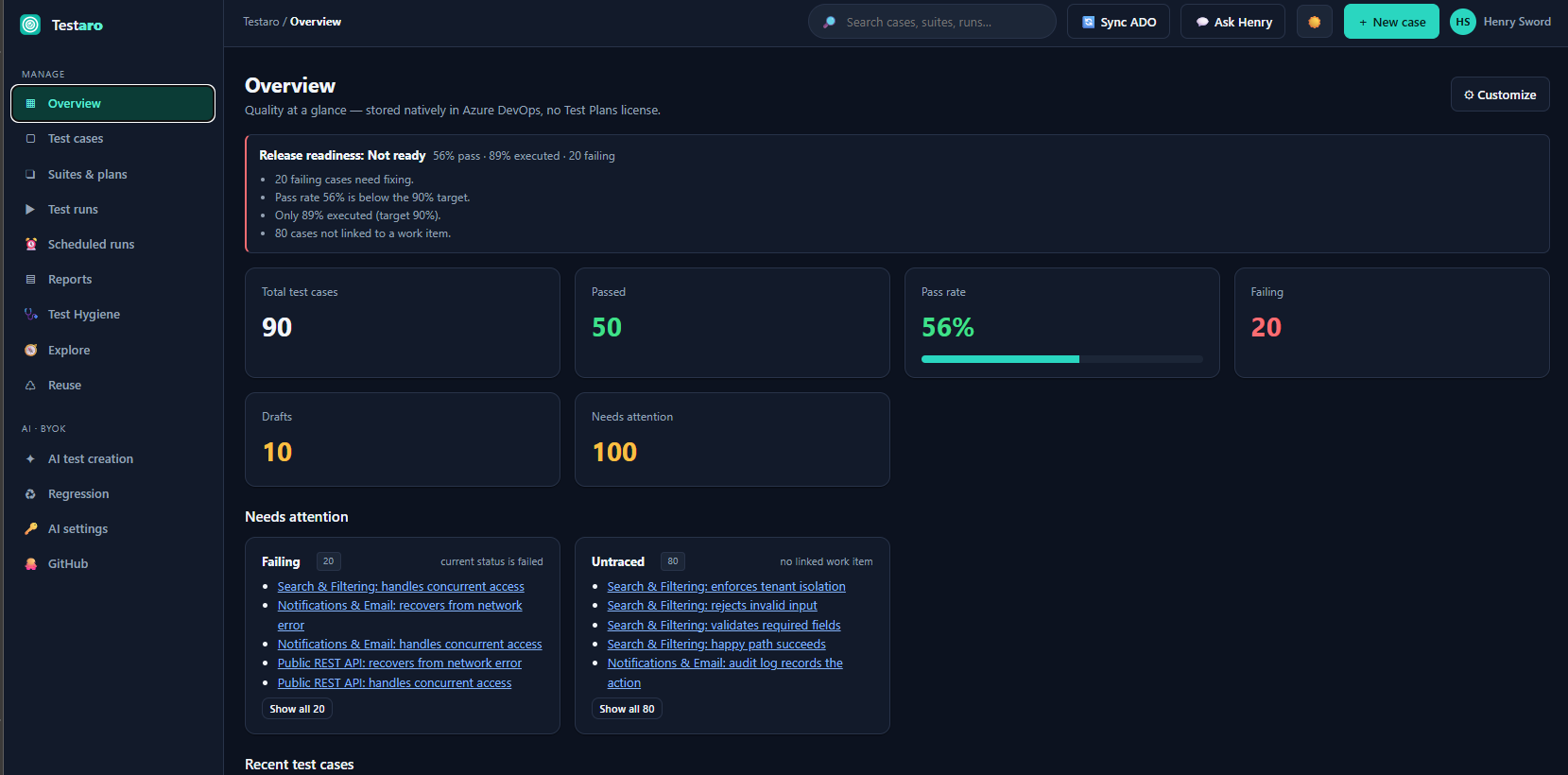
- Traceability — link cases to work items; see a coverage matrix of requirements → tests.
- Reporting — coverage %, per-suite reports, run/defect trend, status & priority breakdowns, and a live "savings vs Test Plans" panel.
- Exploratory testing — charter-based sessions with a findings timeline; turn a finding into a Bug or a whole session into a documented test case.
- Shared steps & configurations — reuse step blocks; run cases across an environment matrix.
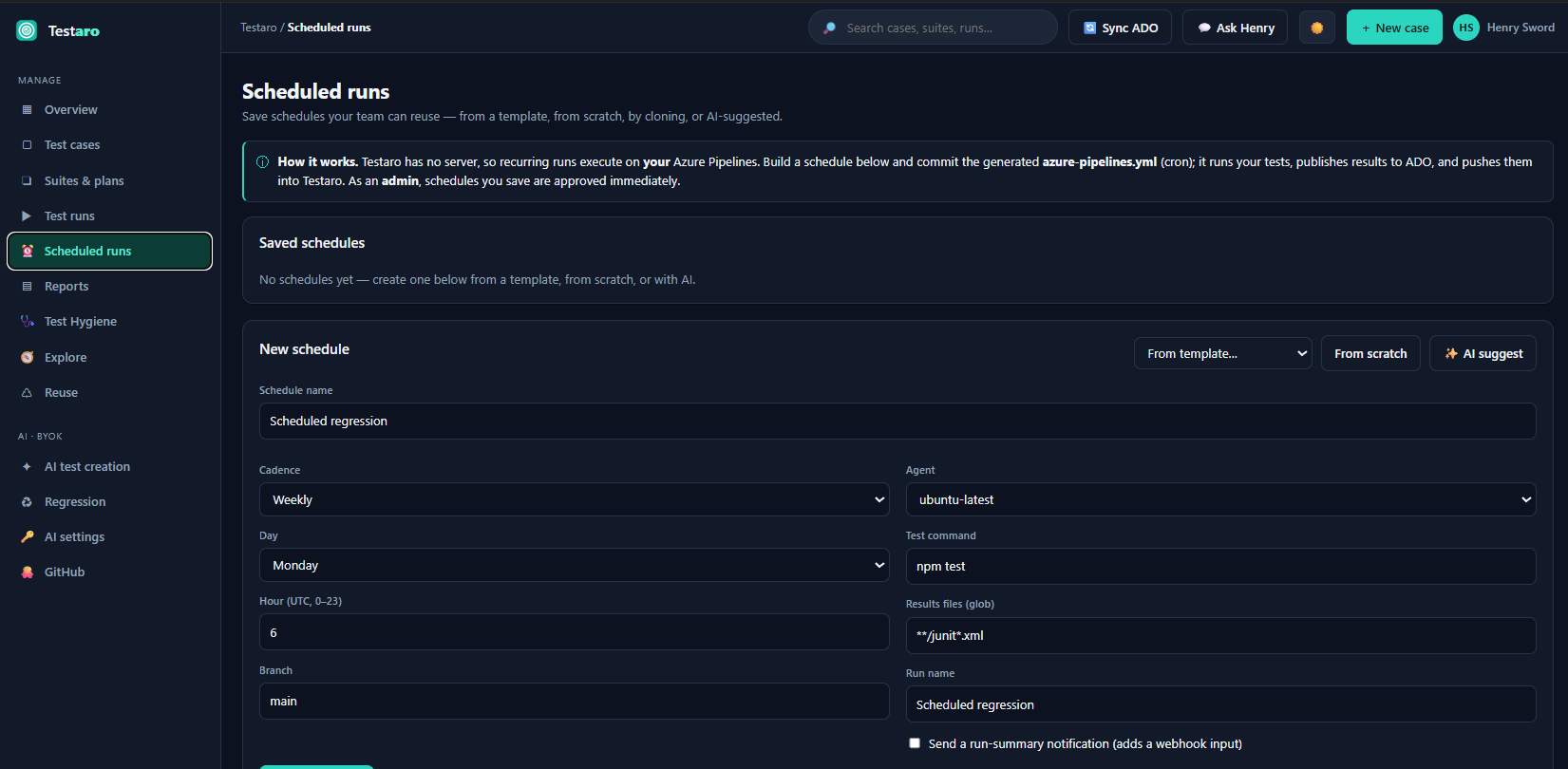
- CI integration — ingest JUnit results; a pipeline task can publish build results into Testaro.
- Migration — import from TestRail, Azure Test Plans, or generic CSV.
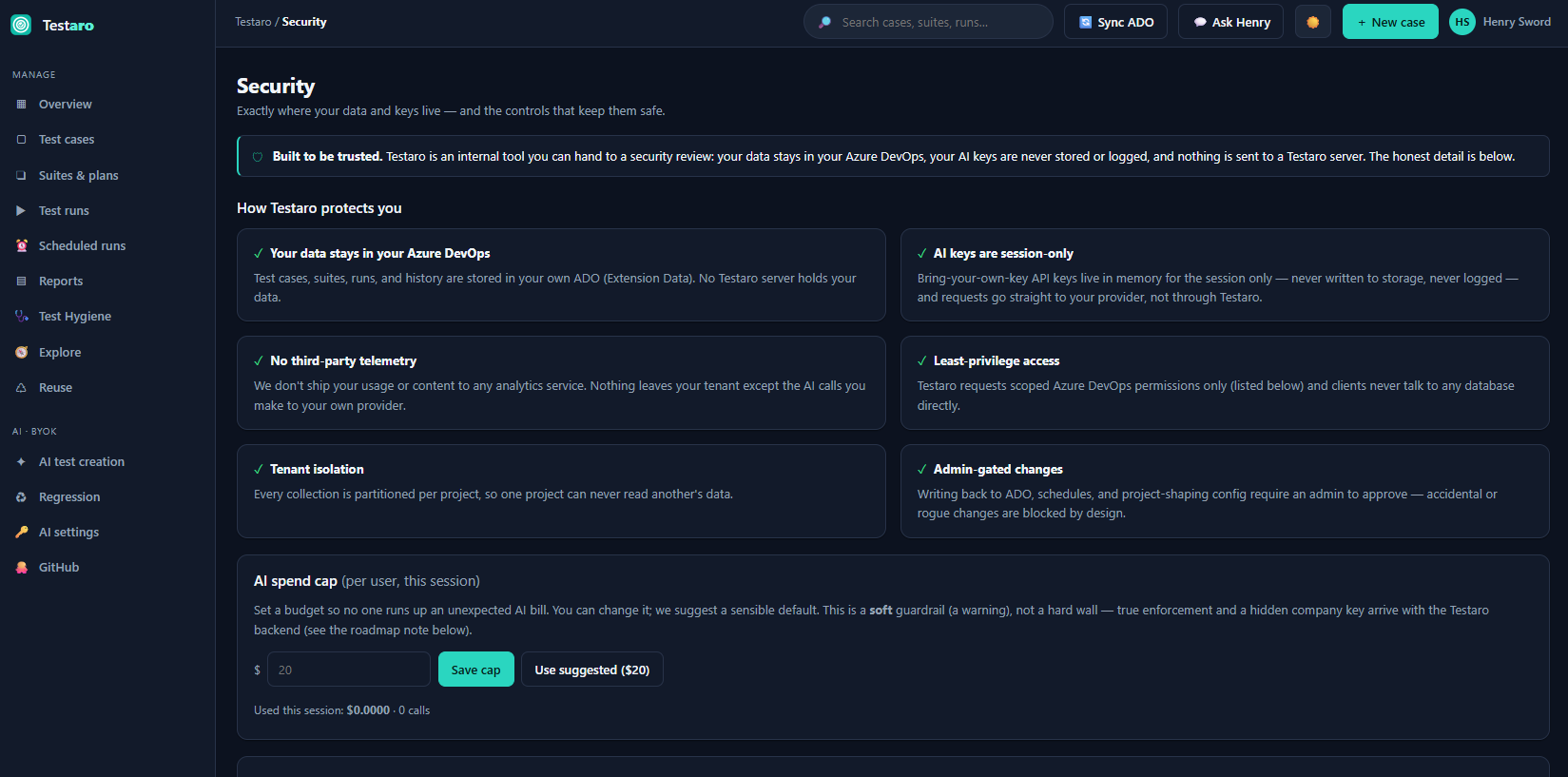
- AI (bring your own key) — generate test cases, find coverage gaps, and triage failures using your AI provider. Your key stays in your browser; requests never touch a Testaro server. Teams can optionally use a company-managed key held server-side, with per-user caps.
Why teams choose Testaro
- License-free test management — works on Basic, not the Test Plans tier.
- Your data stays in your ADO org — no third-party SaaS, strong privacy posture.
- AI that does analysis, not just generation — coverage gaps and failure triage.
Getting started
Install Testaro, open Boards → Testaro, and the first person to open it becomes the admin. Use Sync from Azure DevOps to pull your existing work items, then create your first suite and run.