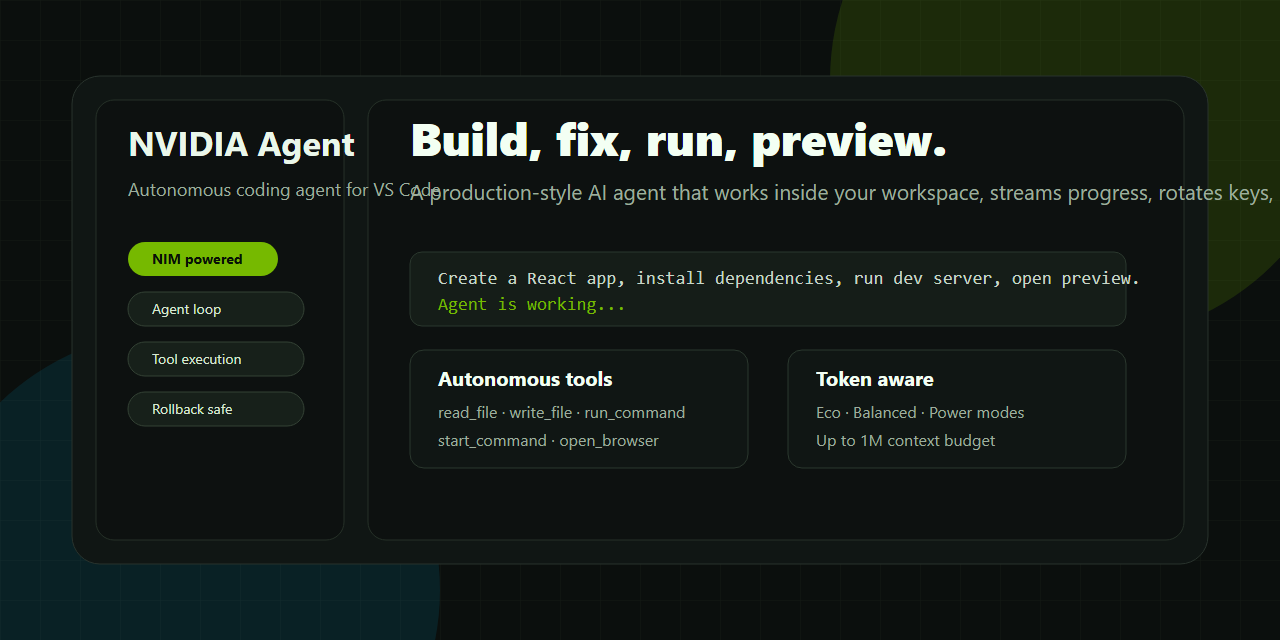
NVIDIA Agent is an elite, production-ready VS Code AI coding agent powered by NVIDIA NIM flagship chat models (including DeepSeek-V4-Pro, Llama 3.1 405B, Nemotron 4 340B, and Mixtral 8x22B). Designed for professional software engineers, it autonomously reads workspace context, plans architectural changes, edits code with real-time diff tracking, executes shell commands, fixes bugs, generates unit tests, and verifies code execution—all within an ultra-modern, Cursor / Antigravity Agent-style UI.
Homepage | Marketplace | Sample Prompts
Independent extension. Not affiliated with NVIDIA Corporation. Requires your own NVIDIA NIM-compatible API key.
What Makes NVIDIA Agent Special
NVIDIA Agent brings an advanced, autonomous agentic workflow directly into VS Code:
- Autonomous Planning & Tool Use: Plans multi-step tasks, reads workspace files, executes shell commands, and modifies code autonomously.
- Cursor / Antigravity-Style UI Stream: Ultra-sleek, borderless inline execution rows showing explored files, edited files (
+N -Ndiffs), and live command execution previews. - Image Paste & Drag-and-Drop Attachments: Press
Ctrl+Vto paste screenshots or drag files directly into the composer with visual thumbnail tiles. - HTTP 429 Rate Limit Auto-Retry: Built-in exponential backoff auto-recovery for NVIDIA NIM API rate limits to prevent workflow interruptions.
- Windows PowerShell & Multi-Platform Support: Tailored execution prompts for Windows PowerShell, CMD, macOS, and Linux environments.
- Multi-Thread Split View Grid: Run 1 to 4 parallel chat threads side-by-side with dynamic thread subject auto-naming.
Key Features & System Architecture
1. Autonomous Agentic Coding
- Loop Protection & Auto-Recovery: Detects execution loops or command failures and automatically switches strategies.
- Real Workspace Action Suite:
readFile&fileSearch: Scans project files, active editor tabs, and codebase symbols.writeFile: AST & diff-backed file editing with line-level modification tracking (Edited TS ChatService.ts +5 -2).runCommand: Executes shell commands with terminal output previews (Ran npx vitest run >).
- Clickable File Badges: Click any file link or diff badge to jump directly to the modified lines in VS Code.
2. Modern Cursor / Antigravity UI Experience
- Inline Action Streams: Minimalist, non-intrusive action stream replacing bulky modals.
- Real-Time Streaming: Low-latency token streaming for instant model output.
- Interactive Review & Rollback: See per-file diff stats and undo generated edits with a single click.
3. Attachments & Multimodal Support
- Clipboard Image Pasting: Press
Ctrl+Vin the chat composer to attach screenshots. - Drag and Drop: Drag files or images from VS Code Explorer or OS File Manager directly into the chat.
- Image Thumbnail Cards: Rendered thumbnail previews inside user message cards.
4. Multi-Thread & Multi-Session Grid
- Split-View Multi-Threading: Work in up to 4 parallel chat panes side-by-side.
- Dynamic Subject Auto-Naming: Automatically names chat threads based on context, slash commands, or code topics.
- Local Session Persistence: Save and resume past chat threads stored in local VS Code state.
5. Slash Commands & Shortcuts
Quickly trigger specialized AI workflows:
/explain: Architectural breakdown & code explanation./fix: Automated bug diagnosis & code fix proposal./test: Unit test suite generation./refactor: Code smell cleanup & modularization./doc: Automatic docstring/JSDoc generation.
6. Powerhouse NVIDIA NIM Model Catalog
- Support for flagship NVIDIA NIM models:
deepseek-ai/deepseek-v4-prometa/llama-3.1-405b-instructnvidia/nemotron-4-340b-instructmistralai/mixtral-8x22b-instruct-v0.1
- Context Window Support: Flexible context limits up to 128K, 256K, 512K, 1M, and 2M tokens.
- Payload Safety: Built-in single file size limits (e.g., 500 KB) to prevent socket payload crashes.
Quick Start Guide
- Install NVIDIA Agent from the VS Code Marketplace.
- Get your free NVIDIA API Key:
- Visit the NVIDIA NIM Portal
- Sign in or create a free account.
- Click "Get API Key" on any model page.
- Open NVIDIA Agent from the VS Code Activity Bar (or press
Ctrl+Alt+N). - Click Settings icon in the chat panel, paste your NVIDIA API Key, and click Save Changes.
- Select a model (e.g.,
DeepSeek-V4-ProorLlama 3.1 405B) and start coding!
Practical Examples
Inspect this workspace, identify the main app structure, improve the CSS layout, and run unit tests.
Fix the build error in src/chat/ChatService.ts, test the changes, and summarize what was updated.
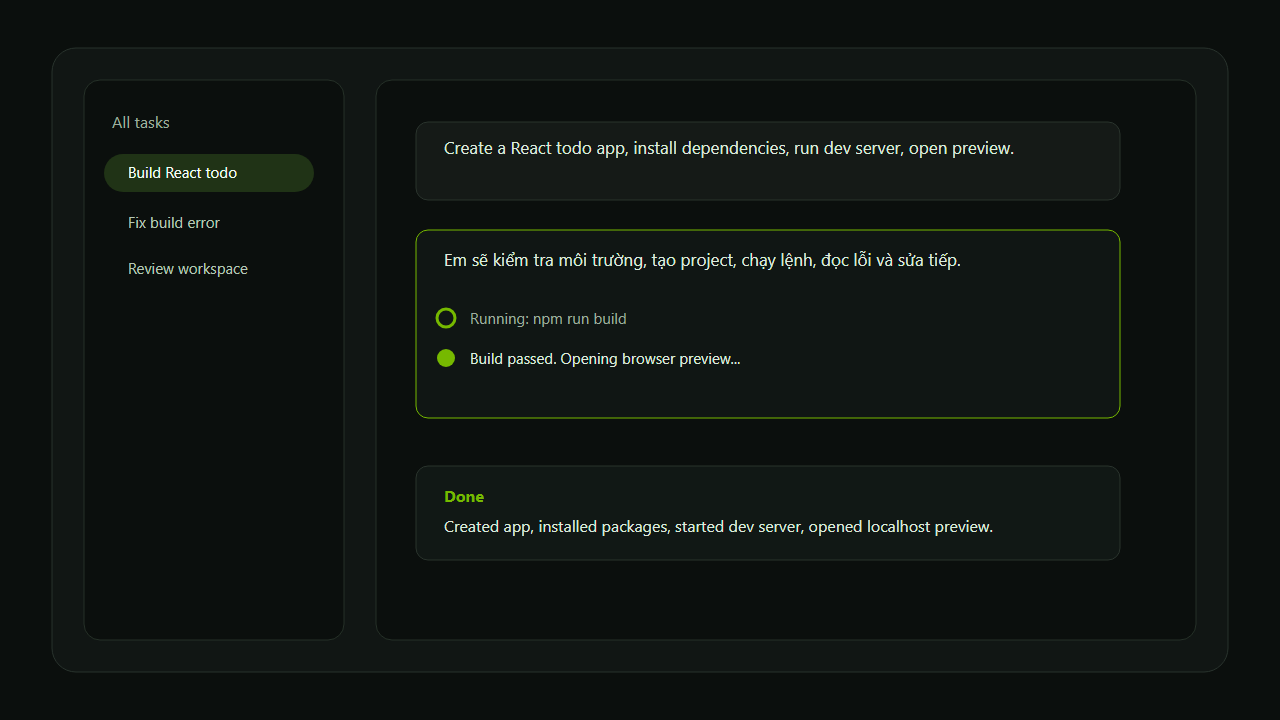
Create a React todo app with dark mode, install dependencies, and run the build script.
Privacy & Security
- Local Storage: API keys are securely stored using VS Code
SecretStorage. - Workspace Control: All file operations and shell commands execute strictly within your workspace.
- Rollback Safety: File edits are backed up by snapshots for safe review and rollback.
License
NVIDIA Agent is licensed under the NVIDIA Agent Personal Use License. See LICENSE for full details.