AI coding agent for VS Code — BYOK, atomic file edits with instant undo.
Features
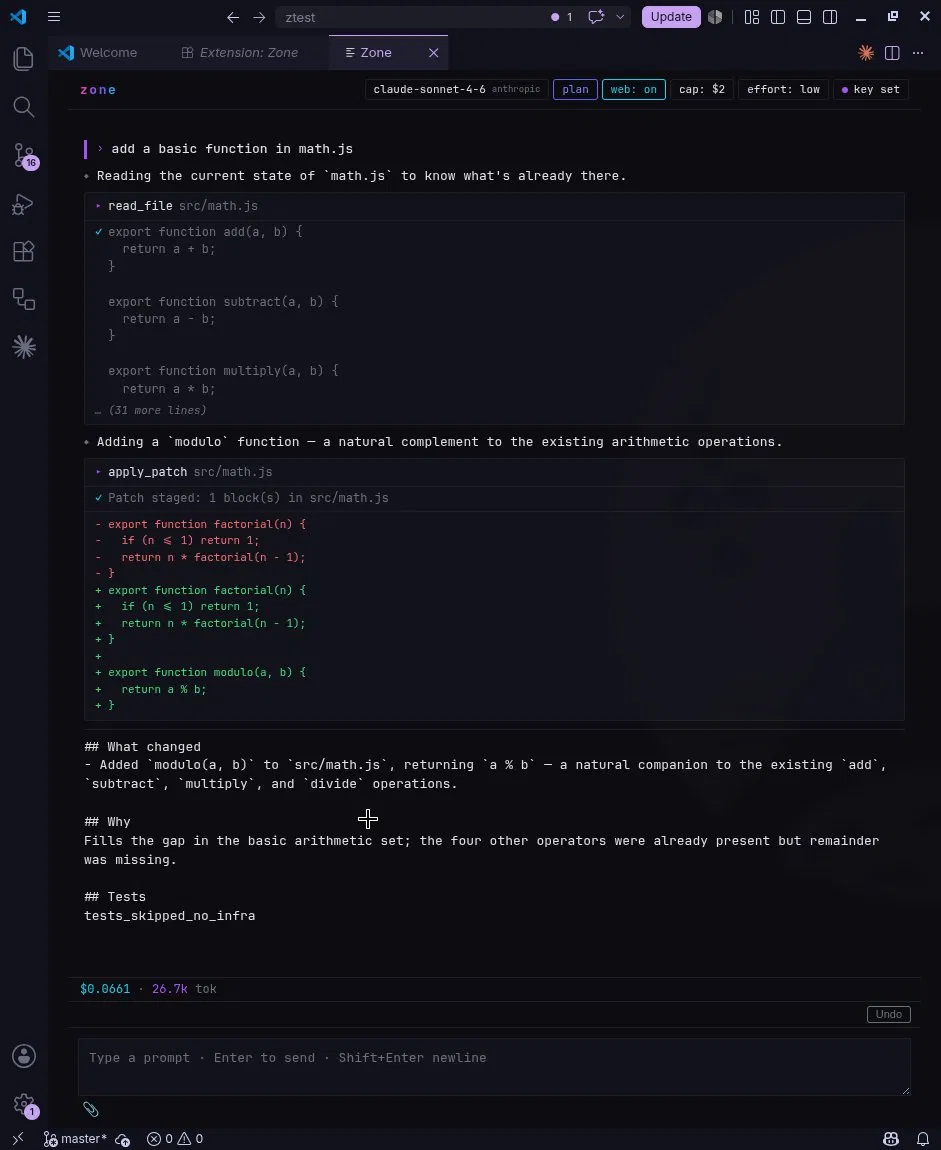
- Direct file editing — runs tasks that edit your codebase, not just suggest patches
- Instant undo — every run snapshots affected files; click Undo or type
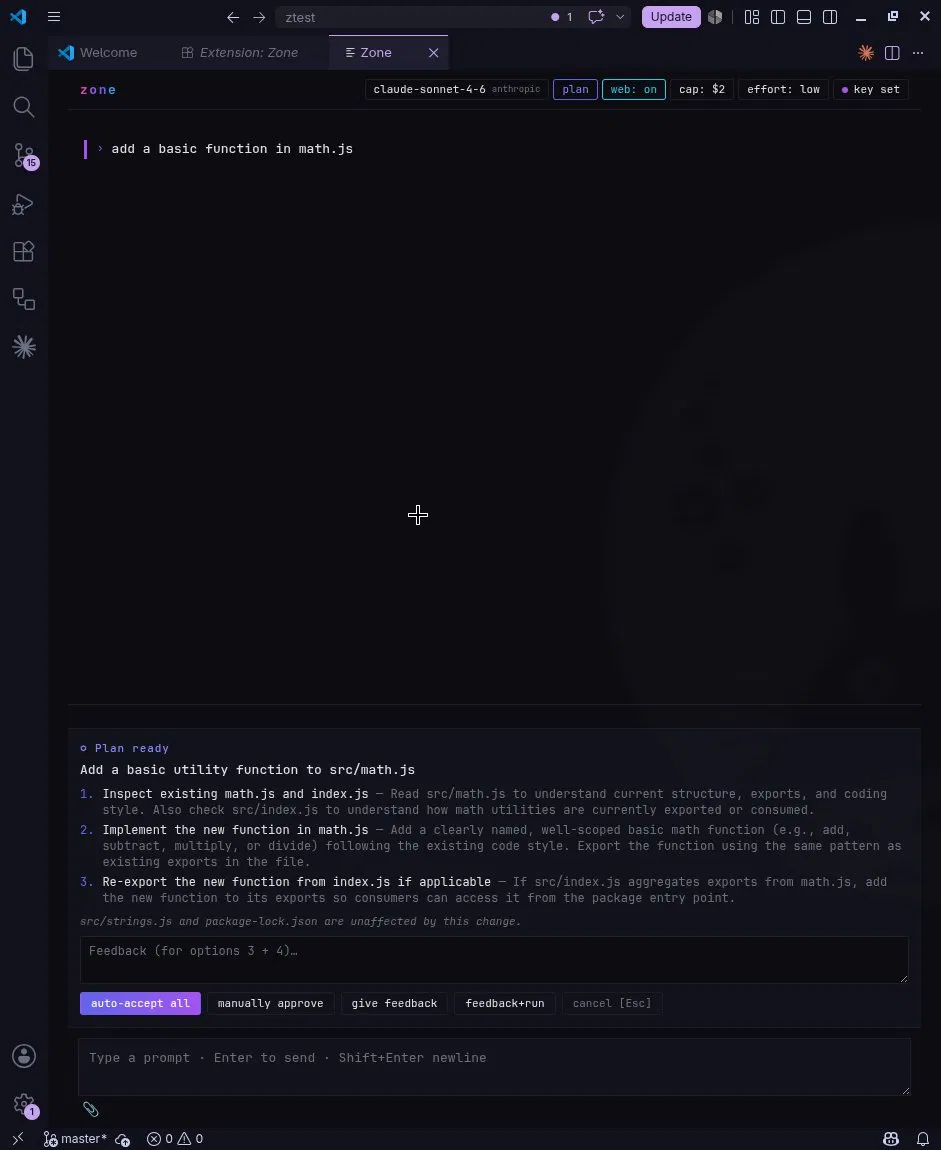
/undoto restore - Plan mode — review Zone's proposed plan before any files are touched
- BYOK — bring your own OpenAI (GPT-4.x) or Anthropic (Claude) API key; no Zone account needed
- Daily cost cap — set a USD spending limit via
/limitsor the cap chip in the header - Slash commands —
/init,/memory,/undo,/limits,/feedback
Getting Started
- Open a project folder in VS Code
- Run Zone: Open Panel from the Command Palette (
Ctrl+Shift+P) - Click set key in the header to enter your API key
- Type a task and press Enter
No Zone account needed — bring your own OpenAI or Anthropic API key.
License
AGPL-3.0-or-later — see LICENSE