Preview timeline workflow diagrams directly from workflow code blocks in Markdown.
Edit your Markdown or switch to another Markdown document and the preview updates automatically.
Usage
- Open a Markdown file.
- Add a
workflowcode block. - Run Timeline Workflow: Open Preview from the Command Palette or select the preview icon in the editor title.
- Edit the Markdown and check the live preview beside the editor.
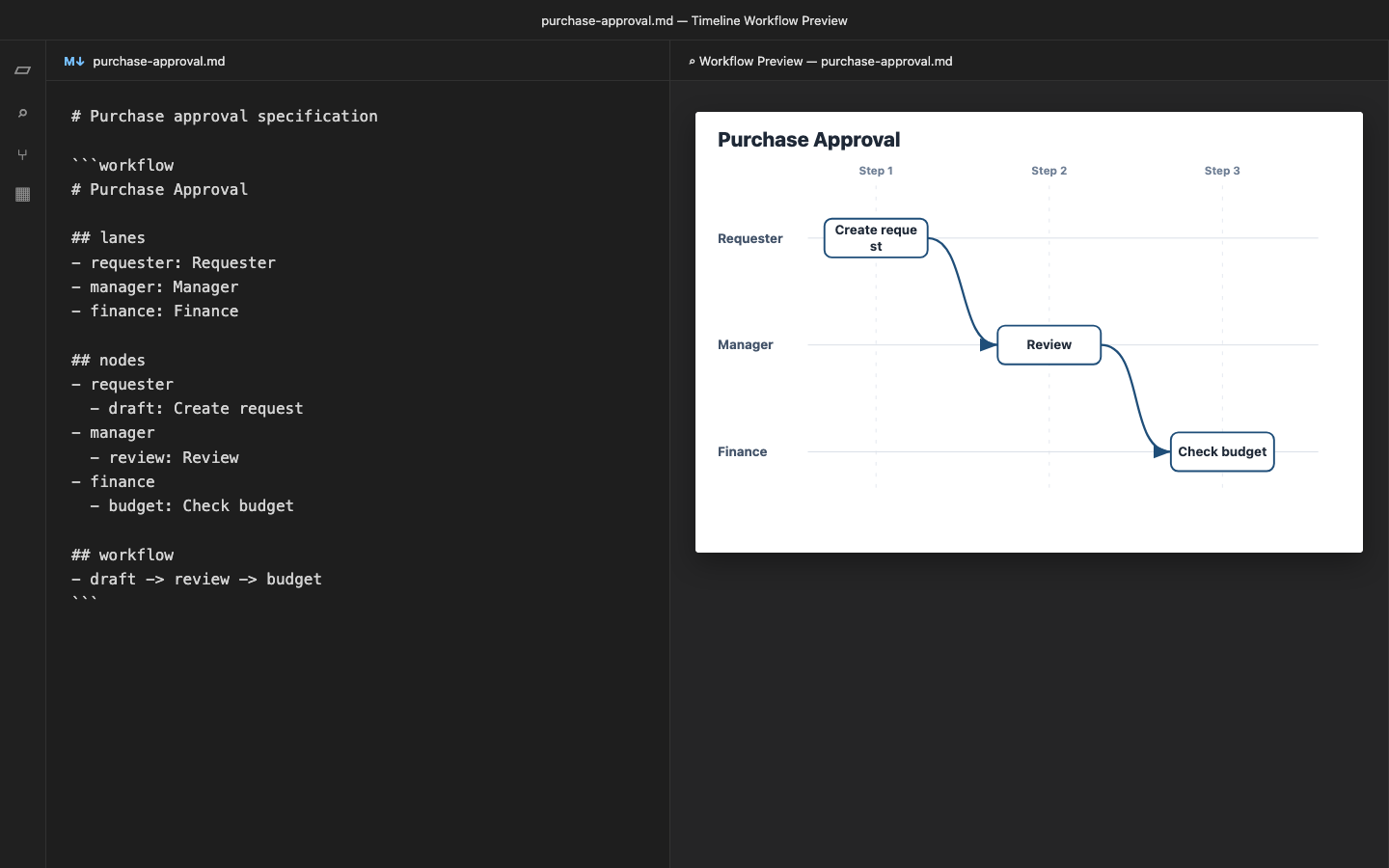
Example
```workflow
# Purchase Approval

## lanes
- requester: Requester
- manager: Manager
- finance: Finance

## nodes
- requester
  - draft: Create request
- manager
  - review: Review
- finance
  - budget: Check budget

## workflow
- draft -> review -> budget
```
Current limitations
- Only the first
workflowblock in the active Markdown document is previewed. - Export is currently available from the web application, not from the extension.
- Syntax highlighting and code completion are not included.
- VS Code for the Web is not supported in version 0.1.0.
Web application
For editable PowerPoint, SVG, PNG, and image export, use the Timeline Workflow Generator web application.
License
MIT