Read and write Smartsheet data in SSIS with API Source and API Destination — no scripting.
Connect to Smartsheet APIs from a visual connector UI: query sheets, rows, columns, and workspace objects, then push updates back through the Destination. Configure OAuth from the connection manager using your Smartsheet app settings.
Part of ZappySys SSIS PowerPack (100+ connectors & tasks).
⚡ Key Benefits
- Bidirectional Smartsheet ETL — API Source and API Destination for reads and writes in the same SSIS solution
- Work management API coverage — Predefined endpoints for sheets, rows, columns, and workspace operations documented on the hub page
- OAuth built in — Configure app credentials in the UI and connect securely without custom token handling
- Low-code configuration — Pick endpoints, set parameters, preview data, then map columns without custom scripts
- Project automation — Sync planning and execution data between Smartsheet and downstream systems from SSIS jobs
📸 Visual Overview & Setup
|
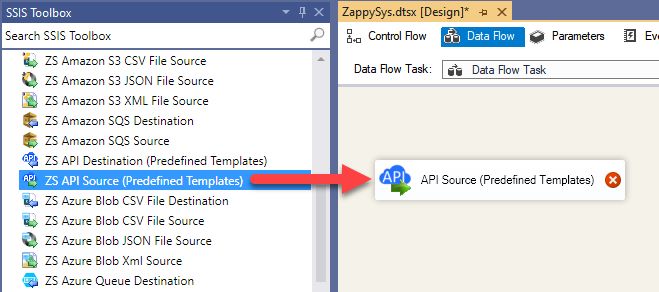
1. Drag API Source onto Data Flow
|
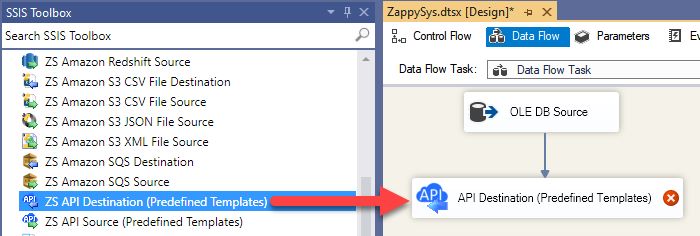
2. Drag API Destination onto Data Flow
|
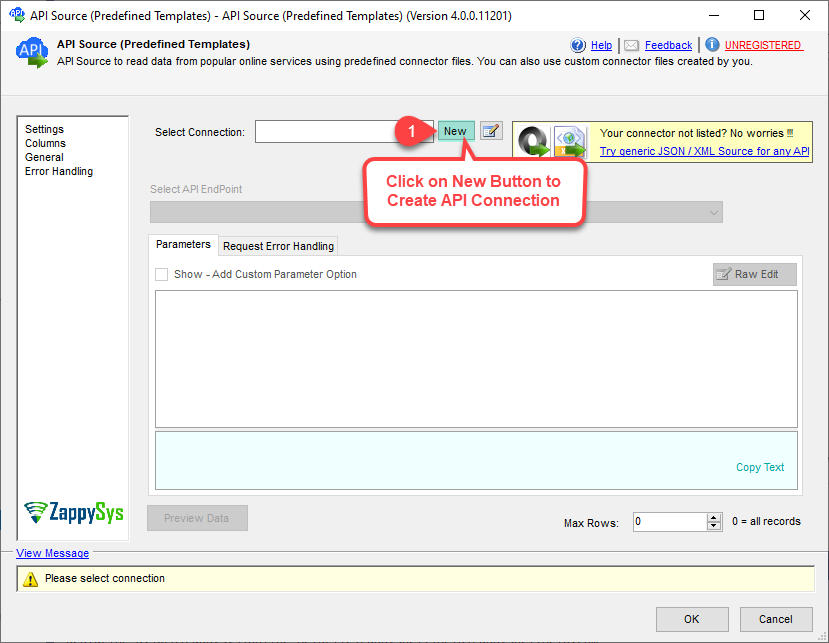
3. Pick Smartsheet Connector
|
|
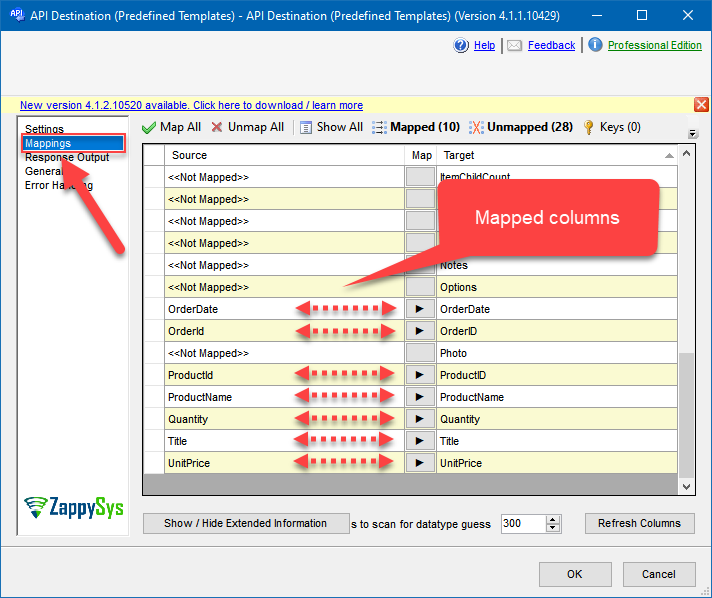
4. Map the Columns
|
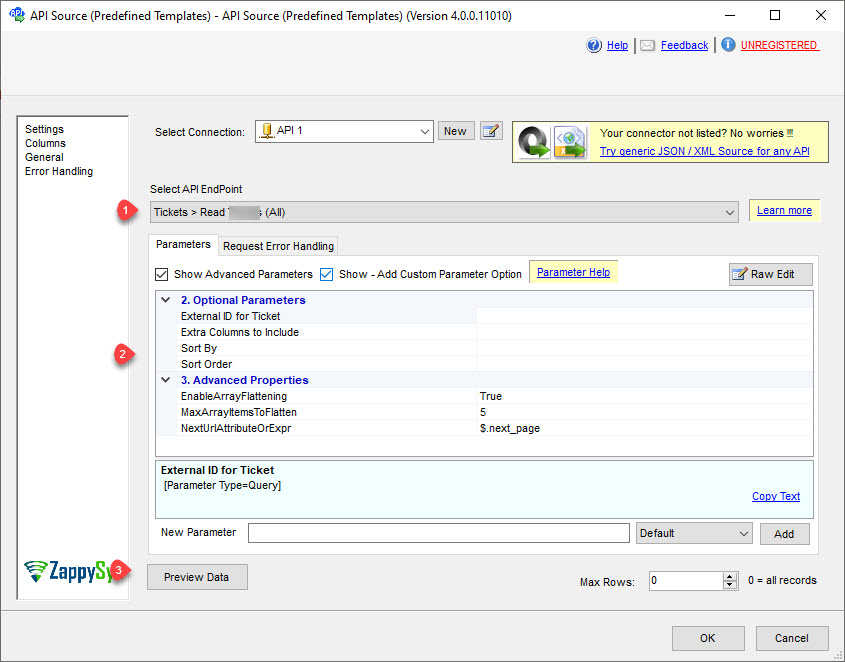
5. Select Endpoint and Preview data
|
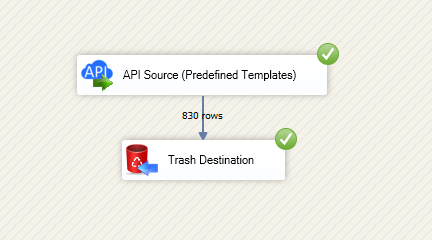
6. Destination Mapping & Execute
|
🔧 Key Features
Source — Read Smartsheet
- Export sheets, rows, columns, and workspace metadata using predefined Smartsheet endpoints with parameter-driven requests
- Read entities exposed on the Integration Hub action list for planning and work-tracking data
- Preview JSON in the API Source UI before you wire the data flow downstream
- Combine with SQL Server staging for PMO dashboards, KPI tracking, and governance workloads
Destination — Write Smartsheet
- Create or update Smartsheet records through the API Destination with column mapping
- Follow the documented write workflow: choose authentication, base URL, required parameters, then map on the Mappings tab
- Use the same connector packaging model as other API Integration Hub components in SSIS PowerPack
Authentication & security
- OAuth connection options are documented for app-based access in Smartsheet
- Configure app/client settings in the connection manager and reuse across source and destination operations
- Retry handling and endpoint-level configuration in the UI for resilient project data sync workloads
Operations catalog
- How-to actions listed on the connector page for common Smartsheet operations
- Pair Source reads with SQL Server or other ZappySys destinations in one control flow
💡 Common Use Cases
Typical SSIS scenarios for Smartsheet:
-
Project status warehouse feed: Load sheets and row-level task data into SQL Server for portfolio reporting.
Example: Nightly extraction of milestones, owners, and completion percentages across programs. -
Cross-tool planning sync: Move Smartsheet planning data to BI or ERP systems.
Example: Sync approved project dates and budgets to downstream financial models. -
Operational updates: Write calculated metrics or status flags back to Smartsheet from ETL pipelines.
Example: Update progress indicators after batch validation jobs finish. -
PMO KPI automation: Combine Smartsheet data with HR, finance, or ticketing systems for unified dashboards.
Example: Correlate delivery velocity with staffing and issue trends. - Controlled publishing: Prepare curated datasets for executive reporting. Example: Aggregate multi-sheet updates into weekly executive scorecards.
-
Governance and audit: Track structural changes and key field updates over time.
Example: Maintain change history snapshots for compliance reviews.
🎯 Summary
Give your SSIS team a repeatable, UI-first path to Smartsheet data and operations.
Read and write Smartsheet with the same API Source and API Destination pattern used across ZappySys API connectors — less custom code, clearer handoffs to operations.

Start Automating Workflows with SSIS PowerPack
Includes connectors for APIs, databases & cloud apps. Build robust ETL workflows without custom scripting.
Full functionality is FREE for development within Visual Studio