Read and write Microsoft OneDrive data in SSIS using prebuilt API Source and API Destination components.
Configure delegated OAuth, application OAuth, or certificate-based OAuth, then select actions to copy, download, upload, list, and manage OneDrive files and folders in a guided UI.
Part of ZappySys SSIS PowerPack (100+ connectors & tasks).
⚡ Key Benefits
- Bi-Directional OneDrive Flows — Read and write OneDrive data in a single SSIS package
- Flexible OAuth Options — Configure delegated, application, or certificate-based OAuth authentication
- Action-Oriented Connector — Execute file and folder operations such as copy, download, delete, and list actions
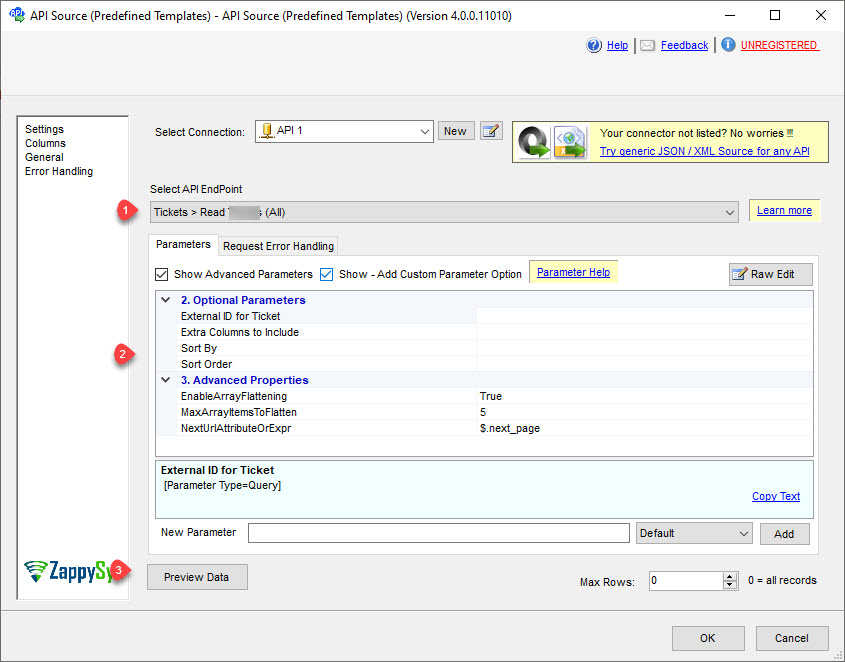
- Guided Endpoint Setup — Pick connector actions and preview data before final mapping
- Production-Ready Runtime — Deploy to SQL Server Agent or Azure-SSIS IR for scheduled execution
📸 Visual Overview & Setup
|
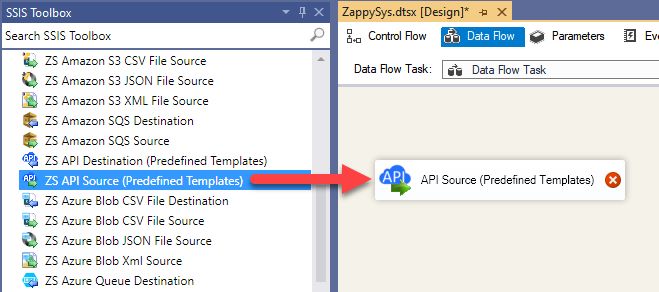
1. Drag API Source from Toolbox
|
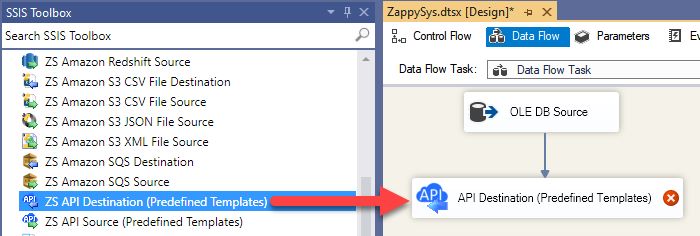
2. Drag API Destination from Toolbox
|
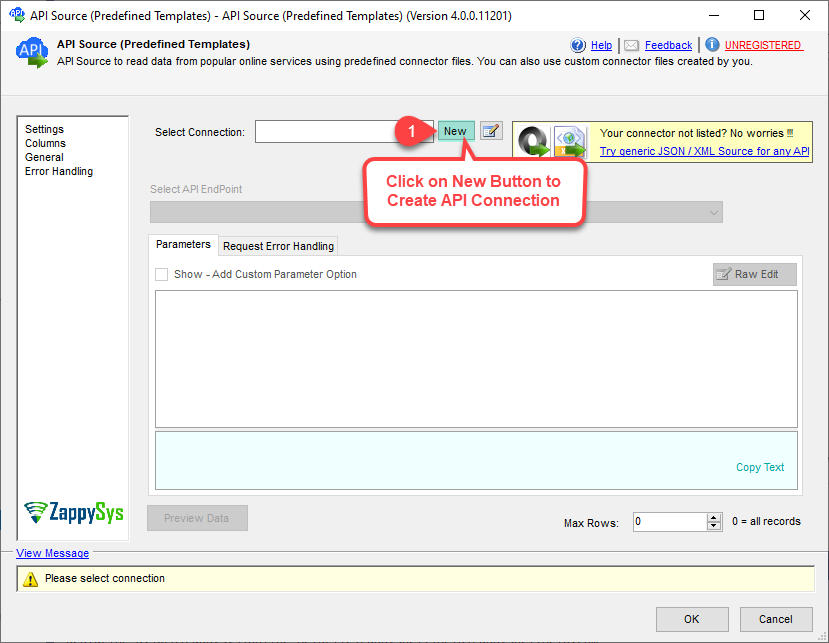
3. Pick or Create OneDrive Connector
|
|
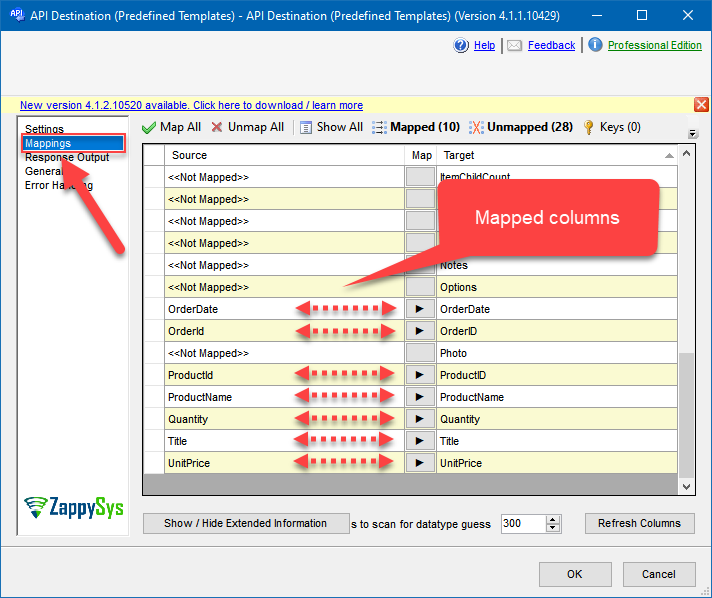
4. Map the Columns
|
5. Select Endpoint and Preview data
|
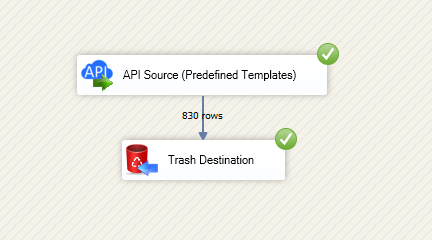
6. Destination Mapping & Execute
|
🔧 Key Features
OneDrive Read + Write in SSIS
- Use API Source to extract OneDrive files, folders, and metadata for downstream ETL
- Use API Destination for write operations such as create, update, delete, and copy actions
- Build end-to-end file lifecycle automation in one SSIS data flow
Authentication Modes
- User Credentials [OAuth] for delegated user access
- Application Credentials [OAuth] for app-only automation scenarios
- Application Credentials with Certificate for signed JWT OAuth flows
Connector and Action Control
- Choose OneDrive connector from Popular Connectors or Search Online
- Select specific actions such as copy item, delete item, download file, and list files
- Preview endpoint responses before finalizing mappings
Operational Readiness
- Map source columns to destination fields with built-in mapping UI
- Run on SQL Server Integration Services or Azure-SSIS IR
- Schedule and monitor repeatable integration workloads in production
💡 Common Use Cases
Typical SSIS scenarios powered by SSIS OneDrive Connector:
- File Synchronization Pipelines: Read OneDrive file inventories and sync selected items to SQL or downstream systems.
- Automated File Delivery: Upload generated exports from ETL jobs into OneDrive folders for business users.
- Controlled Cleanup Jobs: Delete or move files after retention windows using action-driven API calls.
- Metadata Reporting: Extract file and folder metadata for operational dashboards and audits.
- Hybrid Orchestration: Combine source reads, transformations, and destination writes in one repeatable SSIS package.
🎯 Summary
SSIS OneDrive Connector helps ETL teams move OneDrive data in and out of SSIS with guided API Source and Destination configuration.
You get OAuth flexibility, action-based endpoints, and mapping controls to automate file-centric integration workflows.

Start Integrating OneDrive with SSIS PowerPack
Use prebuilt API connectors for read and write scenarios across cloud apps, files, and databases.
Full functionality is FREE for development within Visual Studio