Read and write Google Sheets data in SSIS with API Source + API Destination .
Configure OAuth User Account or Service Account authentication, query and update spreadsheets/ranges/cells, and map source/destination operations directly in SSIS.
Part of
ZappySys SSIS PowerPack
(100+ connectors & tasks).
⚡ Key Benefits
- Two-Way Sheets Automation — Extract with API Source and write back with API Destination
- Dual Authentication Paths — Supports User Account OAuth and Service Account key authentication
- Spreadsheet-Centric Operations — Query, update, and manage sheets, ranges, and cells
- Retry-Aware Runtime — Configure retry status handling to improve package reliability
- Low-Code SSIS UX — Choose endpoints, preview responses, and map columns in the designer
📸 Visual Overview & Setup
|
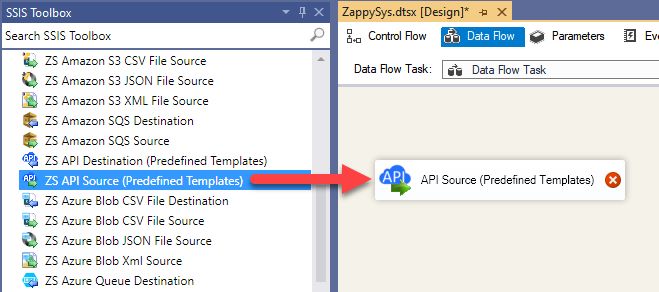
1. Drag API Source to Data Flow
|
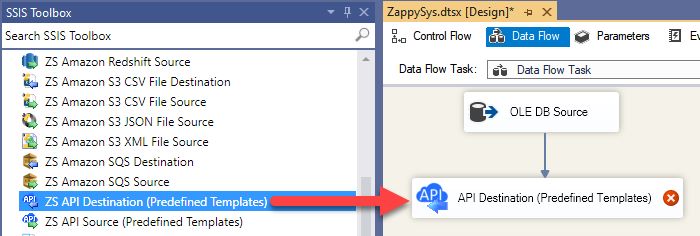
2. Drag API Destination to Data Flow
|
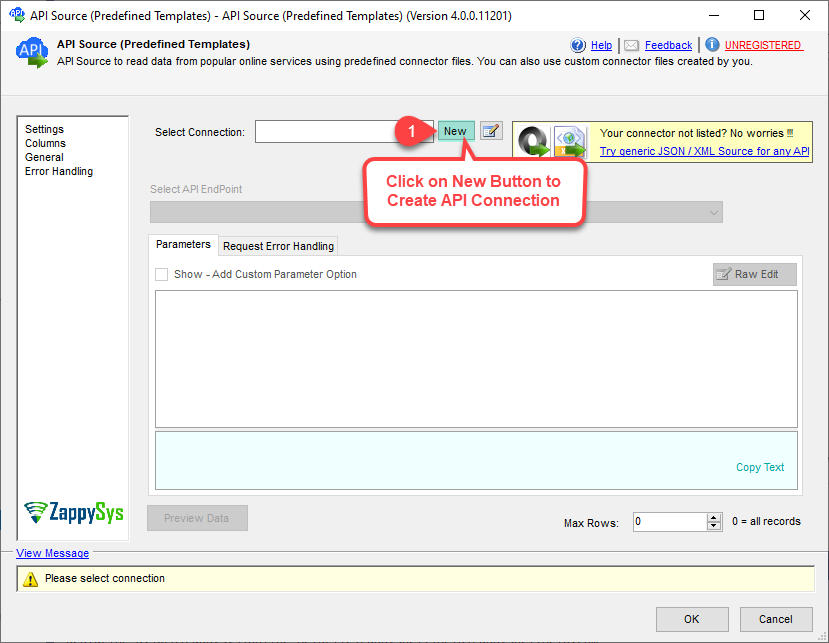
3. Pick or Search Google Sheets Connector
|
|
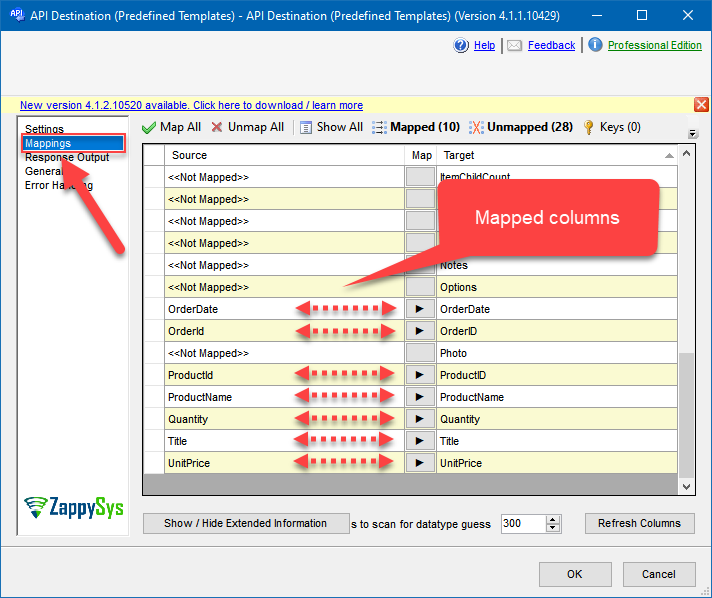
4. Map Source and Destination Columns
|
5. Select Endpoint and Preview Data
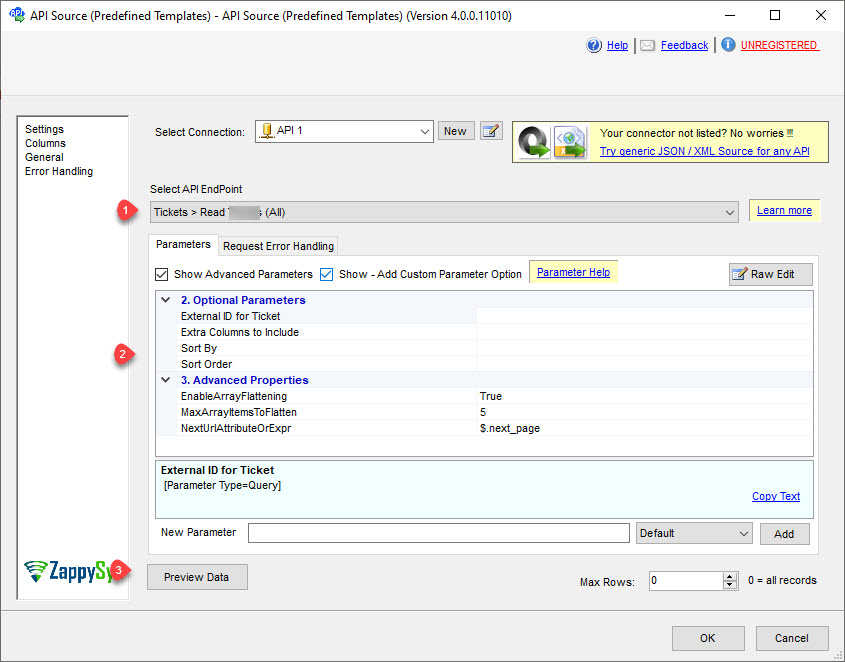
|
6. Execute and Load to Target
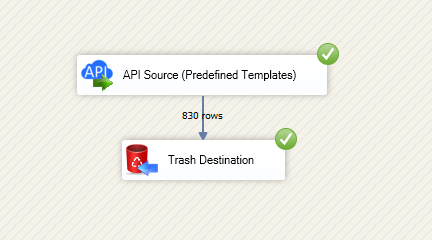
|
🔧 Key Features
Google Sheets Connector Workflow
- Use preinstalled or Search Online connector loading in API Source and API Destination
- Configure SpreadsheetId-aware connections and select endpoints for read/write calls
- Map source data to destination payload fields in SSIS designer
Authentication & Reliability
- OAuth User Account flow for interactive account access
- Service Account flow using JSON/P12 key file for automation
- Retry options (RetryMode, RetryStatusCodeList, RetryCountMax) for resilient execution
💡 Common Use Cases
Common integration scenarios from the landing guide:
- Spreadsheet Export Pipelines: Extract worksheet data and load into SQL or analytics targets.
- Automated Sheet Updates: Push transformed data back to sheets and ranges via API Destination.
- Operational Reporting Flows: Synchronize SQL source data with Google Sheets for business reporting.
- Low-Code API ETL: Build API-driven jobs in SSIS without custom Google API coding.
🎯 Summary
SSIS Google Sheets Connector provides a two-way, UI-driven integration workflow for spreadsheets in SSIS.
Teams can authenticate securely, preview endpoints, map payloads, and run reliable ETL pipelines for Google Sheets data.

Start Integrating Google Sheets with SSIS PowerPack
Includes connectors for APIs, databases, files, and cloud apps so you can build robust ETL pipelines without custom scripting.
Full functionality is FREE for development within Visual Studio