Read and write Google Drive data in SSIS with API Source + API Destination .
Use Google Drive connector workflows to configure OAuth or Service Account authentication, work with files, folders, and shared drives, and execute mapped source/destination operations directly inside SSIS.
Part of
ZappySys SSIS PowerPack
(100+ connectors & tasks).
⚡ Key Benefits
- Two-Way Drive Automation — Extract with API Source and write back with API Destination
- Flexible Authentication — Supports OAuth User Account and Service Account setup patterns
- File + Folder Operations — Work with files, folders, and shared drive resources through connector endpoints
- Resilient API Runtime — Configure retry mode and retry status settings for robust execution
- No-Code Mapping Workflow — Preview endpoint results and configure mappings in SSIS UI
📸 Visual Overview & Setup
|
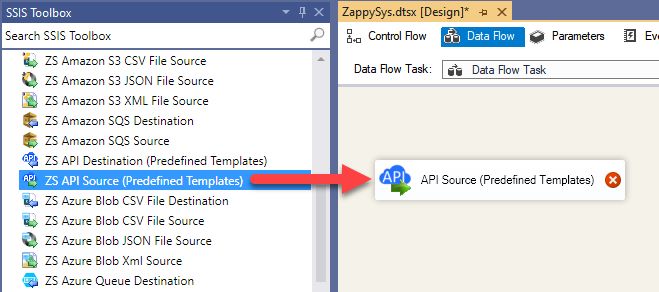
1. Drag API Source to Data Flow
|
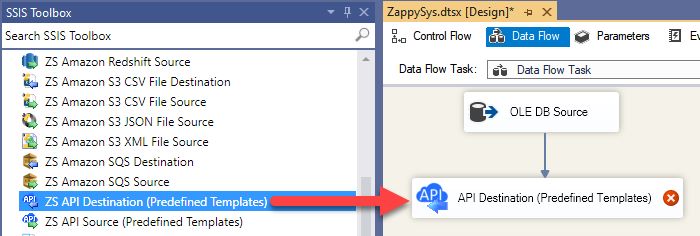
2. Drag API Destination to Data Flow
|
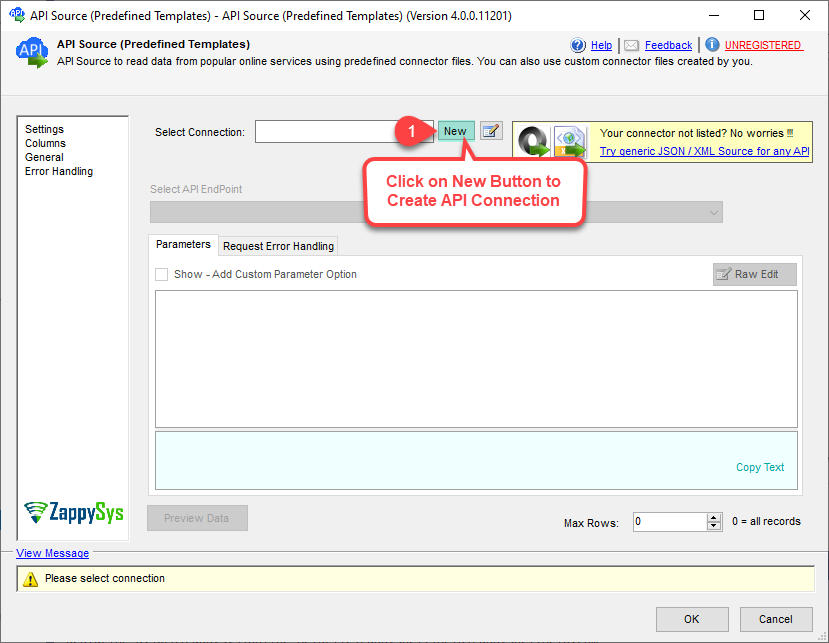
3. Pick or Search Google Drive Connector
|
|
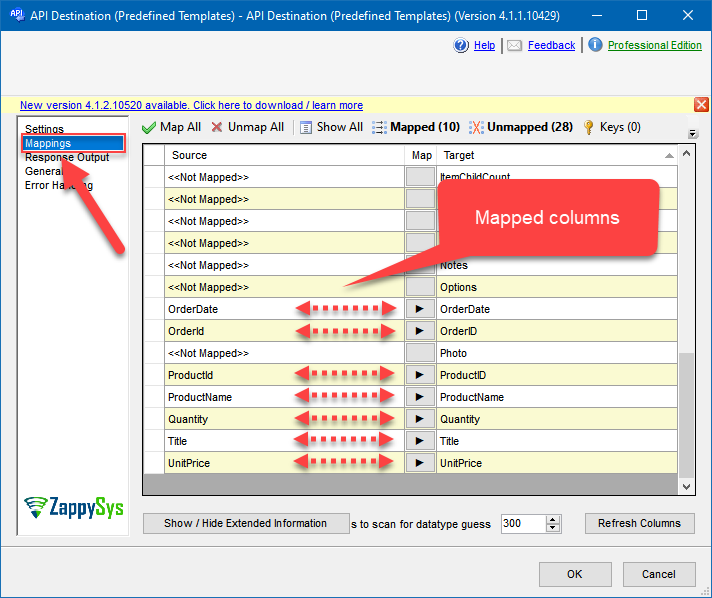
4. Map the Columns
|
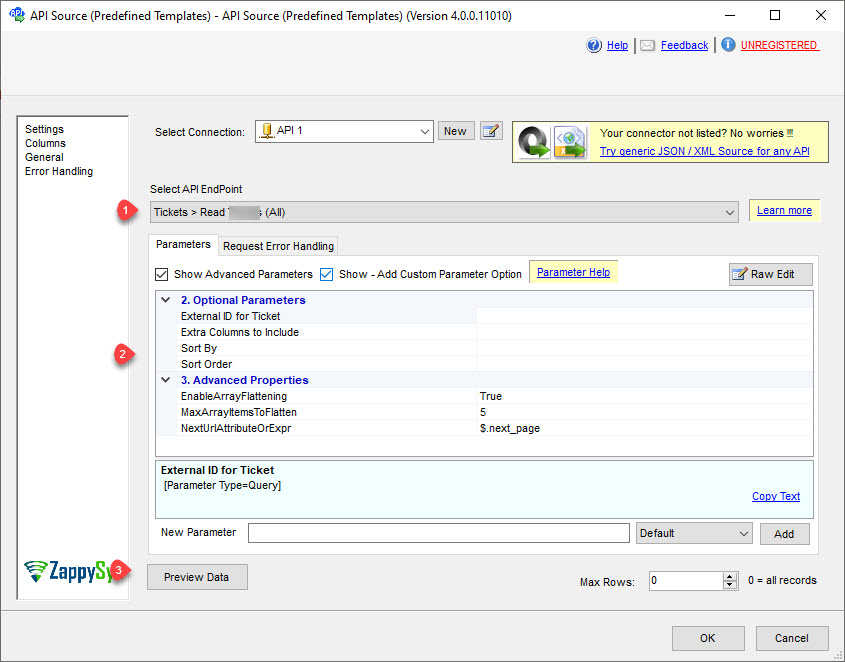
5. Select Endpoint and Preview data
|
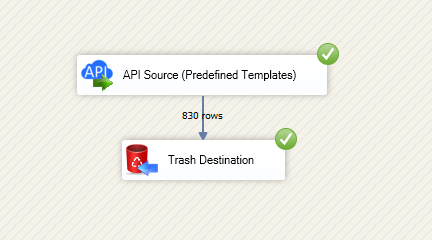
6. Destination Mapping & Execute
|
🔧 Key Features
Google Drive Connector Workflow
- Read Drive data with API Source and write changes with API Destination in one package
- Select endpoints and configure required parameters through connector UI
- Preview data before finalizing downstream mappings
Authentication & Reliability
- OAuth User Account flow for interactive account-based access
- Service Account flow for automated machine-to-machine execution
- Retry options for throttling and transient API failures
💡 Common Use Cases
Common integration scenarios from the landing guide:
- File and Folder Export: Pull Drive metadata and content pointers into staging systems.
- Automated Content Sync: Upsert or update files/folders from upstream sources via API Destination.
- Shared Drive Governance: Enumerate and manage shared drive entities in scheduled workflows.
- Low-Code API ETL: Replace script-heavy integrations with connector-driven SSIS components.
🎯 Summary
SSIS Google Drive Connector provides a landing-page-documented, two-way connector workflow for files, folders, and shared drives.
Configure auth, preview endpoints, map columns, and run resilient API integrations without custom API coding.

Start Integrating Google Drive with SSIS PowerPack
Includes connectors for APIs, databases, files, and cloud apps so you can build robust ETL pipelines without custom scripting.
Full functionality is FREE for development within Visual Studio