A dark forest-green color theme for VS Code, Cursor, and VSCodium — warm golden-yellow accents inspired by the Schwarzwald (Black Forest) and the Weboff brand.
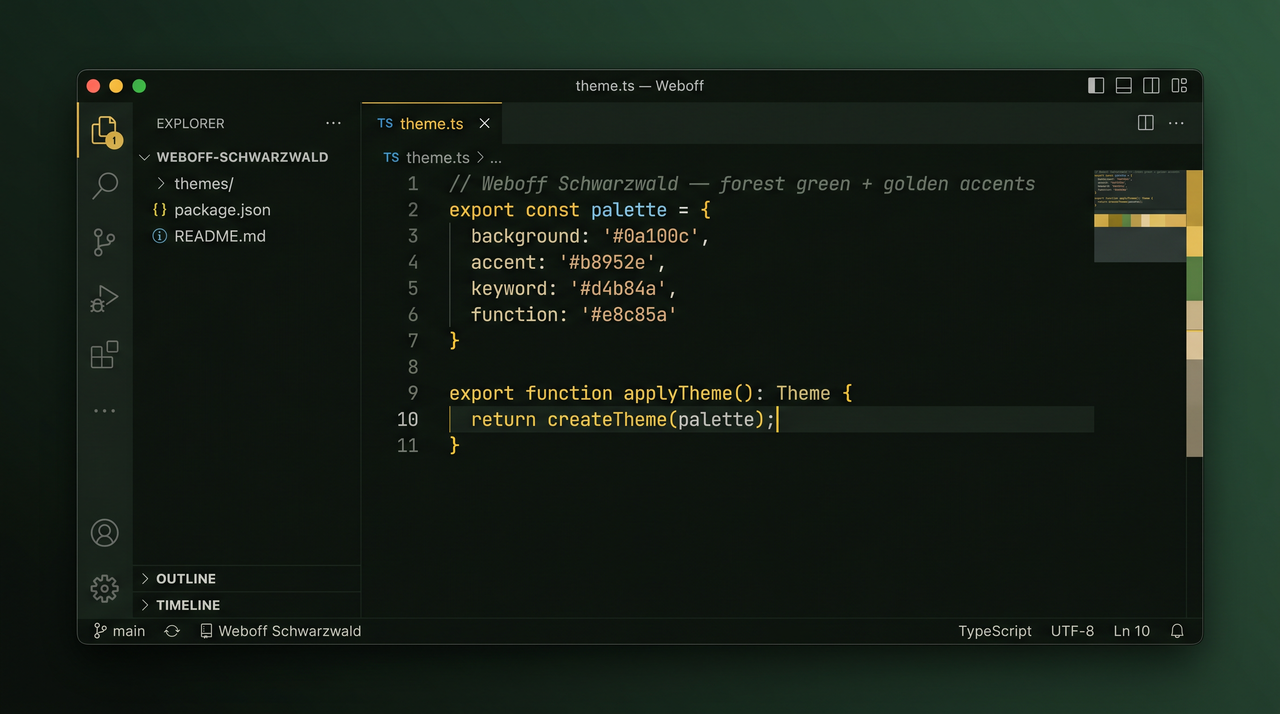
More previews
| Editor | Editor + Terminal | Marketplace banner |
|---|---|---|
|
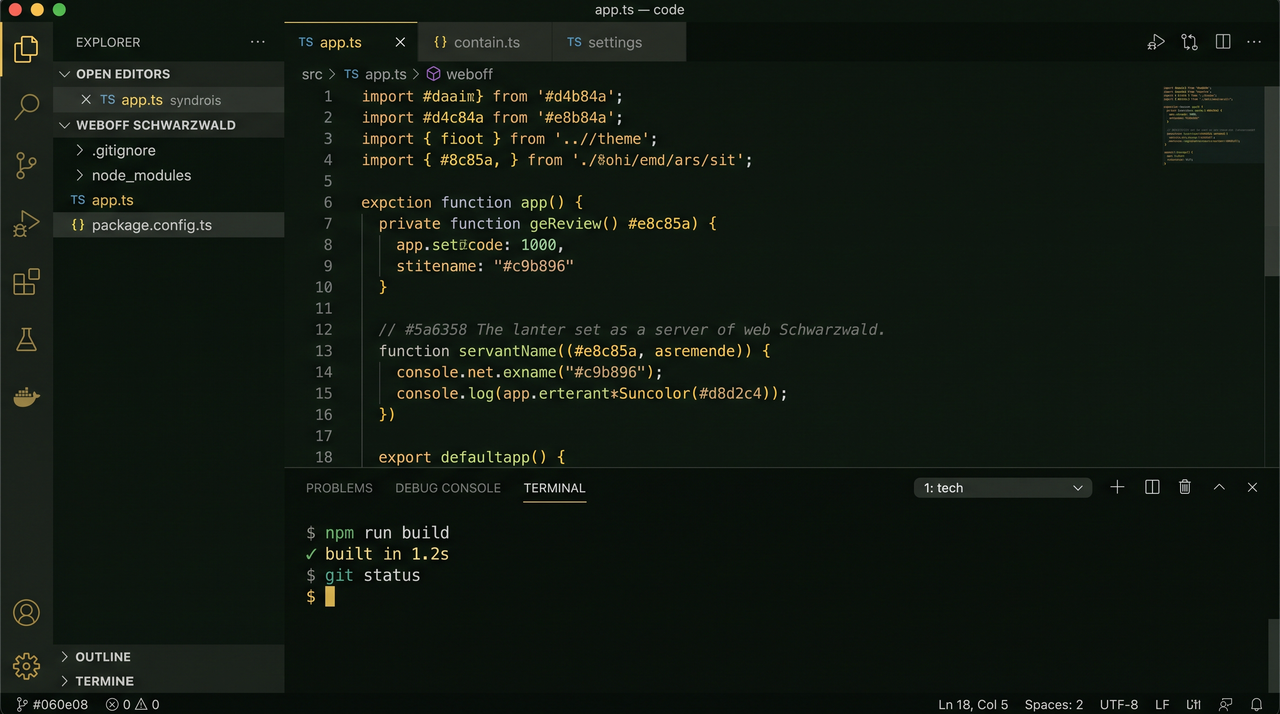 |
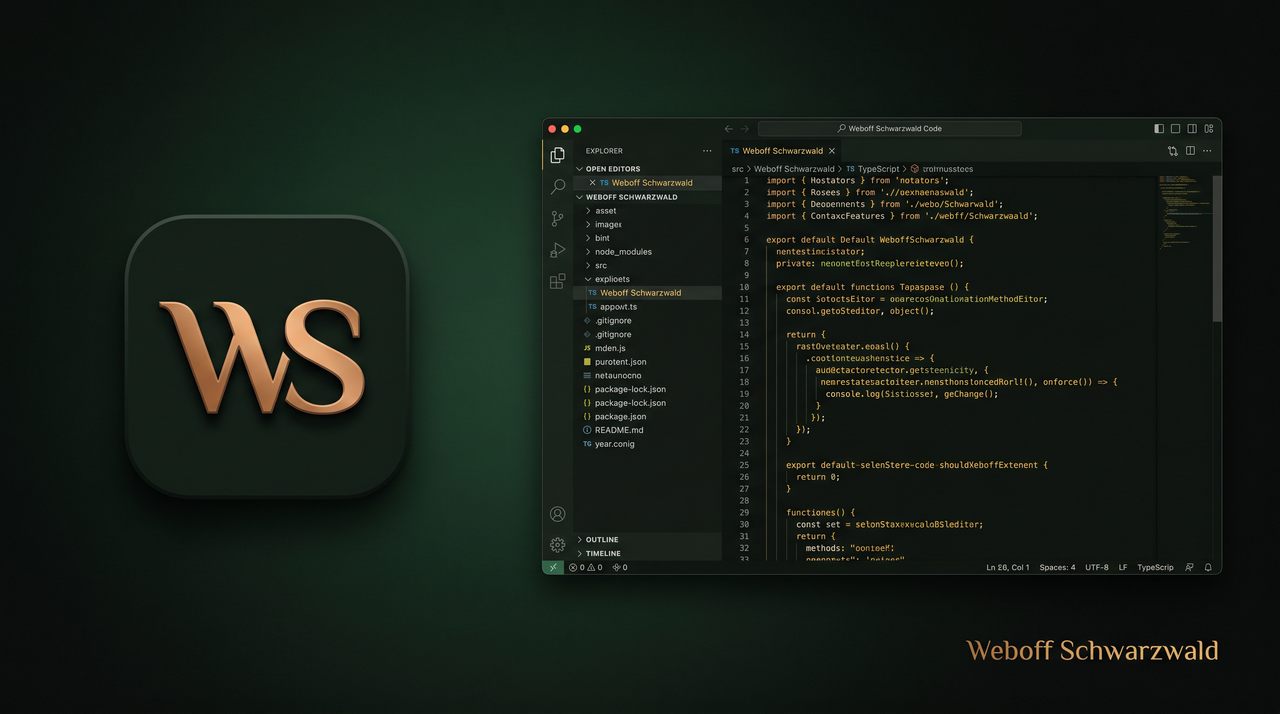 |
Why this theme?
- Easy on the eyes — deep green backgrounds (
#0a100c,#060e08) instead of pure black - Readable syntax — warm beige strings, muted italic comments, golden keywords
- Consistent UI — activity bar, tabs, terminal, and git decorations share one palette
- Modern tooling — semantic highlighting for TypeScript, JavaScript, and other LSP languages
Install
VS Code Marketplace
- Open Extensions (
Cmd+Shift+X/Ctrl+Shift+X) - Search Weboff Schwarzwald
- Click Install
Or from the command line:
code --install-extension weboff.weboff-schwarzwald
cursor --install-extension weboff.weboff-schwarzwald
Reload the window: Developer: Reload Window.
Activate
Cmd+Shift+P/Ctrl+Shift+P- Preferences: Color Theme
- Select Weboff Schwarzwald
Optional — set as default in settings.json:
{
  "workbench.colorTheme": "Weboff Schwarzwald",
  "workbench.preferredDarkColorTheme": "Weboff Schwarzwald"
}
Color palette
| Role | Hex | Usage |
|---|---|---|
| Background | #0a100c |
Editor, sidebar, panels |
| Status bar | #060e08 |
Title bar, status bar, terminal |
| Foreground | #d8d2c4 |
Default text |
| Accent gold | #b8952e |
Active borders, badges, selection |
| Accent yellow | #d4b84a |
Keywords, cursor, links |
| Strings | #c9b896 |
String literals |
| Functions | #e8c85a |
Function names |
| Comments | #5a6358 |
Comments (italic) |
| Error | #e07070 |
Errors, deleted git files |
Author
Weboff · Germany