A vibrant neon dark theme for VS Code, Cursor, VSCodium, and any Open VSX-compatible editor. Built from the Prism code palette used on utilitybend.com, tuned for long sessions of writing HTML, CSS/SCSS, JS/TS, JSON, YAML, and Markdown.
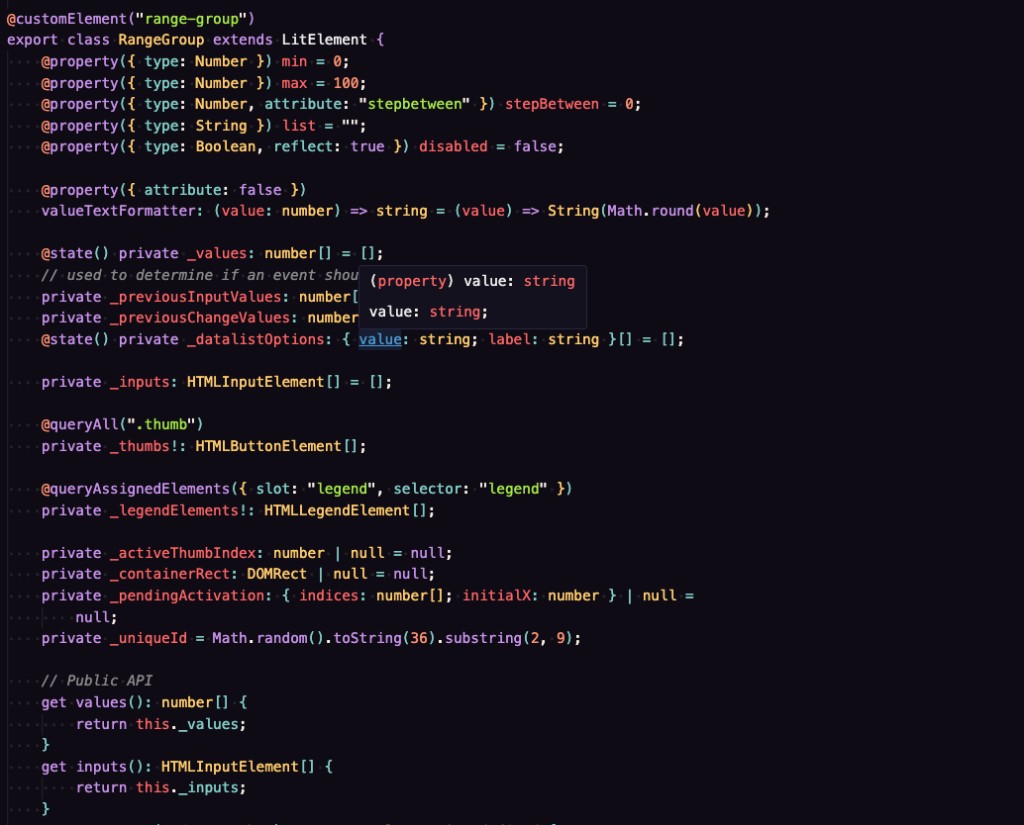
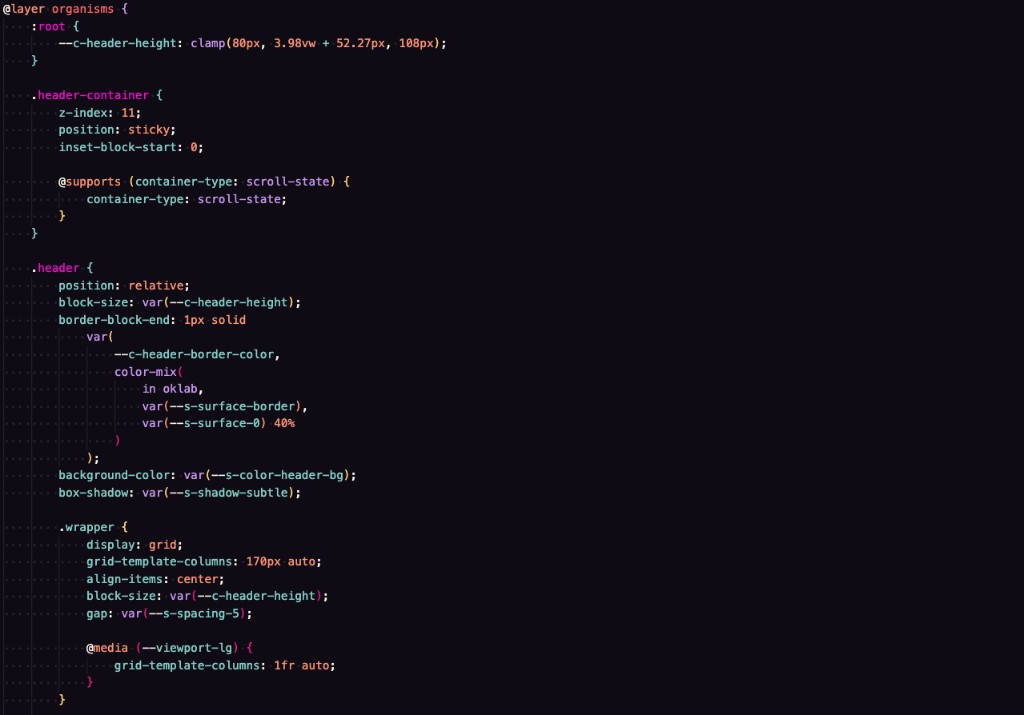
Palette
| Role | Hex | Swatch |
|---|---|---|
| Background | #0e0c16 |
deep midnight purple |
| Foreground | #eeeeee |
off-white |
| Keywords / Functions / Constants | #c792ea |
magenta |
| Tags / Templates / Headings | #ff1493 |
hot pink |
| Strings / Added | #a5e844 |
lime |
| Attribute names / Types / Classes | #ffcb6b |
amber |
| Operators / Properties / Custom props | #80cbc4 |
cyan |
| Numbers / Units / At-rules / Decorators | #fd9170 |
peach |
| Variables / Errors / Deleted | #ff6666 |
coral red |
| CSS selectors | #ff00d6 |
neon magenta |
| Regex / color values | #f2ff00 |
electric yellow |
Install
VS Code / VS Code Insiders
- Extensions panel -> search "Utilitybend Neon" -> Install
- Or CLI:
code --install-extension utilitybend.utilitybend-neon - Or direct link: https://marketplace.visualstudio.com/items?itemName=utilitybend.utilitybend-neon
Cursor / VSCodium / Gitpod / code-server
- Extensions panel -> search "Utilitybend Neon" (these editors query Open VSX)
- Or CLI:
cursor --install-extension utilitybend.utilitybend-neon - Or direct link: https://open-vsx.org/extension/utilitybend/utilitybend-neon
Activate
Cmd/Ctrl + K then Cmd/Ctrl + T -> pick Utilitybend Neon.
Designed for
- HTML / JSX / TSX
- CSS / SCSS / Sass (including modern custom properties, pseudo-classes, at-rules)
- JavaScript / TypeScript (semantic highlighting enabled)
- JSON / YAML
- Markdown
Feedback
Found a token that looks off? Open an issue at https://github.com/brechtDR/utilitybend-neon/issues.
License
MIT. See LICENSE.