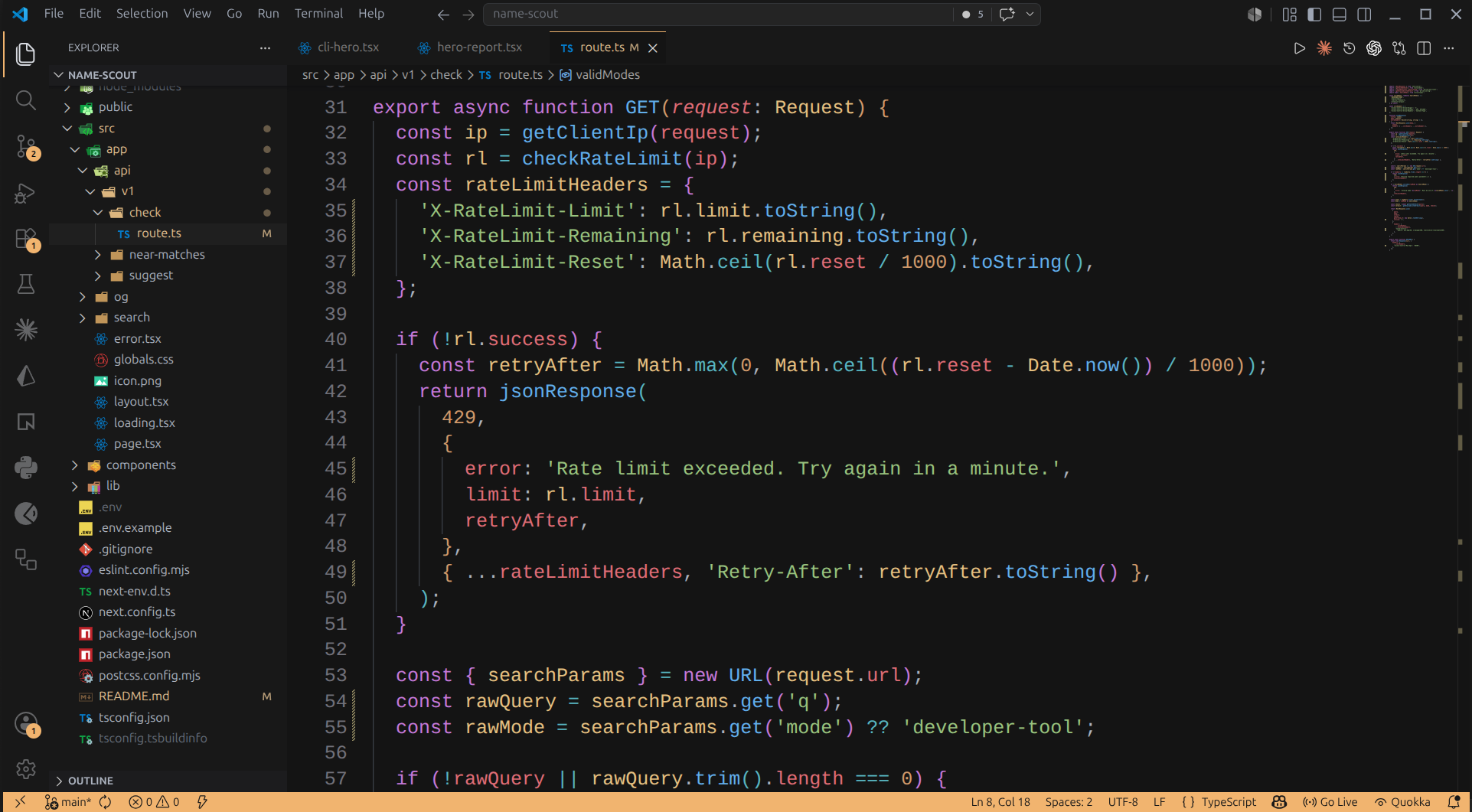
A warm, low-contrast dark theme for VS Code. Same palette as the in-browser editor on start.dev — graphite backgrounds, amber accents, and a quiet UI chrome so syntax does the talking.
Install
Search for start.dev in the Extensions panel, or:
ext install traversymedia.startdev-theme
Then Ctrl+K Ctrl+T (or Cmd+K Cmd+T on macOS) → pick start.dev.
Development
Clone the repo, open it in VS Code, press F5. An Extension Development Host window opens with the theme pre-applied; edits to themes/start-dev-dark.json live-reload.
Issues and PRs welcome.