An extension that provides commands to swap the anchor and cursor positions of a text selection, or to align the cursor to the left or right.
Supports multi-cursor.
Supports the Cursor Undo (Ctrl+U) command.
Main Features
When there is a text selection, the following commands can be selected from the Command Palette (Ctrl+Shift+P).
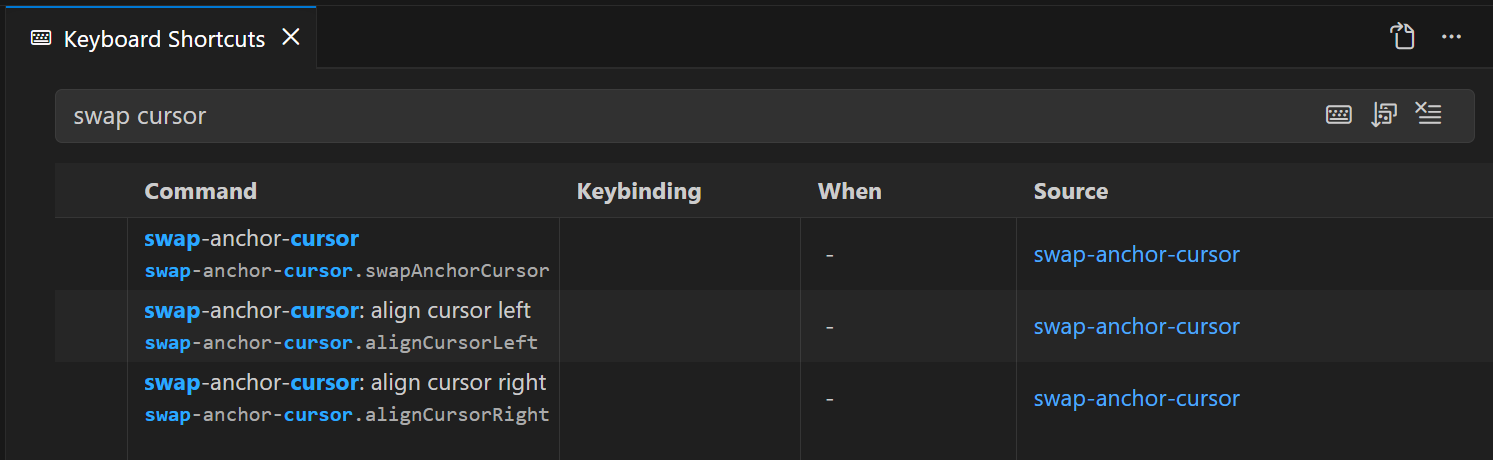
swap-anchor-cursor.swapAnchorCursor (swap-anchor-cursor: swap anchor and cursor)
Swaps the anchor and cursor positions.
swap-anchor-cursor.alignCursorLeft (swap-anchor-cursor: align cursor left)
Moves the cursor to the left of the selection.
With multiple cursors, aligns all cursors to the left of their selections.
swap-anchor-cursor.alignCursorRight (swap-anchor-cursor: align cursor right)
Moves the cursor to the right of the selection.
With multiple cursors, aligns all cursors to the right of their selections.
Keybinding Configuration
No keybindings are set by default.
From the Command Palette (Ctrl+Shift+P), select "Preferences: Open Keyboard Shortcuts" and assign your preferred keybindings to each command.