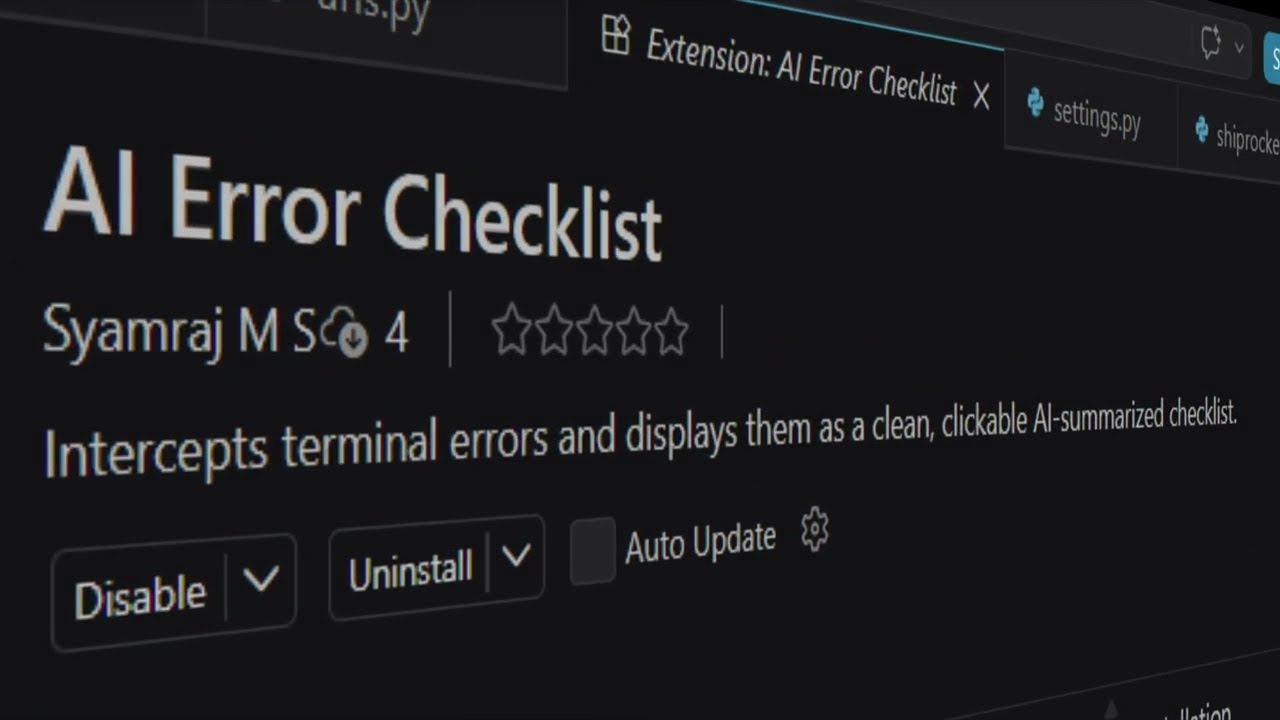
A smart, AI-driven terminal replacement that instantly catches errors and translates dense stack traces into an actionable, conversational checklist.
Features
- Smart Compiler Terminal: Use this exactly like your standard VS Code terminal. Commands like
cdandvenv/Scripts/activateautomatically sync and persist. - Instant AI Debugging: When your code crashes, the terminal intercepts the error before it disappears and uses AI to pinpoint the exact root cause.
- Conversational Summaries: Instead of reading through 50 lines of Python or Node errors, the AI explains the problem in plain English (e.g. "Django error: You forgot to migrate! 🗄️").
- Live Server Support: Works dynamically with blocking processes like
python manage.py runserverornpm run dev—triggering AI analysis immediately without needing to stop your server. - Fully Free: Powered by Google's Gemini Flash, which offers a massive free daily tier.
Setup
- Open the AI Terminal via the bottom panel.
- Type
settingsto open the configuration menu. - Paste your free Google AI Studio API key.
- Run your code!
Supported Stacks & Languages
AI Error Checklister hooks natively into your shell and intercepts stderr, making it universally compatible with almost any stack that prints errors to the console, including:
- Python: Django, Flask, FastAPI, Pytest, and raw scripts
- JavaScript/TypeScript: Node.js, Express, React, Next.js
- Compiled Languages: C, C++, Java, Go, Rust
- Any framework that outputs tracebacks or stack traces!
Demo & Walkthrough
Watch the full tutorial to see how it transforms debugging in VS Code: