SQLLens.AI: Advanced Database GUI for Visual Studio Code — query optimization, debugging, and performance analysis, powered by AI.
Advanced DB GUI Tool — write complex queries in seconds, optimize them automatically, and fine-tune your database workload to improve performance by up to 100X. sqllens.ai also helps you improve live DB workload response time and resolve production issues such as DB locks, deadlocks, long-running transactions, long-running queries, connection pool exhaustion, DB design issues, and server configuration tuning — detecting problems and providing solutions for both Developers and DBA teams.
Supports PostgreSQL, MySQL, MariaDB, and SQLite.
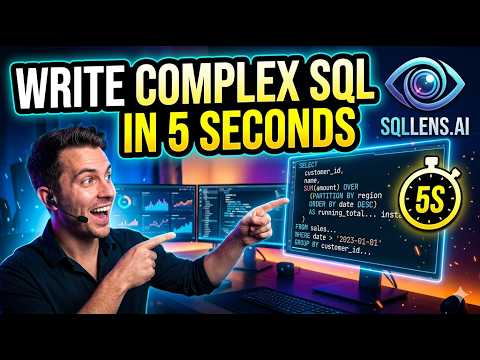
🎥 Demo
▶️ Watch the full demo on YouTube
✨ Features
🗄️ Supported Databases
| Database | Status |
|---|---|
| MySQL (5.7+ / 8.0+) | ✅ Supported |
| MariaDB | ✅ Supported (MySQL-wire-compatible) |
| PostgreSQL | ✅ Supported |
| SQLite | ✅ Supported (local file-based) |
🚀 Write Complex DB Code in Seconds + DB AI Copilot
Generate, explain, fix, and refactor SQL from plain English — or straight from an error in the gutter. Your built-in AI pair-programmer for databases.
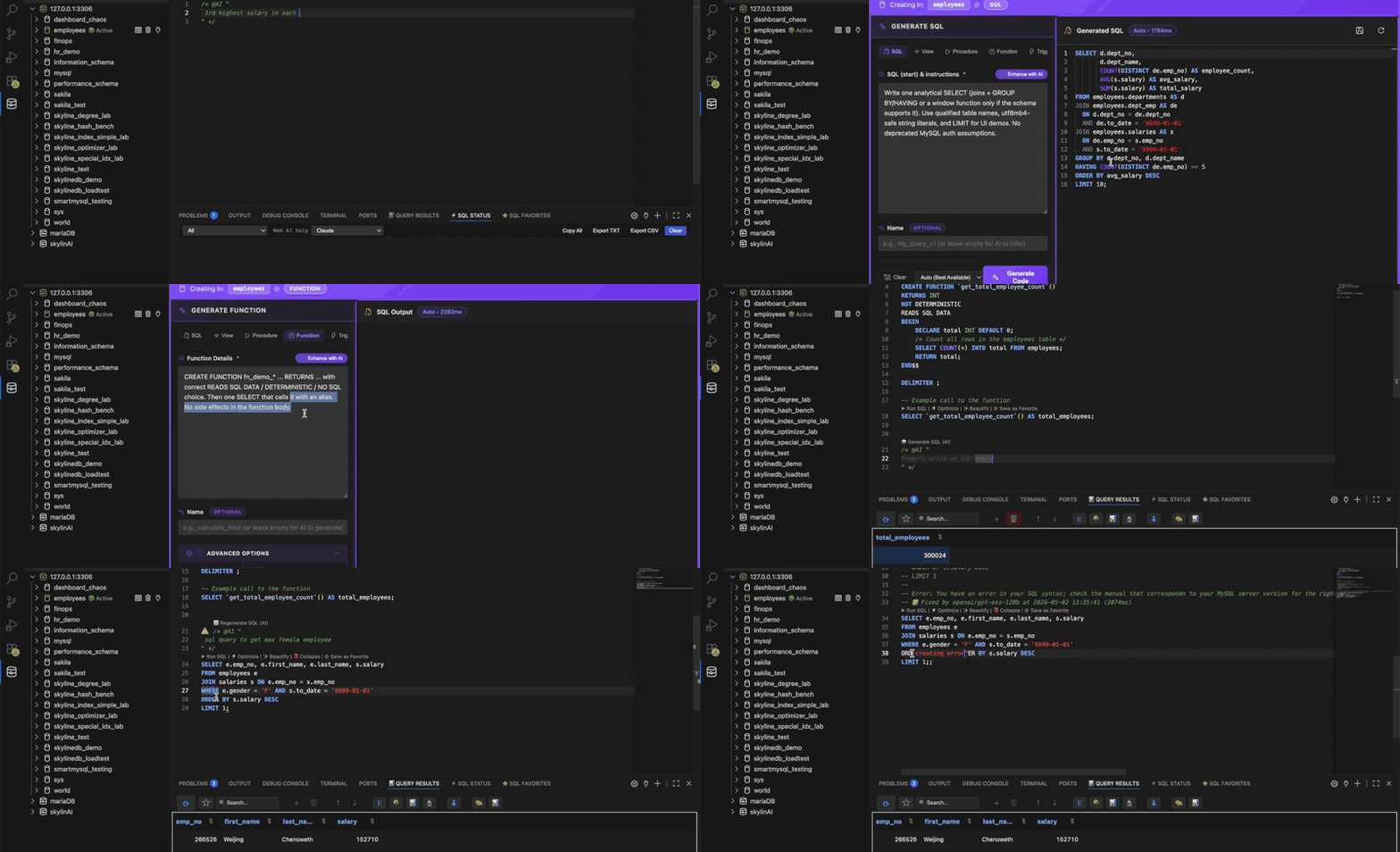
- Write Complex DB Code in Seconds — generate and execute complex SQL instantly with AI assistance, no manual query-writing required
- DB AI Copilot — ask questions in plain English, get queries, fixes, and tuning suggestions in return
- Create with AI — tables, views, procedures, and triggers, generated from the tree
- Providers: integrated Cloud, OpenRouter, Groq, OpenAI, Anthropic, Ollama, or your own custom endpoint
🧩 Visual Query Builder
Drag tables from the connection tree, auto-detect relationships, build JOINs and filters visually, and drop the generated SQL into your editor.
▶️ Watch the Query Builder demo on YouTube
- Multi-table JOINs with relationship hints
- Clause-aware column drag (SELECT, WHERE, ON, ORDER BY, …)
- Starters for SELECT, INSERT, UPDATE, DELETE, and more
⚡ Query Optimizer
Turn execution plans into an interactive tree, score each step, and get index recommendations and rewrite suggestions.
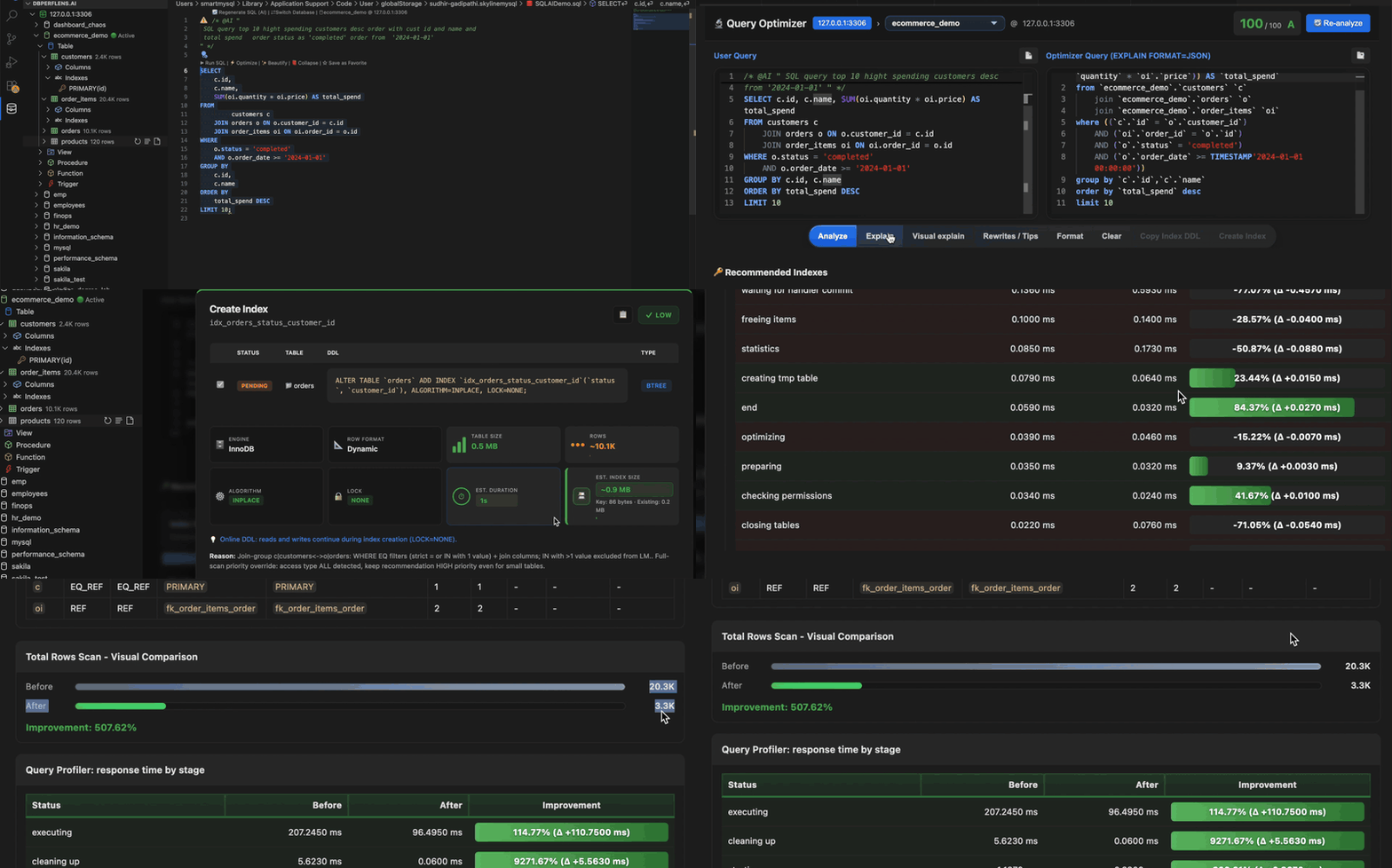
- Visual Explain, traditional plan table, and JSON views
- Index recommender driven by EXPLAIN and schema metadata
- Before/after comparison in the optimizer workbench
🔍 Slow Query Analyzer
Ingest slow query logs, rank expensive statements, and jump straight into optimization with context — no GUI demo yet, coming soon.
📊 Performance Monitor & Query Profiler
Debug when the database feels slow — open Performance Monitor on demand for CPU, locks, replication, and process list.
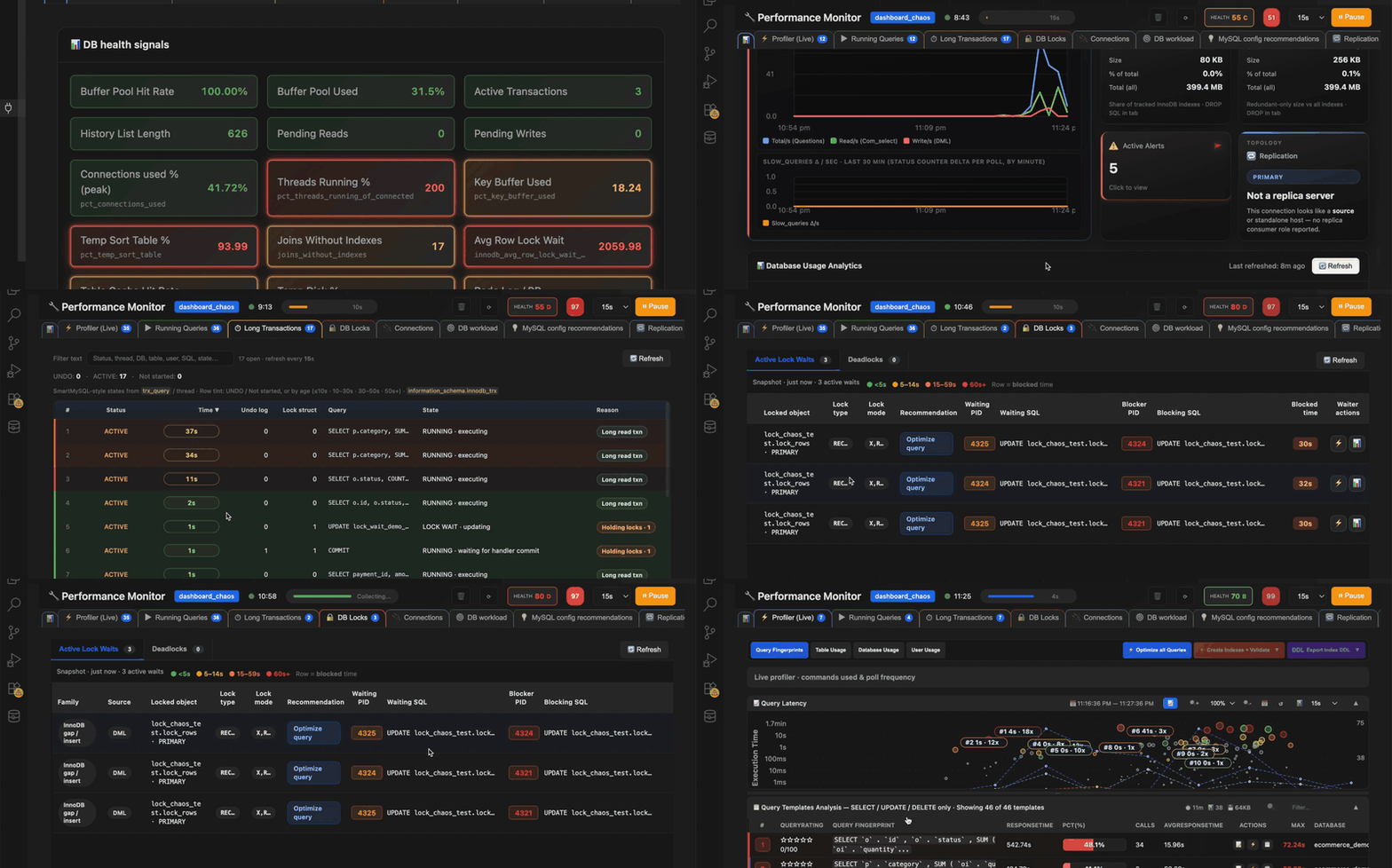
- Global status, engine metrics, and deadlock snippets
- Replication lag and health-oriented signals
- Config audit hints for server tuning
Query Profiler session
Use Query Profiler for stage-level timings on a session — start profiling, run SQL, and review where time is spent.

- Stage-level timings for queries in an active profiler session
- Compare runs without leaving the editor
🗄️ Database Workspace Essentials
- Multi-Database Support — Connect to MySQL, MariaDB, PostgreSQL, and SQLite from a single sidebar
- Connection Management — Add, edit, and delete connections with secure password storage
- Database Explorer — Browse databases, schemas, tables, and columns in a tree view
- Secure Storage — Passwords stored securely using VS Code's secrets API
- Connection Pooling — Efficient connection management with automatic pooling
- SQLite File Support — Open and query local
.sqlite/.dbfiles directly, no server required - Query Execution — Execute SQL queries with beautiful results display
🛠️ Usage
Adding a Connection
-
Click the + icon in the sqllens.ai sidebar
-
Choose your database type: MySQL, MariaDB, PostgreSQL, or SQLite
-
Enter connection details:
For MySQL / MariaDB:
- Connection Name
- Host (e.g.,
localhost) - Port (default:
3306) - Username
- Password
- Default Database (optional)
For PostgreSQL:
- Connection Name
- Host (e.g.,
localhost) - Port (default:
5432) - Username
- Password
- Default Database
For SQLite:
- Connection Name
- Path to the local
.sqlite/.dbfile (no host, port, or credentials needed)
-
The connection will be tested before saving
Browsing Databases
- Expand a connection in the tree view
- Browse databases/schemas, tables, views, and columns
- View column metadata (type, nullable, keys)
- For PostgreSQL, browse by schema; for SQLite, browse the single local file directly
✅ Requirements
- Visual Studio Code
1.85.0or higher - Node.js
18+(for development only)
Database engines (any one or more):
- MySQL
5.7+or8.0+ - MariaDB
10.x+ - PostgreSQL
12+ - SQLite
3.x(no server install needed — works with local files)
🤝 Contributing
Contributions are welcome! Please feel free to submit a Pull Request.
📚 Documentation
Integration & Attribution
- Integration Summary — Overview of fork and features
- Quick Reference — Quick facts and FAQ
- Code Comparison — Detailed code comparison
- Full Integration Details — Complete documentation
- Attribution — Legal attribution and acknowledgments
Technical Documentation
- Fixes Complete — Bug fixes and improvements
- Migration Plan — Development roadmap
📄 License
MIT License — see LICENSE file for details
Copyright:
- Copyright (c) 2025 Sudhir Gadipathi (SkyLineMySQL modifications and new features)
💬 Support
- Website: skylineai.app
- Email: [email protected]
- Repository: github.com/sudheer2000/skylinemysql
- Issues: Report bugs or request features
- Original Project: vscode-database-client
Note: This extension is a fork of vscode-database-client, with added MySQL, MariaDB, PostgreSQL, and SQLite support. Currently in active development.