
Min Dark 2026 is a Visual Studio Code theme that mixes VS Code's Dark 2026 with Min Theme by Miguel Solorio.
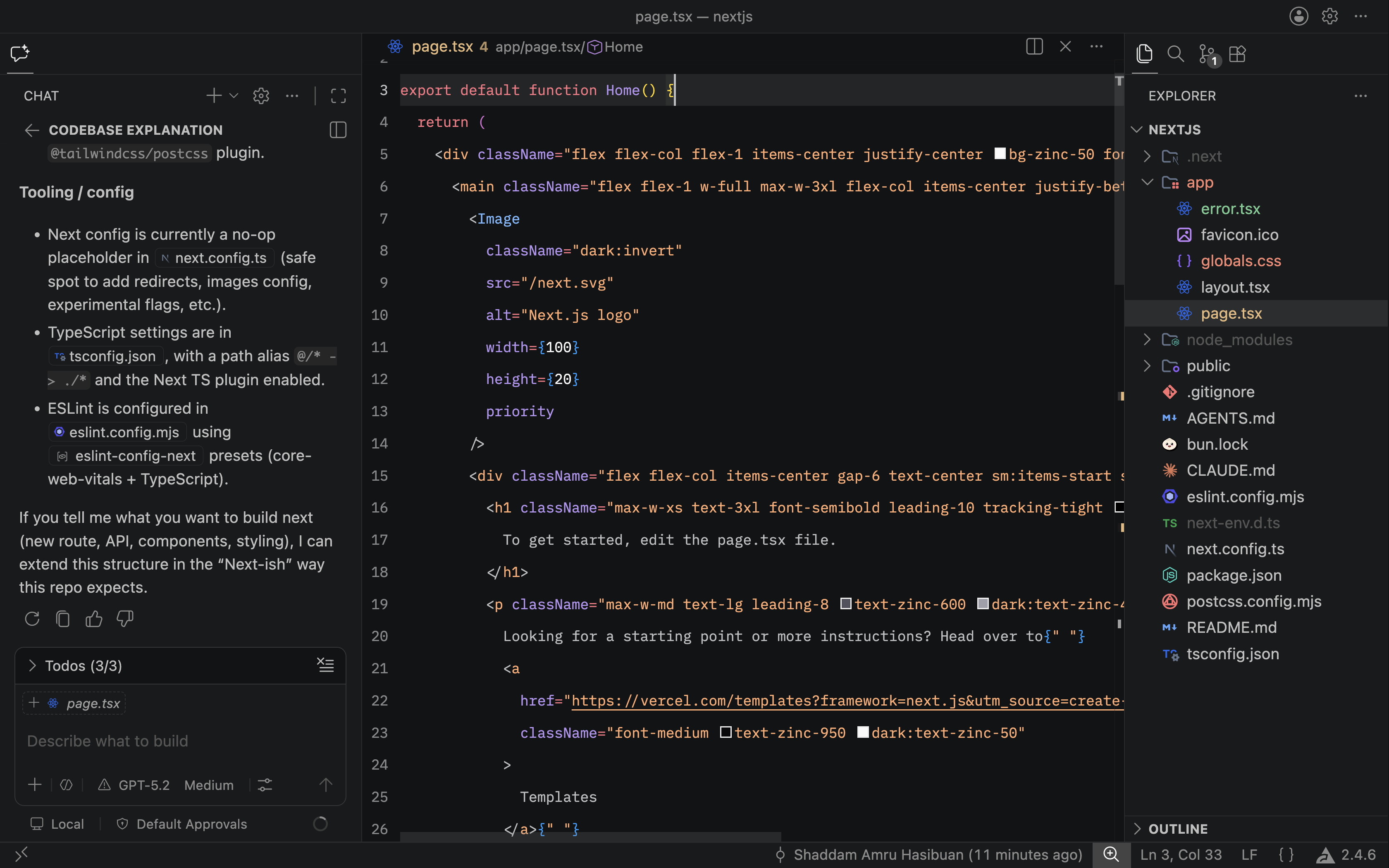
VS Code's Dark 2026 UI looks polished, but the token colors can feel harder to distinguish during long editing sessions. This theme keeps that modern dark surface language while shifting syntax colors toward clearer, more readable contrast.
Installation
- Open the Extensions sidebar in VS Code.
- Search for Min Dark 2026.
- Click
Install.
How to Use
- Open the Command Palette with Ctrl+Shift+P or Shift+⌘+P.
- Select
Preferences: Color Theme. - Choose
Min Dark 2026.
Credits (Original Theme)
- Min Theme by Miguel Solorio
- Dark 2026 by Visual Studio Code