A VSCode extension for a nicer, opinionated Markdown Preview experience.
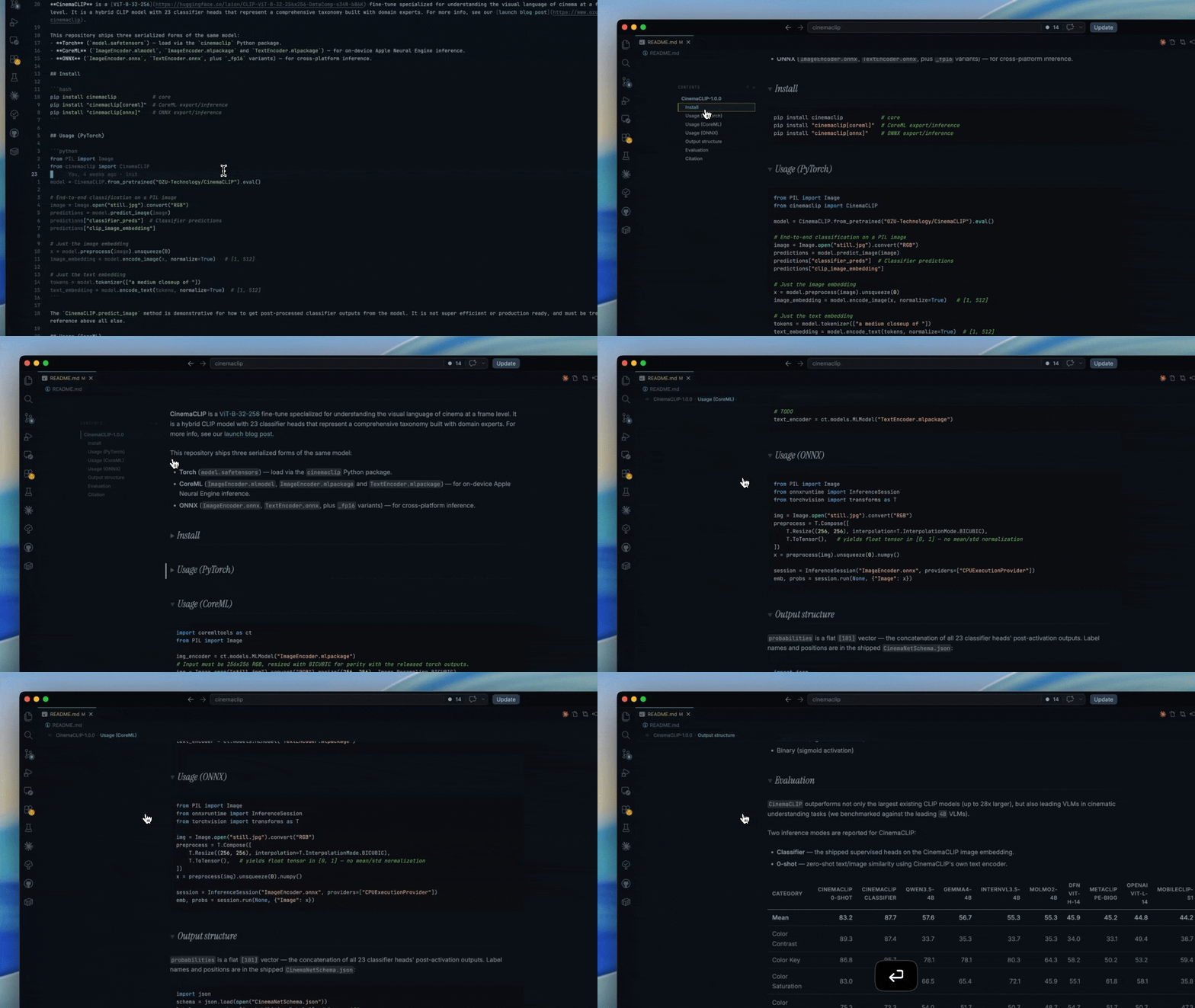
Quick demo:
Key Features
- Centered prose column
- Opinionated styling for headings vs. content sections
- Table of contents for ease of navigation
- Word counter in editing mode
- Color swatches for inline 6 character hex codes
Installation
This extension is available via the VSCode Marketplace and then OpenVSX Registry
Preview controls
Everything adjustable lives in the preview as a keypress or a small control — there are no VS Code settings to manage. Each choice is saved in the preview's localStorage, so it persists across documents and projects on its own.
| Control | Action |
|---|---|
w |
Summon / dismiss the column-width slider (Esc also dismisses) |
t / ≡ |
Toggle the table of contents between rail and breadcrumb (≡ control in the rail header / breadcrumb bar) |
s / ⇄ |
Move the rail to the other margin (⇄ control in the rail header; active while the rail is showing) |
/ |
Open the heading jump-overlay (then ↑/↓ or Ctrl+P/Ctrl+N to move, Enter to jump, Esc to close) |
Fonts
The extension bundles all three typefaces it uses — Inter (body), Instrument Serif Italic (headings), and JetBrains Mono (code) — and loads them via @font-face in the preview webview, so the preview looks identical on every machine regardless of what's installed locally. All three are under the SIL Open Font License; see CREDITS.md.
If headings fall back to a generic serif (Georgia) instead of Instrument Serif, the bundled font isn't loading — confirm the fonts/ directory shipped with the extension (it shouldn't be excluded by .vscodeignore). These may be made customisable in a future version.