Preview modern Microsoft Visio .vsdx drawings directly in VS Code or VSCodium.
RokRage VSDX Viewer is a local, read-only viewer. It does not upload your drawings, modify them or require Microsoft Visio to be installed.
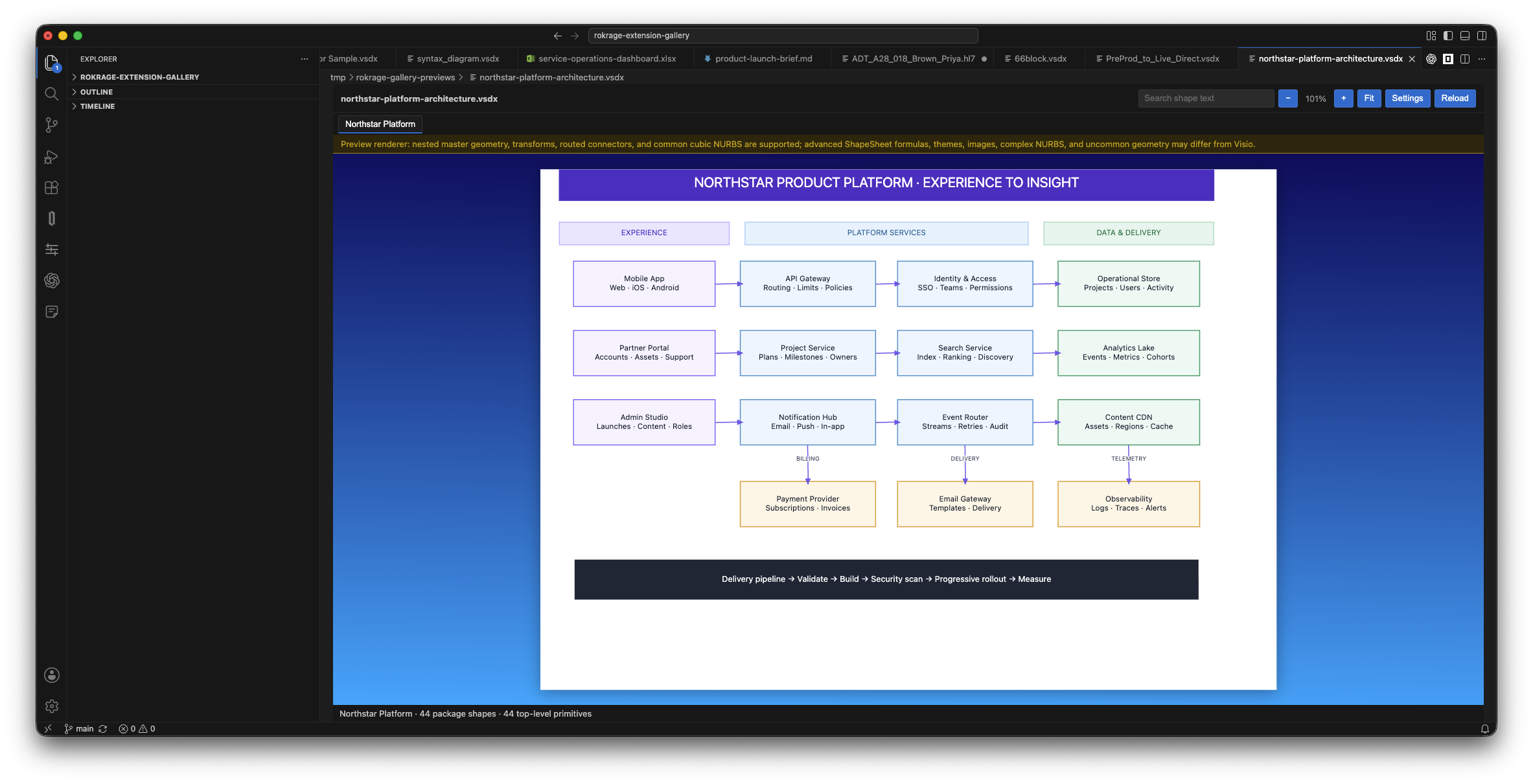
Features
- Open
.vsdxfiles as a read-only custom editor. - Switch between drawing pages using page tabs.
- Zoom with the toolbar, mouse wheel or trackpad.
- Fit the drawing to the available space.
- Pan with the middle mouse button.
- Search and highlight shape text.
- Display common shapes, grouped shapes, text, flowchart lanes and routed connectors.
- Reload automatically when the source file changes.
- Customise the viewer background gradient.
- Optionally prevent drawing text from being selected while dragging.
Getting started
- Install RokRage VSDX Viewer.
- Open a
.vsdxfile from the Explorer. - If another editor is selected, right-click the file and choose Open With..., then select RokRage VSDX Viewer.
Privacy
Drawings are read and rendered locally by the extension. Their contents are not sent to a cloud service. The viewer is read-only and does not write changes back to the source file.
Supported format
- Supported: modern Visio
.vsdxdrawings. - Not currently supported:
.vsdm,.vstx,.vssxand legacy binary.vsdfiles.
Rendering limitations
The built-in renderer supports common Visio geometry, including lines, ellipses, arcs, Bézier curves, common cubic NURBS, rotation, flipping, grouped shapes, text alignment, cross-functional lanes and connector routes.
Some advanced Visio features are not yet fully reproduced, including ShapeSheet formulas, themes, complex NURBS and embedded images. Complex or vendor-specific drawings may therefore look different from the same file in Microsoft Visio.
Requirements
- VS Code or VSCodium 1.90.0 or later.