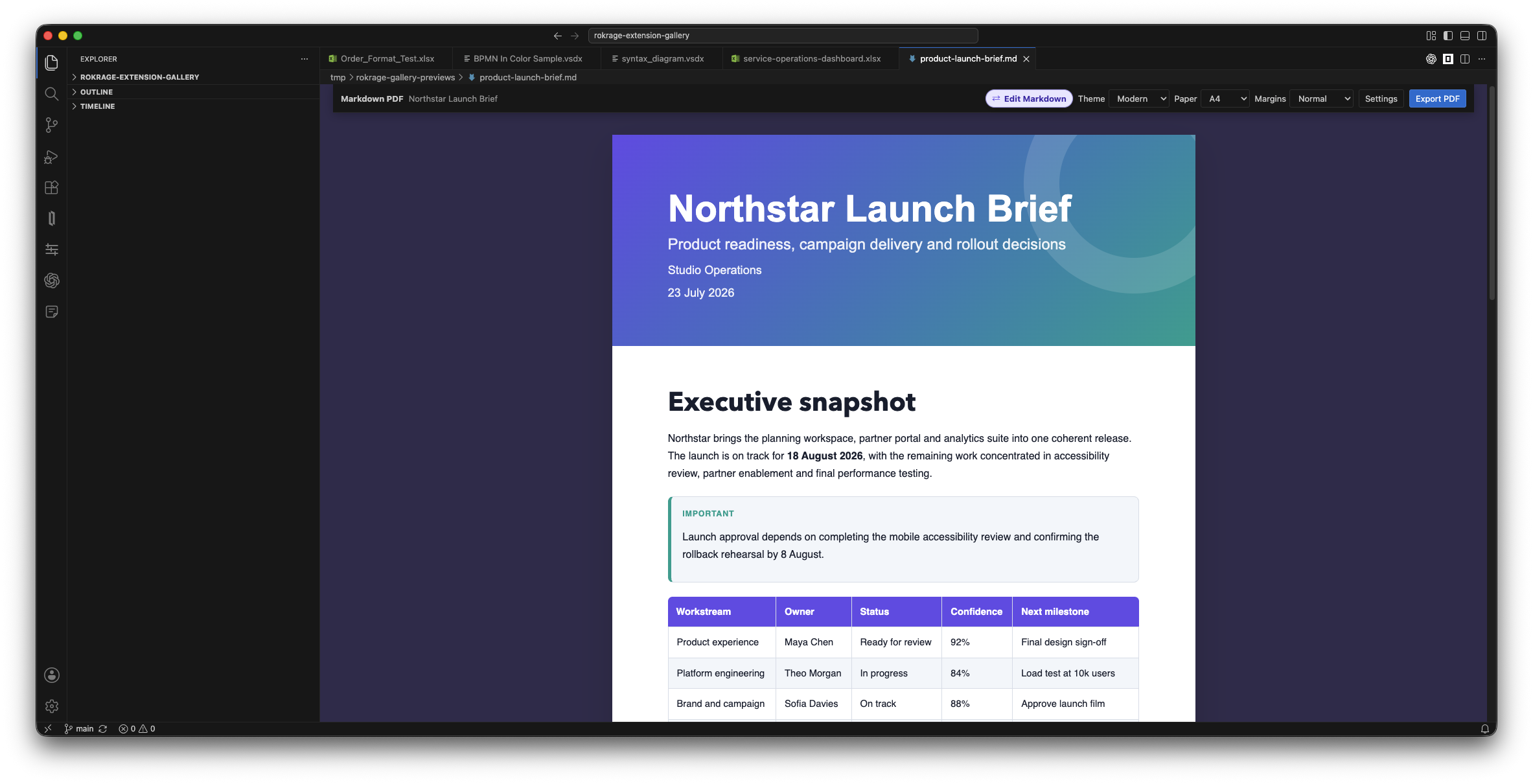
Turn Markdown into presentation-ready PDFs without uploading your documents. Opening a .md file displays the styled viewer automatically, and the extension contains its own PDF renderer.
Highlights
- Four print themes: Modern, Editorial, Minimal, and Midnight
- Automatic styled preview with instant theme switching
- Closely matched preview and PDF layout, including cover proportions, margins, spacing, and inline-code chips
- Tables, fenced code highlighting, task lists, footnotes, automatic links, and GitHub-style callouts
- Optional cover metadata from Markdown front matter
- A4, Letter, and Legal pages with three margin presets
- Explicit page breaks with portrait and landscape orientation switching
- Local image support and local-only processing
- VSCodium-themed toolbar with one-click access to the Markdown text editor
Use
- Select or open a saved
.mdfile to display the styled viewer. - Pick a theme, paper size, and margins in the viewer toolbar.
- Select Export PDF, or choose Edit Markdown to edit the source without leaving the styled viewer.
- Select Preview to render the updated document again; the toolbar remains available in both modes.
You can also use Open With… > Text Editor whenever you want to change the default editor for a particular file.
No browser, command-line converter, or external service is required.
Optional cover metadata
---
title: Service Design Review
subtitle: Findings and recommendations
author: Alex Smith
date: 21 July 2026
---
Callouts
> [!TIP] Keep each section focused on one decision.
Supported labels are NOTE, TIP, IMPORTANT, WARNING, and CAUTION.
Page breaks and orientation
Place a directive on its own line:
[BREAK]

[BREAK-LAND]

[BREAK-PORT]
[BREAK] starts a new page in the current orientation. [BREAK-LAND] starts a landscape page, and [BREAK-PORT] switches subsequent pages back to portrait. The selected orientation remains active until another orientation directive changes it.
Privacy
The Markdown and generated PDF stay on your computer. The preview can display external HTTPS images referenced by a document; PDF export embeds local PNG and JPEG images and does not fetch remote images.
License
MIT