Draw sprites and tile sets directly in VS Code. Use the top-bar new-image button to name the image, set independent width and height, and optionally enable atlas tiles, or run Rok Sprite Lite: New Canvas, then edit .rokpixel files in the custom editor.
Opening a PNG, JPEG, WebP, GIF, or BMP from the VS Code Explorer also opens Rok Sprite Lite automatically. The image is imported as a non-destructive working canvas; choose Save as .rokpixel to create its editable source file beside the original image. Animated GIFs import their current/first frame.
Screenshots
Pixel-art workspace and minimap
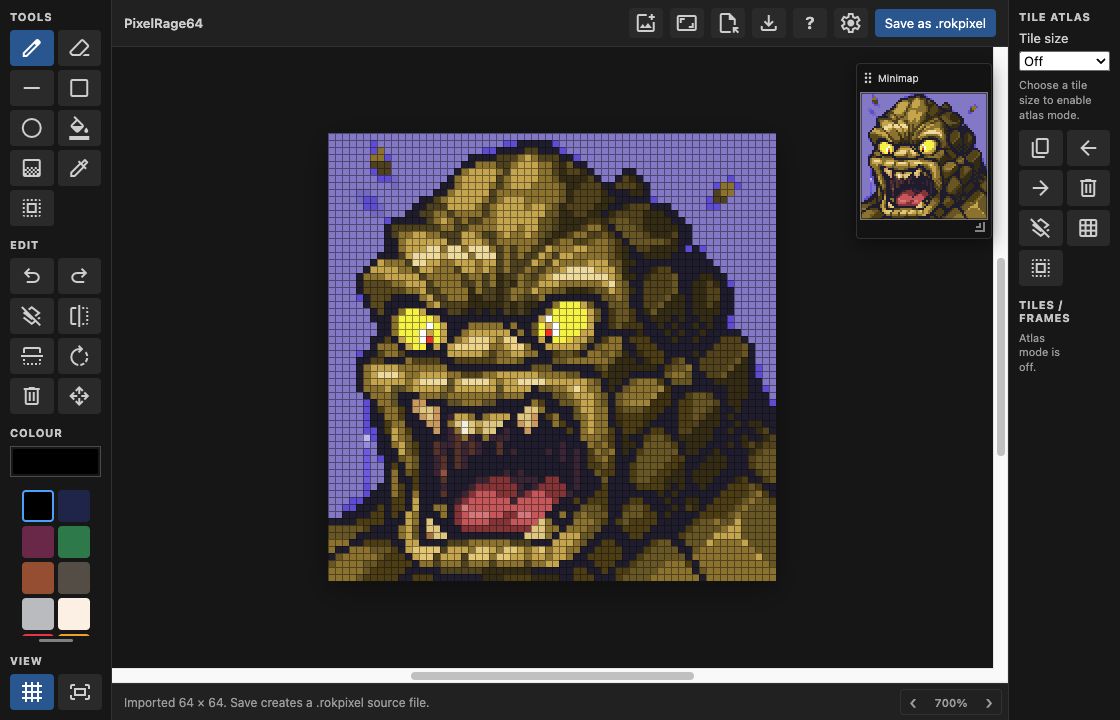
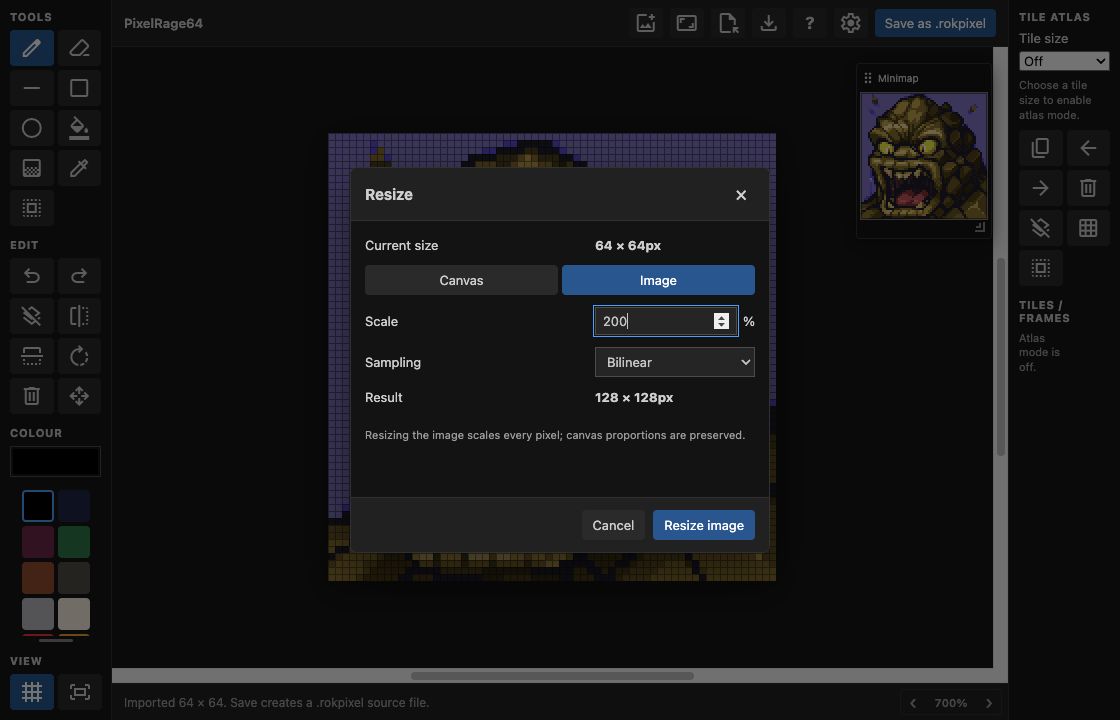
Percentage image resizing
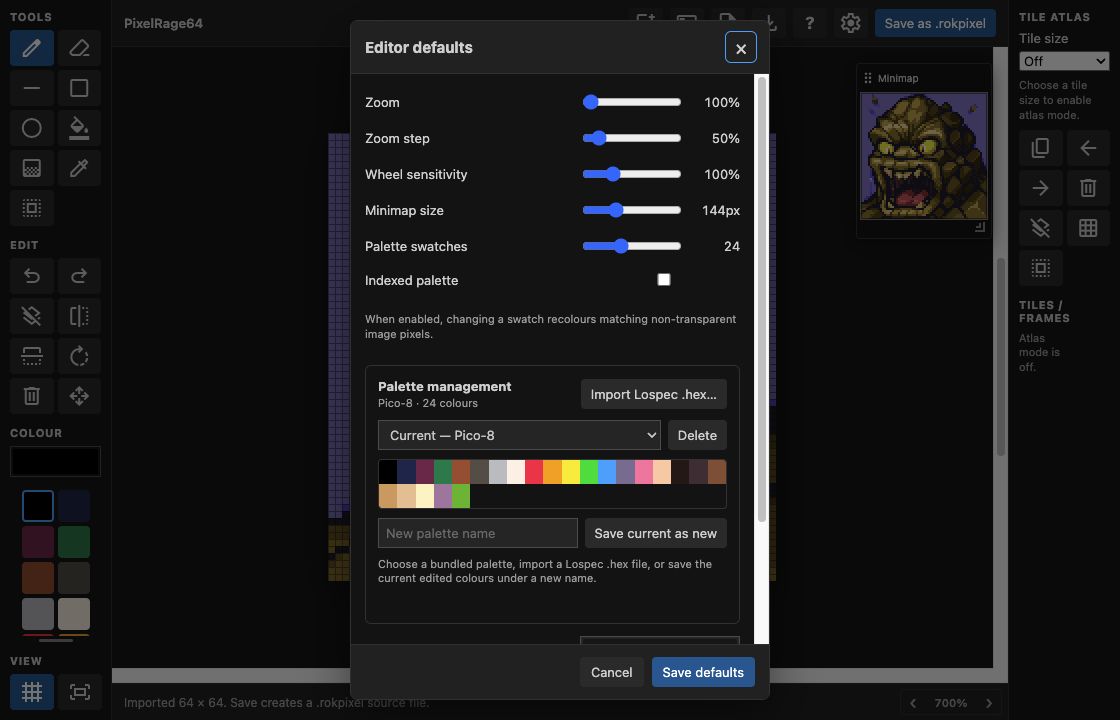
Palette management and editor defaults
Included tools
- Pencil, eraser, line, outline/filled rectangles and ellipses
- Flood fill, foreground-to-transparent gradient with selection confinement, eyedropper, marquee selection and move/copy
- Flip, rotate, delete selection, 64-step undo/redo
- Pixel hover preview, grid, zoom, pan, pannable zoomed minimap, anchored canvas resizing, colour palette, PNG import/export
- Tile-atlas mode with add, duplicate, delete and reorder controls
.rokpixel is a compact JSON document containing raw RGBA pixel data. PNG import/export makes the result portable to other tools and game engines.
Controls
Cmd/Ctrl+Z/Cmd/Ctrl+Shift+Z: undo / redoDeleteorBackspace: delete selection': toggle gridG: gradient toolSpace: pick the colour beneath the pointer- Middle-click and drag: pan the canvas
Use the settings button in the editor toolbar to store default zoom, zoom-step, wheel sensitivity, minimap size, workspace background colour, atlas tile size, and new-image size.
The editor saves through normal VS Code save behaviour. Its toolbar Save button writes the current document immediately.