AKC CCC VS brings AI Keep Clean Context Control Center (CCC) to VS Code: workspace identity, workspace context, a multilingual control center, and a shared Project HUD bridge for agent-driven work across VS Code and Cursor Agents.
Platforms
| Surface | Windows | macOS | Linux |
|---|---|---|---|
| This extension (Control Center, agent plugin, Agents bridge) | Yes | Yes | Yes |
| Floating Project HUD pill (WinForms) | Yes | Not yet | Not yet |
On macOS/Linux, Activate still enables the VS Agents plugin and keeps the nav bridge fresh. The floating pill starts on Windows only today.
Why AKC CCC VS
- keep workspace identity visible while switching projects
- improve project context visibility for multi-project agent workflows
- connect VS Code with the shared CCC Project HUD (pill on Windows; bridge on all OS)
- use a multilingual control center and HUD workflow
- support Agents project context, palette, accent, and workspace source details
- pair with AI Keep Clean (AKC) and CCC flows for multi-project work
- make visual context and project identity easier to read at a glance
Core features
- Context Control Center panel inside VS Code
- language selector for the VS panel
- shared HUD language selector (Windows pill settings)
- active workspace identity, accent, palette, and source details
- agent-plugin companion workflow for Cursor / Agents environments
- shared workspace identity handoff between VS Code and Cursor Agents
Getting started
- Install AKC CCC VS and open the Context Control Center panel from the Activity Bar.
- Choose your preferred language in the panel.
- Use Activate to enable the VS Agents plugin and (on Windows) start the shared Project HUD pill.
- Use Deactivate to disable the plugin here and stop any running CCC HUD.
License and help (including Pro upgrade) open from the HUD on Windows — double-click the HUD pill.
Trial/Pro — one-time Agents update
The Marketplace VSIX version is a different channel from licensed Agents (akc_ccc). If About → Check for updates looks wrong, download the latest ZIP from My Licenses / ready-4-it.com/akc_ccc, extract, run node scripts/install-cursor-plugin.mjs, restart the HUD. After that, About installs Agents updates automatically.
Screenshots
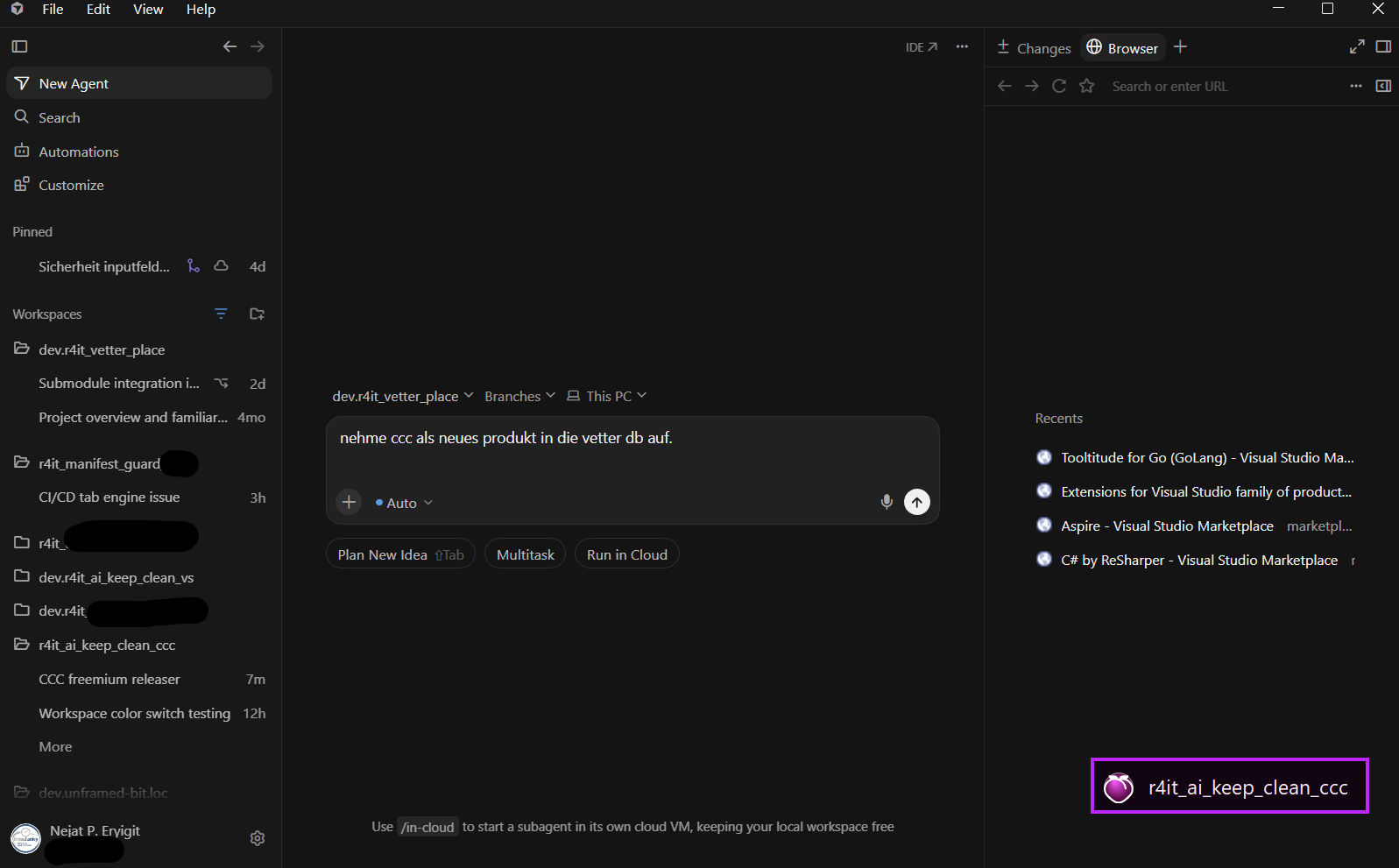
Project HUD — active workspace
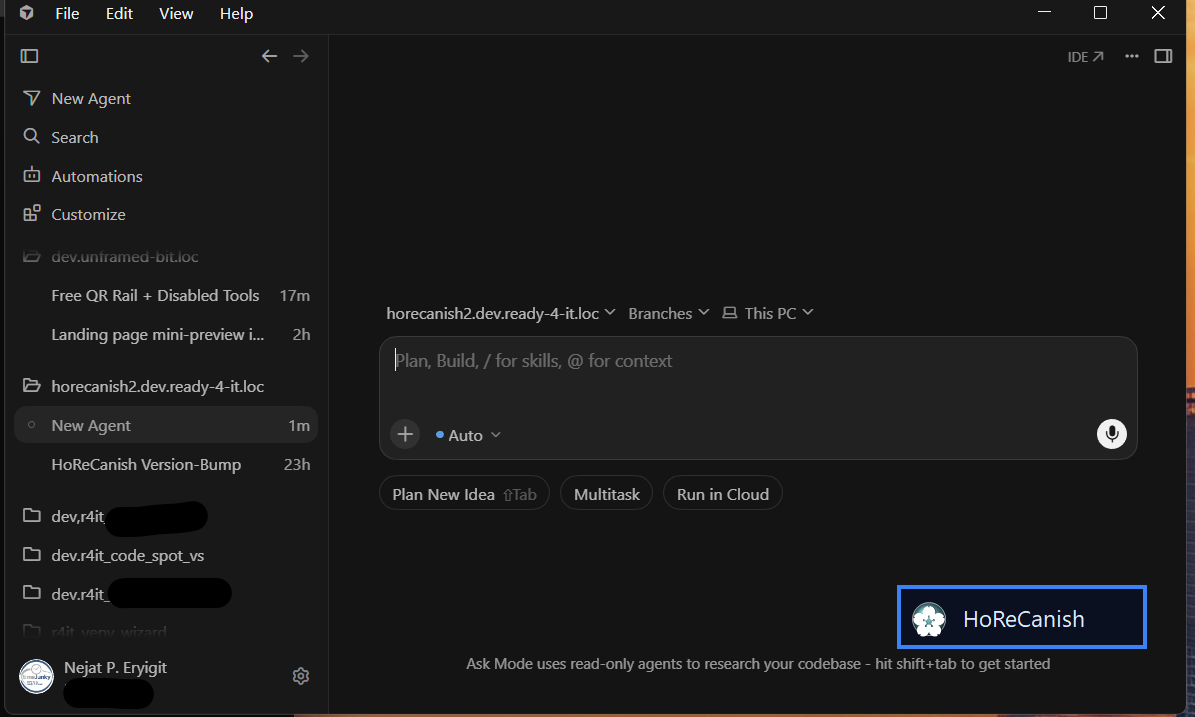
Project HUD — second project
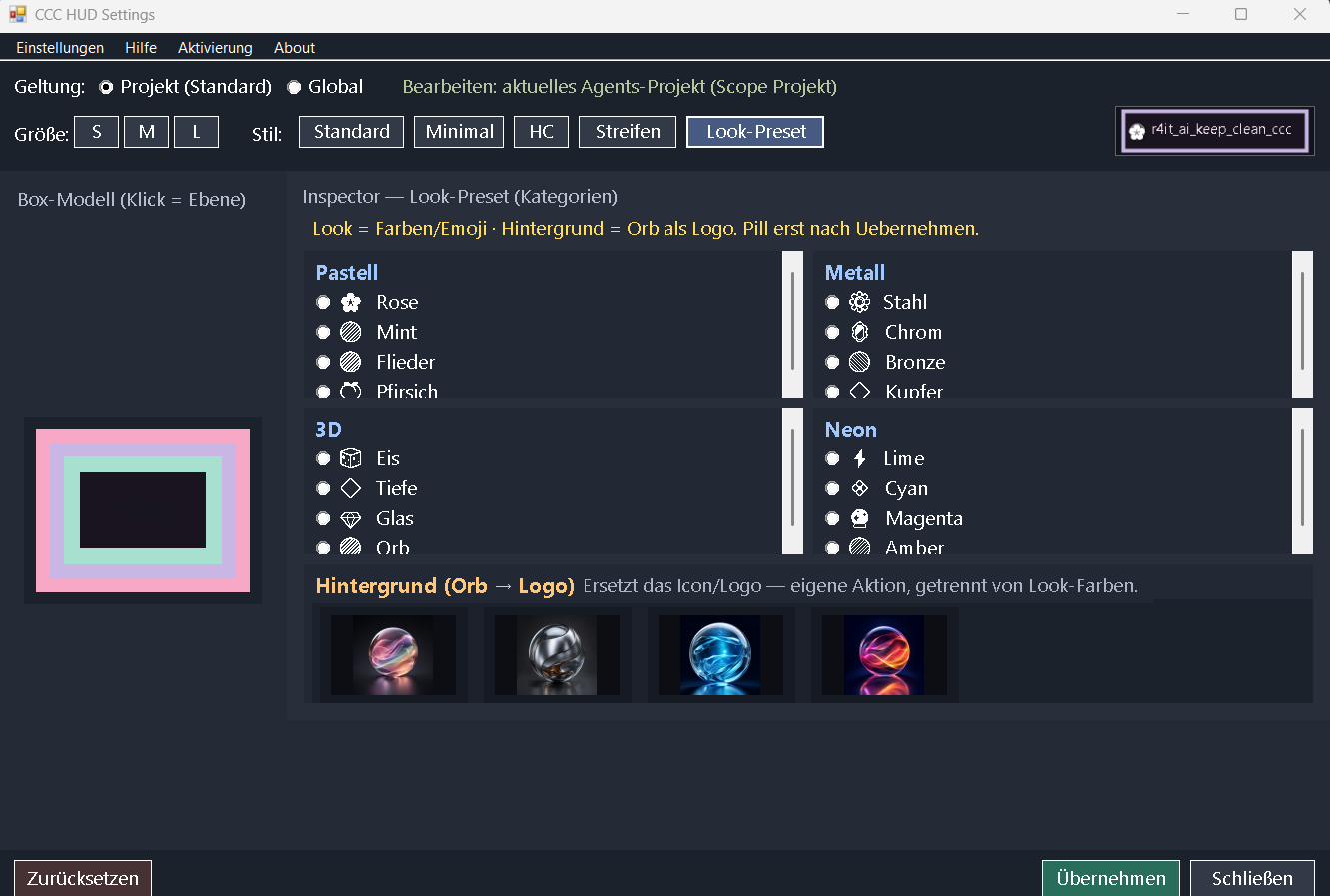
HUD settings

HUD presets and logos
Licensing
- This VSIX (Control Center + Agents bridge): free companion under a proprietary ready-4-it license — install from Visual Studio Marketplace or Open VSX at no cost.
- CCC Project HUD / Pro & Trial: separate paid or trial license via ready-4-it.com/akc_ccc (activation token). Copyright remains with ready-4-it; free listing does not waive Pro entitlements.
More information
Product page, licensing, and downloads: ready-4-it.com/akc_ccc
- Marketplace:
ready-4-it.akc-ccc-vs - Open VSX: https://open-vsx.org/extension/ready-4-it/akc-ccc-vs