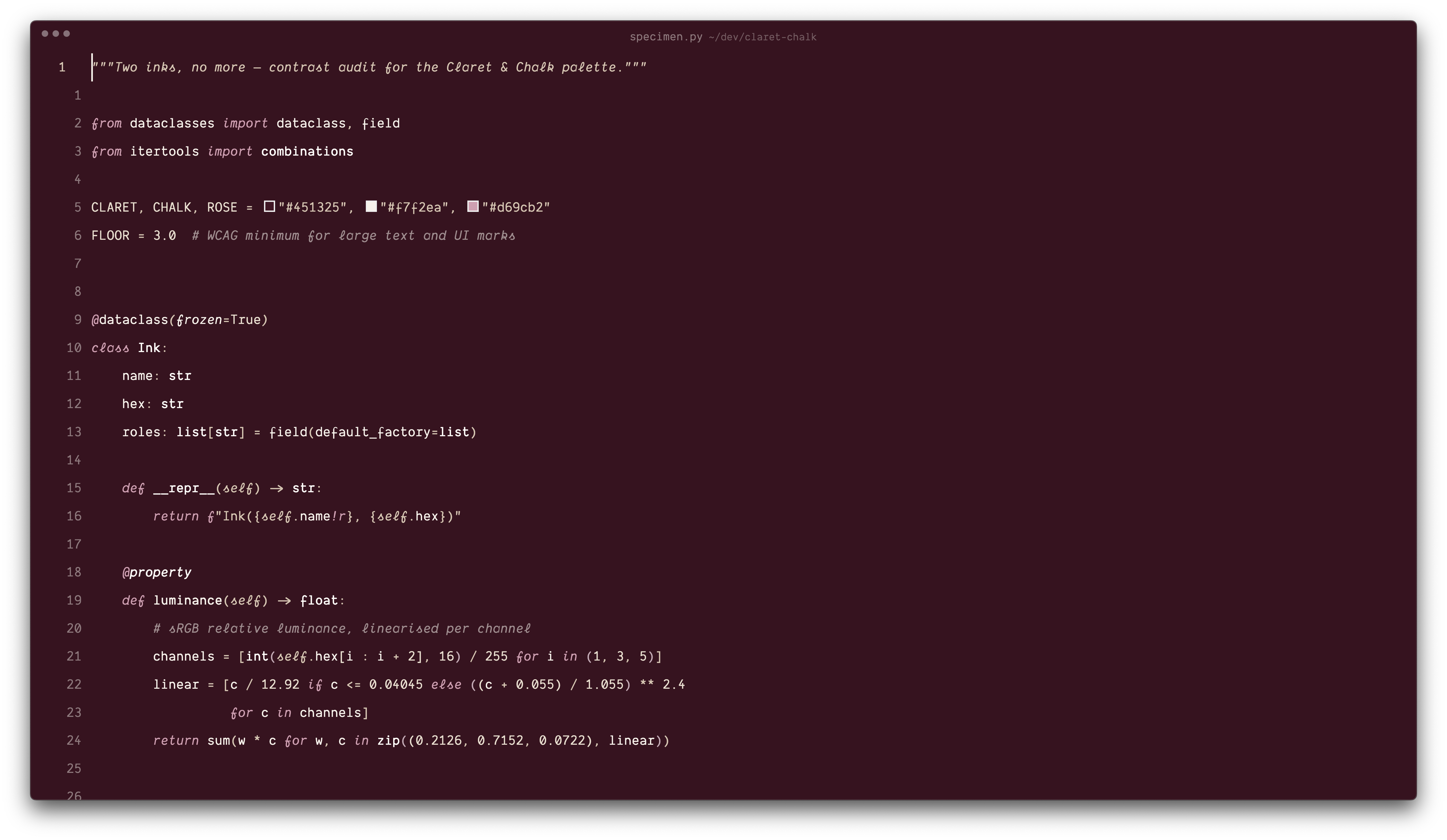
Two themes: Claret Rosé (dark) and Chalk Rosé (light), with semantic tokens, notebook and terminal palettes.
cp -r vscode ~/.vscode/extensions/nathaninkiriwang.claret-chalk-1.0.0
Reload VS Code, then Preferences: Color Theme → pick your ink.
Recommended settings for the full look: any monospaced font you like
(screenshots use Dank Mono), "editor.fontLigatures": true, and
"terminal.integrated.minimumContrastRatio": 1 so the terminal's soft tones
are not recoloured.