Fast, local-first snippet manager for IDE.
Create, organize, search, edit, and reuse your code snippets using a fast SQLite-powered backend and a native VS Code experience.
Features
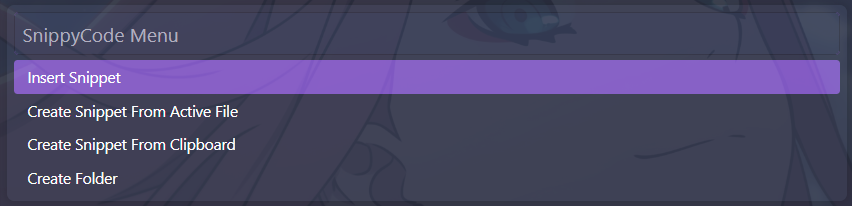
- Smart Command Palette: Access all snippet operations quickly from VS Code's command interface.
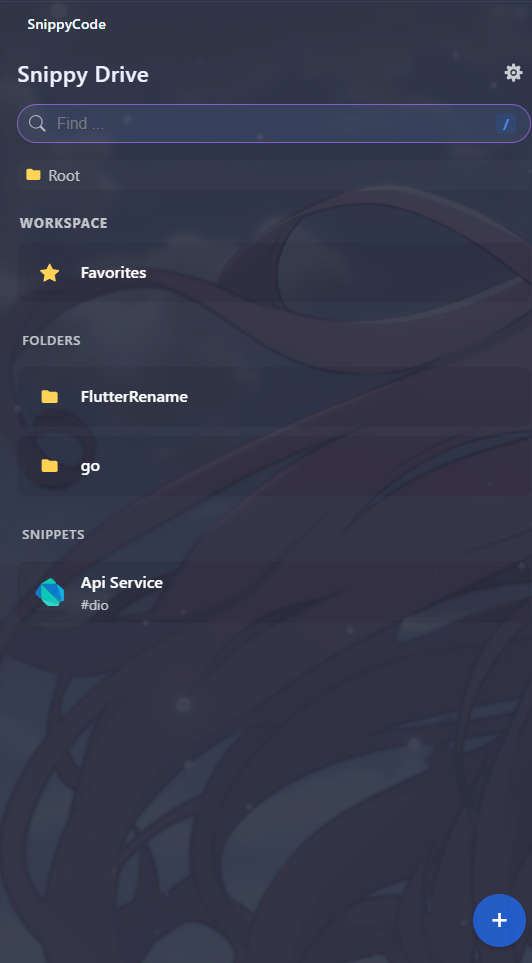
- Folder Hierarchy: Organize your snippets into clean, nested folder structures.
- Favorites: Star and quickly access your most frequently used snippets.
- Instant Search: Fast searching across titles, content, tags, and folders.
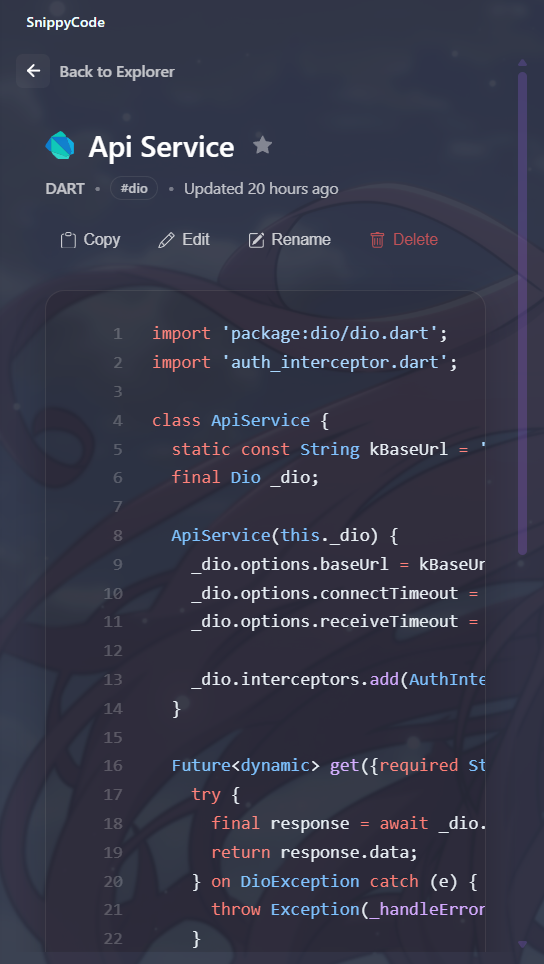
- Syntax Highlighting: Rich code styling powered by high-performance syntax engines.
- Automatic Language Detection: Auto-detects programming languages based on file extensions.
- Import & Export: Backup and restore your snippet library effortlessly.
Usage
- Open the Command Palette (
Ctrl+Shift+PorCmd+Shift+P). - Run SnippyCode (or open the SnippyCode Activity Bar view).
- Create, organize, or search your snippets.
- Edit snippets seamlessly in the native VS Code editor.
- Press Ctrl+S (
Cmd+S) to save.
Command Palette
Root View & Creating a Snippet
| Root View | Creating a Snippet |
 |
 |
Demo
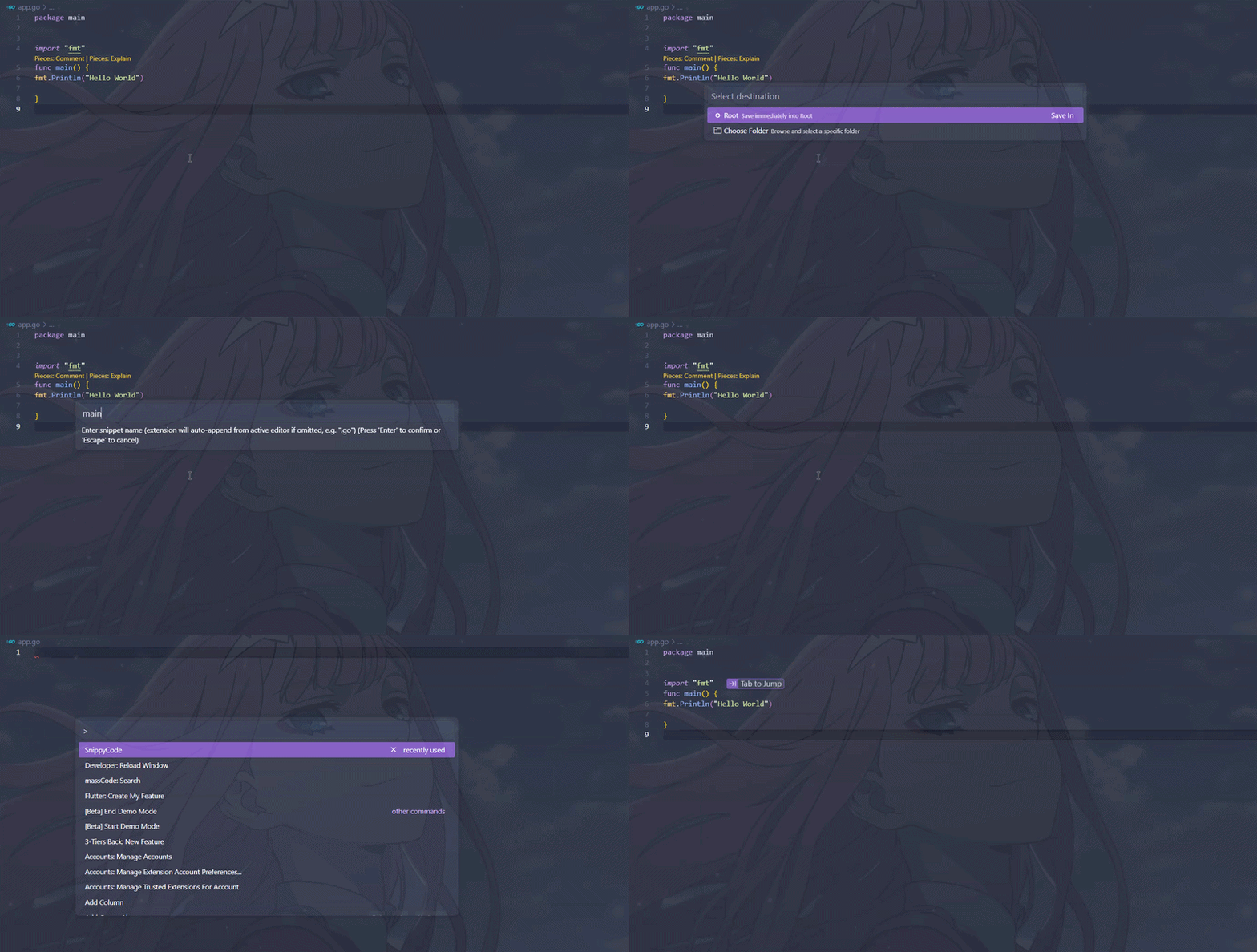
Commands
| Command | Description |
|---|---|
SnippyCode |
Open the Smart Command Palette |
FAQ
Where is my data stored?
Your snippets are stored locally in a SQLite database inside VS Code's global application storage directory.
Does SnippyCode work offline?
Yes. No cloud services or accounts are required. SnippyCode is completely local-first.
Can I back up my snippets?
Yes. Use the built-in Import and Export features to export or restore your library anytime.
License
Proprietary. See the LICENSE file for full terms.