A simple dark theme for Visual Studio Code inspired by the classic color scheme.
Installation
- Open VS Code
- Go to Extensions (
Ctrl+Shift+X/Cmd+Shift+X) - Search for Classical Dark Theme
- Click Install
- Open the Command Palette (
Ctrl+Shift+P/Cmd+Shift+P) - Select Preferences: Color Theme and choose Classical Dark
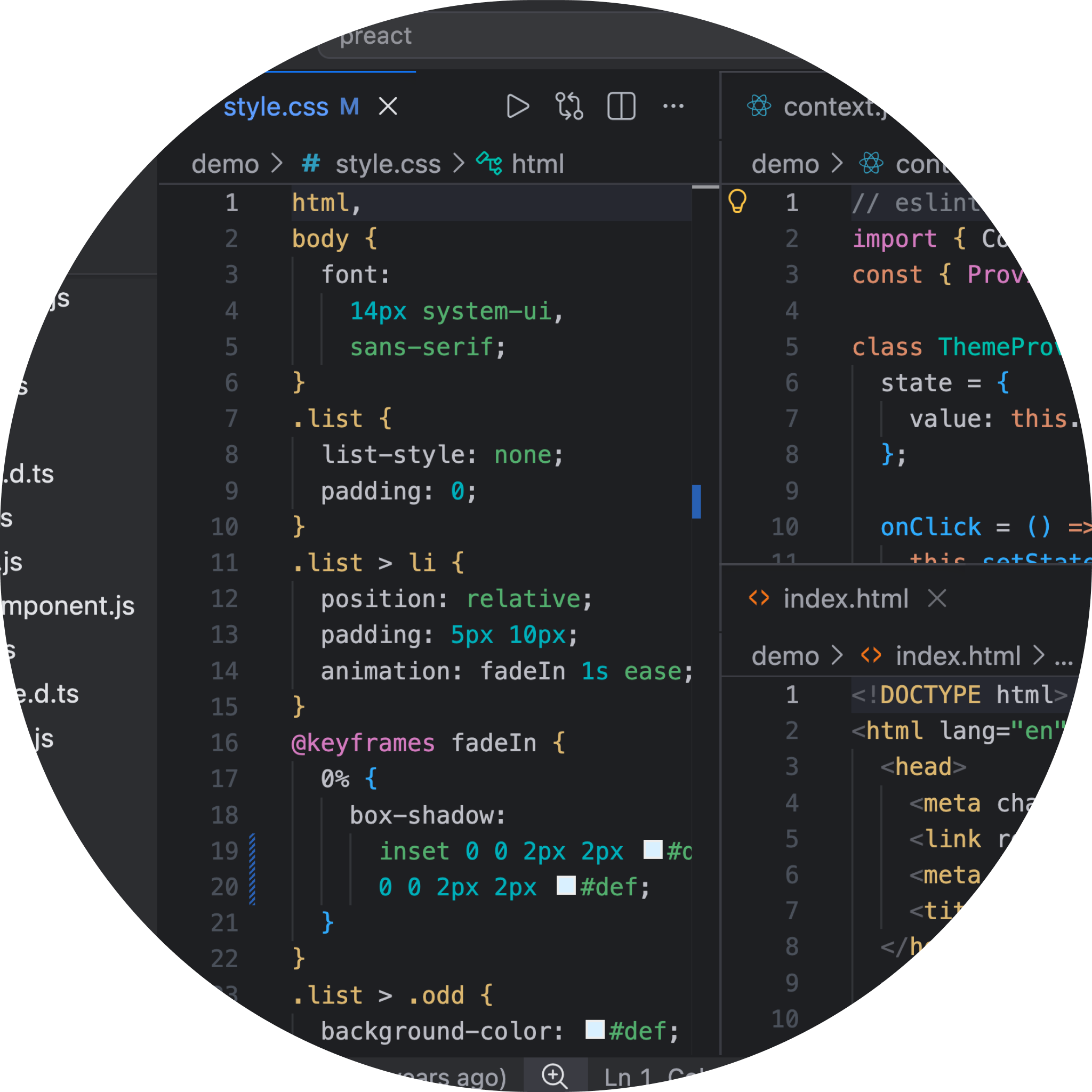
Preview
Build from Source
npm install
npm run build
npm run package