A clean, polished look for Markdown Preview Enhanced (MPE), with two features it doesn't ship on its own:
Mermaid pan / zoom & fit-to-screen
Drag to pan, Ctrl/⌘+scroll (or the +/− buttons) to zoom, double-click to reset, and a ⛶ fit-to-screen button that fills the viewport with the whole diagram crisply (Esc to exit). Works in the live preview and in HTML export.
6 theme variants: light / dark × 3 accent colors
A single switch flips the whole page and the code surface between light and dark, independent of your VS Code editor theme, with a consistent syntax palette that stays readable in both modes. A second, independent switch picks the accent color — headings, links, blockquotes, inline code, and table headers — from blue (default), green, or purple, giving 6 total theme combinations. The two non-default accents are true variants of blue (same perceptual lightness and saturation, just a rotated hue), verified to hold WCAG AA contrast rather than picked arbitrarily.
Example page
A single page that exercises every capability of the extension in one place.
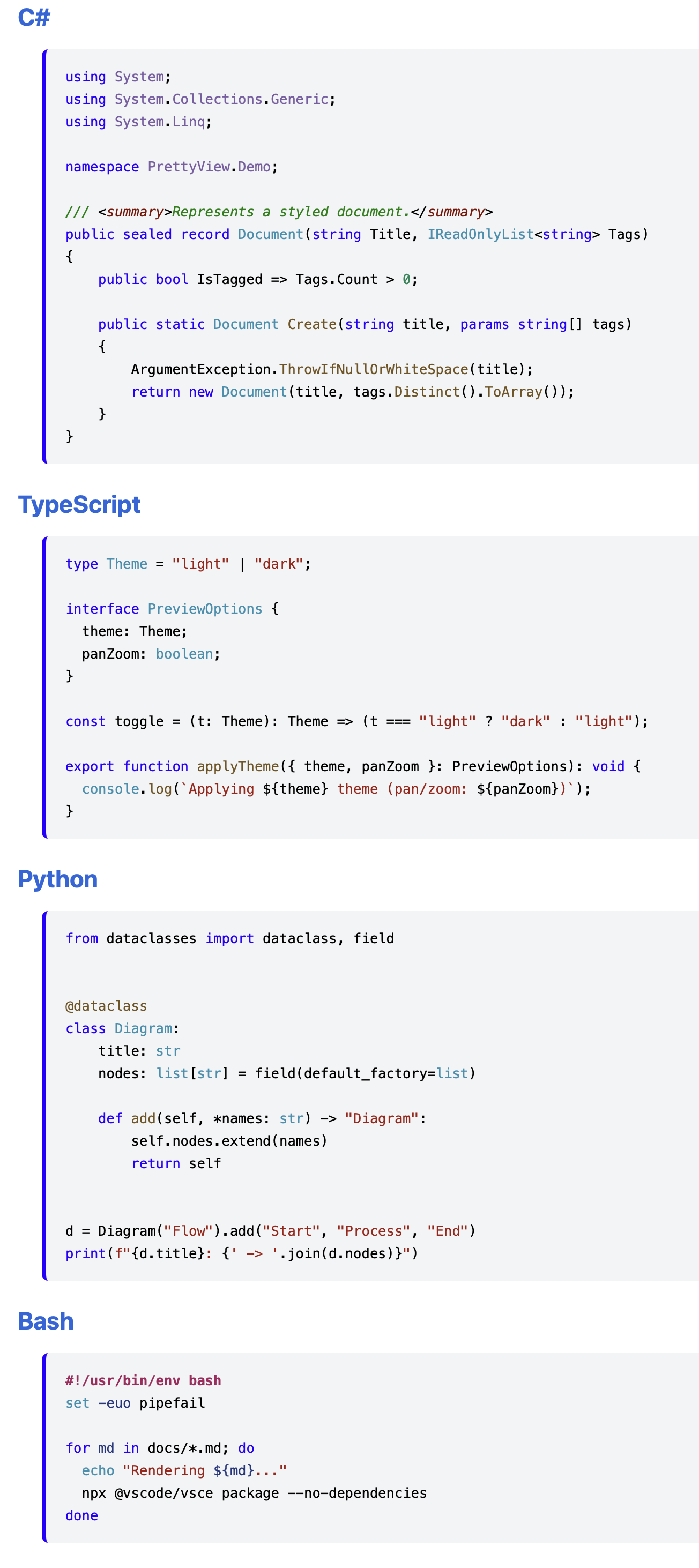
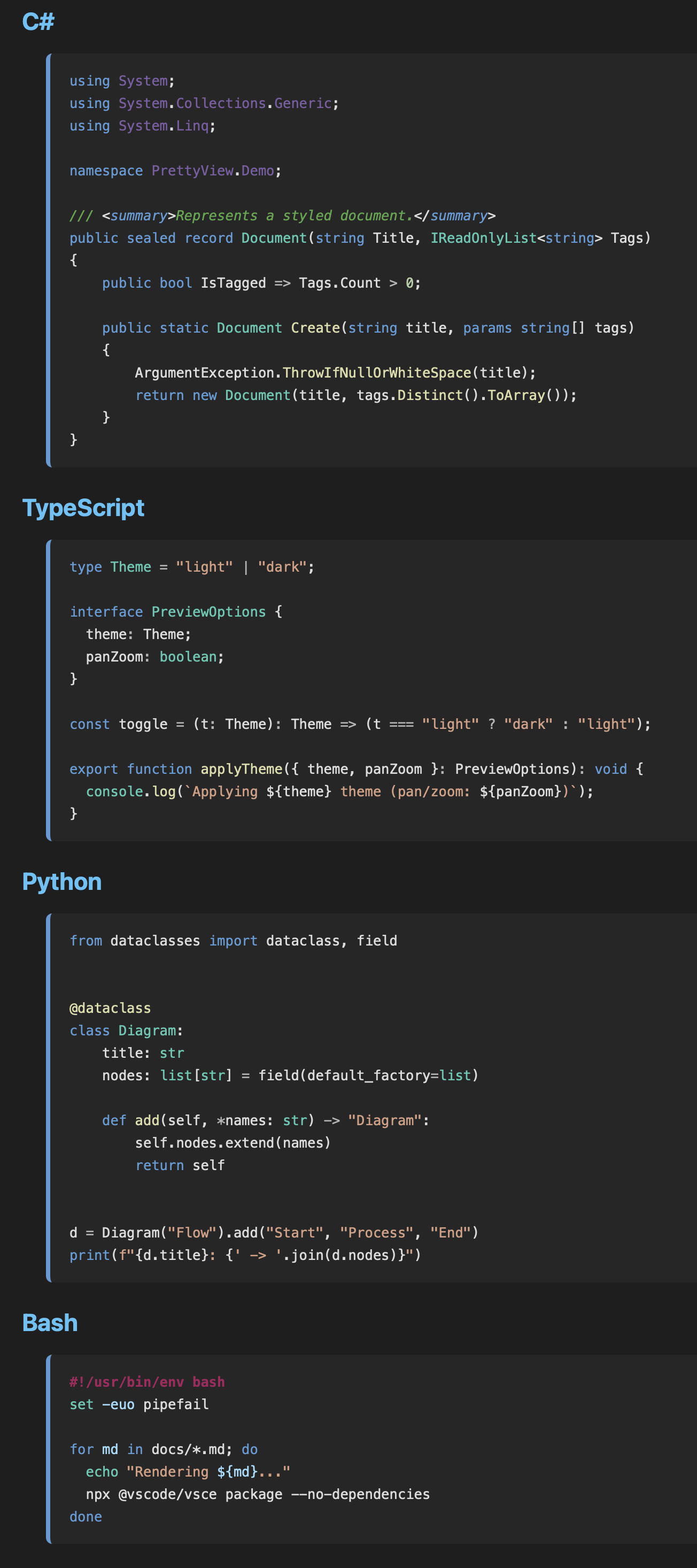
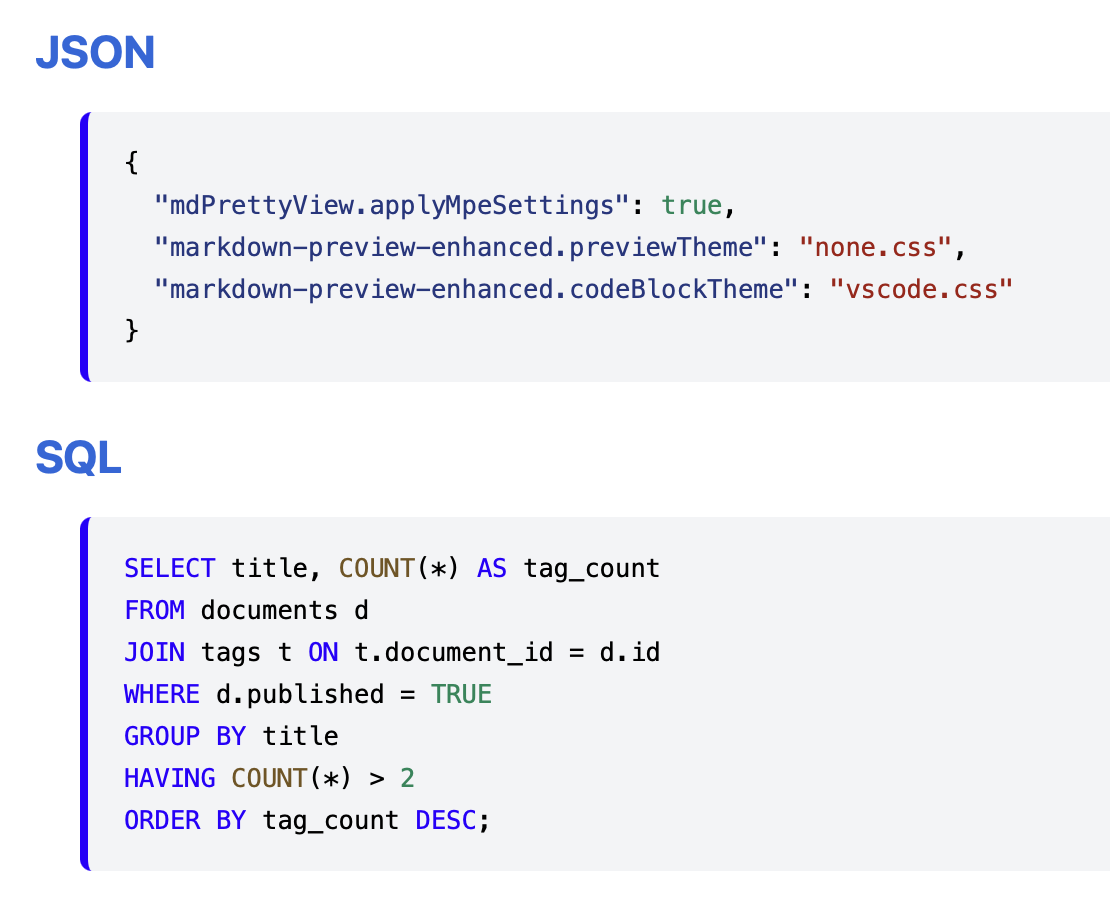
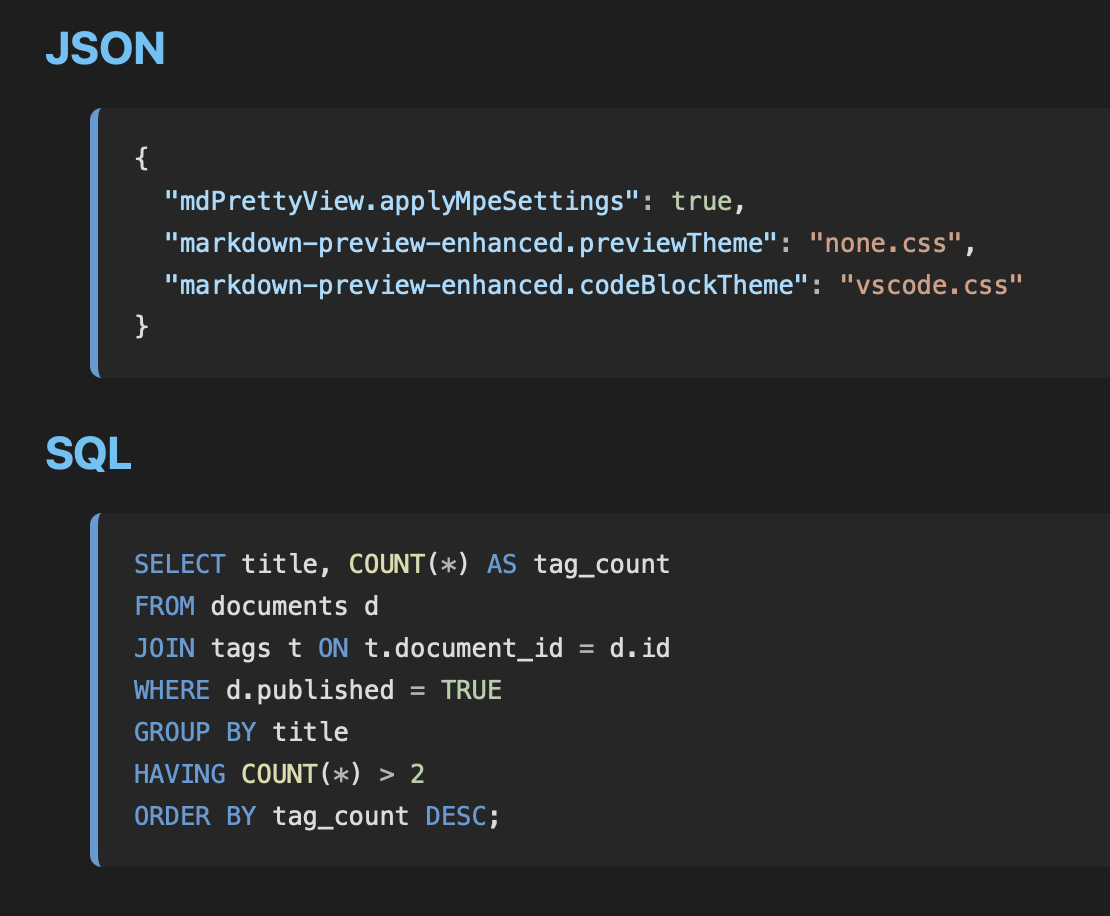
Consistent syntax palette
The same editor-style palette is applied to every language, in both the live preview and exported HTML, regardless of your VS Code theme.
Codes
Mermaid pan / zoom & fit-to-screen
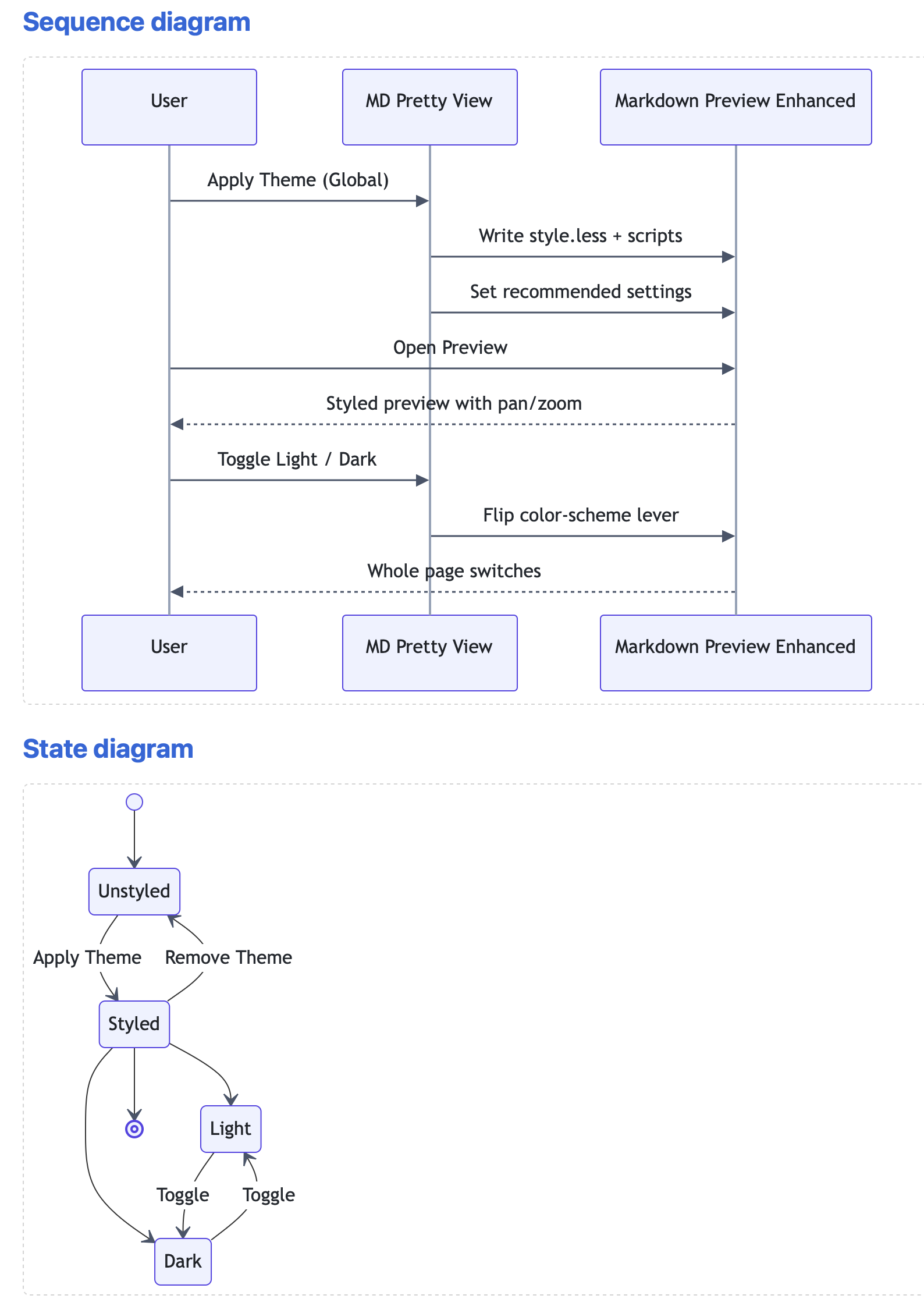
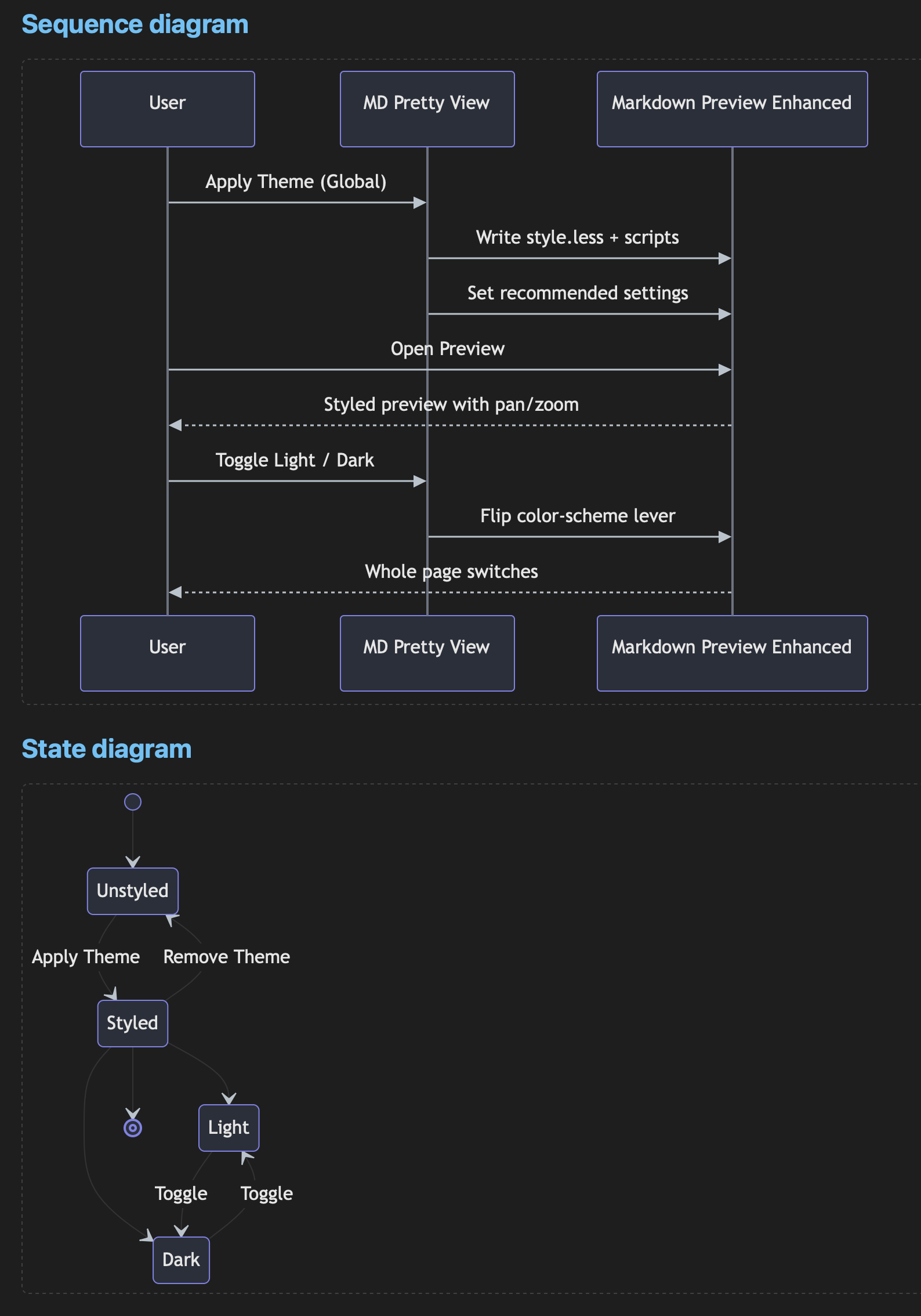
Hover a diagram and use the controls: drag to pan, ⌘/Ctrl + scroll (or the +/− buttons) to zoom, double-click to reset, and ⛶ to fit the whole diagram to the viewport (Esc to exit).
Diagrams
Math (KaTeX)
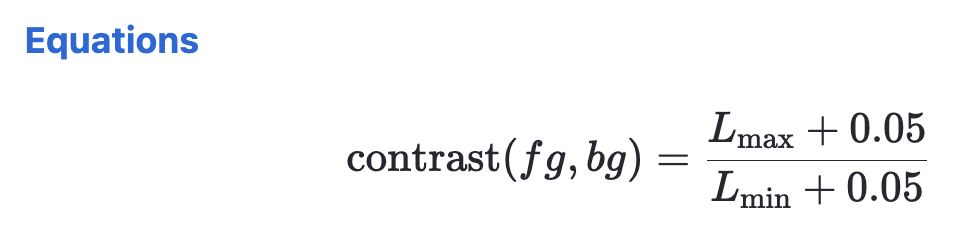
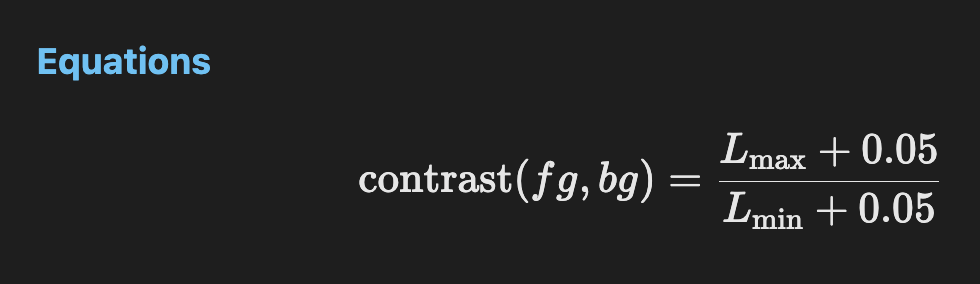
Inline and block math render cleanly in both themes via KaTeX.
Equations
Horizontal rule & footnote
Above each numbered section is a horizontal rule (---). Footnotes work as well.[^1]
[^1]: Footnote text — check that it renders legibly in both light and dark modes.
Usage
Open any .md file, then open the Markdown Preview Enhanced preview:
| Action | macOS | Windows / Linux |
|---|---|---|
| Open preview | ⌘ ⇧ V |
Ctrl ⇧ V |
| Open preview to the side | ⌘ K then V |
Ctrl K then V |
Run these from the Command Palette (⌘ ⇧ P / Ctrl ⇧ P):
| Command | What it does |
|---|---|
| MD Pretty View: Apply Theme (Global) | Installs the styling and sets the recommended MPE settings. |
| MD Pretty View: Toggle Light / Dark | Flips the light/dark lever, keeping your current accent color. |
| MD Pretty View: Choose Theme (6 Light/Dark Variants) | Pick any of the 6 combinations (blue/green/purple × light/dark) at once. |
| MD Pretty View: Remove Theme (Global) | Removes the installed files (backups kept). |
On first run the extension offers to apply the theme automatically. After applying, reload the window.
Requirements
- Markdown Preview Enhanced (
shd101wyy.markdown-preview-enhanced) — installed automatically as an extension dependency.
Note on script execution
The Mermaid pan/zoom feature runs a small script in the MPE preview, so applying the
theme enables markdown-preview-enhanced.enableScriptExecution. If you prefer not to
run preview scripts, disable that setting (pan/zoom will stop working; all other styling
remains).
License
MIT