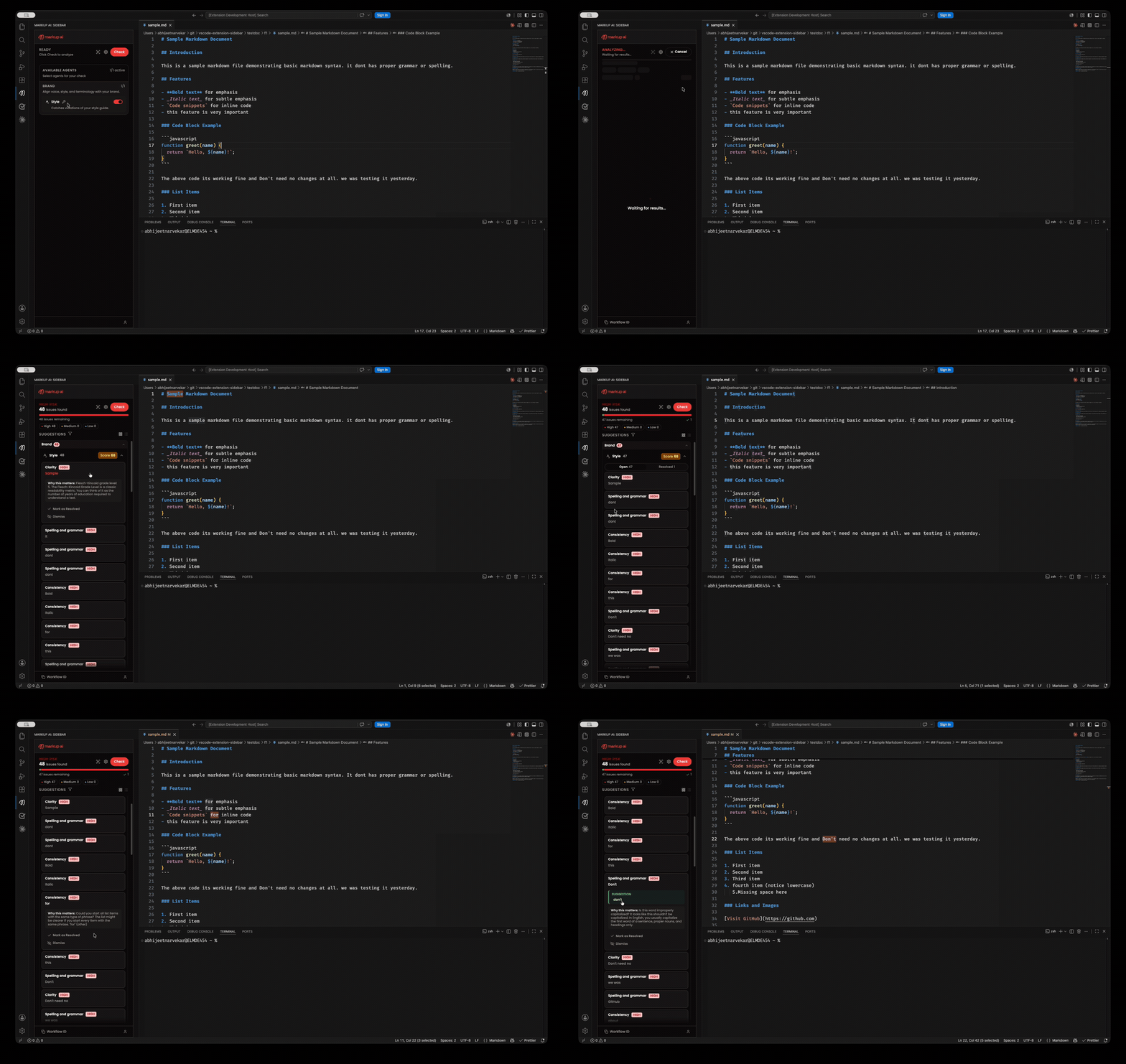
The Markup AI sidebar for VS Code — a panel that opens from the activity bar, checks the active document (or just your selection) with the Markup AI Style Agent, highlights flagged text in the editor, and applies suggestions directly to your document.
Prerequisites
To use Markup AI for VS Code, you need a Markup AI account. Once the extension is installed, sign in from inside the sidebar panel to start checking your content.
This extension isn't a stand-alone authoring tool — it works only with the Markup AI platform. To procure the Markup AI solution, please visit markup.ai/pricing.
Features
- Sidebar panel — opens from the Markup AI icon in the activity bar
- Check the active document or a selection — run a check from the panel
- In-editor highlighting — clicking an issue card reveals and highlights the corresponding text in the editor
- Multi-document support — switch between open files and the sidebar keeps each document's check results separate, restoring them when you switch back
- Self-contained sign-in — sign in, sign out, and pick a style guide from inside the panel
Getting Started
1. Install the Extension
Install from the VS Code Marketplace.
2. Open the Sidebar
Click the Markup AI icon in the activity bar, then sign in from within the panel.
3. Start Checking
Open a supported document (Markdown, HTML, DITA/XML, plain text), then run a check from the panel. Click any issue to jump to it in the editor, and apply suggestions.
Requirements
- VS Code latest (Desktop version)
- A Markup AI account — see Prerequisites
Support
For issues, feature requests, or questions, please visit the Markup AI documentation or contact support.