A professional VS Code theme that combines a deep, moody background with vibrant purple accents and the familiar, highly readable VSCode Dark+ syntax highlighting.
A simple accent theme over the Dark+ theme with a purple twist, keeping the original code syntax that you already know.
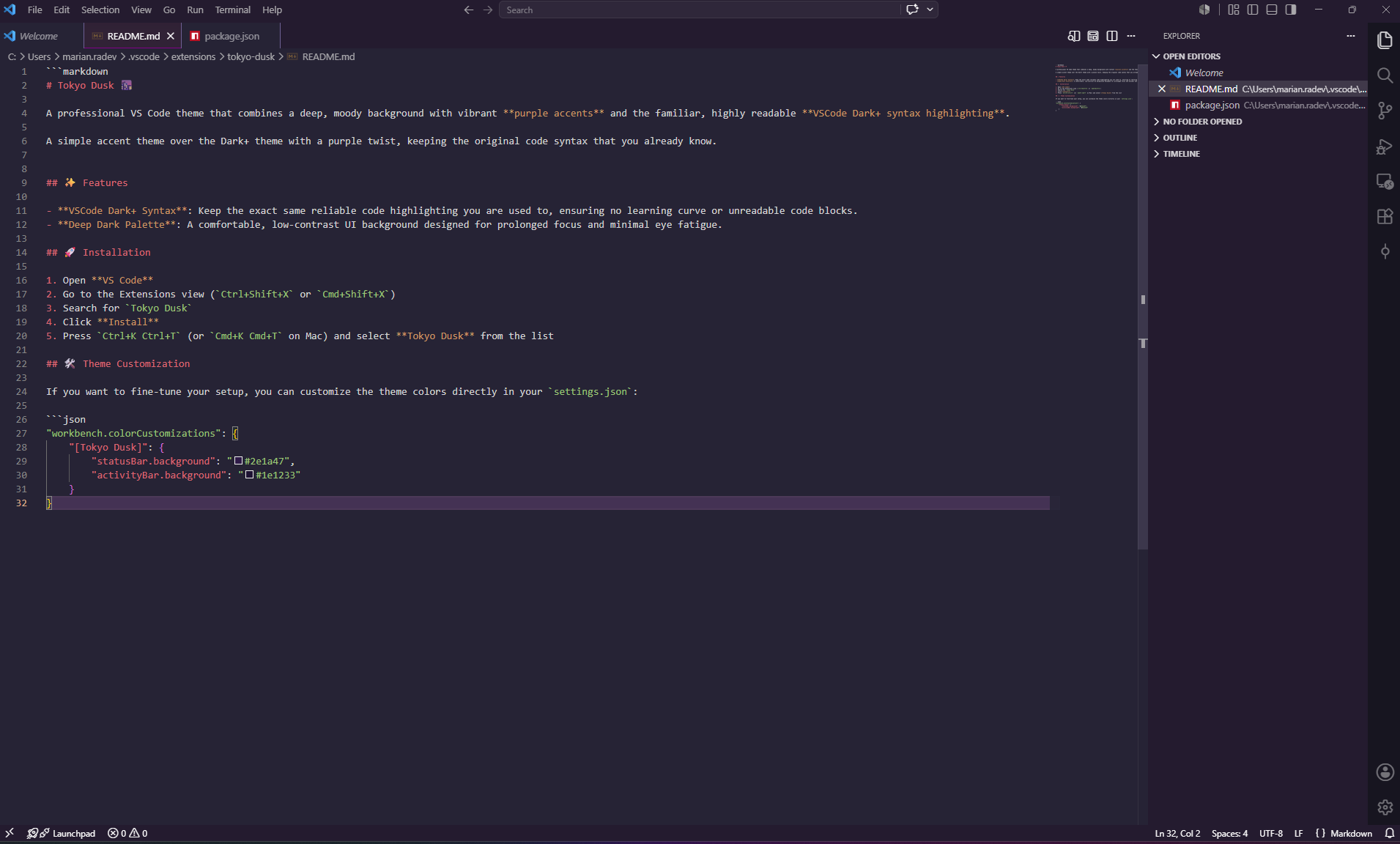
✨ Features
- VSCode Dark+ Syntax: Keep the exact same reliable code highlighting you are used to, ensuring no learning curve or unreadable code blocks.
- Deep Dark Palette: A comfortable, low-contrast UI background designed for prolonged focus and minimal eye fatigue.
🚀 Installation
- Open VS Code
- Go to the Extensions view (
Ctrl+Shift+XorCmd+Shift+X) - Search for
Tokyo Dusk - Click Install
- Press
Ctrl+K Ctrl+T(orCmd+K Cmd+Ton Mac) and select Tokyo Dusk from the list
🛠️ Theme Customization
If you want to fine-tune your setup, you can customize the theme colors directly in your settings.json:
"workbench.colorCustomizations": {
    "[Tokyo Dusk]": {
        "statusBar.background": "#2e1a47",
        "activityBar.background": "#1e1233"
    }
}