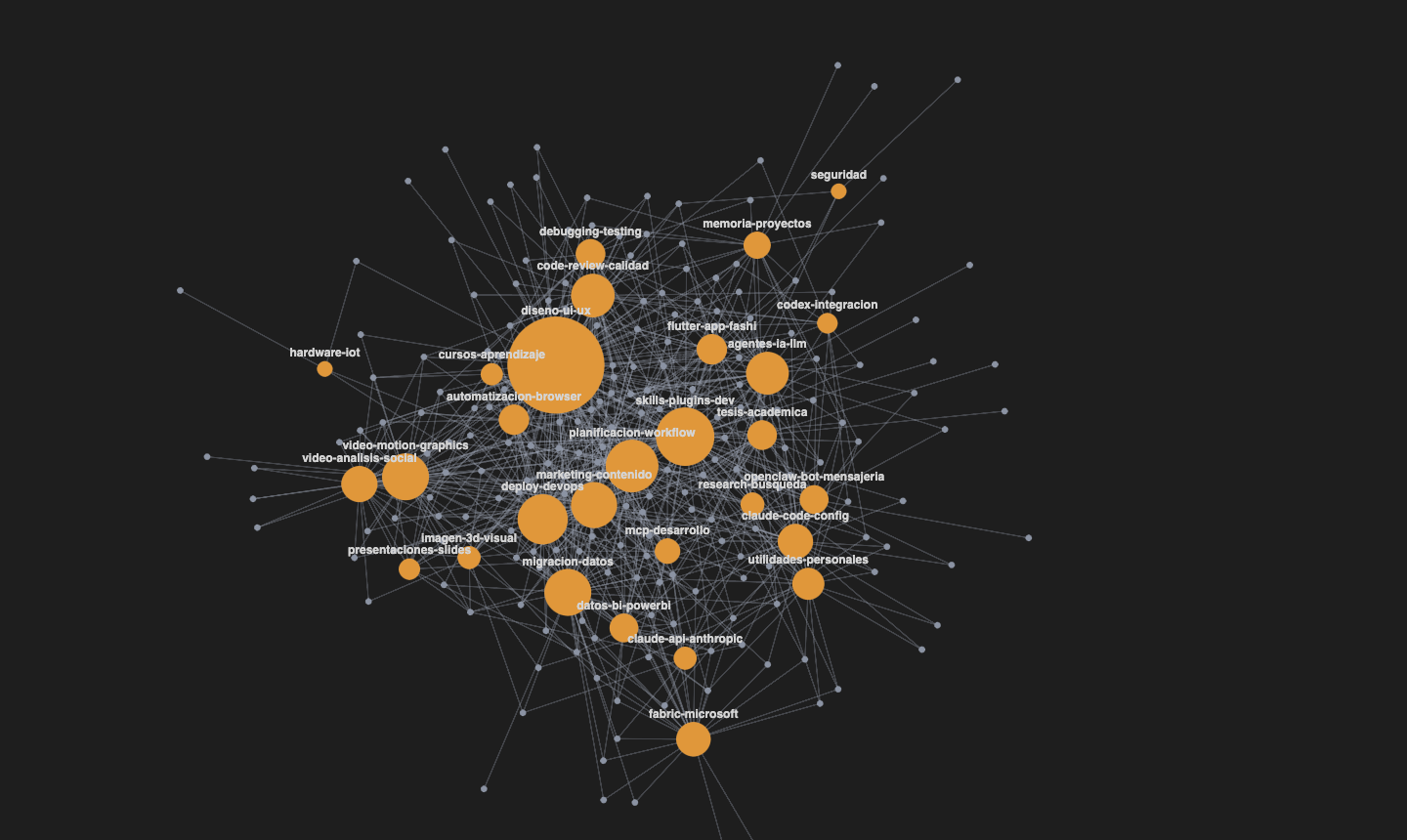
Visualize your Claude Code skills as an interactive skill↔tag graph rendered in WebGL, right inside VS Code.
It scans your skill directories, groups them by a tag vocabulary, and draws them as a force-directed graph where you can search, filter, inspect and use any skill without leaving the editor.
Features
-
WebGL graph — crisp SDF-circle nodes + anti-aliased edges, a force-directed layout (d3-force) that settles on its own.
-
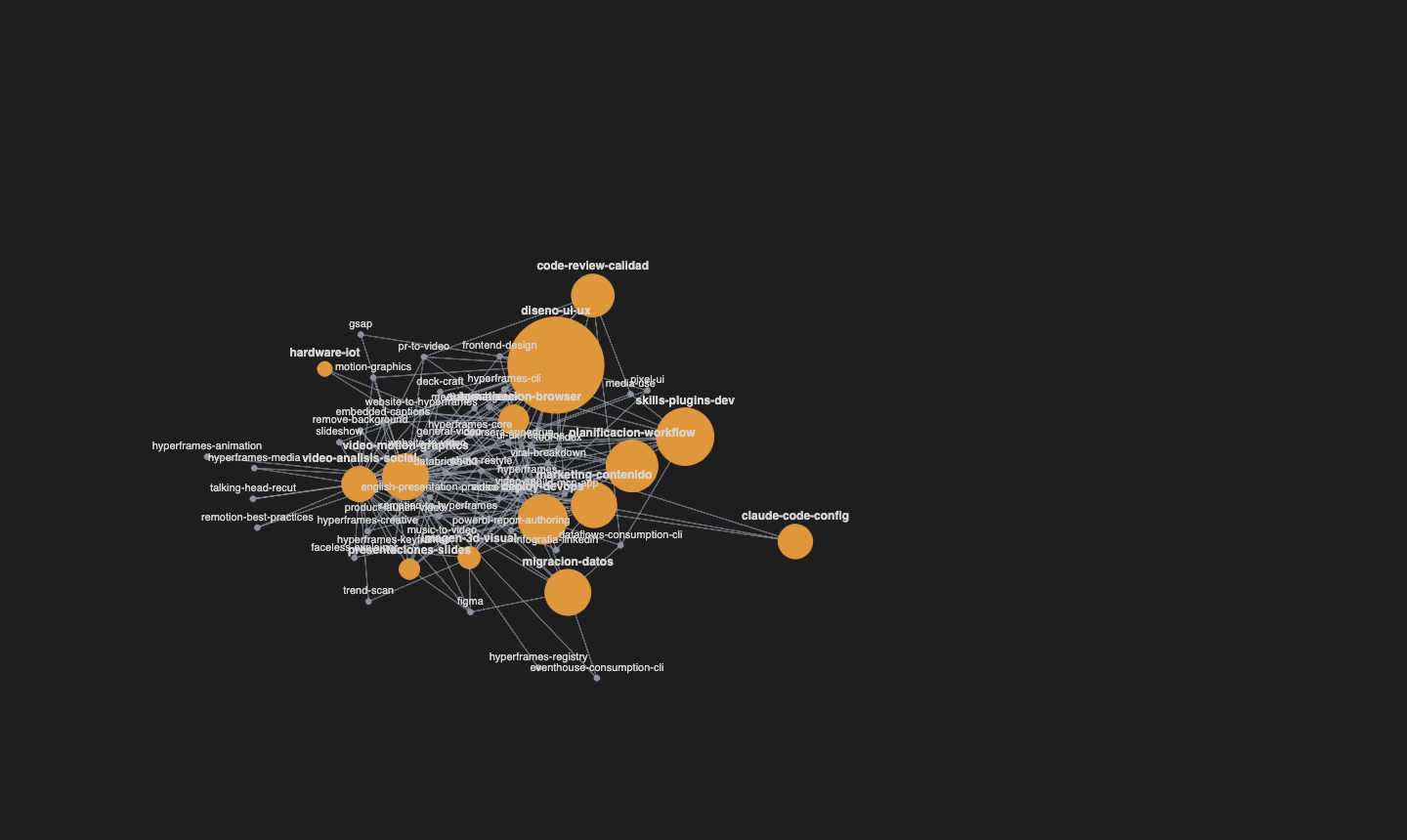
Search / filter — type a tag or name and the graph narrows to the relevant subgraph (with an × button and Esc to clear).
-
Select a node — highlights its local neighborhood and dims the rest; shows a preview panel with the description, tags and related skills (ranked).
-
Open — jump straight to the skill's
SKILL.mdin the editor. -
Use — insert
/skill-nameinto your active Claude Code terminal (without executing — you confirm). -
Navigation — a "Back" button to move between connected skills.
-
Physics panel — Obsidian-style sliders: center force, repel, link, distance, node size, line thickness.
-
Live — adding or editing a skill refreshes the graph automatically.
Usage
Open the command palette (Cmd/Ctrl+Shift+P) and run Claude Skills Graph: Open.
- Click a node → select it and see its preview.
- Click the background → deselect.
- Drag nodes · scroll to zoom · drag the background to pan.
Settings
| Setting | Description |
|---|---|
skillGraph.skillDirs |
Root directories that contain folders with a SKILL.md. |
skillGraph.seedPath |
Path to the curated seed (built-ins / cross-env). |
skillGraph.overlayPath |
Path to the curated overlay. |
Development
npm install
npm run build      # two bundles: out/extension.js + out/webview.js
npm test           # vitest
npm run package    # builds the .vsix
Then press F5 in VS Code to launch the Extension Development Host.
License
MIT