


A fresh, soft and premium mint-green color theme for Visual Studio Code.
Inspired by mint leaves, clean morning air and modern minimal workspaces, Mint Breeze is designed for AI developers, frontend developers, designers and indie hackers who want a calm, focused and aesthetic programming environment.
Installation
- Open the Extensions sidebar (
Ctrl+Shift+X). - Search for Mint Breeze Theme.
- Click Install.
- Open the Command Palette (
Ctrl+Shift+P) →Preferences: Color Theme→ choose Mint Breeze Light or Mint Breeze Dark.
Or install directly from the Visual Studio Marketplace.
Themes
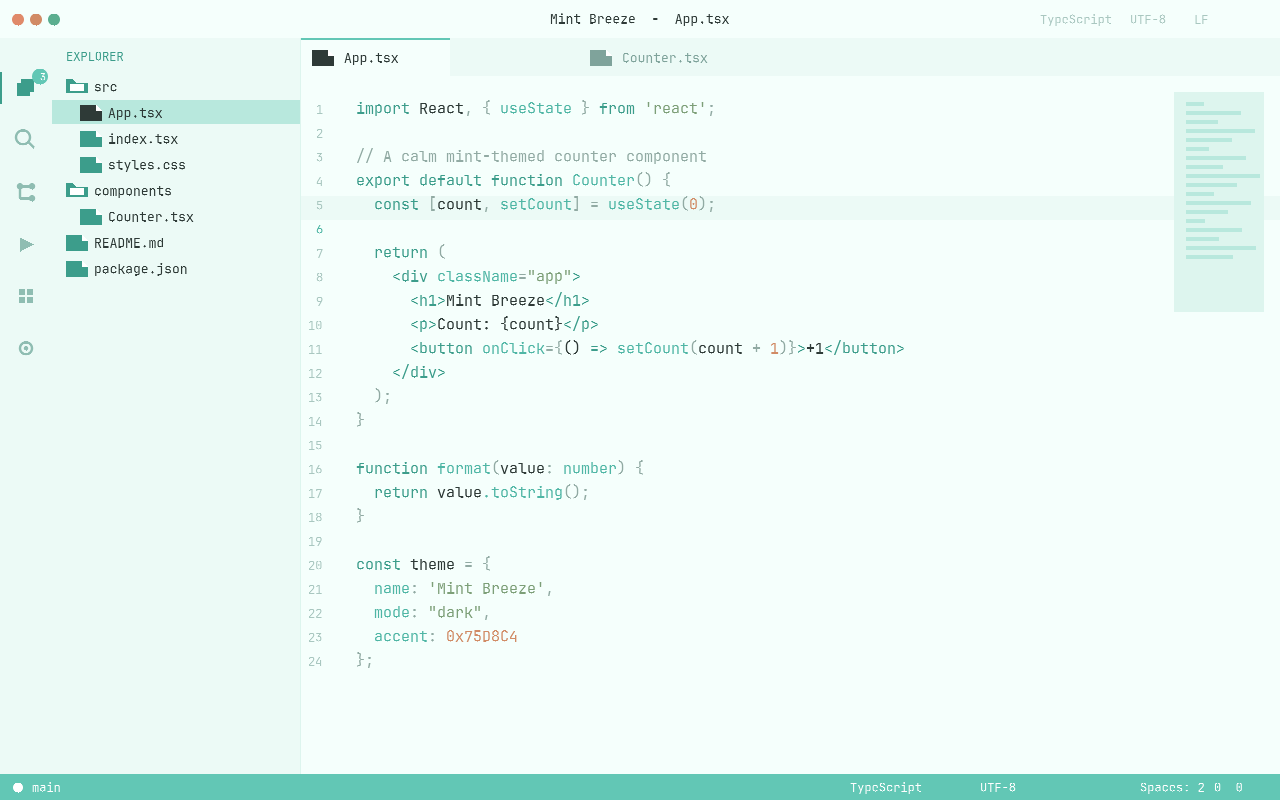
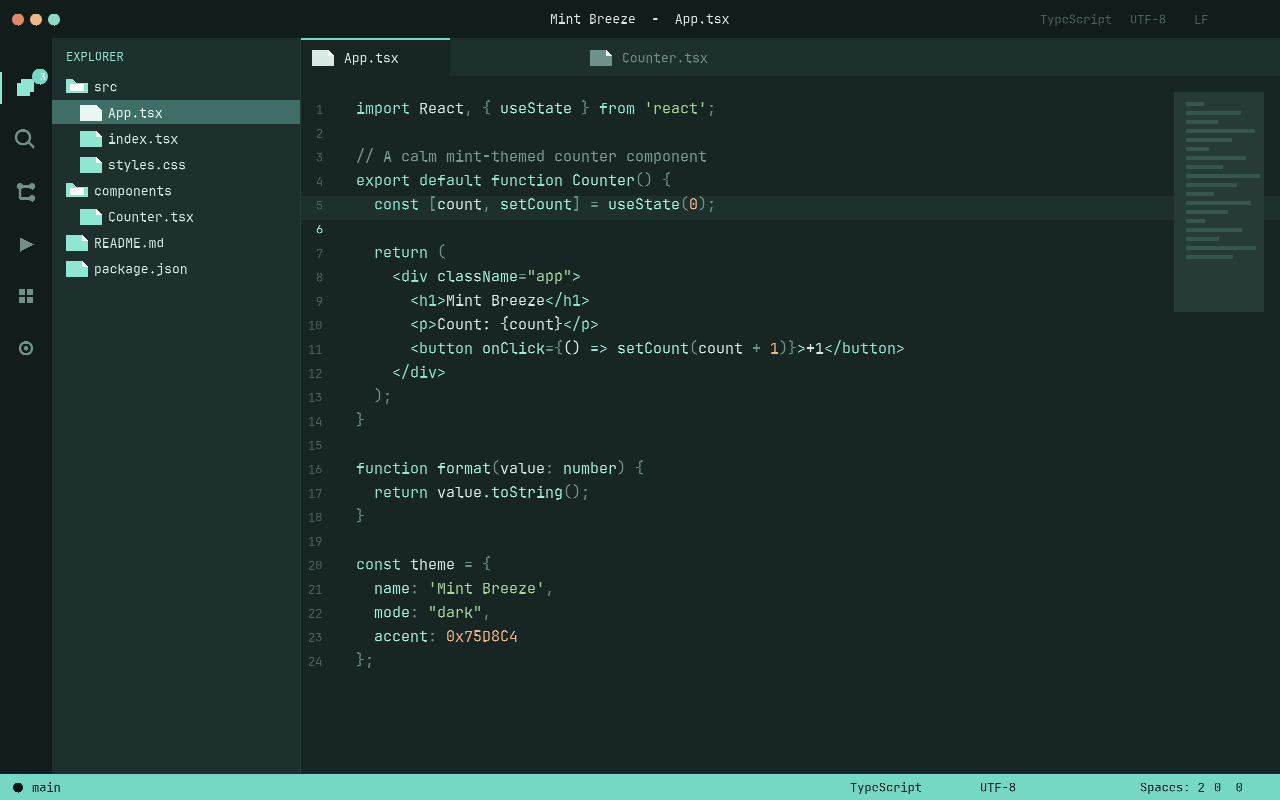
| Mint Breeze Light | Mint Breeze Dark |
|---|---|
| Fresh morning palette with a soft mint-white background. Ideal for bright daylight coding. | Deep ocean teal workspace with a soft mint glow. Comfortable for long night-coding sessions. |
 |
 |
Features
- Two carefully tuned variants: Light and Dark
- Fresh mint inspired color palette with semantic highlighting
- Optimized for JavaScript, TypeScript, React/JSX, HTML, CSS, JSON, Python and Markdown
- Customized workbench UI: editor, activity bar, side bar, tabs, panels, status bar, terminal, git decorations and notifications
- Premium, minimal interface
- Low-contrast, eye-friendly design for long coding sessions
Quick Theme Switch
Press Ctrl+K Ctrl+T (or Cmd+K Cmd+T on macOS) to open the color theme picker instantly.
License
This theme is released under the Non-Commercial License. See LICENSE.md for details.
Made with calm by Li Lin Huang