
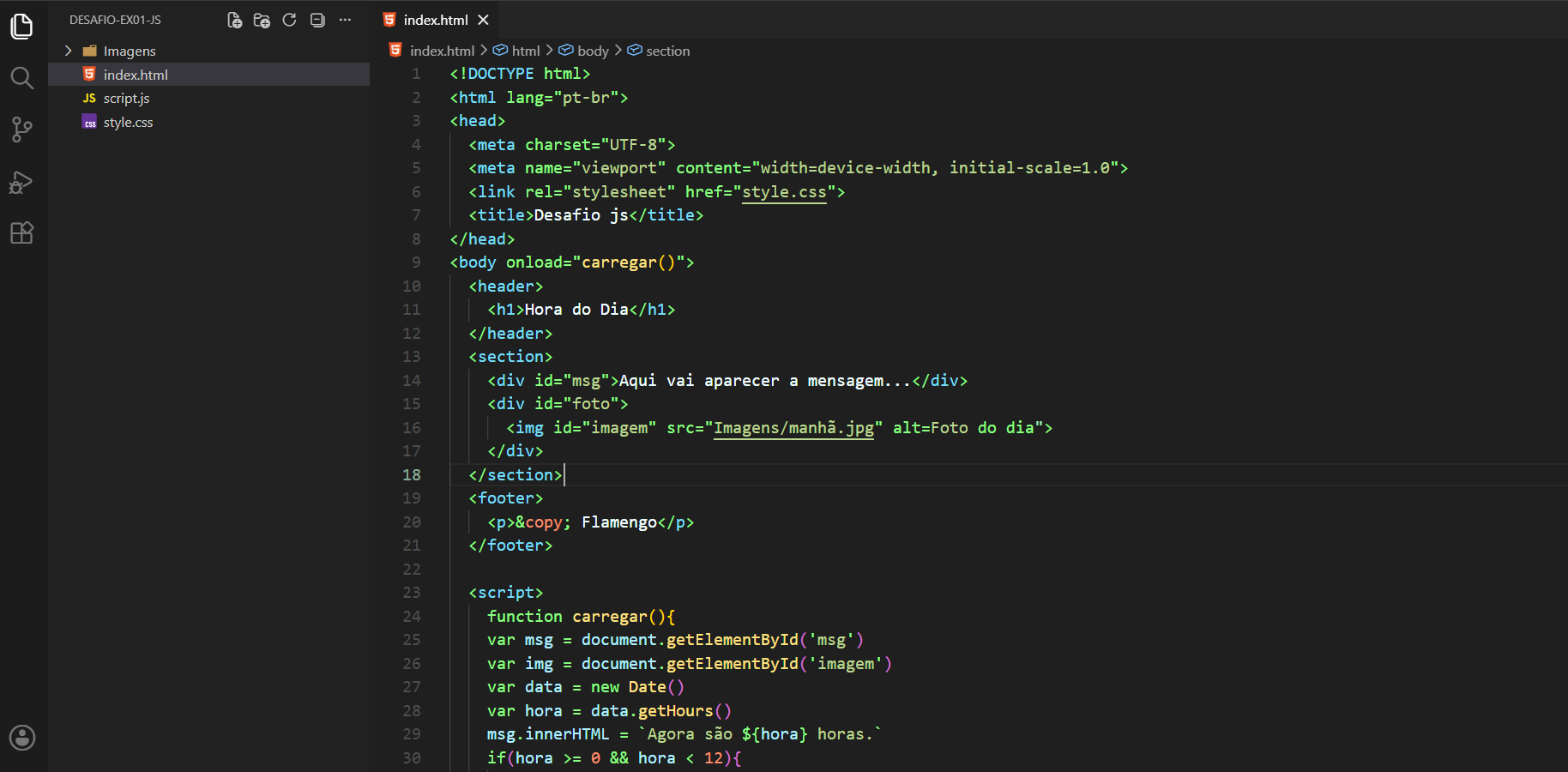
A dark theme for visual studio code
Install
- Go to View -> Command Palette or press Ctrl+Shift+P
- Then enter Install Extension
- Write God Superior
- Select it or press Enter to install
Contributing
If you'd like to contribute to this theme, please read the contributing guidelines