
Select code in the editor → press Cmd+Shift+K (macOS) or Ctrl+Shift+K (Windows/Linux) → polish in KromaStudio → export a share-ready PNG or animated .webm.
Free and client-side — a Carbon.now.sh / ray.so alternative with gradient backgrounds, browser mockups, and social templates.
How it works
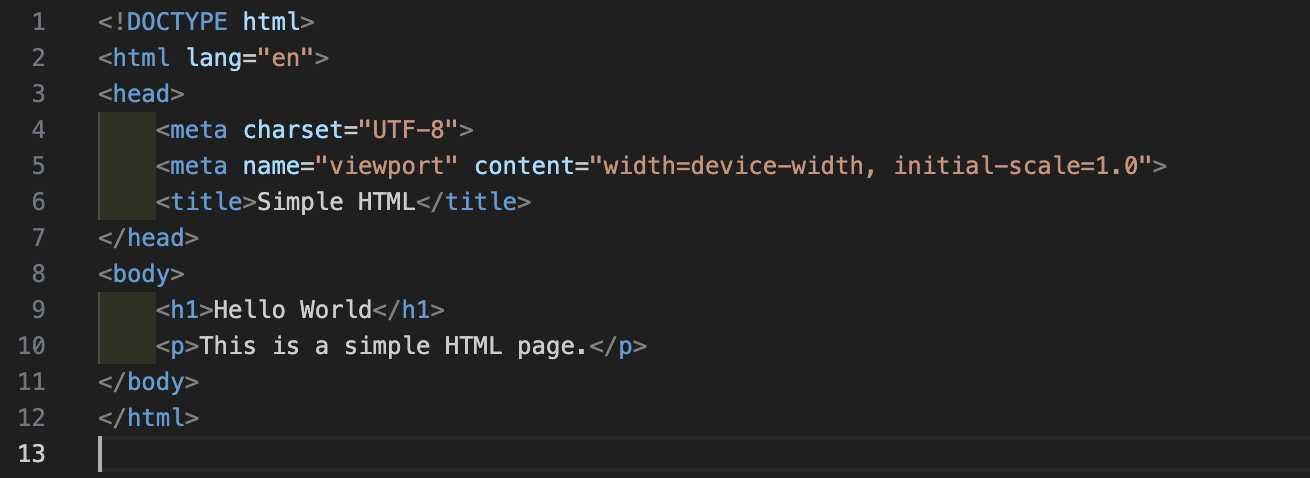
In VS Code — select code and run Capture Selection (Cmd+Shift+K / Ctrl+Shift+K)
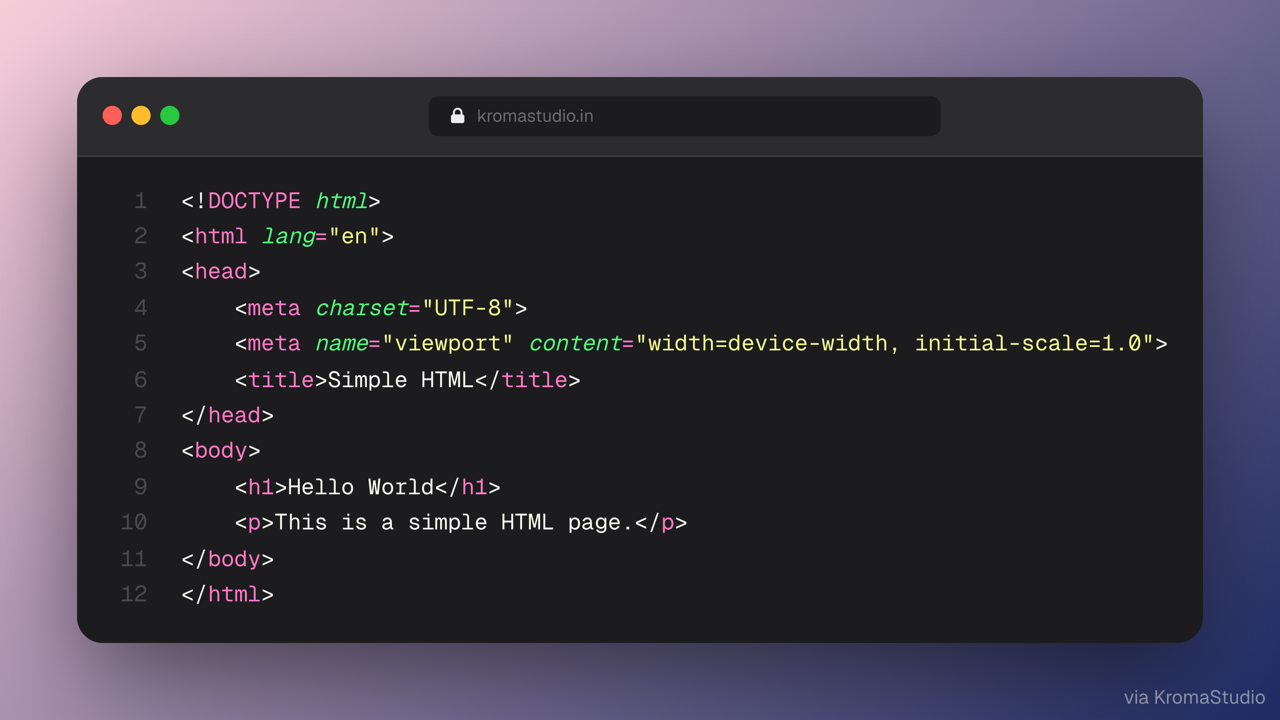
In KromaStudio — customize theme, background, and export
- Select code in the editor (or capture the whole file).
- Run KromaStudio: Capture Selection from the Command Palette, use the editor context menu, or press the shortcut above.
- KromaStudio opens with your snippet, syntax theme, and background preset applied — customize and export.
Commands
| Command | Command Palette | Shortcut |
|---|---|---|
kromaStudio.captureSelection |
KromaStudio: Capture Selection | Cmd+Shift+K (macOS) · Ctrl+Shift+K (Windows/Linux) |
kromaStudio.captureFile |
KromaStudio: Capture Current File | — |
kromaStudio.openStudio |
KromaStudio: Open Studio | — |
Context menu: right-click in the editor → KromaStudio: Capture Selection (when text is selected) or Capture Current File.
Settings
| Setting | Default | Description |
|---|---|---|
kromaStudio.studioUrl |
https://www.kromastudio.in |
KromaStudio base URL (http://localhost:3000 for local dev) |
kromaStudio.defaultTheme |
dracula |
Syntax theme applied on handoff |
kromaStudio.defaultBackground |
midnight |
Canvas background preset on handoff |
kromaStudio.openMode |
external |
Open in system browser or VS Code Simple Browser |
kromaStudio.modeIntent |
static |
animated opens with float animation preset |
Links
Local development
cd extensions/vscode
npm install
npm run compile
Press F5 in VS Code or Cursor with the extensions/vscode folder open to launch an Extension Development Host.
For a local KromaStudio instance, set in user settings:
"kromaStudio.studioUrl": "http://localhost:3000"