为 Visual Studio Code 设计的 MATLAB / Octave 代码格式化插件,基于 matlab-formatter-vscode 修改,相较原版具有如下特性
- 完全基于 js 实现,移除 python 环境依赖
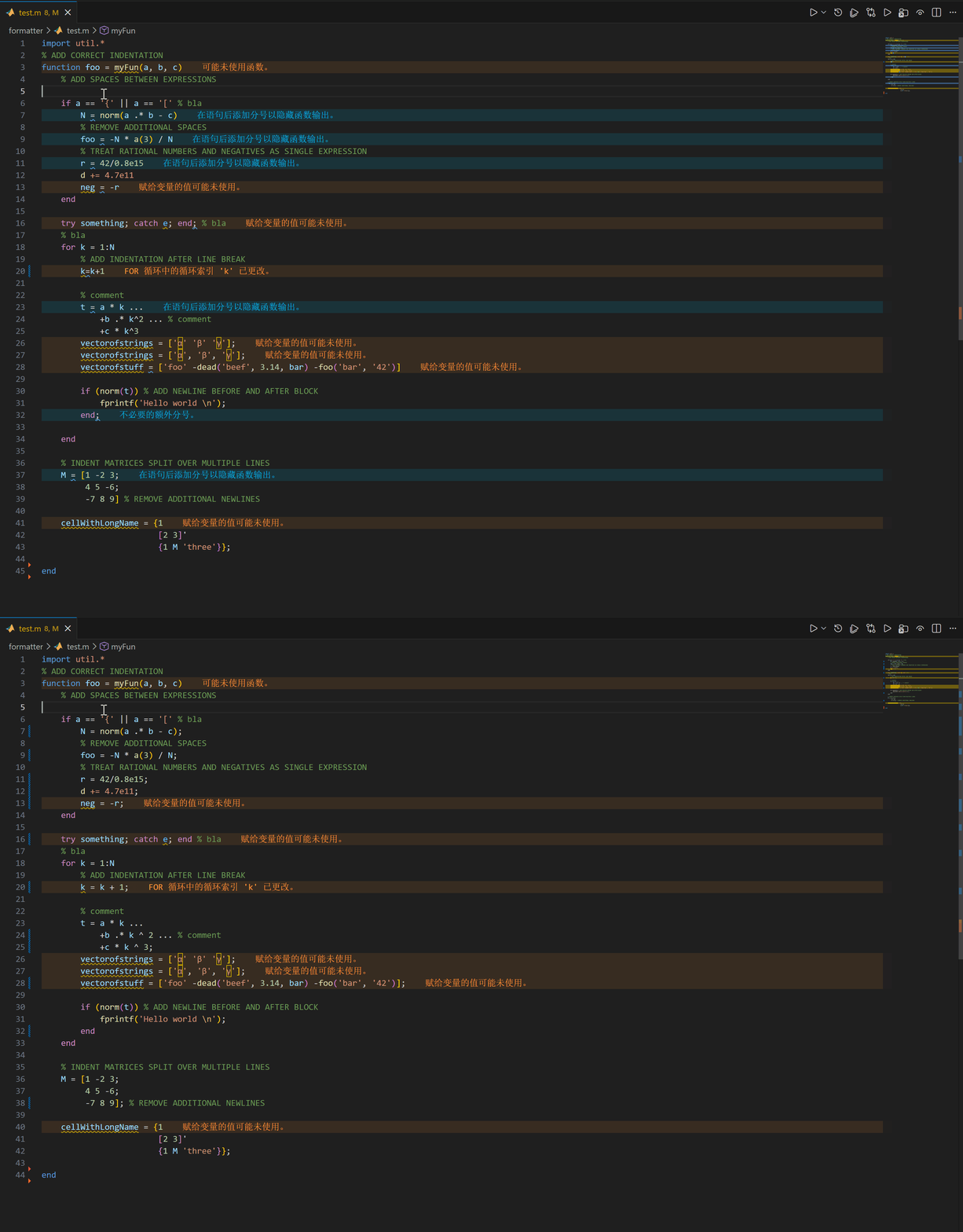
- 新增 end 对齐、空行插入、强制空行移除、分号自动添加/移除 等功能,详细效果见下文 配置说明
演示效果如下
环境依赖
- Visual Studio Code 1.20 及以上版本
插件设置
| Indentwidth | Indent Mode | Add Spaces |
|---|---|---|
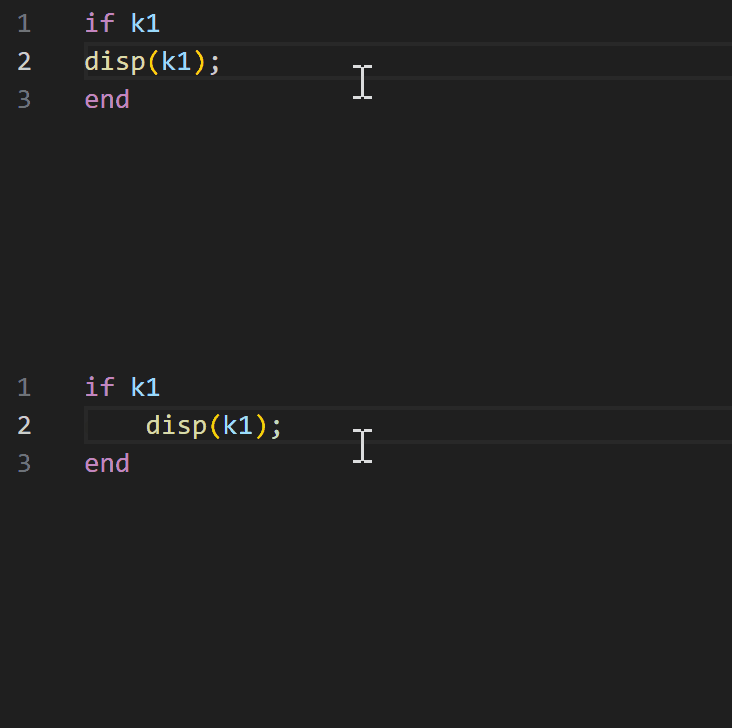
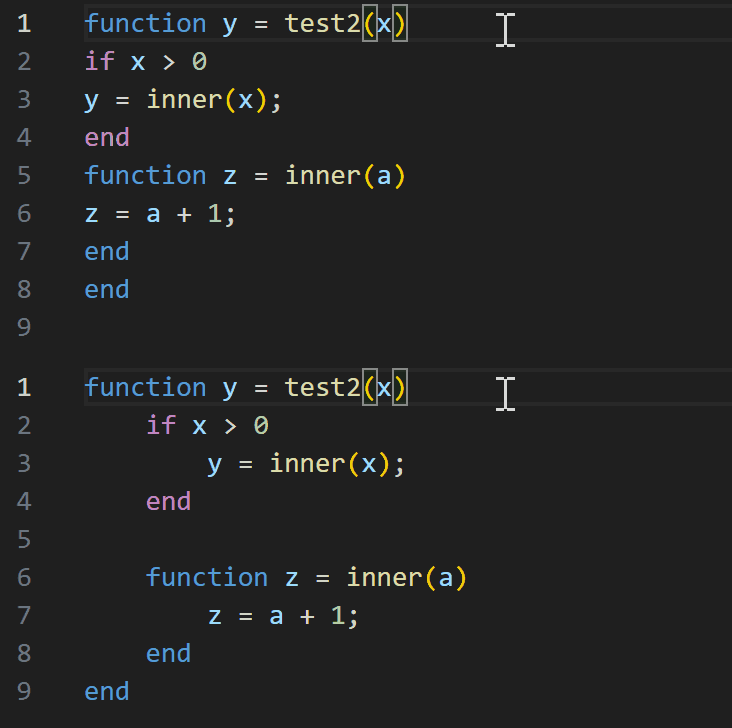
| 缩进宽度 | 缩进所有函数、仅缩进嵌套函数, 或不在任何函数内部缩进 |
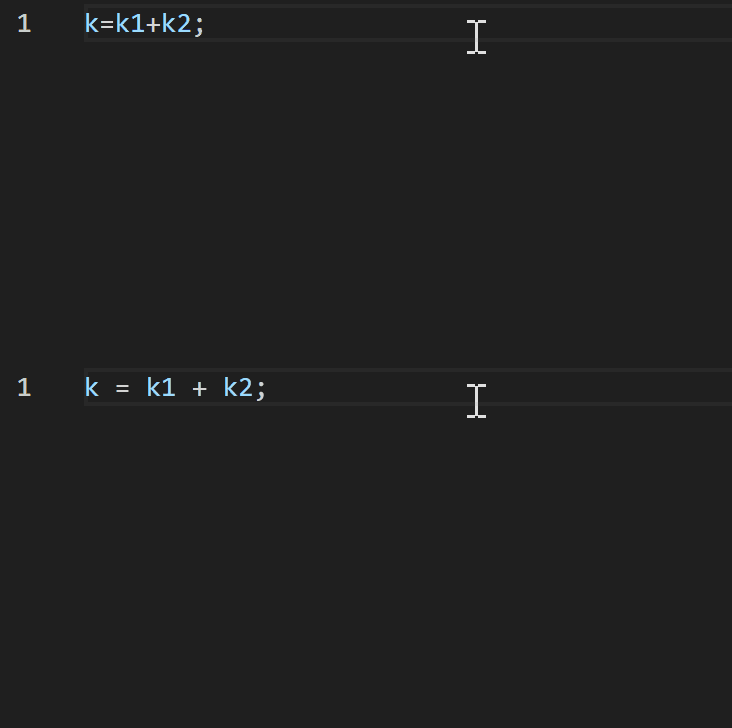
选择哪些运算符应用空格包裹: 所有运算符、除幂运算符(^, .^)外的所有运算符, 或不包裹任何运算符 |
 |
 |
 |
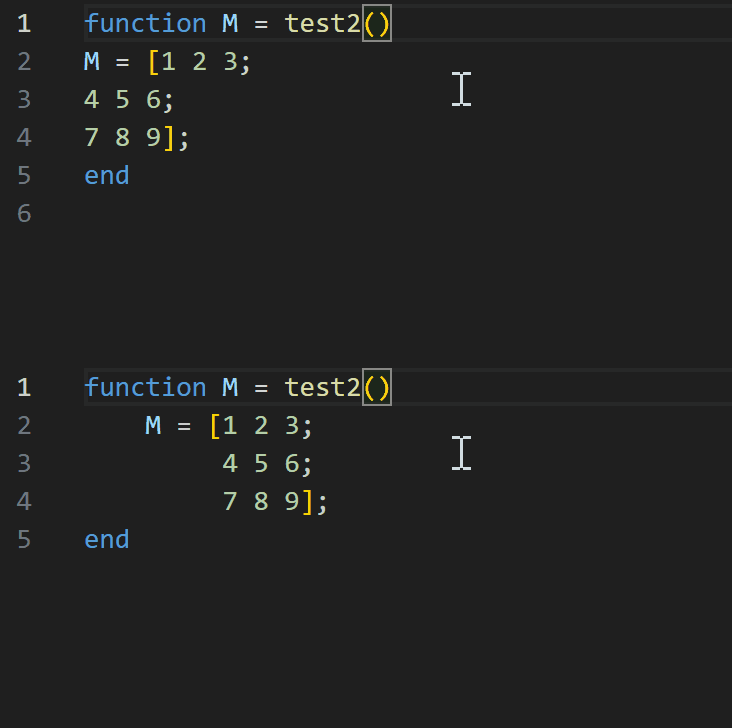
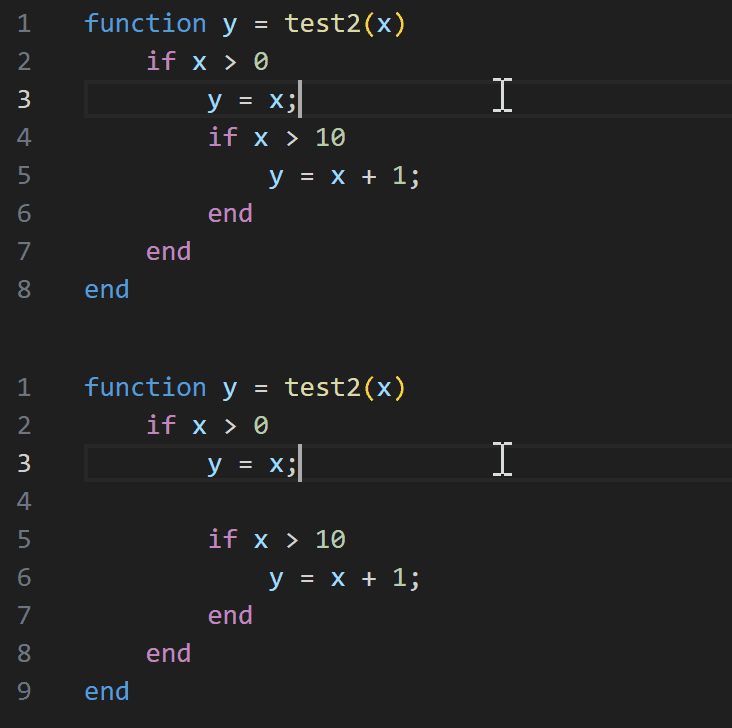
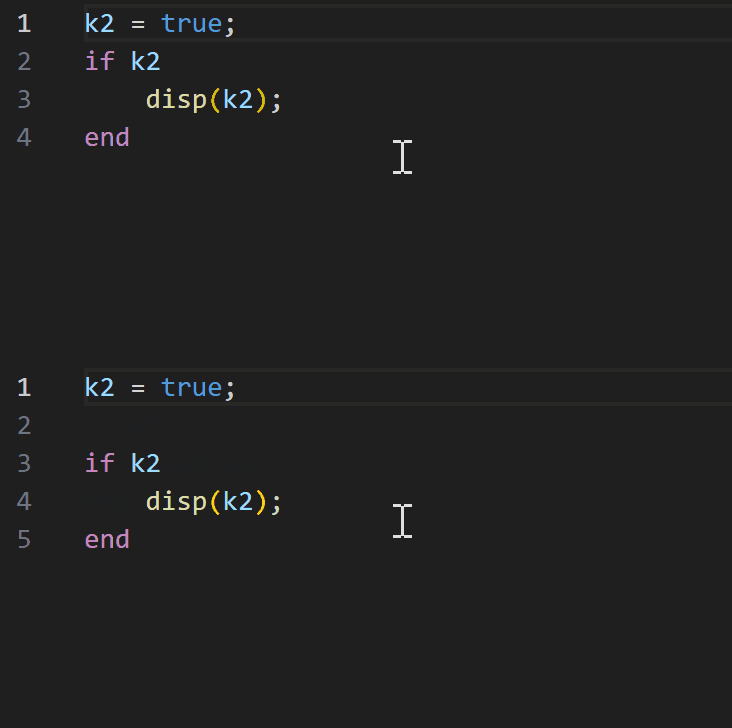
| Matrix Indent | Separate Blocks | Insert Blank Line Before Blocks |
| 选择矩阵的缩进方式:保持所有行对齐,或仅使用一级缩进 | 块之间是否自动留空行 | 在 if、for 和 try 等代码块开始前插入一个空行 |
 |
 |
 |
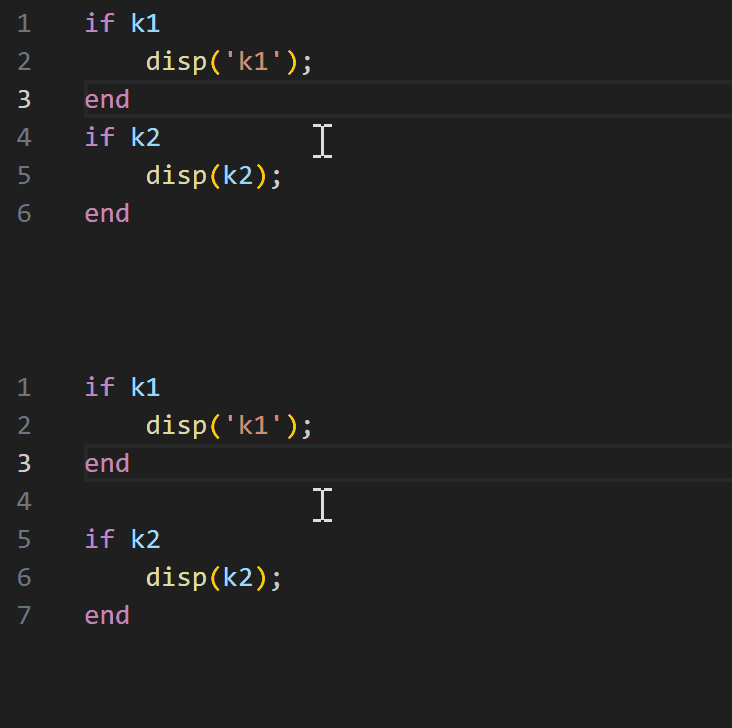
| Insert Blank Line After Blocks | Allow Blank Line Between Consecutive Block Starts | Allow Blank Line Between Consecutive Block Ends |
| 在块结束之后插入一个空行 | 允许或禁止连续嵌套块起始之间的空行, 例如紧接另一个 for 的 for |
允许或禁止连续嵌套块结束符 (如一个 end 紧接另一个 end) 之间的空行 |
 |
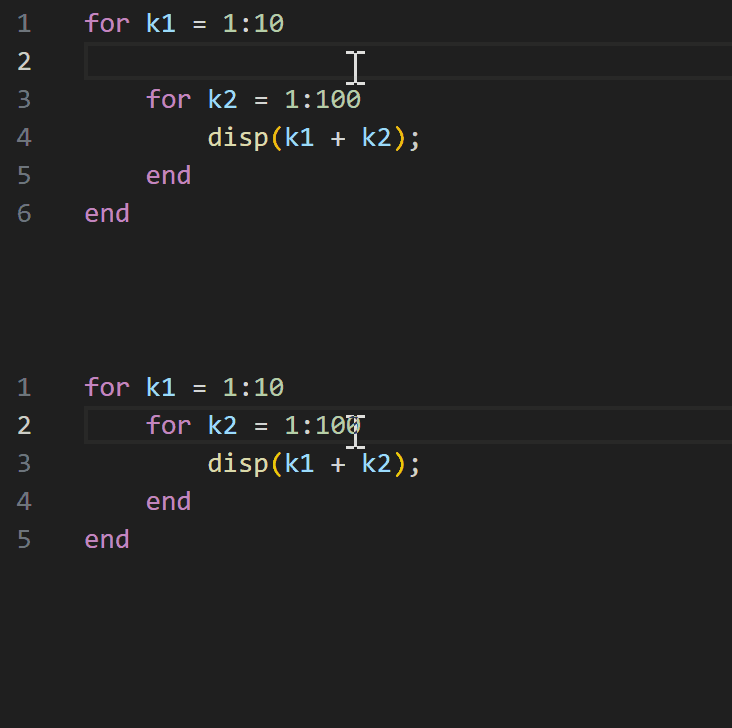 |
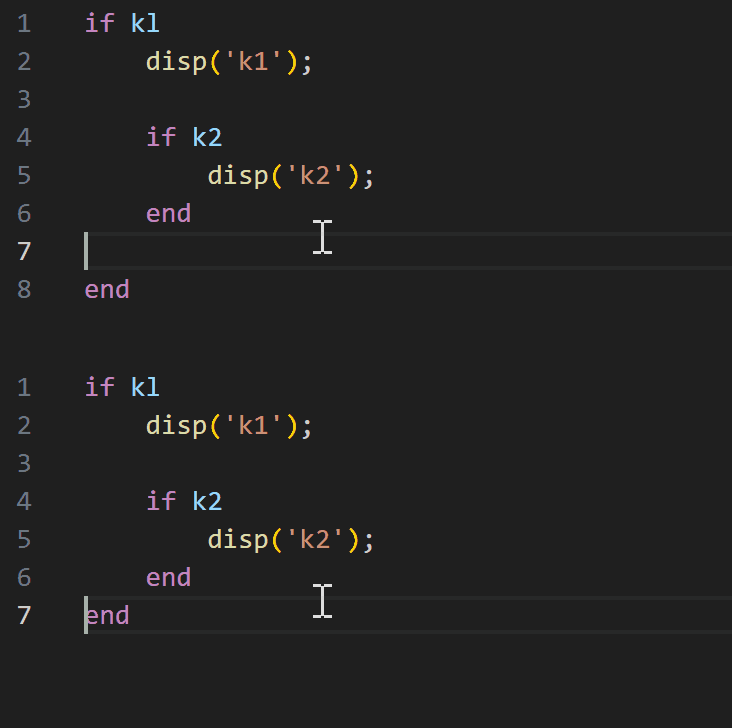 |
| Squeeze Blank After Control Blocks | Squeeze Blank After Function Blocks | Auto Append Semicolon |
| 强制移除控制语句(if、for)后紧跟的空行 | 强制移除 function 和 classdef 后紧跟的空行 | 为符合条件的语句末尾添加分号, 以抑制命令行窗口输出 |
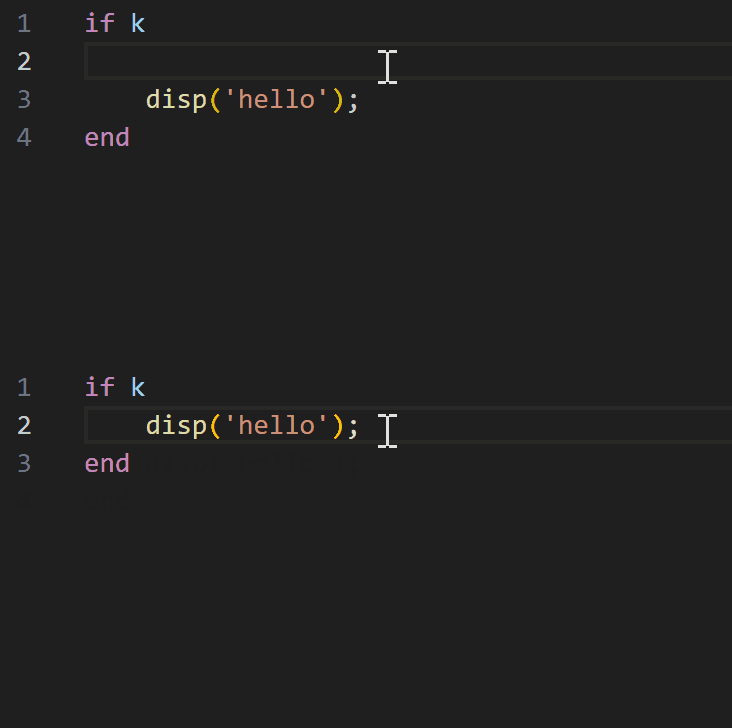 |
|
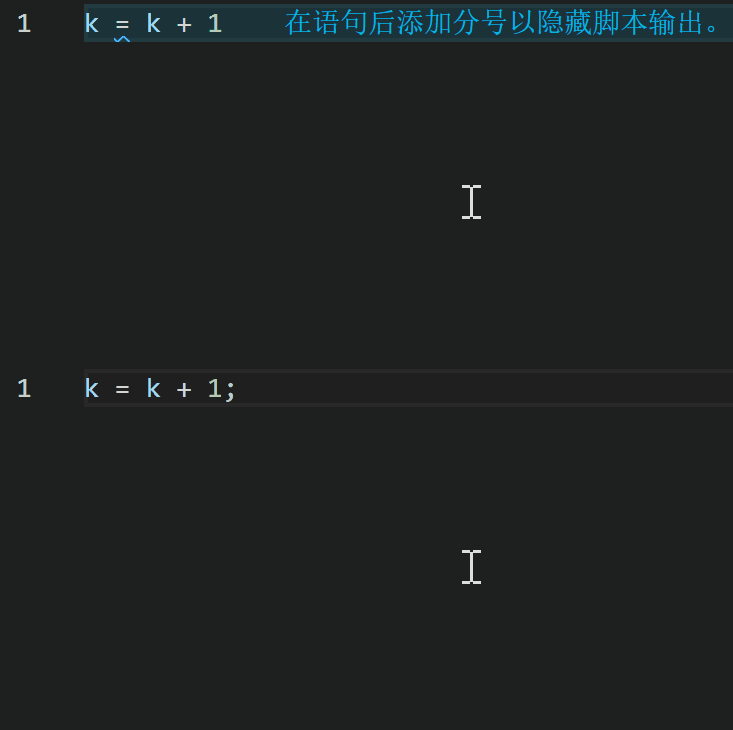 |
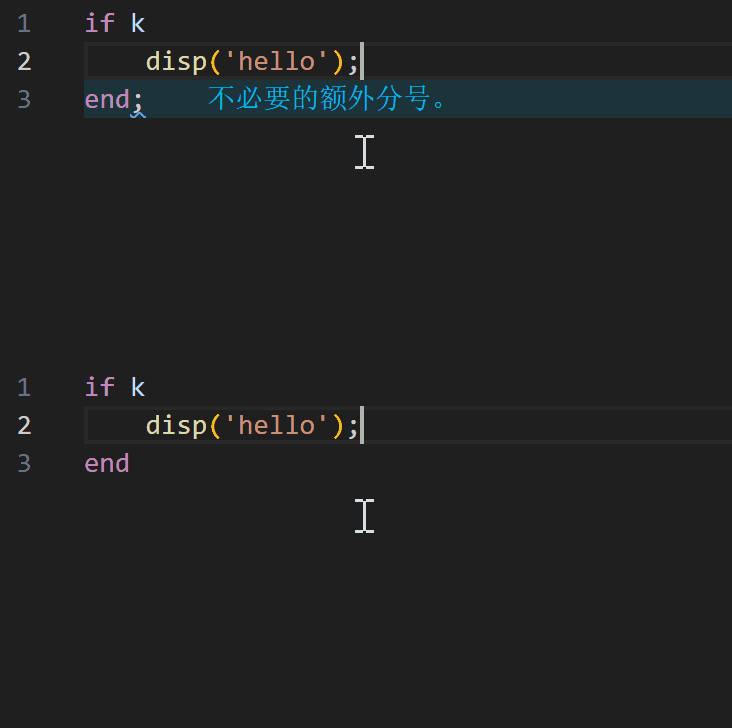
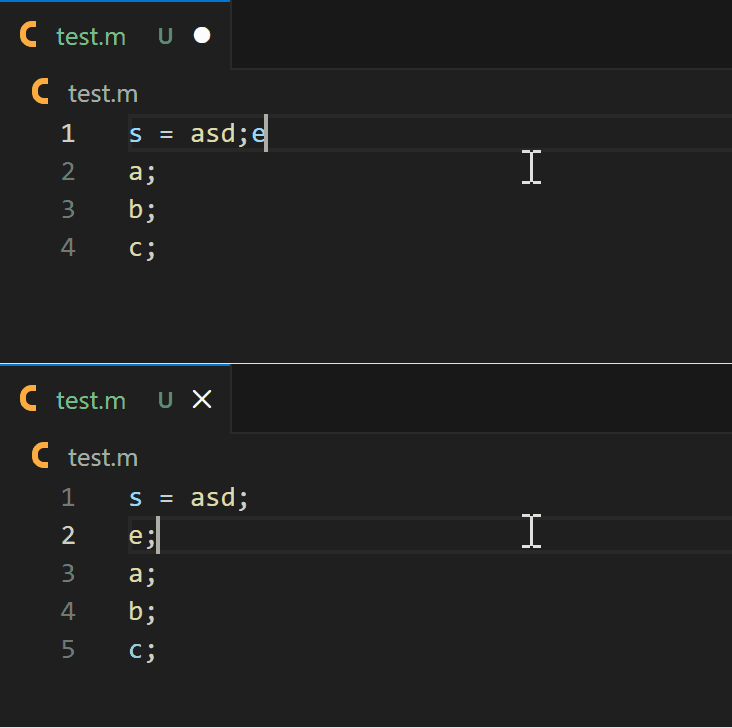
| Remove Unnecessary Semicolons | Force Split Statements | Align Assignments / Comments |
| 为 if、elseif、else、catch、function、classdef 和 end 语句 去除不必要的分号 |
将一行中存在的多条语句强行换行 | 对连续普通语句中的顶层 = 和行尾 % 注释进行列对齐 |
 |
 |
额外配置
- 可以通过添加注释
formatter ignore N为选定的行关闭格式化程序。在接下来的 N 行中仅会修正缩进,其余部分保持不变