Tail any file in an editor window, filter lines with ease, wipe the log with a single click.
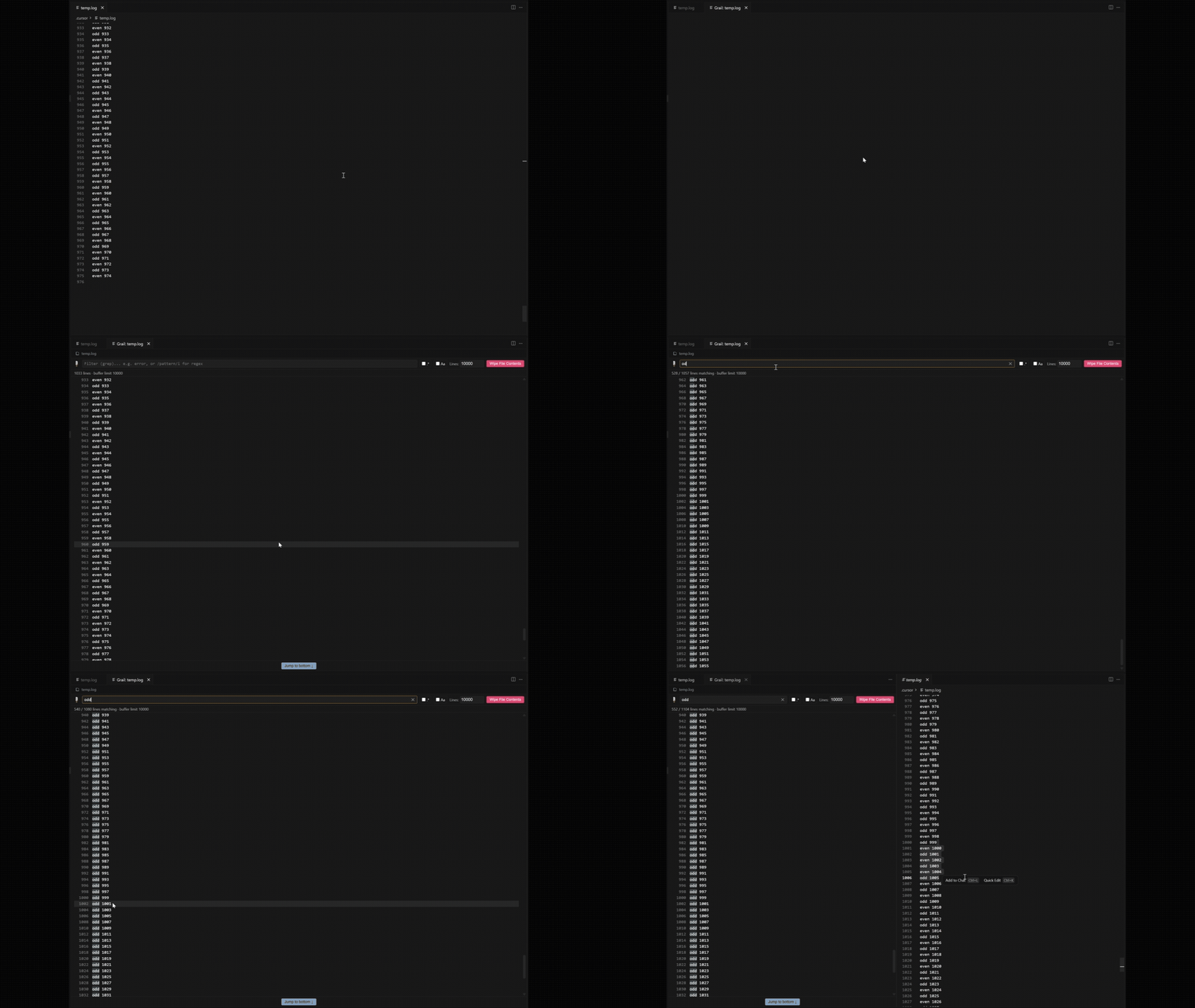
Usage
- Right-click a file (Explorer, editor tab, or inside an open file) → Grail: Open File.
- Use the file link at the top of the Grail panel to open the source file.
- Type in the filter bar to narrow down lines — plain text or
/regex/flags. - Adjust Lines to change how many lines are kept.
- Click the line number next to any log line to open the real file at that exact line in a normal editor beside the viewer.
- Click Wipe File Contents to clear the log (when possible).
Installation
From the marketplace Search for Grail and install.
From GitHub Releases: Download and install the grail-<version>.vsix.
License
MIT