A dark VS Code theme with a warm amber/brown palette and improved contrast across all languages. Forked from the Zenith Theme by britown.
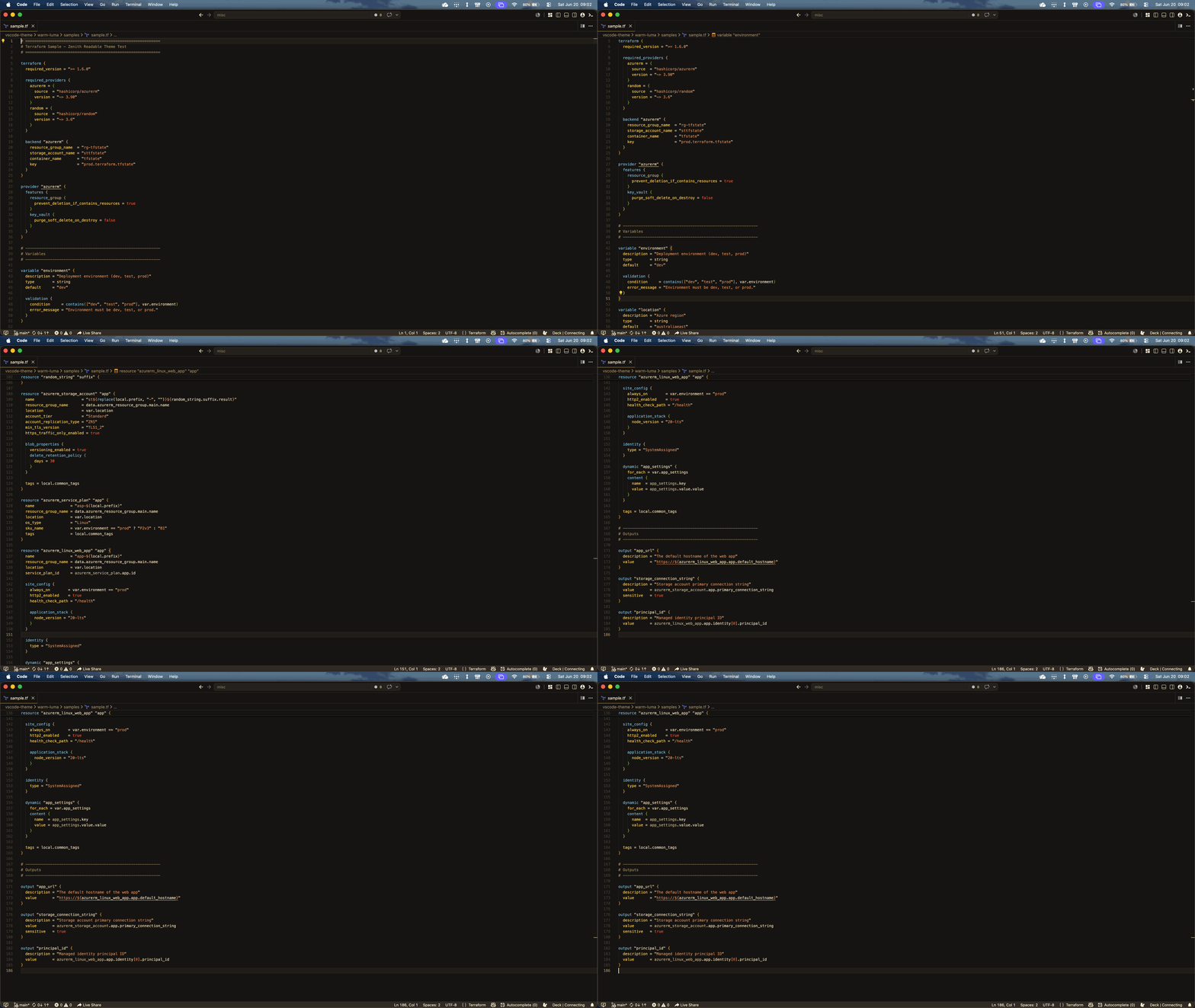
What's different
- Higher contrast text throughout for easier reading
- Unified warm colour palette across all languages — amber, orange, and green tones
- Default text in warm tan (
#D0B890), comments in dim warm brown (#7A6850) - Terraform / HCL full colour treatment:
- Orange — block type keywords (
resource,variable,output,data,module) - Amber — block labels and names (
"aws_instance","my_bucket") - Warm green — attribute names and built-in functions
- Tan — variable references and expressions
- Orange — block type keywords (
- Reduced orange overuse — only Terraform block keywords stay orange
Installation
Search Zenith Readable in the VS Code Extensions marketplace, or:
- Open VS Code
Cmd+Shift+P→ Extensions: Install from VSIX...- Select the
.vsixfile
Credits
Original Zenith Theme © britown.