Copy cursor position or error info to clipboard, formatted for AI tools and grep.
Features
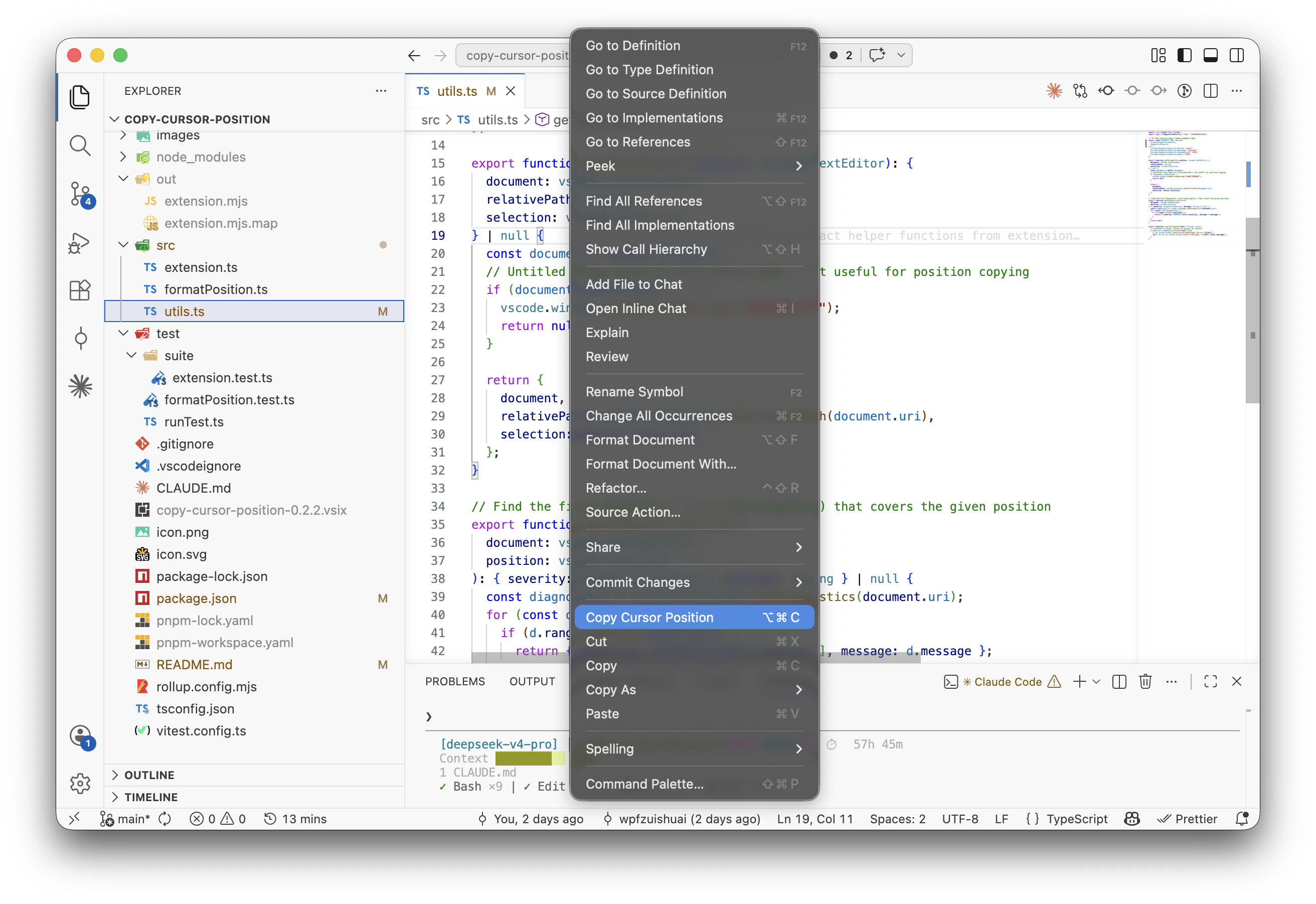
Copy Cursor Position
Copies file path with line and column to clipboard in path:line:col format.
| Trigger | How |
|---|---|
| Keyboard | Cmd+Option+C (Mac) / Ctrl+Alt+C (Windows/Linux) |
| Right-click | Copy Cursor Position in editor context menu |
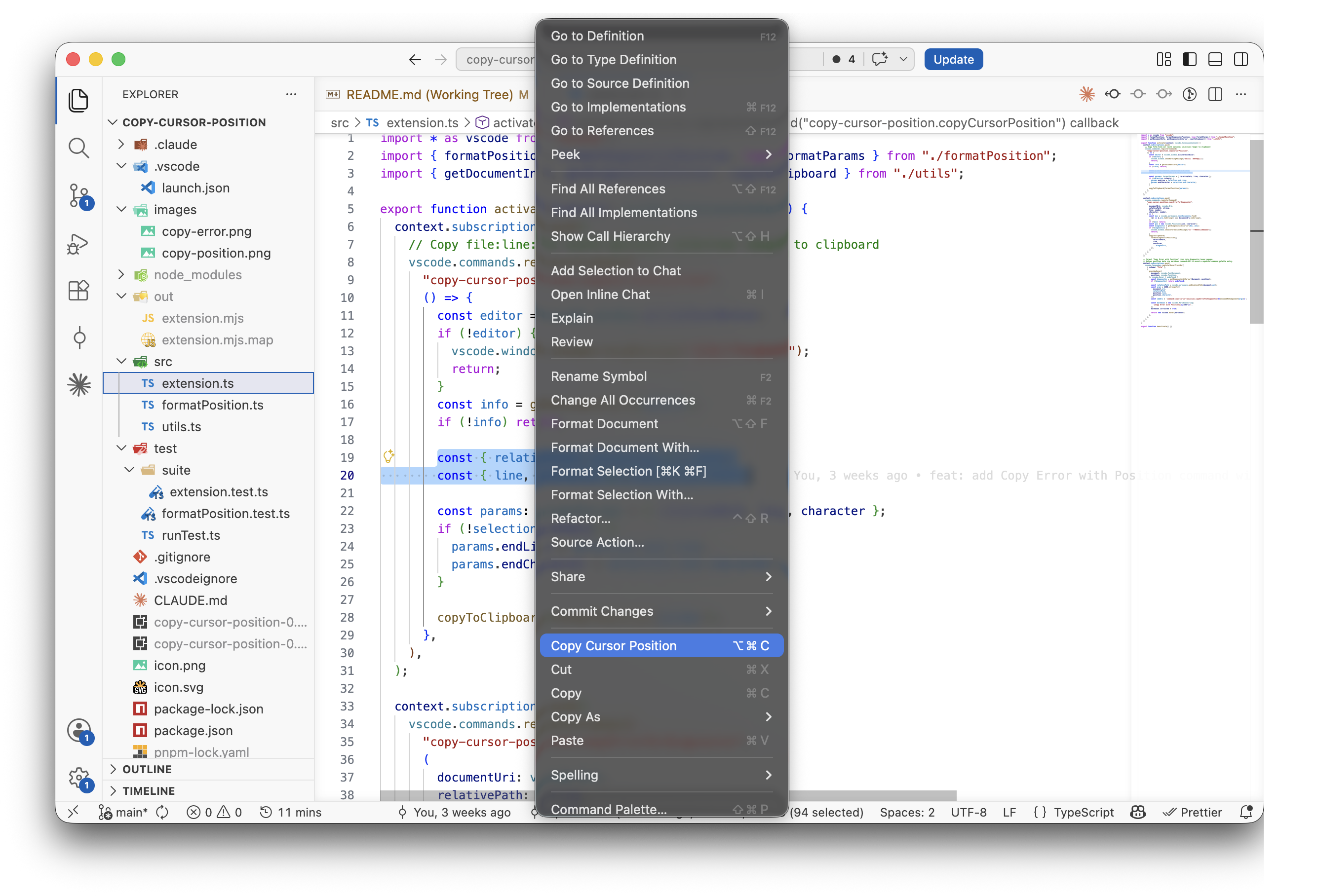
Copy Selection Range
When text is selected, the same shortcut copies the full selection range in path:startLine:startCol-endLine:endCol format.
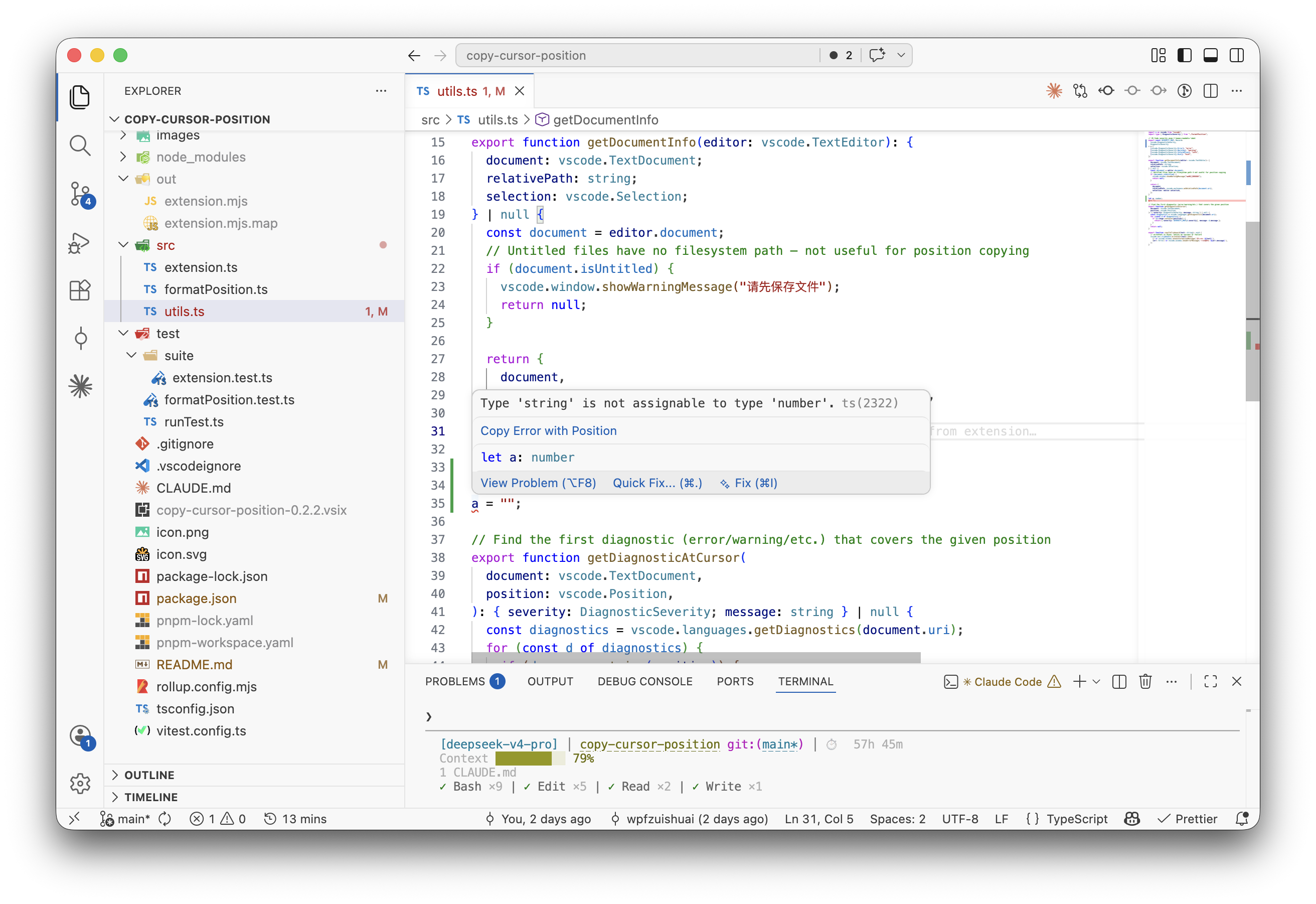
Copy Error with Position
Copies diagnostic info at the cursor position in path:line:col - severity: message format.
Hover over any error in your code and click the Copy Error with Position link in the hover popup.
Output Format
# Cursor (no selection)
src/utils/helper.ts:42:17

# Cursor (with selection)
src/index.ts:1:1-3:5

# Error
src/foo.ts:42:17 - error: Type 'string' is not assignable to type 'number'.
Requirements
VS Code ^1.92.0