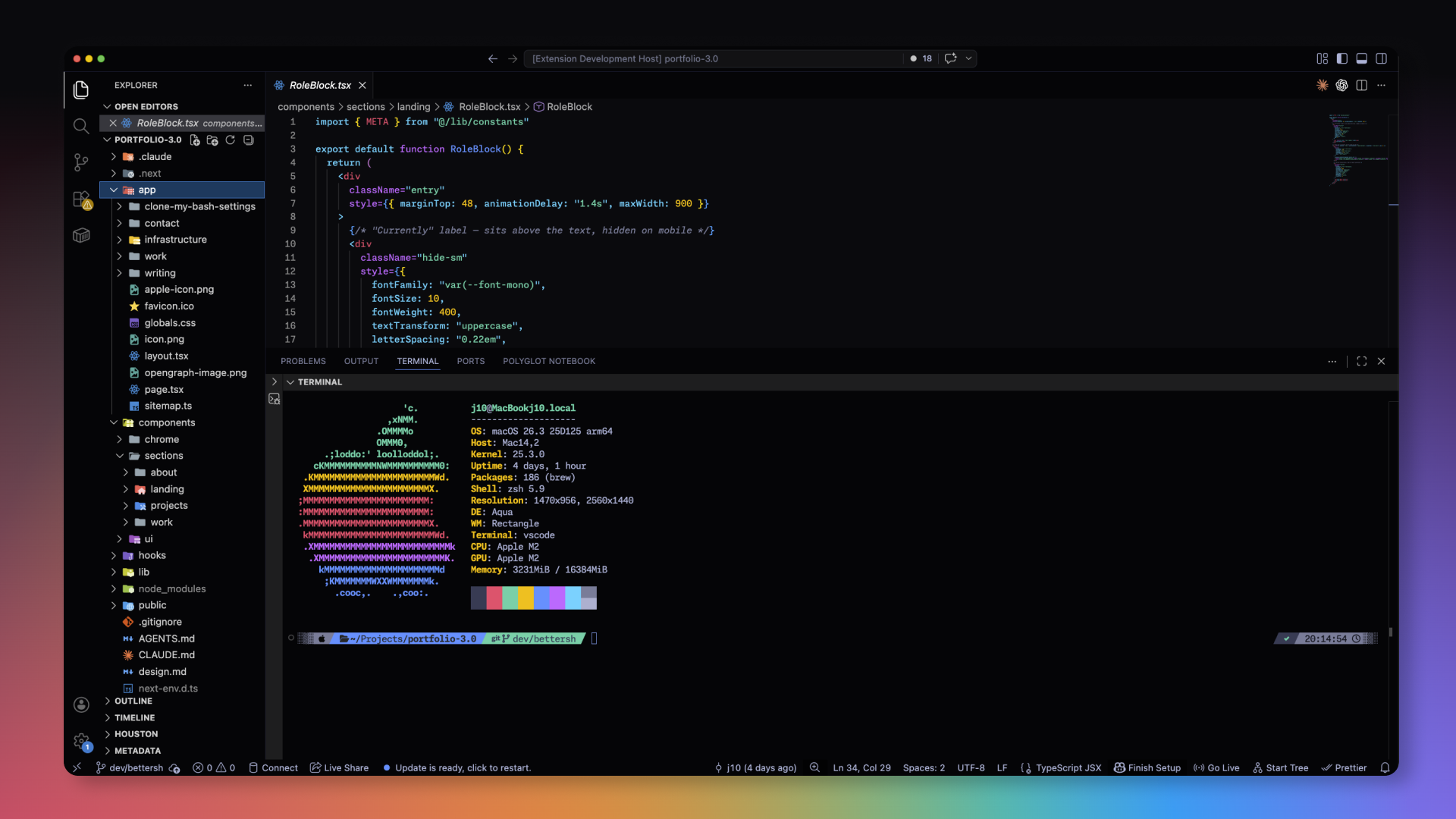
A hyper-saturated, high-contrast, and deeply dark twist on the beautiful Tokyo Night theme. Built for late-night coding with vivid syntax highlighting and a seamless, flat UI.
Screenshots
Installation
- Open the Extensions sidebar in VS Code.
- Search for
Tokyo Midnight Saturated. - Click Install.
- Go to
Preferences: Color Theme(Cmd/Ctrl + K,Cmd/Ctrl + T) and select Tokyo Midnight Saturated.
Credits
Created by: Jason Tenczar
Inspired by the original Tokyo Night theme by enkia.