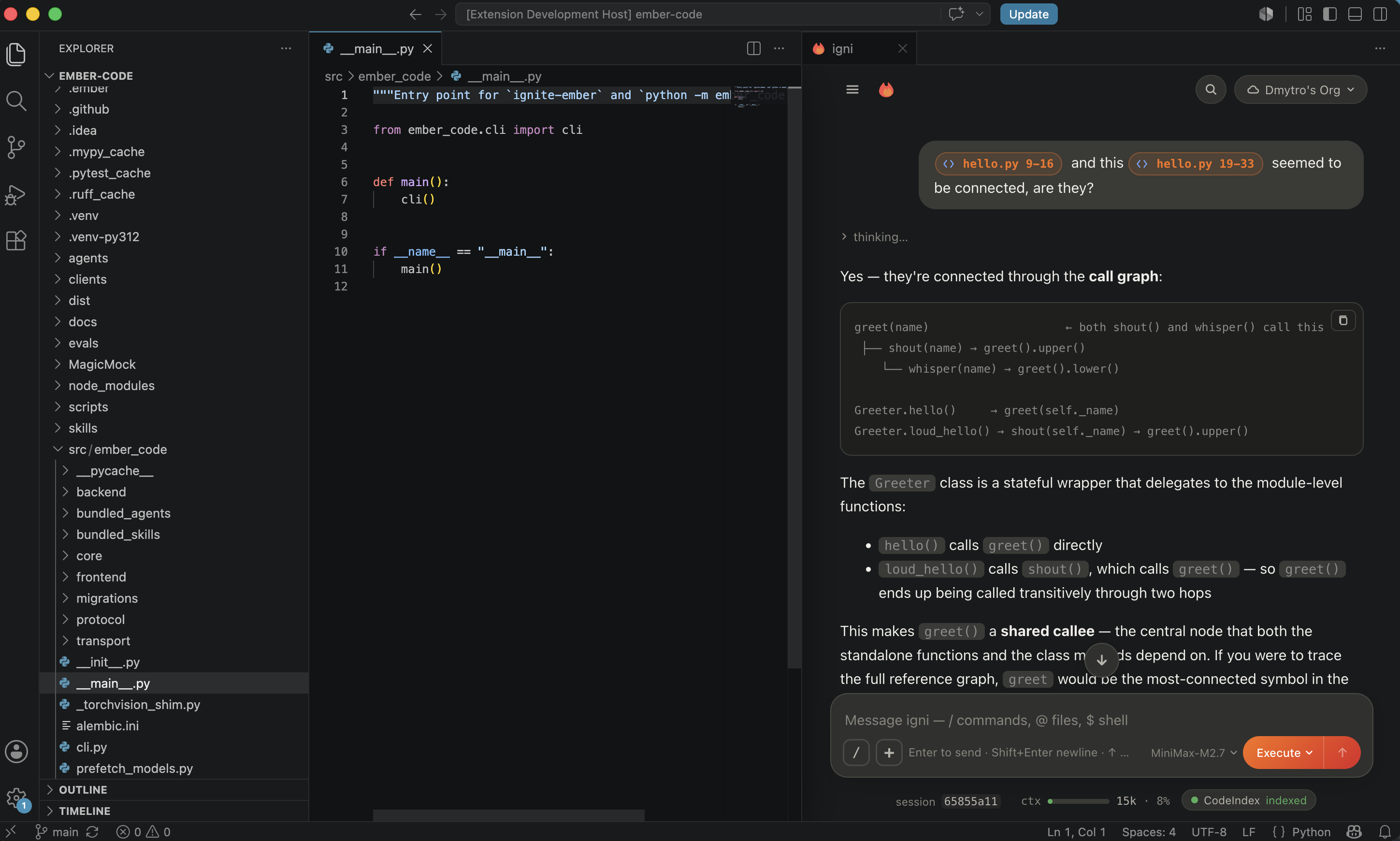
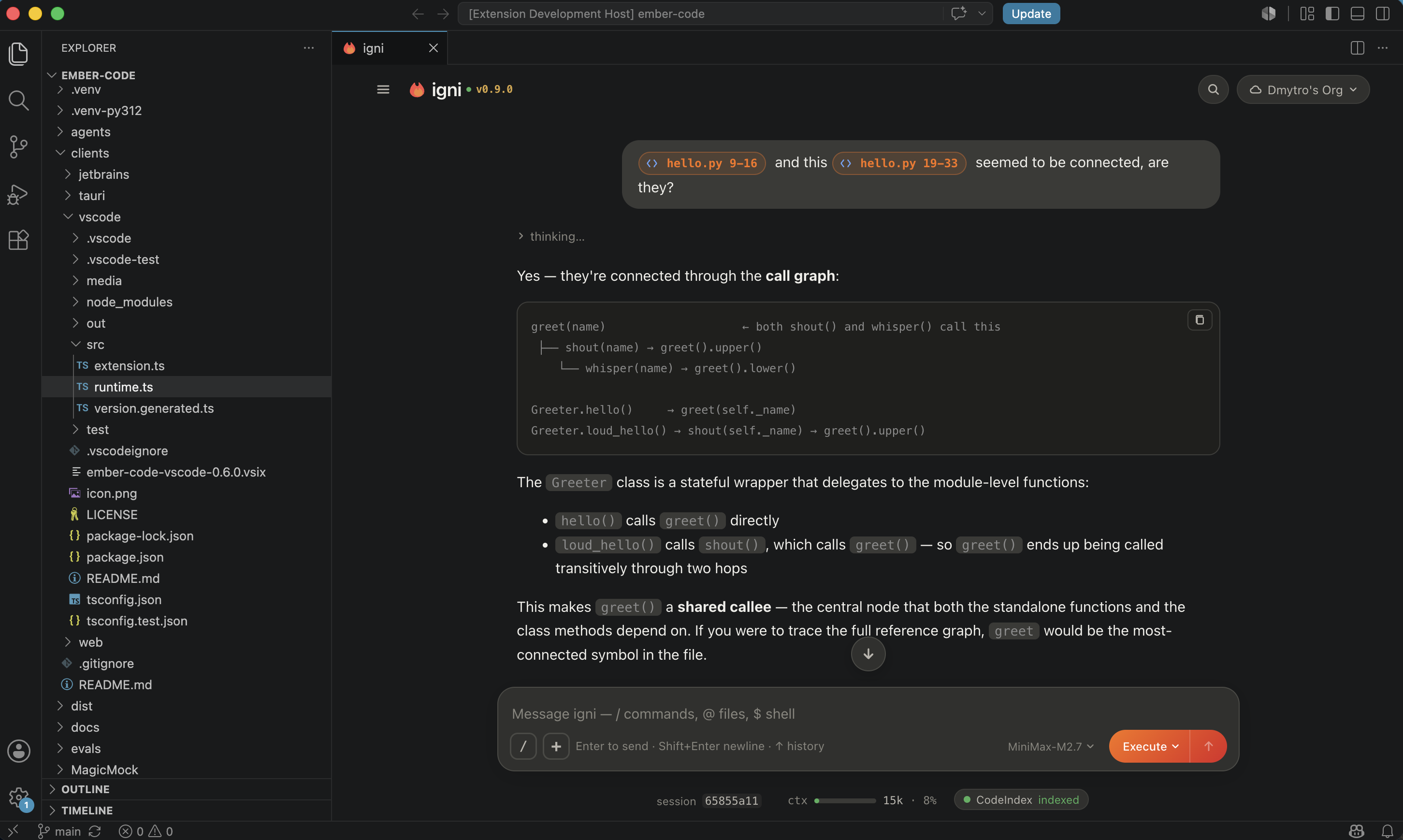
Chat with your codebase from a panel next to your editor. Multi-agent orchestration, plan-then-act mode, full tool access — with an approval dialogue on every tool call so nothing runs without you saying yes.
What you can do
- Chat with your project.
@-mention files to attach them; drop slash commands to drive structured actions; ask for cross-file refactors in natural language and watch the diffs stream in. - Plan mode. The agent researches your code and proposes a plan before touching anything. Approve as-is or refine. Backed by a confidence check so the plan is grounded in what it actually read.
- Multi-agent orchestration. Spawn parallel sub-agents so a large task decomposes into concurrent research + implementation + review, each streaming progress into the same conversation.
- Session per project. Chat history persists per repository. Fork
a session with
/forkto explore an alternative approach without losing the original thread. - Cross-window sync. Open the extension in VS Code and the JetBrains plugin on the same repo; both talk to the same backend for the project, so what you type in one appears live in the other.
- Model-agnostic. Claude, OpenAI, Gemini, Groq, MiniMax, and any
model reachable via API. Switch mid-session with
/model. - Follows your VS Code theme. The chat panel background sources
its colour from
--vscode-sideBar-background, so it reads as native VS Code chrome across any installed colour theme.
Install
Install the extension from the Marketplace. On first launch it
downloads uv and provisions Python + ignite-ember into a
per-user cache — no manual pip install, no interpreter to
configure. From there, network use is whatever your configured
model provider needs — Anthropic, OpenAI, etc.
Open the chat with ⇧⌘P → igni: Open Chat (or Ctrl+Shift+P
on Windows/Linux).
Slash commands
The composer accepts a rich set of slash commands for driving the session without touching a menu:
| Command | What it does |
|---|---|
/plan |
Enter plan mode — agent researches before acting |
/fork |
Clone the current session into a new branch |
/sessions |
List and switch between sessions in this project |
/model |
Switch the model powering the current session |
/mcp |
Manage Model Context Protocol server connections |
/agents |
List installed agents (built-in + plugin + project-local) |
/skills |
List installed skills |
/plugins |
Manage installed plugins from the marketplace |
/knowledge |
Chunk, embed, and query project documentation |
/codeindex |
Manage the semantic code index |
/hooks |
Configure PreToolUse / PostToolUse hooks |
/loop |
Schedule a recurring self-paced task |
/schedule |
Schedule a one-shot or cron task |
/memory |
Read + write persistent memories across sessions |
/clear |
Wipe the current session (fork if you want to keep it) |
/compact |
Compress old messages to free context |
Configuration
Two settings live under Settings → Extensions → igni:
emberCode.pythonPath— path to a Python interpreter withignite-emberalready installed. Set this to bypass the managed bootstrap (useful during local development on the backend itself).- Standard proxy honoring —
http.proxyandhttp.proxyStrictSSLfrom your VS Code settings propagate to the backend for the first-launch download.
Links
- Homepage — https://ignite-ember.sh
- Repository — https://github.com/ignite-ember/igni
- Issue tracker — https://github.com/ignite-ember/igni/issues