A clean, LinkedIn-inspired theme pack for Visual Studio Code — includes both Light and Dark variants.
Themes
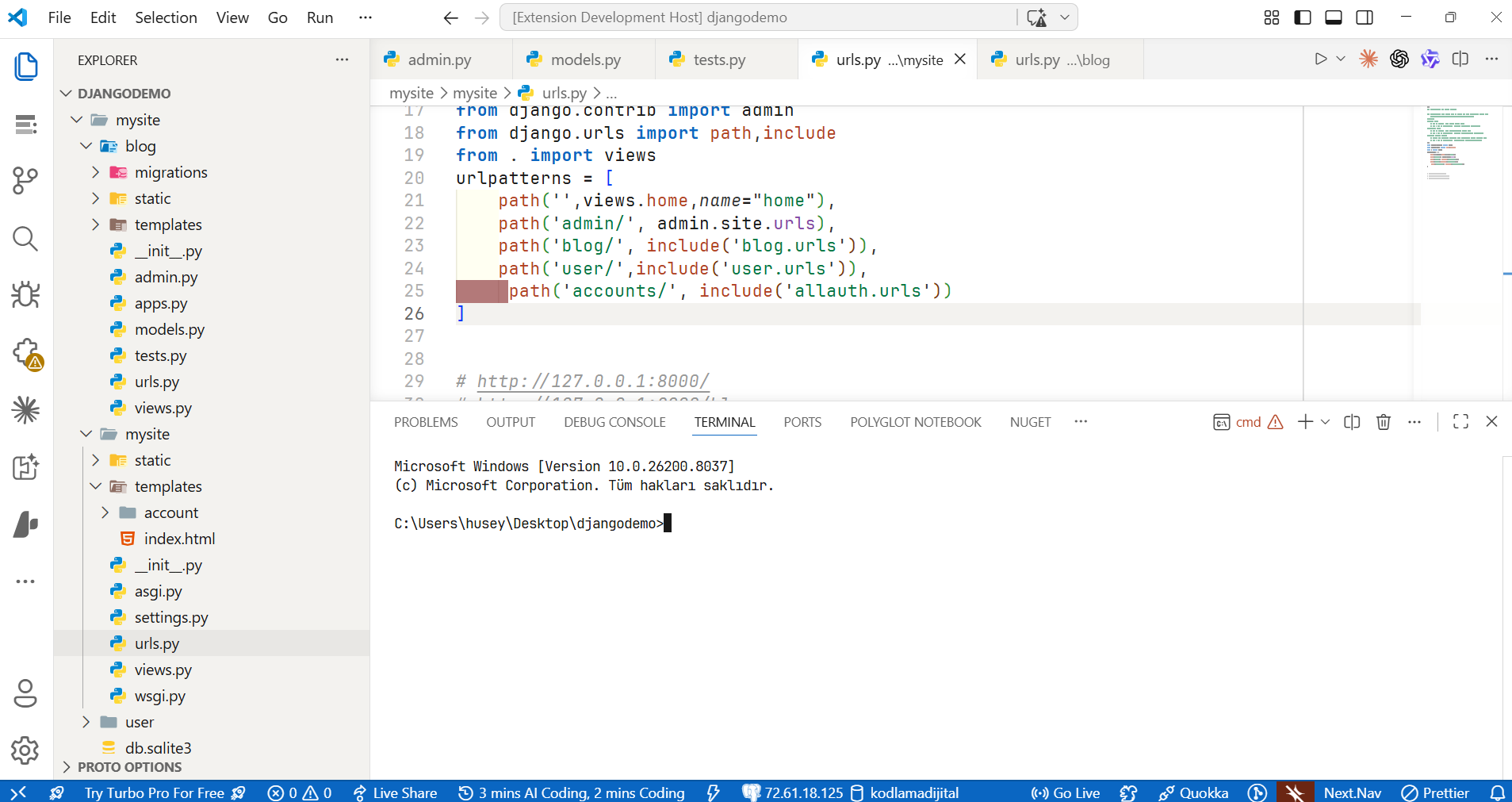
Tunc Light Theme
A bright, clean theme with LinkedIn's warm gray panels and signature blue accents.
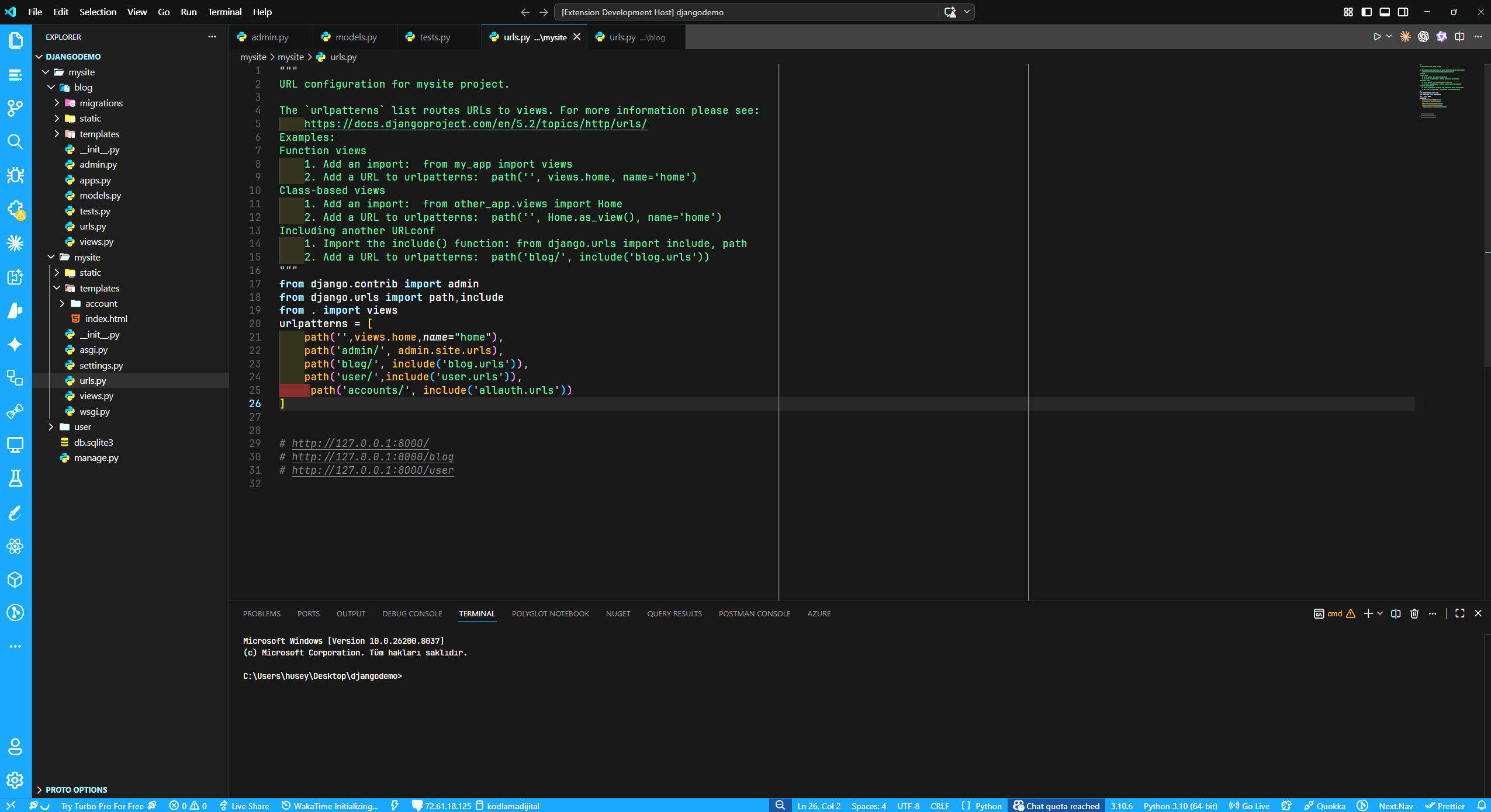
Tunc Dark Theme
A deep black theme with LinkedIn blue borders, accents and status bar.
Color Palette
Light
| Element | Color |
|---|---|
| Background | #ffffff |
| Sidebar | #f3f2ef |
| Status Bar | #0A66C2 |
| Keywords | #0A66C2 |
| Functions | #b24020 |
| Strings | #057642 |
| Classes/Types | #004182 |
| Numbers | #8344a5 |
| Comments | #999999 |
Dark
| Element | Color |
|---|---|
| Background | #0a0a0a |
| Sidebar | #0e0e0e |
| Status Bar | #0A66C2 |
| Keywords | #70b5f9 |
| Functions | #d4852a |
| Strings | #44b36a |
| Classes/Types | #378fe9 |
| Numbers | #a66cc8 |
| Comments | #555555 |
Installation
- Open Extensions sidebar in VS Code (
Ctrl+Shift+X) - Search for
Tunc Light Theme - Click Install
- Go to File > Preferences > Color Theme (
Ctrl+K Ctrl+T) - Select Tunc Light Theme or Tunc Dark Theme
Screenshots
Feedback
If you have any issues or suggestions, please open an issue on GitHub.