Most themes force a choice: vibrant and tiring or readable and dull.
The default icon theme was boring. Icons blurred together at small scales. The color theme had weak syntax highlighting and muddy backgrounds. I went through Ayu, One Dark Pro, Monokai Pro, and dozens of others. Every one fell short. After hours of coding, I always felt exhausted.
So I stopped looking. I opened Adobe Illustrator and started building.
The first version was called Syntax Shine. It was just a personal syntax theme. I tweaked every token color until I could stare at a complex React component at 2 a.m. and still read it clearly. The improvement was immediate. That's when it clicked: if this helped me this much, it could help others too.
I expanded it into a full icon theme, published it as VS Seti Plus, and it somehow got 300+ installs and two 5-star reviews. But the name confused people — especially AI. Most assumed it was based on the built‑in Seti icons. It wasn't. Every icon was designed from scratch.
So I rebuilt the brand from the ground up. It's now called Spect.
Color Themes That Work
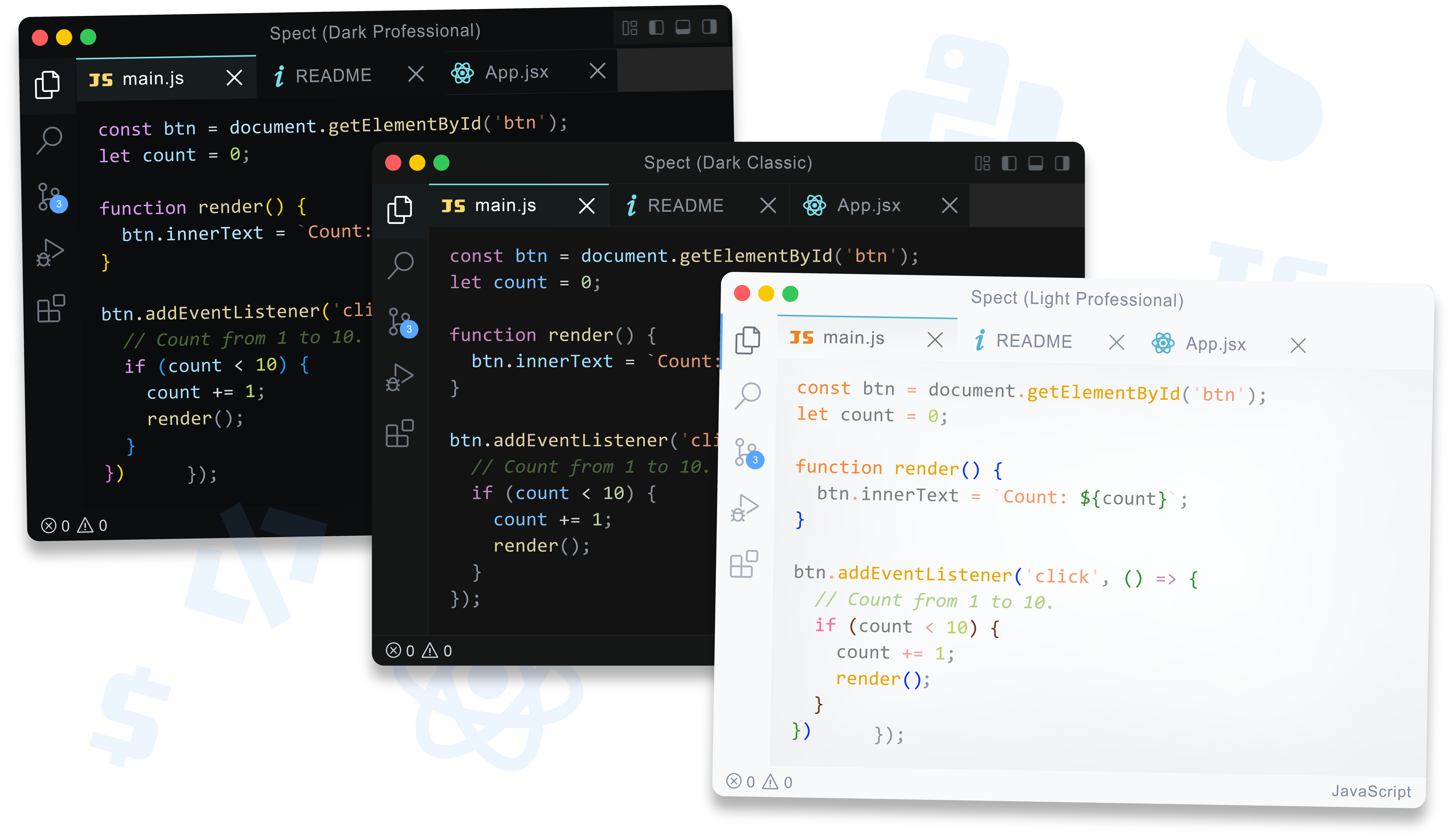
Spect features a set of dark and light. Whatever your mood is, there's a color setting that's right for you
| Theme | Best for |
|---|---|
| Dark Classic | All‑purpose. Warm copper strings, soft gold functions, deep blacks. |
| Dark Professional | My own choice — deeper backgrounds, brighter foregrounds. |
| Dark Contrast | Daylight work. Elevated contrast and bright borders. |
| Dark Colorblind | Maximum luminance contrast. Fiery bright text on the darkest backgrounds. |
| Light Classic | Clean whitespace, bright token colors. |
| Light Professional | High accessibility with deep token colors for long work. |
| Light Colorblind | Maximum readability on a bright white background. |
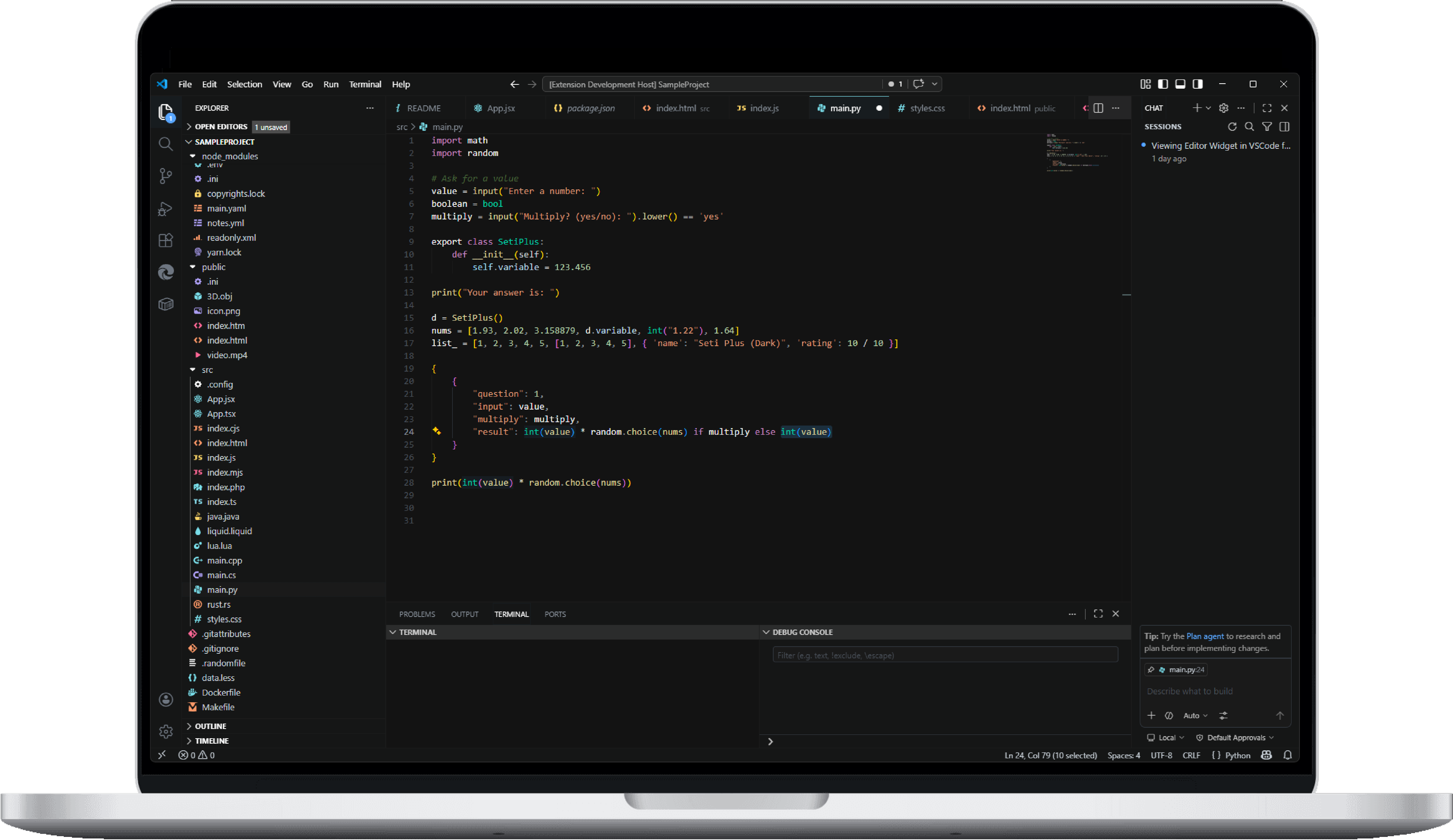
Every theme has 80+ syntax token rules — strings, regex, keywords, functions, variables, types, numbers, HTML/XML, CSS, Markdown, JSON, diffs, and more. Nothing gets left unstyled.
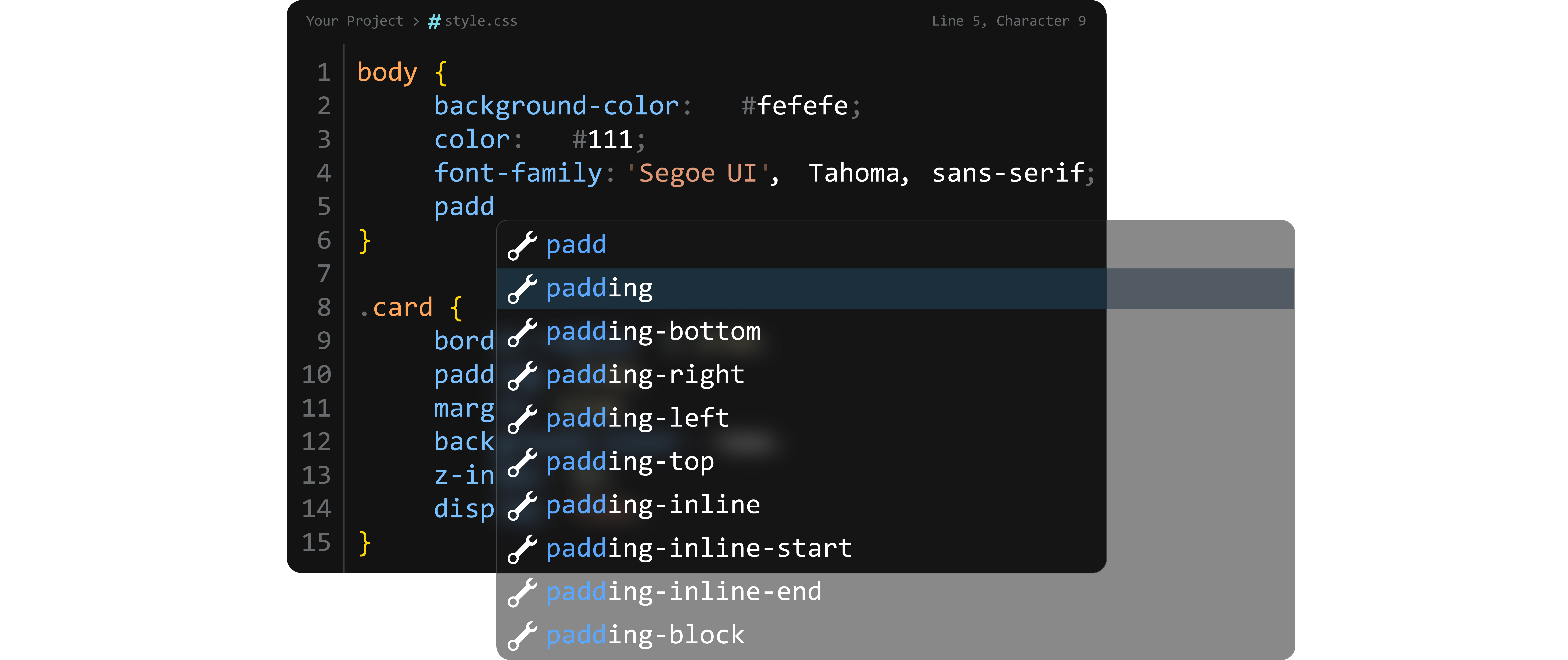
The command palette, autocomplete suggestions, and hovers float with subtle translucency. You can even see the code behind them. It's one of the signatures of Spect — and it just feels more premium.
Pixel-Perfect File Icons
300+ original icons designed for instant recognition — even at the smallest scales. Each icon is created from scratch to ensure it is easily recognizable on small sizes in the sidebar. They are designed to help you quickly find the right files in your project.
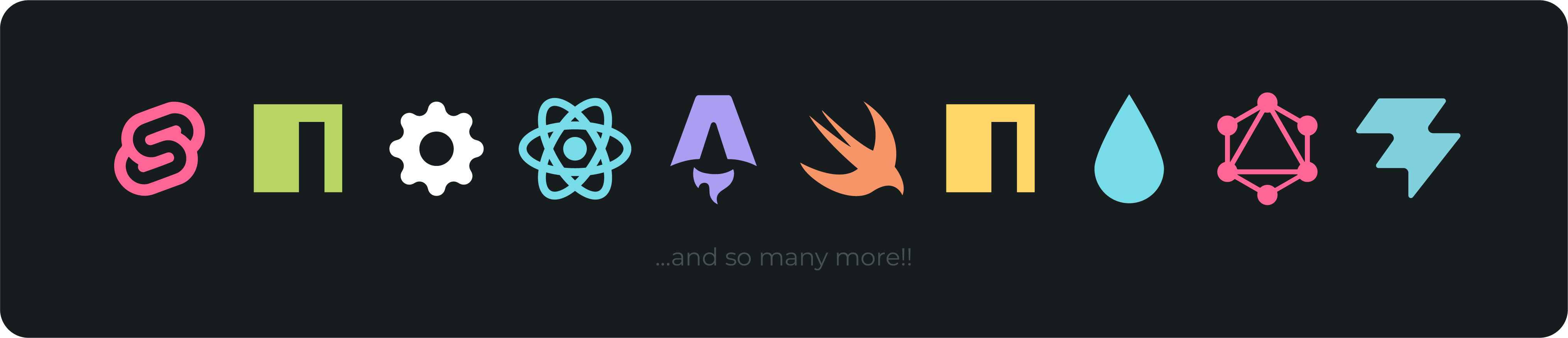
Available Icon Themes
- Spect (Dark)
- Spect (Light)
Coming soon: Monochrome, Compact, Small variants
What Sets Spect Apart
Most icon packs assign the same symbol to similar file types. Spect doesn't.
| File Group | Spect Coverage |
|---|---|
| JavaScript variants | JS · MJS · CJS · OJS — each unique |
| React | JSX and TSX — clearly differentiated |
| Web markup | HTML · HTM · XML — properly separated |
| Python | Scripts · Modules · Notebooks · Cython (PY · PYM · iPyNB · PYX) |
| TypeScript | TS · TSX · Declaration files |
Those small distinctions matter when you're navigating a massive codebase at speed.
Setup
Via VS Code:
- Open Extensions (
Ctrl+Shift+X) - Search
Spect - Click Install
Via command line:
code --install-extension HazeqBinMohsin.spect-ui
Activate the theme:
- File → Preferences → Color Theme → select your preferred Spect theme
- File → Preferences → File Icon Theme → select
Spect (Dark)orSpect (Light)
The Story of Spect
I got tired of themes that were almost right.
The default Seti icons had gaps. Popular dark themes either skimped on syntax highlighting or wrecked my eyes after a few hours. I went through Ayu, One Dark Pro, Monokai Pro, and dozens of others. None felt like what I actually wanted.
So I built it myself.
The first version was called Syntax Shine, it was just a personal syntax theme. The improvement to my workflow was immediate. That's when it clicked: if this helped me, it could help others.
It grew into VS Seti Plus, earned 5-star reviews, and eventually became Spect — a complete, original icon and color system. Built to the standard I wanted: a theme made by a developer, for developers, who spend ten hours a day staring at code.
Compare with Popular Alternatives
Spect isn’t a clone. It’s a ground‑up rethinking of what a VS Code theme should be. Here’s how it stacks up against the themes most developers know and use.
| Spect | One Dark Pro | Monokai Pro | Ayu | Material Icons | |
|---|---|---|---|---|---|
| Original icons | 300+ hand‑crafted, highly recognizable | No icon pack | 120+ Minimalistic Icons, which are usually so small they cannot be recognized immediately | No built‑in icons | 200+ material‑style icons |
| Icon distinctiveness | Unique shapes for JS variants, React, markup, Python, etc. | N/A | Most files share same icons | N/A | Fewer variant distinctions; many file types share similar icons |
| Color themes | 7 meticulously balanced variants (dark, light, colorblind) | 1 classic dark | 1 dark, plus 6 paid variants | 3 variations (Light, Mirage, Dark) | No color themes (icons only) |
| Syntax highlighting depth | 80+ tokens with various different colors | Strong, balanced | Super soft, minimum tokens | Soft pastels; minimal punctuation contrast | N/A |
| Translucent widgets | Yes – command palette, suggestions, hovers all show underlying code | No | No | No | N/A |
| Colorblind accessibility | Dedicated Dark & Light Colorblind themes with high luminance contrast | None | None | None | None |
| Design philosophy | Vibrant yet comfortable; a balance between professional, soft, high-contrast and minimalist | Balanced, Atom‑inspired | Professional, soft | Minimalist, low‑contrast | Material Design consistency |
Bottom line: Spect is the only option that gives you both a complete icon set and a full suite of color themes – all tuned and perfect for anyone using it.
Known Issues
| Issue | Fix |
|---|---|
| Terminal cursor hidden | "terminal.integrated.cursorStyle": "line" in settings |
| Widget blur not showing | Translucency may depend on OS and VSCode version |
| Colors slightly different on startup | Restart VS Code — rare caching issue |
Contribute
Missing an icon? Found an issue? Bug report?
All feedback is read and considered for future releases.
What's New
See CHANGELOG.md for full version history.
v1.4.1 — July 25, 2026
Improved
- String token highlighting in Dark Contrast
- Icon redesign in Dark icon theme
License
MIT © Hazeq Bin Mohsin. View full license here.
Enjoy.
If Spect improves your workflow, a ⭐ review on the Marketplace helps others discover it — and it takes only 30 seconds.