
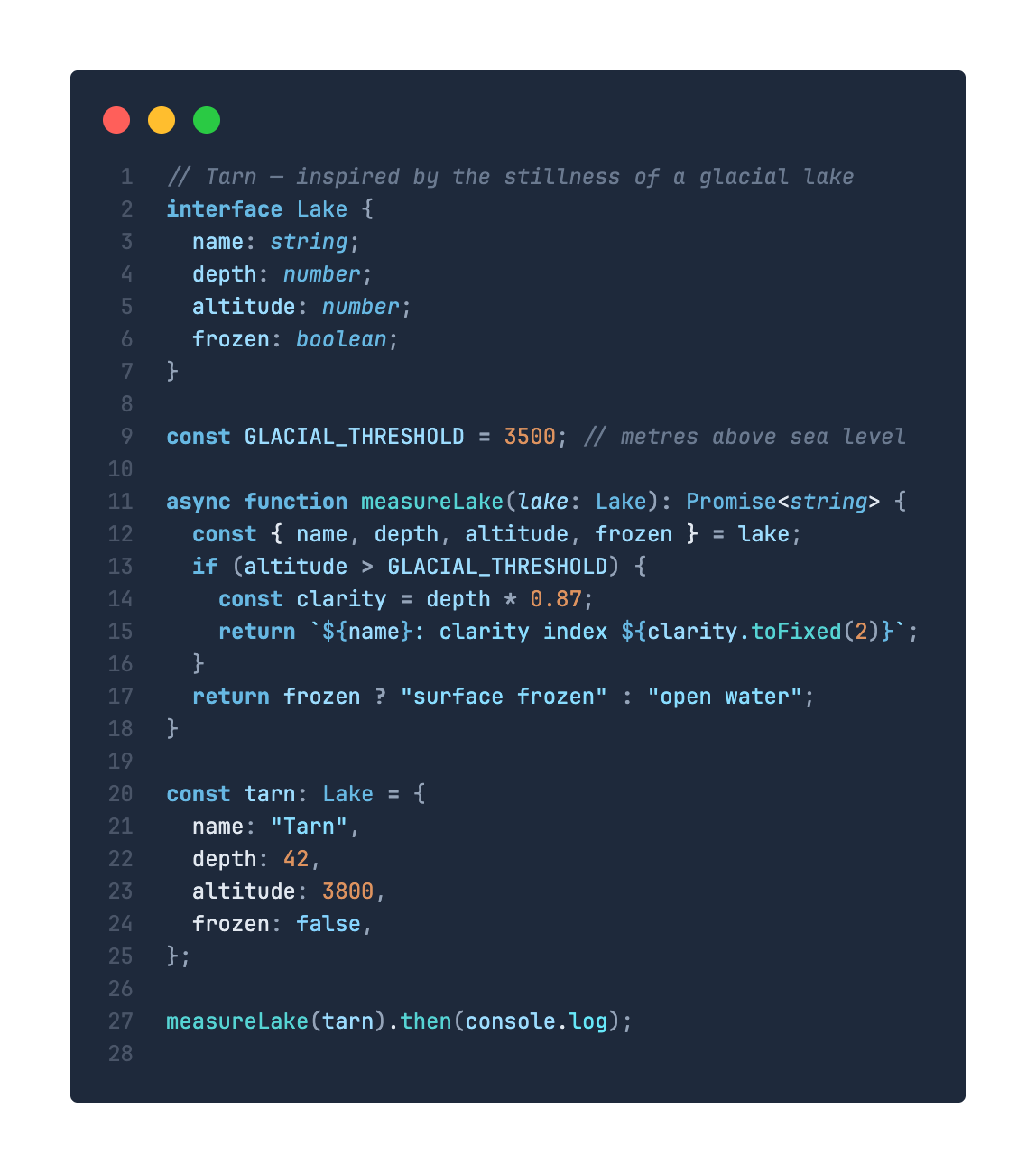
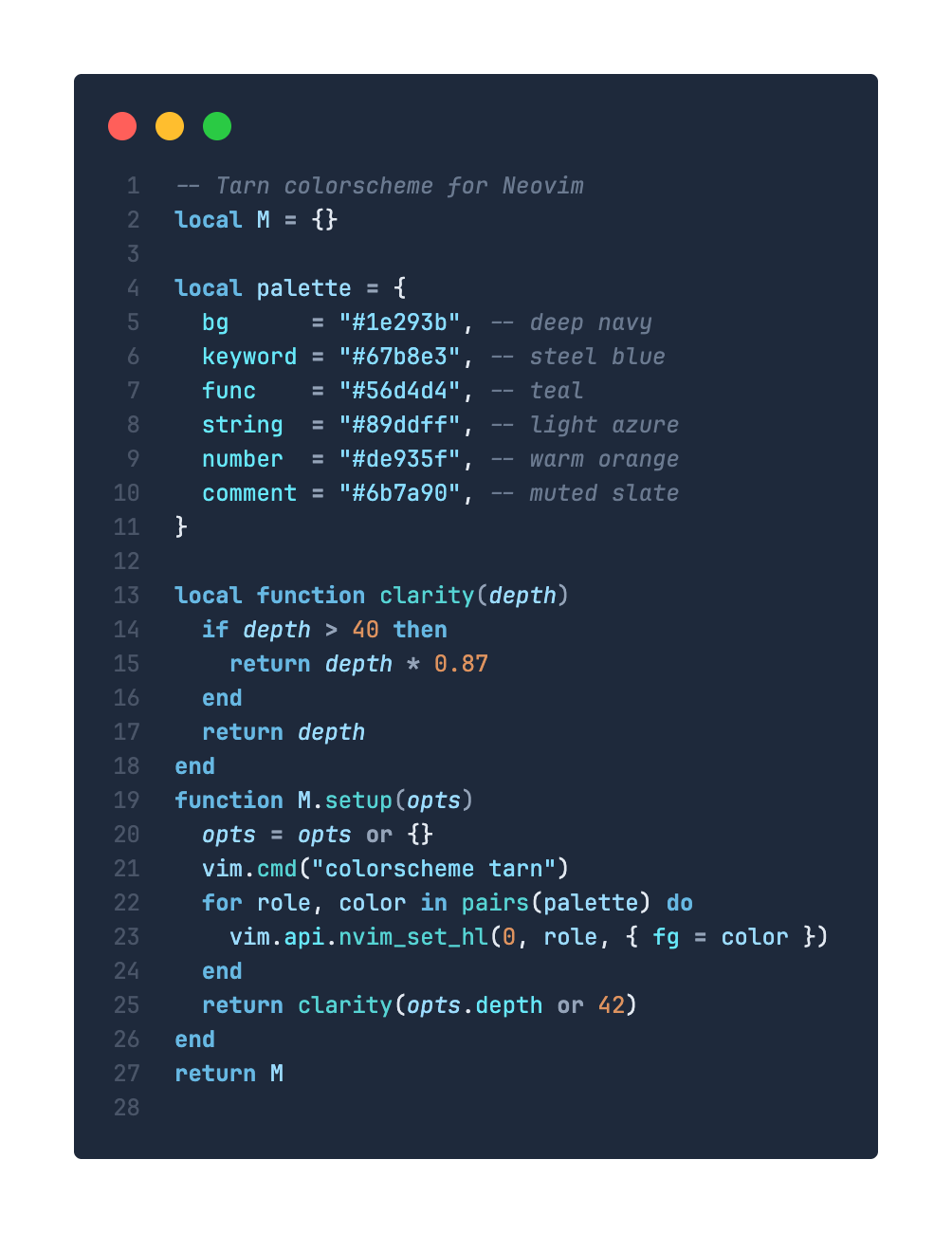
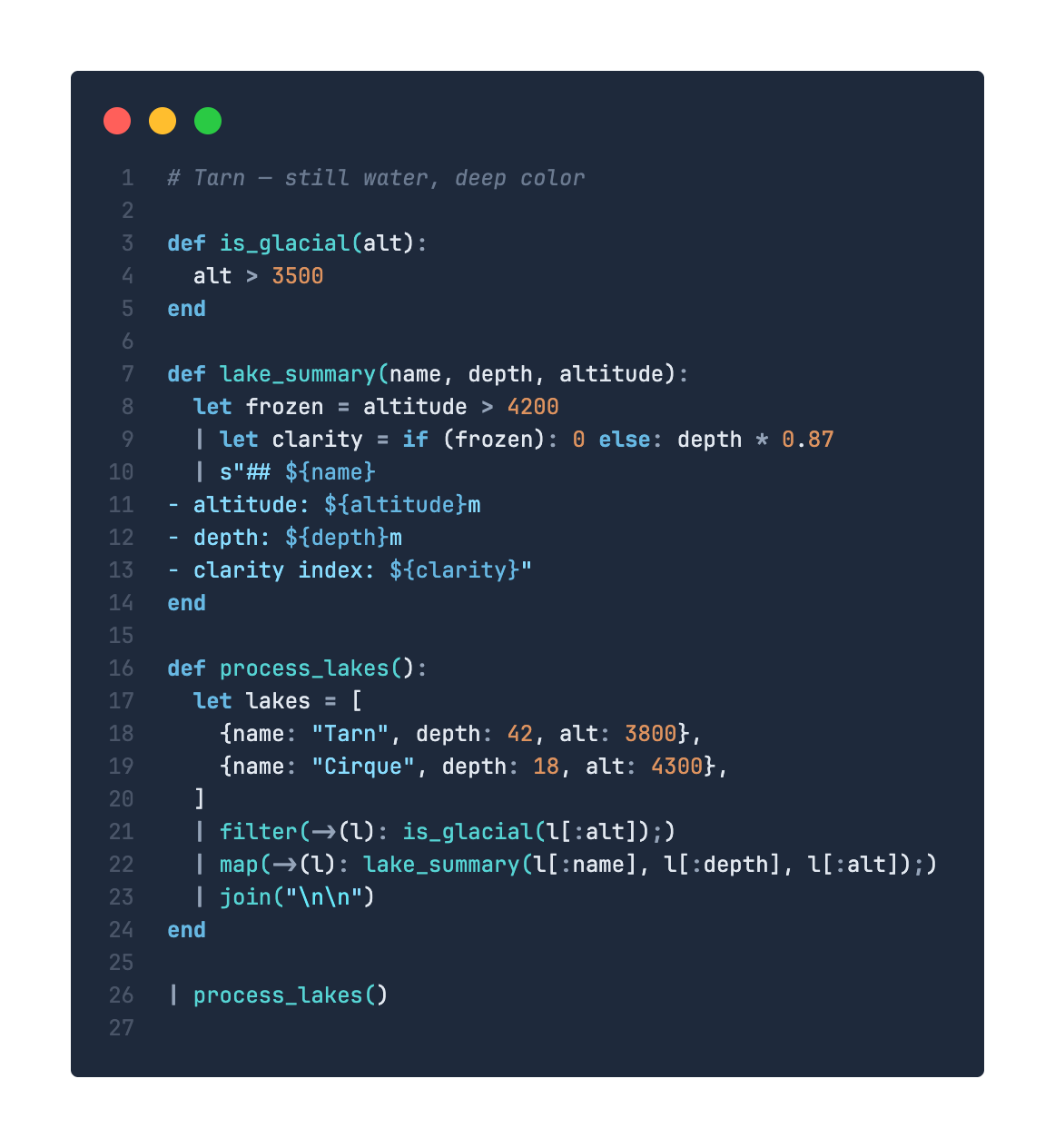
A dark theme inspired by the stillness of a high-altitude glacial lake — deep navy depths, steel blue shimmers, and teal-to-azure syntax highlighting.


Color Palette
| Role | Hex | Preview |
|---|---|---|
| Background | #1e293b |
 |
| Keywords | #67b8e3 |
 |
| Functions | #56d4d4 |
 |
| Strings | #89ddff |
 |
| Numbers | #de935f |
 |
| Variables | #9cdcfe |
 |
| Properties | #67e8f9 |
 |
| Comments | #6b7a90 |
 |
| Operators | #94a3b8 |
 |
Installation
Via Marketplace
- Open Extensions (
Ctrl+Shift+X/Cmd+Shift+X) - Search for Tarn
- Click Install
- Open Command Palette → Preferences: Color Theme → select Tarn or Tarn Light
Via CLI
code --install-extension harehare.tarn-theme
Manual Build
cd vscode
npx @vscode/vsce package
code --install-extension tarn-theme-*.vsix