Your assigned items, right where you code. See what's next, progress status, check off subtasks, and flag blockers — without leaving VS Code.
Features
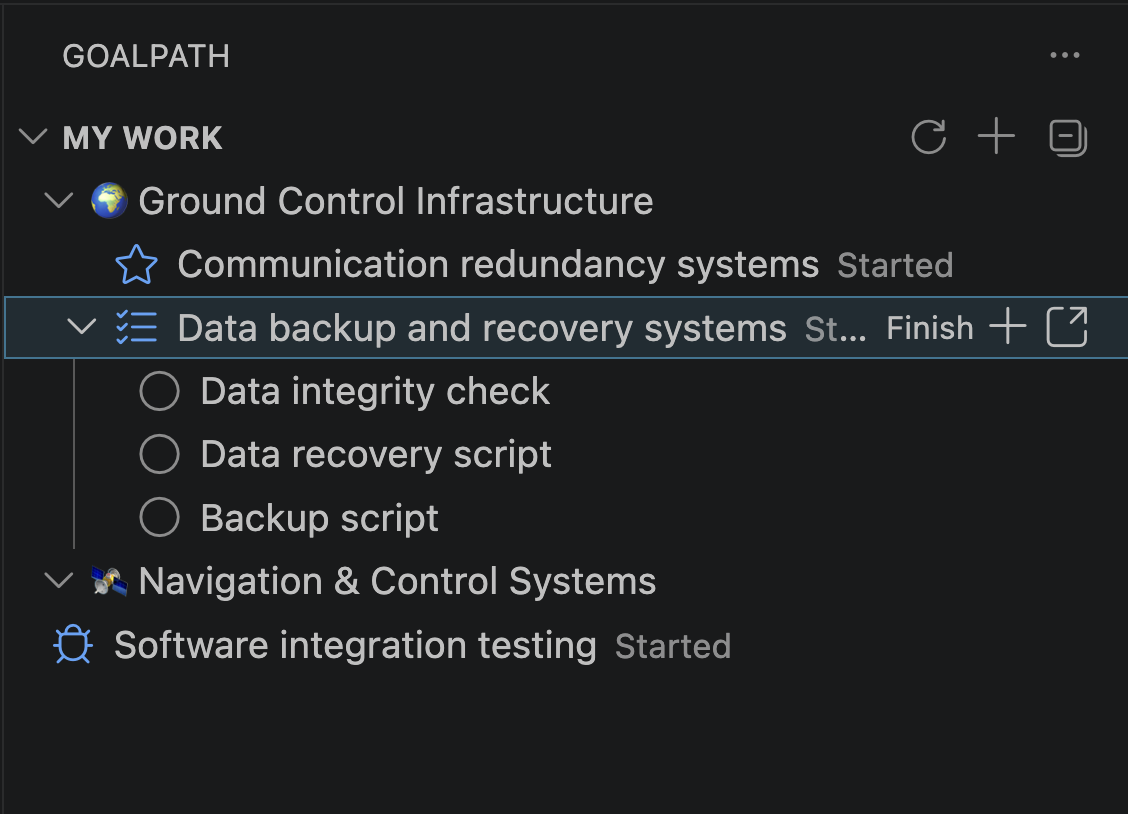
Your work, organized by milestone
Items grouped by milestone with status and progress. Expand any item to see its subtasks — click to check them off.
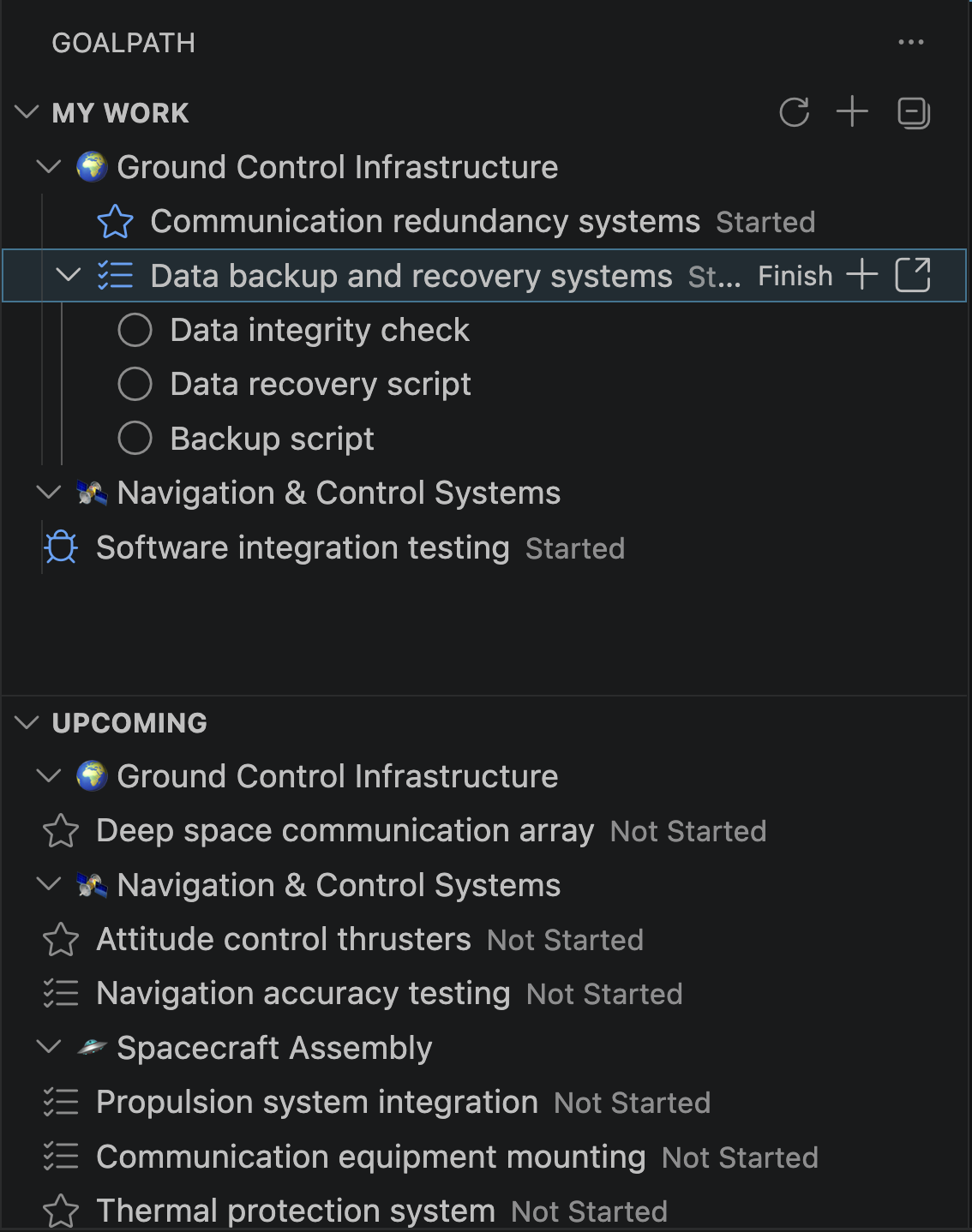
Progress items with one click
Hover any item to see the next action: Start, Finish, Deliver. Accept or reject delivered items. Add subtasks or open in GoalPath — all inline.
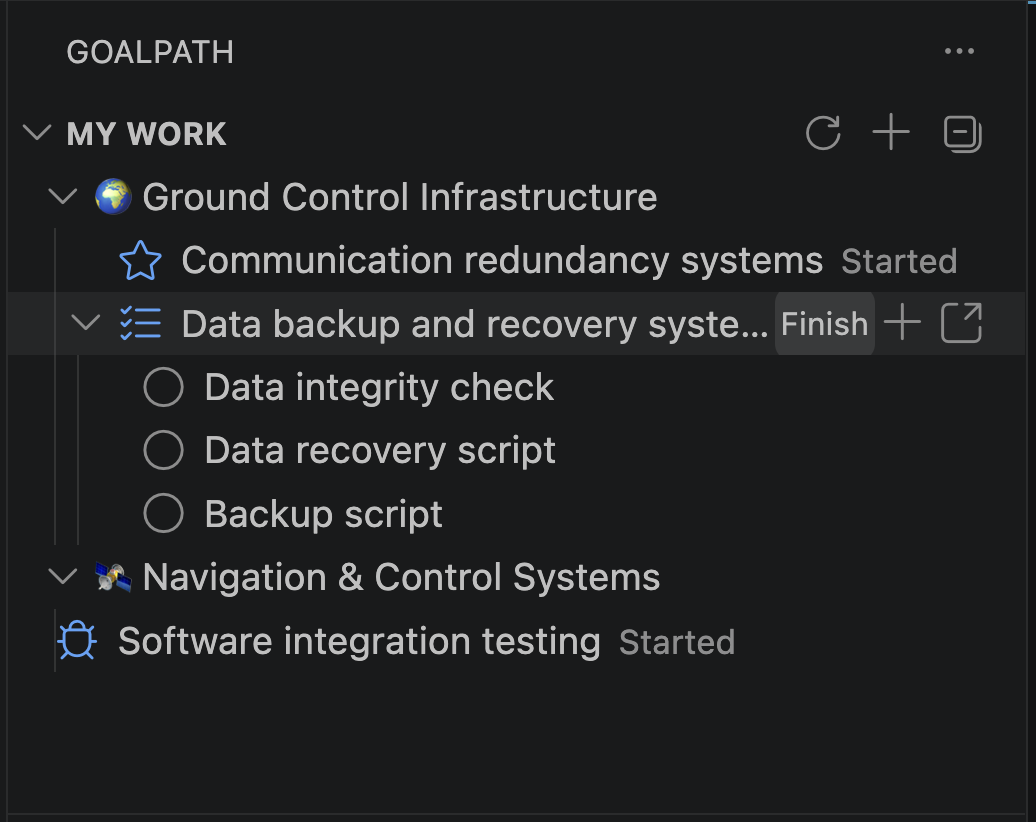
See what's coming next
The Upcoming section shows unstarted items from your active milestones. Pick up work without opening the browser.
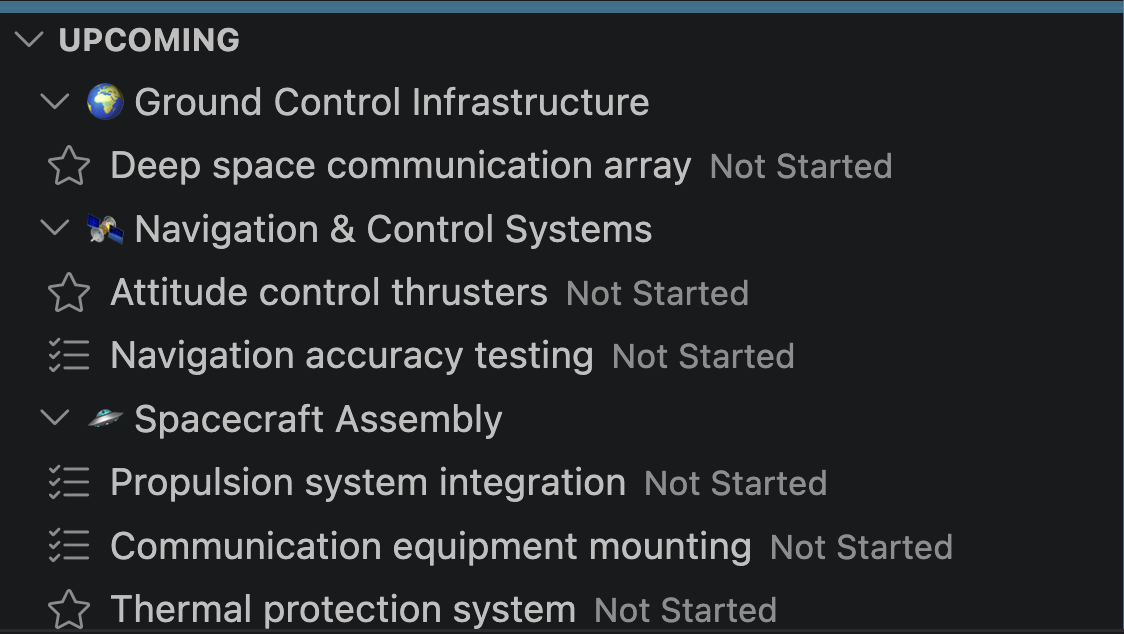
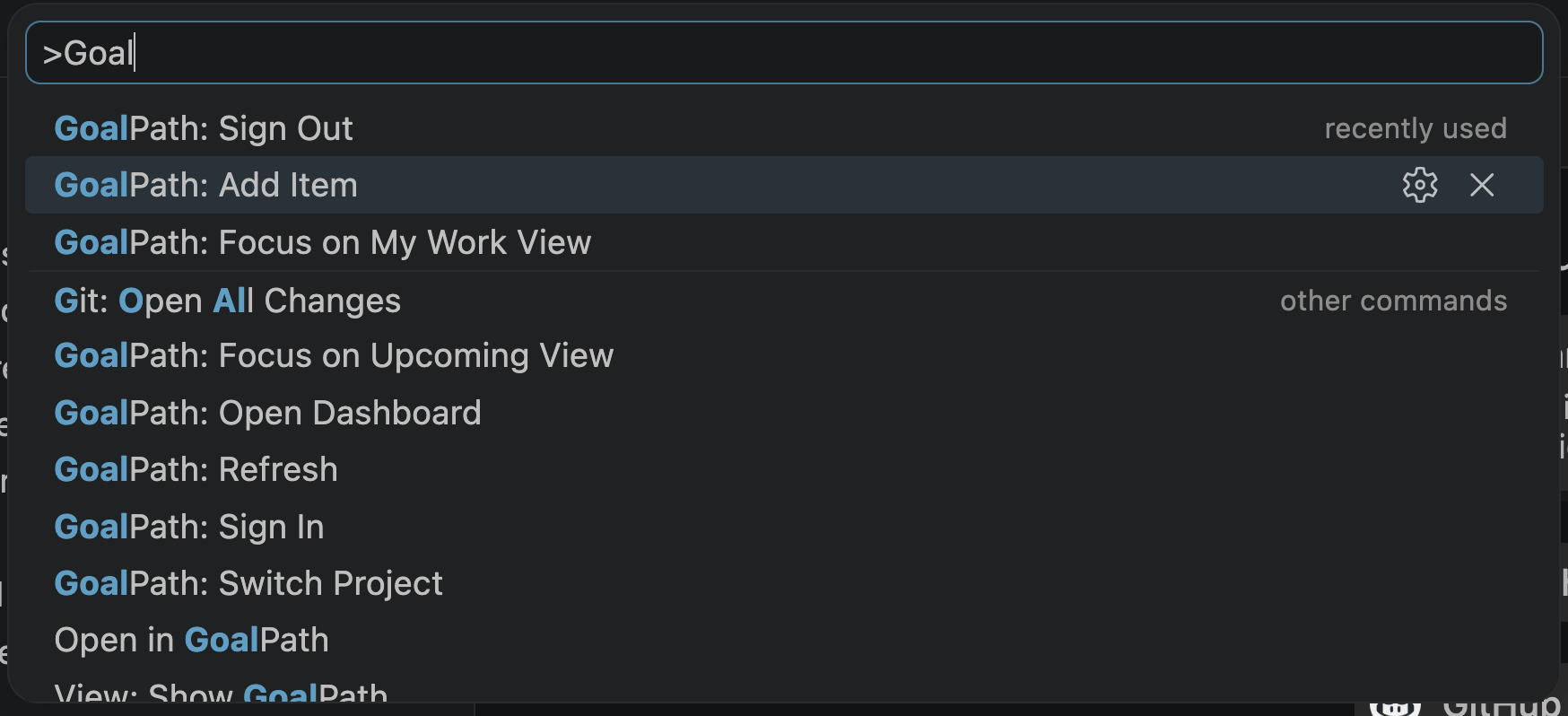
Everything from the command palette
Sign in, switch projects, add items, refresh — all available from Cmd+Shift+P.
And more
- Rich tooltips — hover any item for the full description and recent comments
- Flag blockers — right-click to mark items as Blocked, Question, or Discussion
- Add comments — post updates without opening the browser
- Auto-refresh — syncs every 60 seconds and on window focus
.goalpathfile — commit it to your repo so your team auto-connects to the right project
Getting started
- Install the extension
- Click the GoalPath icon in the Activity Bar
- Click Sign In and paste your API key — generate one here
- Select your project
If your repo has a .goalpath file (from the GoalPath CLI or MCP server), the project is selected automatically.
Configuration
| Setting | Default | Description |
|---|---|---|
goalpath.serverUrl |
https://goalpath.app |
GoalPath server URL |
goalpath.pollInterval |
60 |
Auto-refresh interval in seconds |
goalpath.upcomingLimit |
5 |
Max upcoming items per milestone |
What is GoalPath?
GoalPath is a project delivery tool for software teams. It guides your development workflow — from planning to delivery — with the methodology built into the interface. Forecasts and stakeholder updates generate automatically from your team's actual work.