Stop AI coding agents from hallucinating files, drifting off-task, and making unsafe project changes.
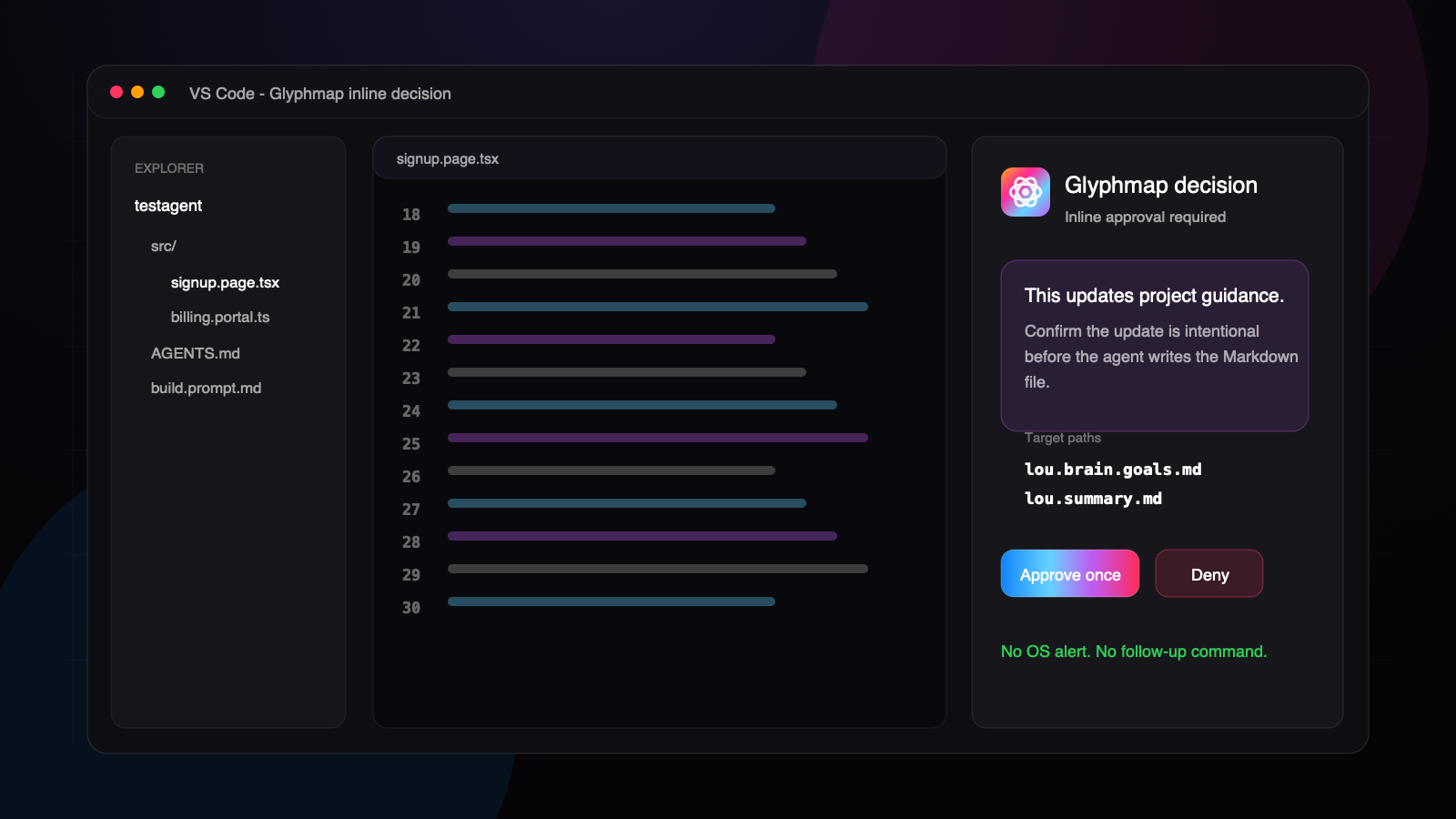
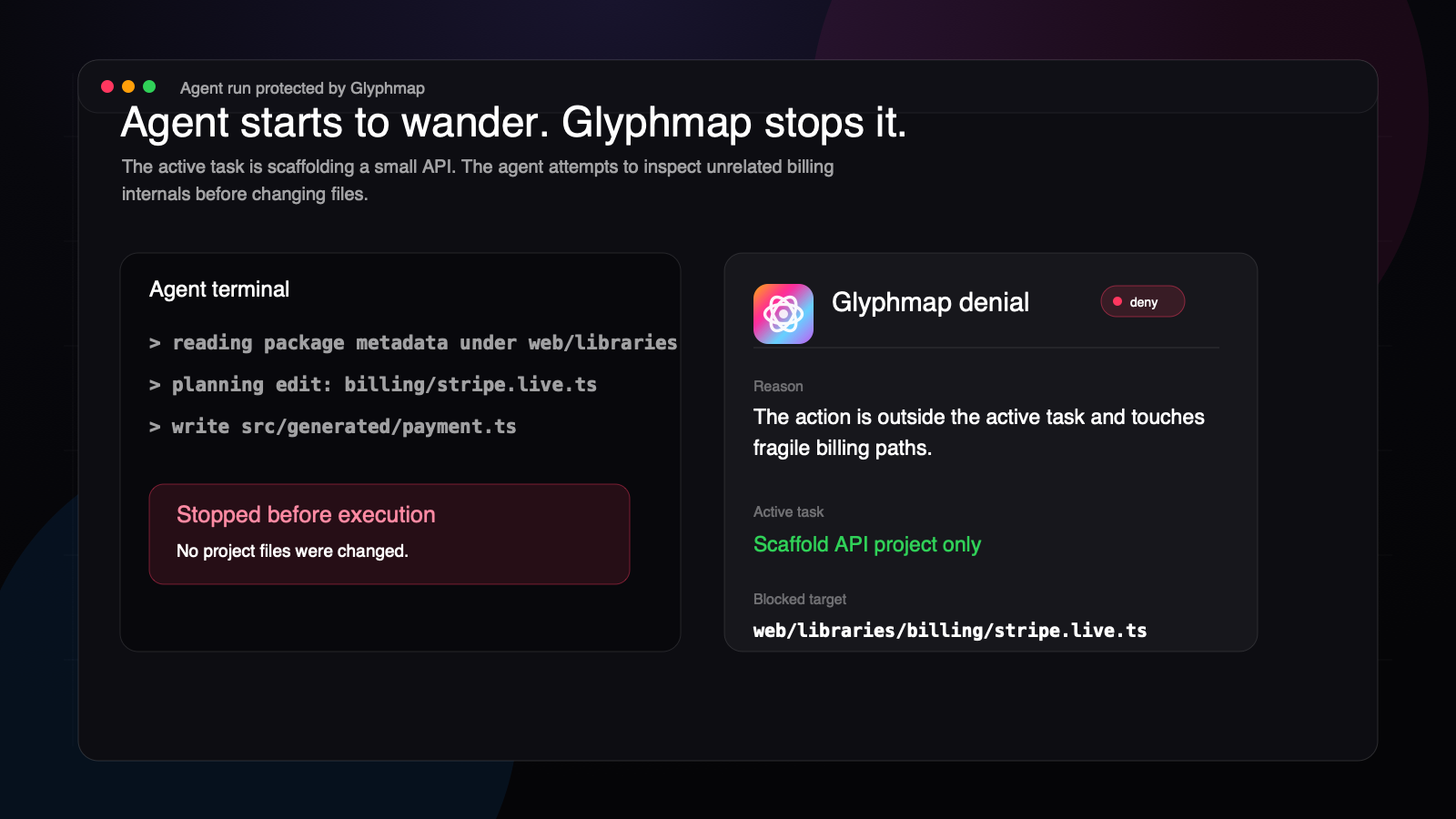
Glyphmap is a baby gate for your AI agents. It installs a local runtime that Claude, Codex, Grok Build, Gemini CLI, Antigravity, MCP, VS Code, and terminal workflows can ask before they read, write, scaffold, sync, or change a project. When an agent starts to invent files, wander outside the active task, or repeat a bad pattern, Glyphmap can surface context, ask for approval, or stop the action before the project drifts.
Installing or activating the extension does not modify a workspace by itself. Run Glyphmap: Init or Glyphmap: Login to bind a workspace to a Glyphmap project.
Why Glyphmap
- Keeps agents on the active task instead of wandering into unrelated files.
- Catches made-up changes, unsafe deletes, bypass attempts, and risky shell actions before they run.
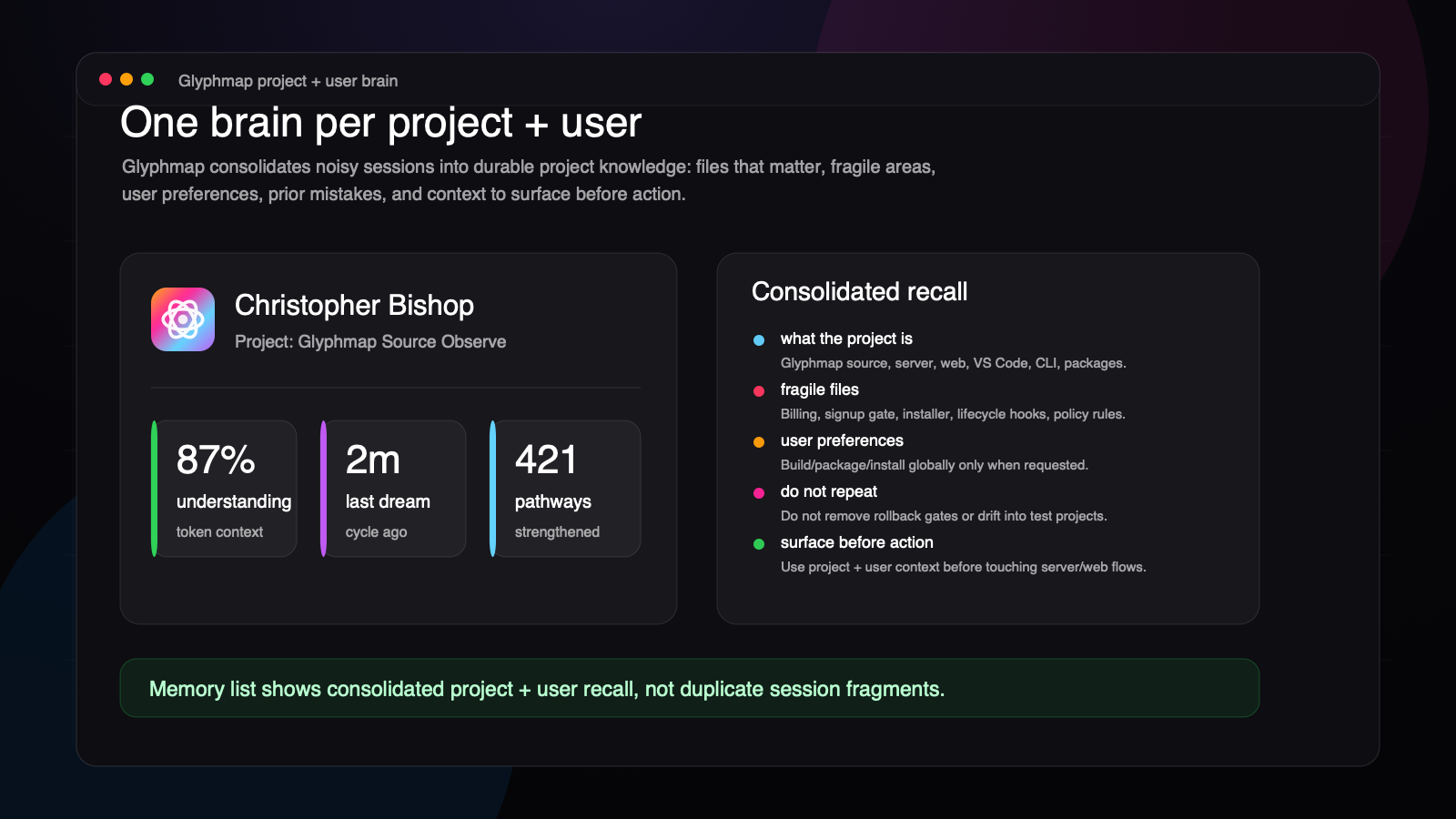
- Gives agents project memory and scoped context so they do not keep rediscovering the same facts.
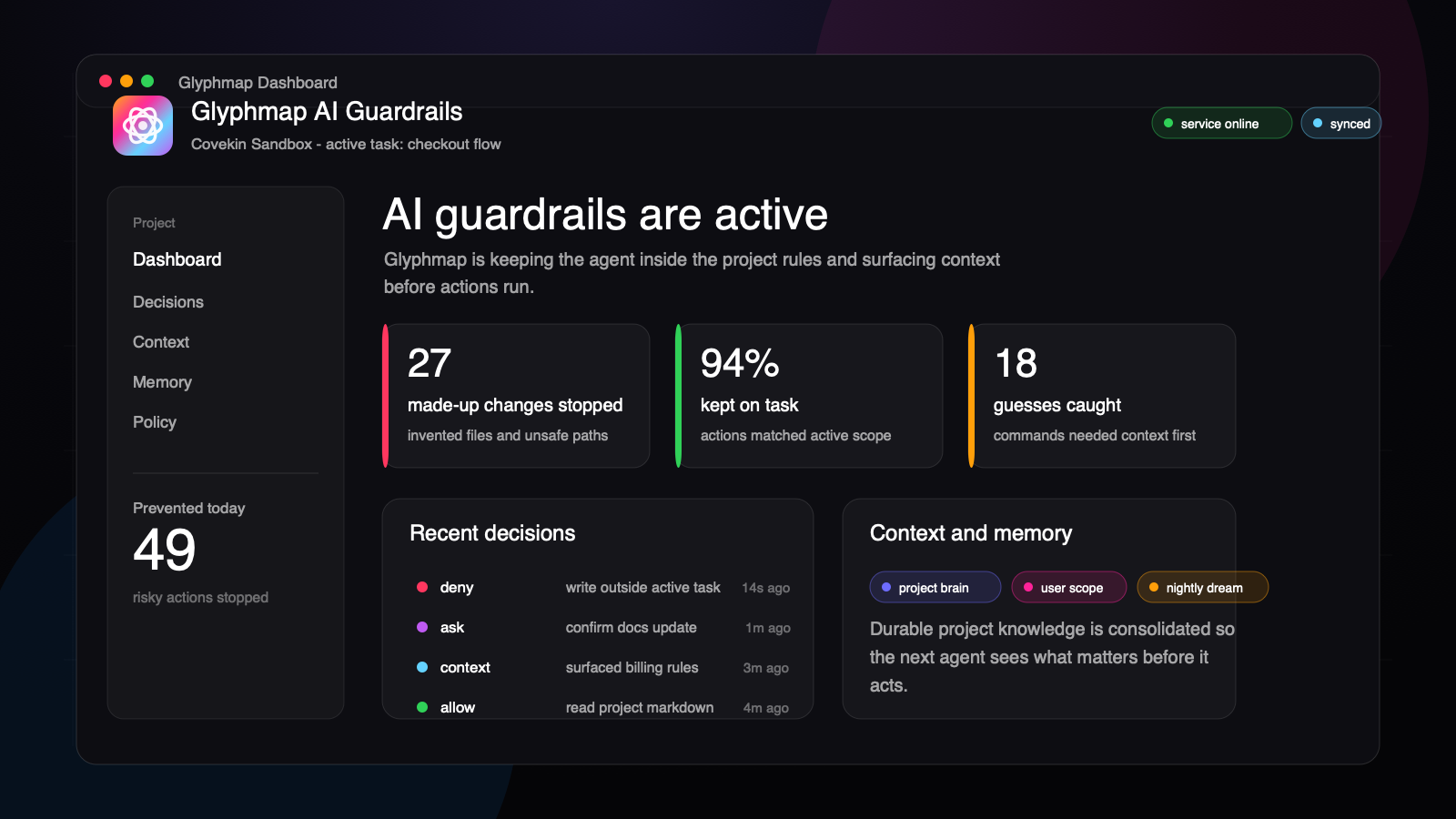
- Shows prevention activity in a local dashboard: kept on task, guesses caught, made-up changes stopped, recent decisions, memory, policy, service, and task status.
See It Work
Get Started
- Install the extension.
- Open the Command Palette.
- Run Glyphmap: Init.
- Sign in, choose a Glyphmap project, and confirm the workspace settings.
- Keep using your coding agent. Glyphmap installs the local runtime, hooks, skills, commands, language packs, and dashboard support for the workspace.
What It Adds
- Native workspace runtime for macOS and Windows, packaged with the extension.
- One local daemon per Glyphmap project, shared by editor and terminal agent hooks.
- Managed Claude, Codex, Grok Build, Gemini CLI, and Antigravity bootstrap files, hooks, skills, commands, and language packs.
- Project decision rules for allow, ask, warn, deny, restore, receipt, response, and context behavior.
- Local memory and compact-rehydration support for project, user, and conversation scoped work.
- Context refresh, context lookup, wide recall, memory status, session status, and clear memory commands.
- Runtime dependency checks with direct macOS and Windows install guidance when required system libraries are missing.
- Logout guard that stops the project service and prevents auto-start until the next successful login.
Marketplace Assets
Screenshots, demo plans, and social/demo copy are tracked in the repository under assets/vscode-marketplace. Package builds stage root assets/ into the VSIX so the marketplace README can render the generated screenshot and GIF assets above.
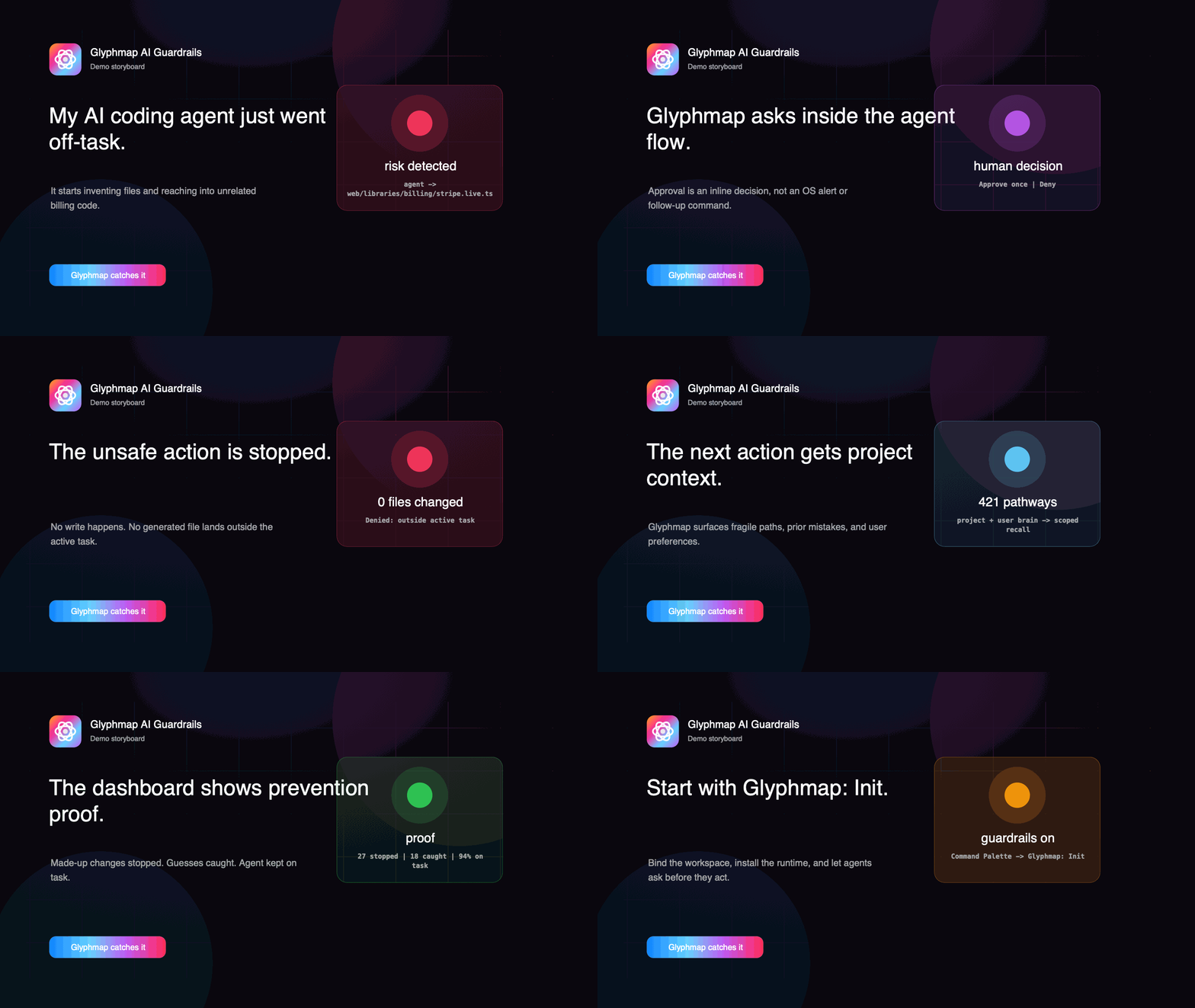
The priority demo story is simple: an AI coding agent goes off-task, Glyphmap catches it in real time, and the dashboard shows the prevention.
Commands
Glyphmap: Initlogs in when needed, lets you choose a Glyphmap project, and installs the runtime, language packs, hooks, commands, and bootstrap files.Glyphmap: Loginsigns into Glyphmap, stores the session in VS Code secrets and the native credential store, then runs the same init flow.Glyphmap: Logoutsigns out, stops the active workspace service, removes service leases, and blocks auto-start until login succeeds again.Glyphmap: Dashboardopens a local project dashboard backed by the native Glyphmap command contract.Glyphmap: Syncrefreshes local project policy, keys, language packs, responses, and runtime cache data.Glyphmap: Select Active Tasknarrows the current workspace policy to a server-defined task.Glyphmap: Start Servicestarts the local project daemon.Glyphmap: Stop Servicestops the daemon for the active workspace.Glyphmap: Restart Servicerestarts the daemon for the active workspace.Glyphmap: Statusshows install and daemon status for the selected project.Glyphmap: Session Statusshows local session status.Glyphmap: Memory Statusshows scoped memory status.Glyphmap: Enable Wide Recallenables wider memory recall for the selected scope.Glyphmap: Get Contextrequests context for a selected file or folder.Glyphmap: Refresh Contextrefreshes local context and memory data.Glyphmap: Verify Contextchecks local context health.Glyphmap: Clear Memoryclears local memory for the current workspace scope.Glyphmap: Enable Enforcementenables local enforcement for the workspace.Glyphmap: Disable Enforcementdisables local enforcement for the workspace.Glyphmap: Uninstallstops the service and removes managed Glyphmap traces from the active workspace.
Requirements
- macOS arm64 or Windows x64 package matching your machine.
- A Glyphmap account and project.
- On Windows, install the Microsoft Visual C++ Redistributable for Visual Studio 2015-2022 if the native runtime cannot start: https://learn.microsoft.com/cpp/windows/latest-supported-vc-redist
- On macOS, keep macOS current. If system runtime libraries are missing, install Apple Command Line Tools from https://developer.apple.com/download/all/