Visual diagram editor for VS Code. Build circuit schematics, ERDs, FSM state machines, software architecture diagrams, and architectural floorplans. Edit SVG files with a full node-and-wire canvas, domain-specific symbol kits, and export to SQL DDL, Mermaid, and XState.
See it work
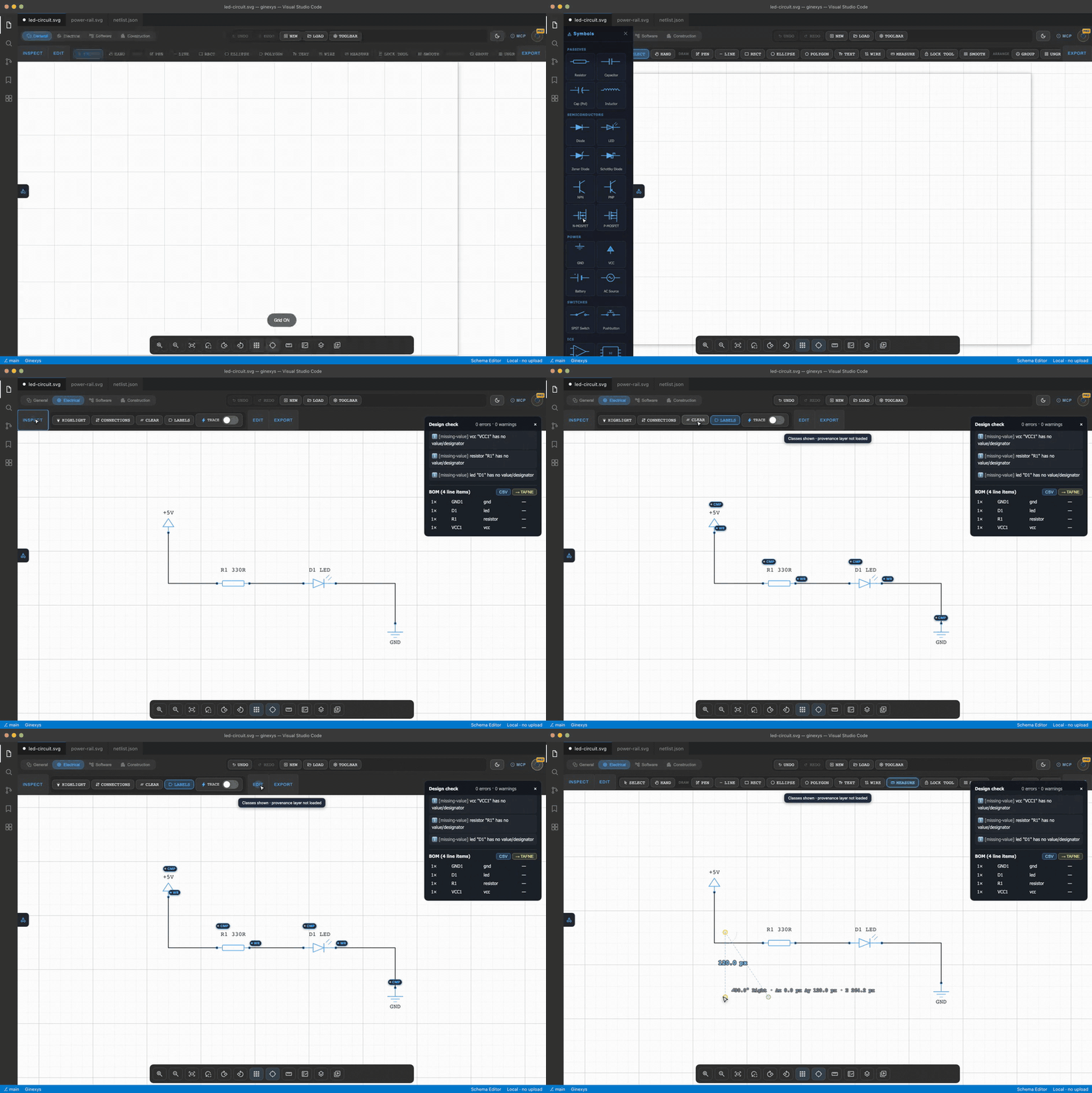
Load a schematic, run a design check, inspect the connections, measure it. Deterministic, offline, and the analysis is real: the circuit below reports 0 errors, 0 warnings and a 4-line BOM you can send straight to the Table Formatter.
Electrical domain— symbol kits for passives, semiconductors, power and switches
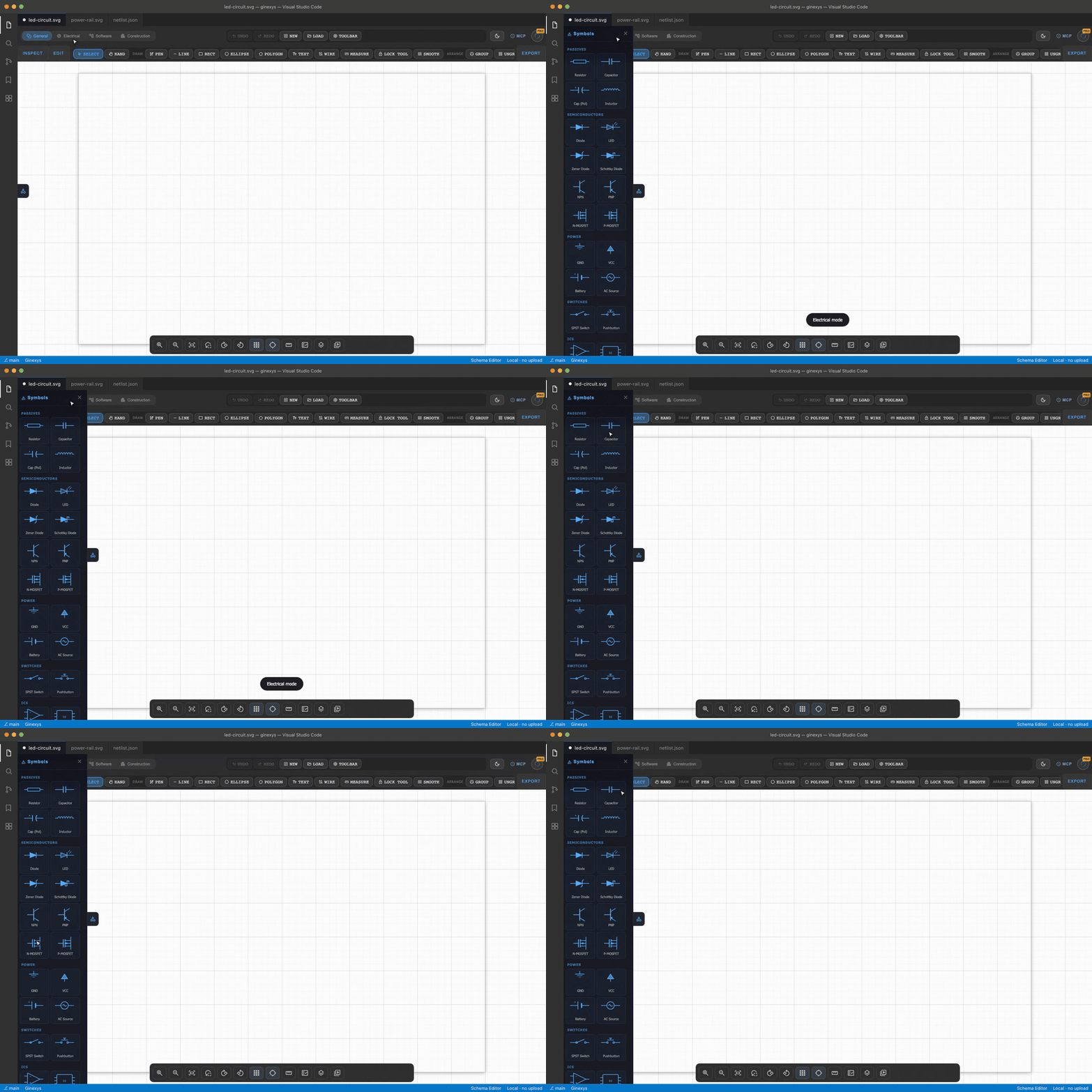
Four domain modes ship in the box: General, Electrical/PCB, Software (ERD, sequence, FSM) and Construction.
Open an existing drawing— SVG, PDF, HPGL, DWF or a raster scan
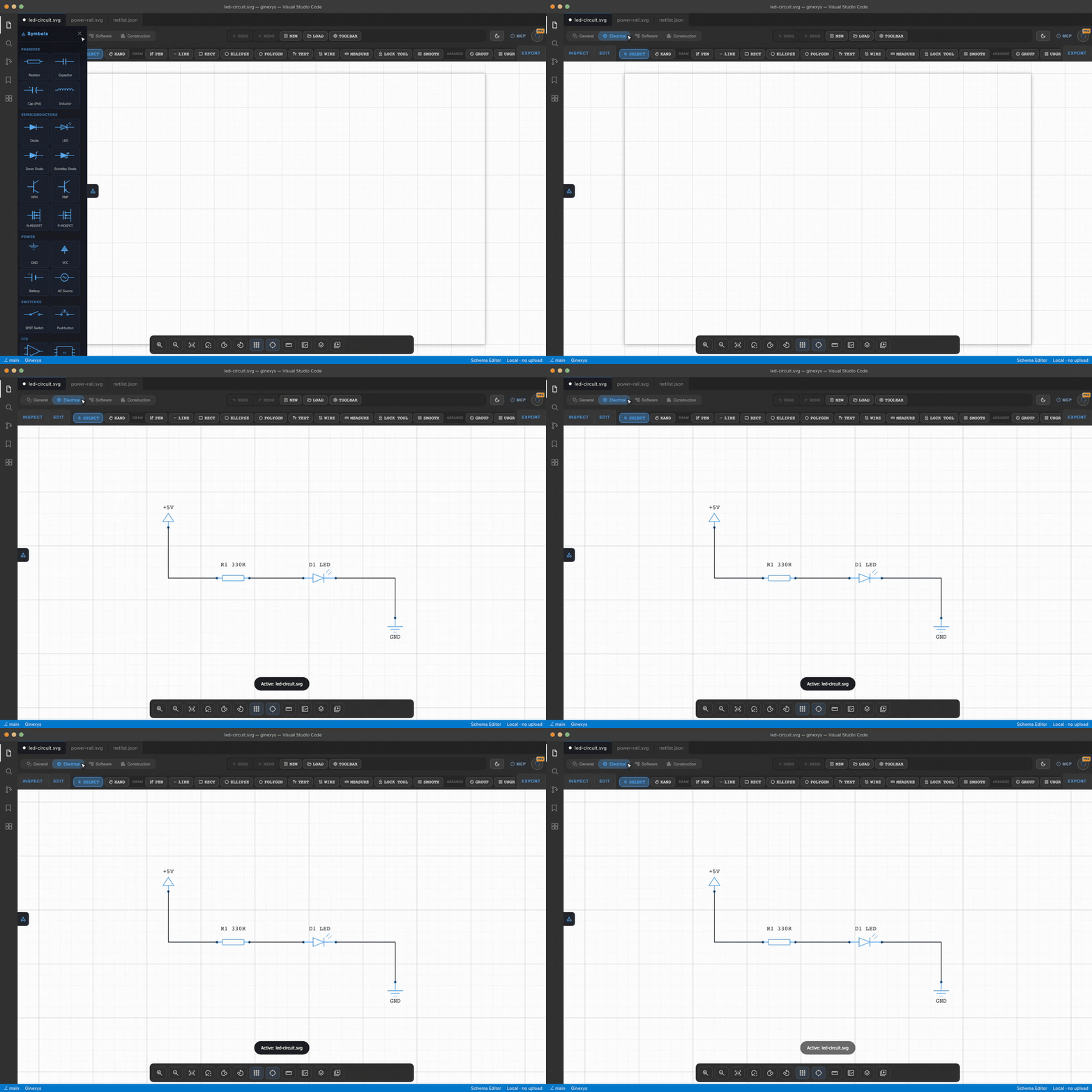
Symbols, pins and wires survive the import as real objects, so a loaded drawing is analysable rather than just visible.
Design check and BOM— electrical rule checking over the netlist
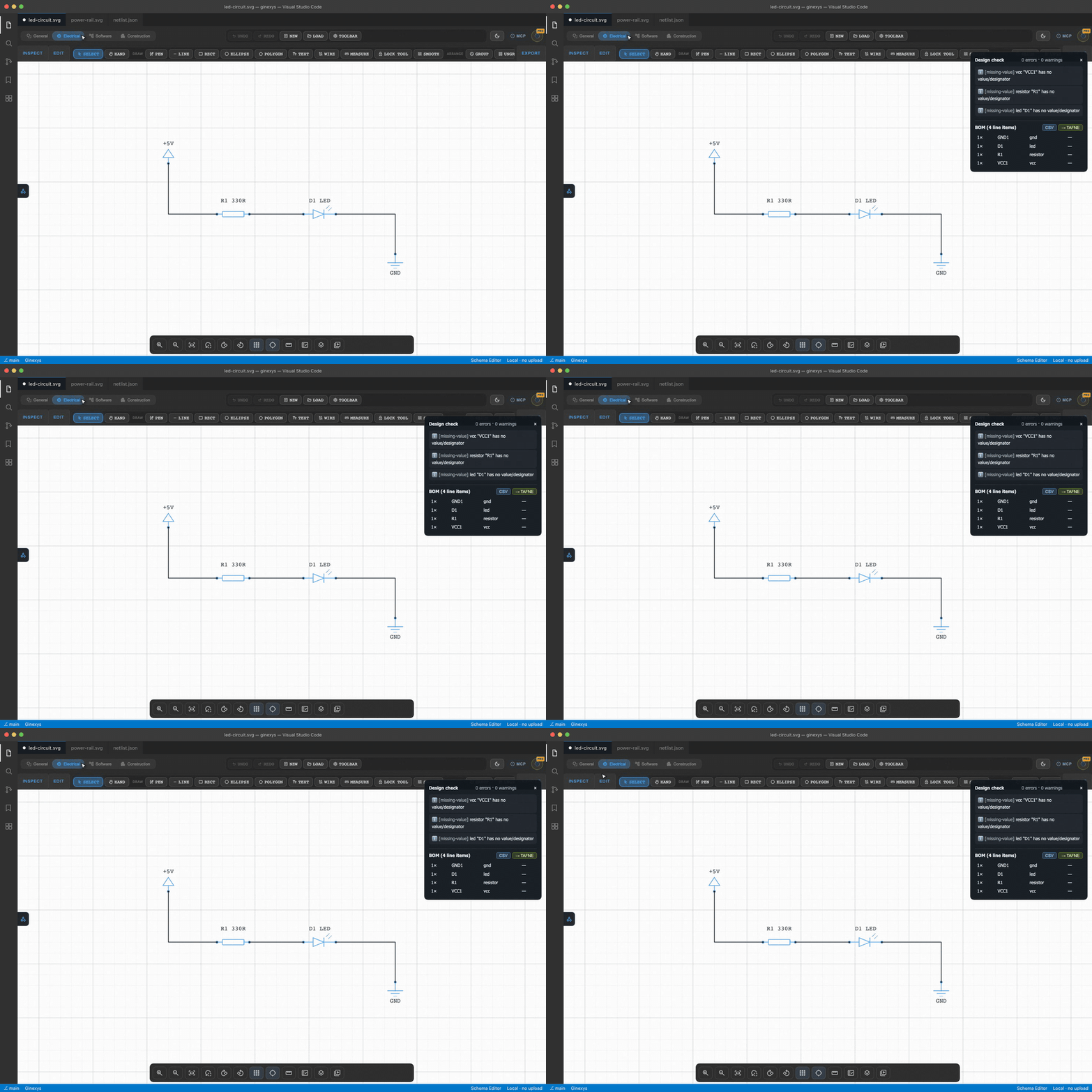
Connection rules run against pin roles, not just topology: output-to-output shorts, power-to-signal, missing drivers and polarity. A clean circuit reports zero findings, and the bill of materials exports as CSV or straight into the Table Formatter.
Inspect— highlight, trace connections, label, clear
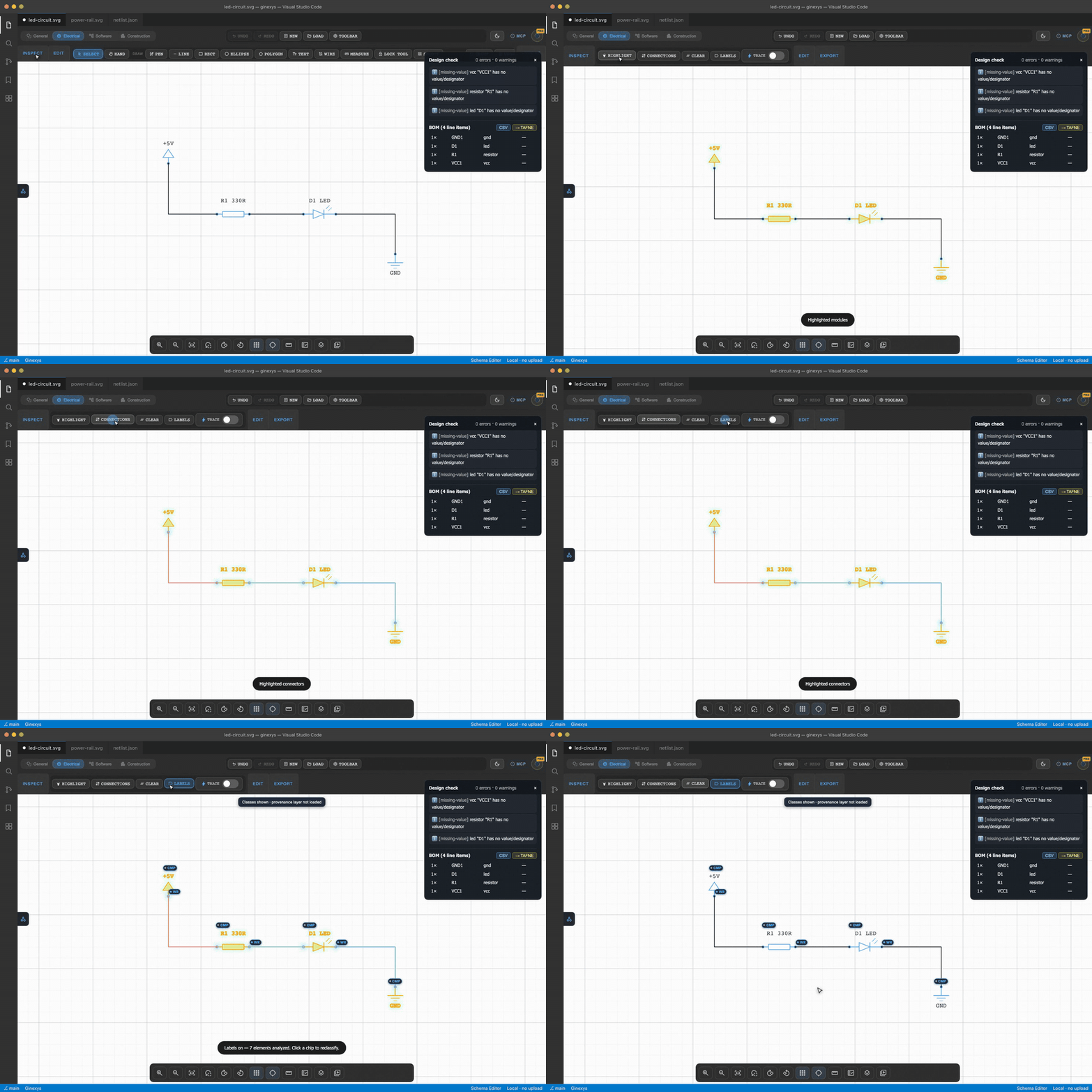
Labels carry provenance. Each chip shows how the element was classified and by what, and clicking one reclassifies it — a human correction outranks the next engine re-run rather than being overwritten by it.
Layers and structure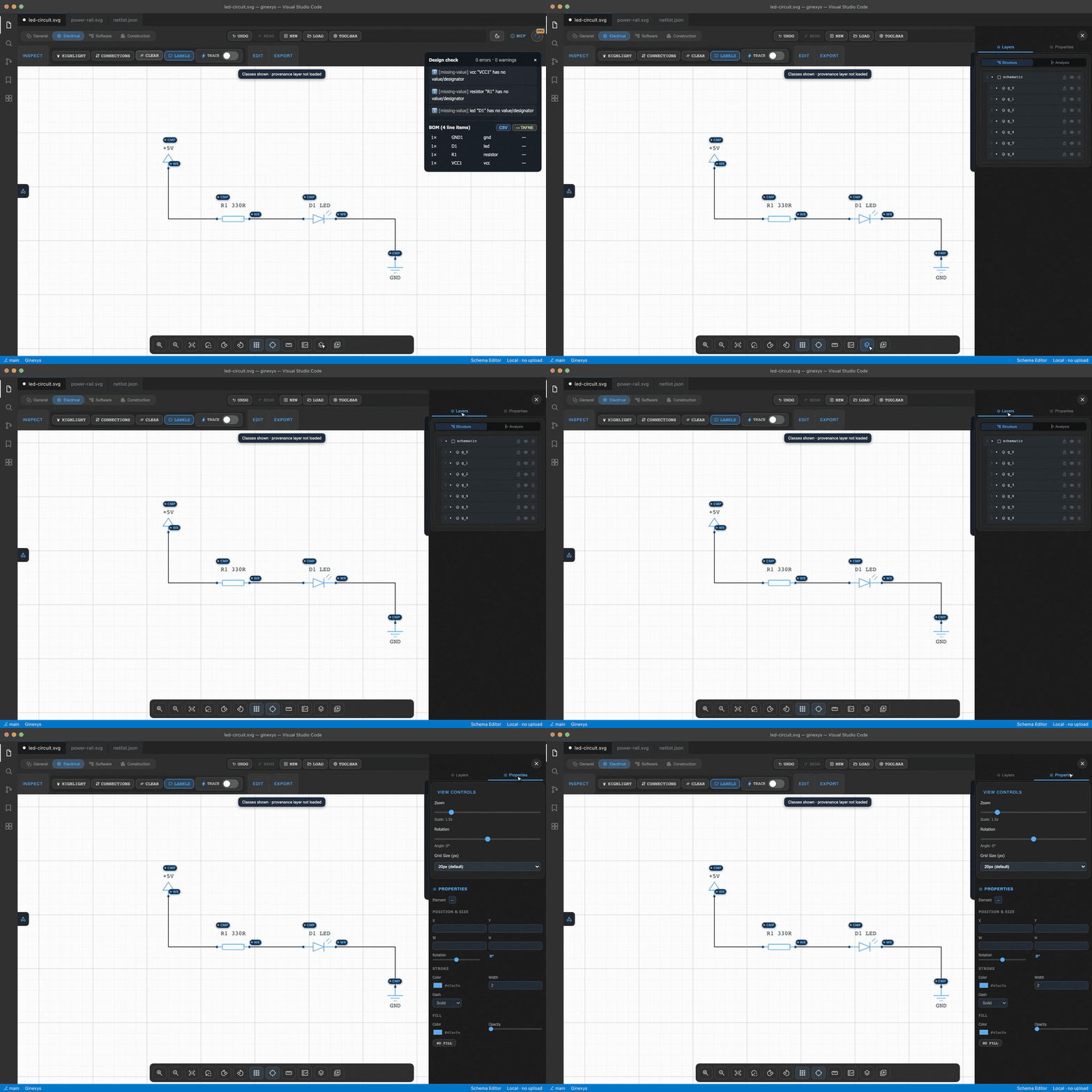
— real dimensions on the drawing
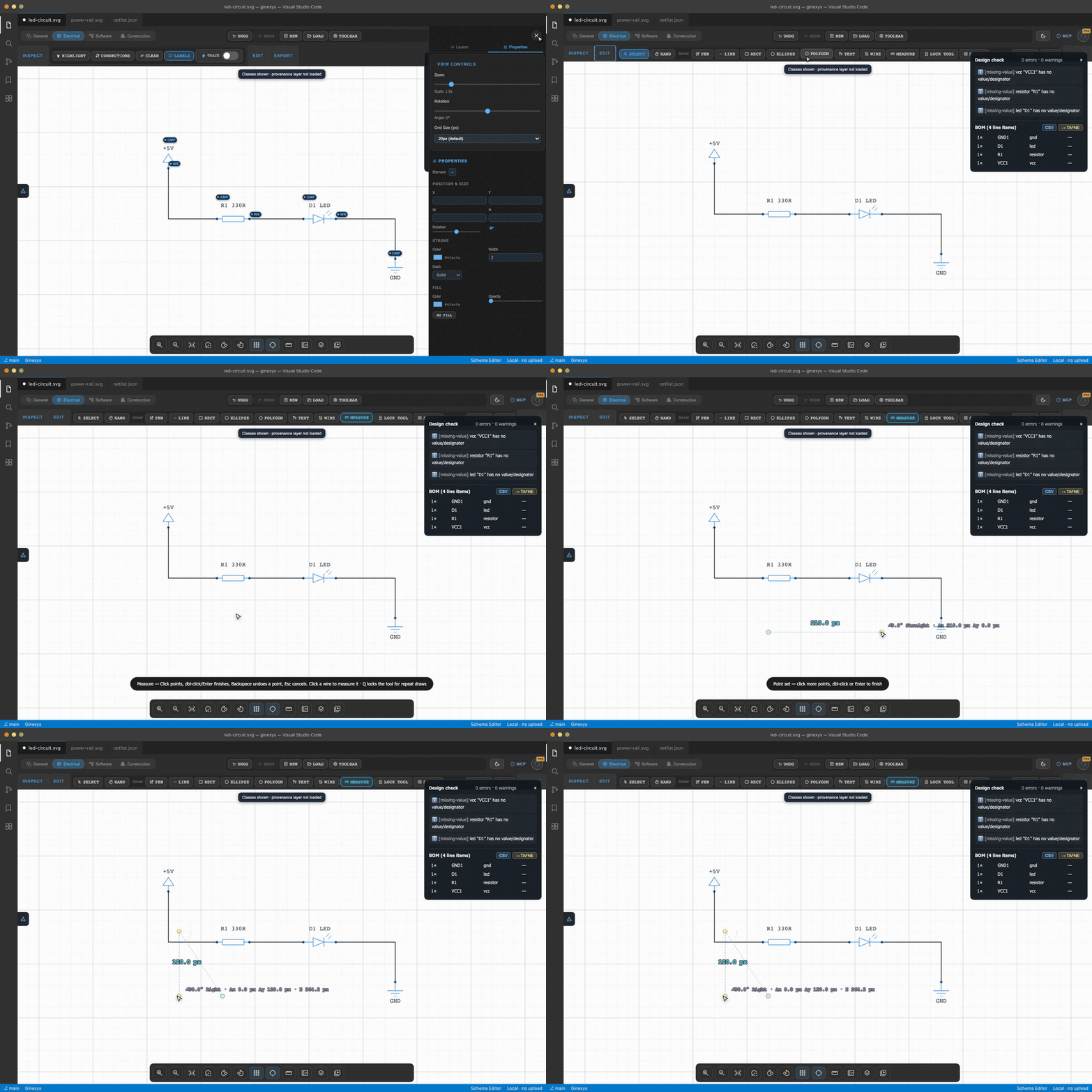
Measurements are persistent document annotations with node editing, not a transient readout. Calibrate once to work in mm instead of px.
Install and use
- Install this extension.
- Right-click any
.svgor.gschemafile in Explorer. - Pick "Open with Schema Editor."
The diagram opens in a VS Code custom editor with full canvas controls, palette panels, and live wire routing.
Commands
| Command | What it does |
|---|---|
Ginexys: Open with Schema Editor |
Open the active file in the editor |
Ginexys: Open Electrical Schema |
Open with the electrical palette active |
Ginexys: Open Software Diagram |
Open with the software palette (ERD, FSM, sequence) |
Ginexys: Open Construction Floorplan |
Open with the architectural palette |
Each command also appears in the Explorer context menu.
File types
.svg · .gschema
The same custom editor handles both.
Domain modes
Electrical and PCB
Connectivity-focused symbols for passive components, ICs, and connectors. Built-in logic for netlist generation and BOM export. Intelligent Manhattan routing keeps wires orthogonal and clean as components move.
Software design
Build UML class diagrams, ERDs, and state machines. Auto-routing for sequence diagrams. Export ERDs as SQL DDL and FSMs as XState or Mermaid syntax.
Construction and AEC
Precision tools for architectural layouts. Symbols for walls, openings, MEP (mechanical, electrical, plumbing), and site utilities. Calibrated measurement system supporting metric and imperial units.
General
Generic SVG drawing with the full canvas and snapping engine, without a domain-specific symbol kit.
Key features
- Intelligent Manhattan routing. Wires stay orthogonal as you drag components. No manual cleanup.
- Real-time wire tracing. Click any wire to highlight the entire net's connectivity path.
- Touch-optimized canvas. Smooth pan, zoom, and multi-touch on tablets or stylus devices.
- Precision snapping. Grid, object, and pin-to-pin snapping for pixel-perfect engineering.
- Layer management. Visibility, locking, stacking order, scene-graph view.
- Live VS Code text sync. Edit the SVG markup in a text editor and the canvas updates after a 300ms debounce.
- Multi-format export. SVG, JSON, SQL DDL (ERD), XState (FSM), Mermaid (sequence diagrams).
- Cross-tool send. Push a netlist to TAFNE for BOM cleanup and editing.
Pro features
Some features require a Ginexys Pro account:
- Pro symbol kits. AWS, Azure, GCP, Kubernetes, and DevOps branded icon kits.
- Cross-tool send. Send netlists and back-annotations to TAFNE and PDF Processor.
Free symbols and all editing features remain available.
Requires
Ginexys Core Extension is a dependency. VS Code installs it automatically.
Part of the Ginexys pipeline
Schema Editor is the Engineer step:
Extract  (PDF/image to structured data)   PDF Processor
   v
Transform  (reshape, edit, clean)         TAFNE
   v
Engineer   (schematic / topology editor)  Schema Editor  (this extension)
Get the whole pipeline: Ginexys Developer Tools.
License
MIT. See LICENSE.
Source and issues
https://github.com/carnworkstudios/schema-editor