See the code you'll never read — automatic, navigable diagrams for your codebase, inside VS Code and Cursor. Built for the age of AI-generated code: when nobody read what was written, the map is how you stay oriented.
Everything runs locally. No code ever leaves your machine.
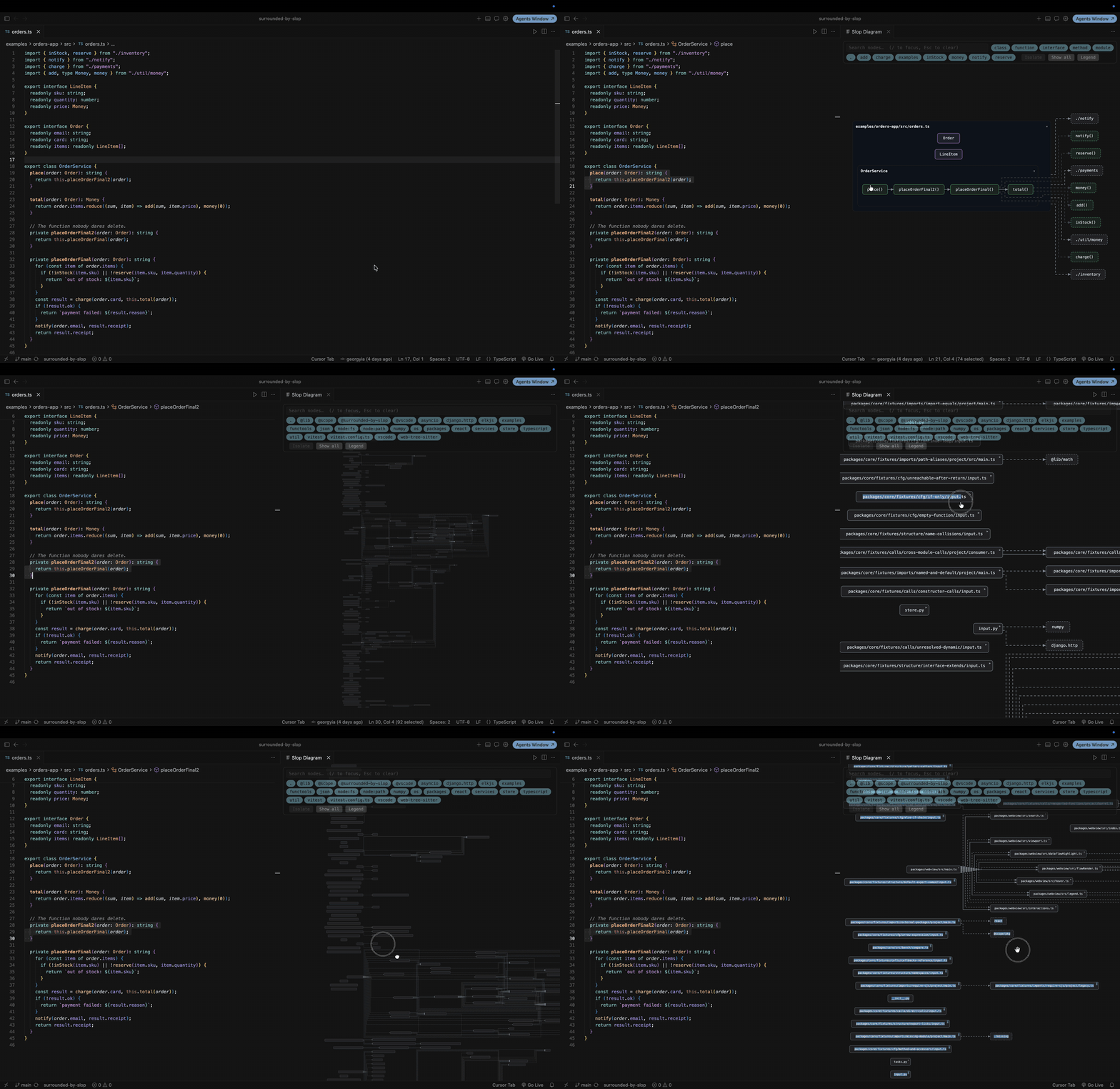
What you get
- Visualize File (
⌘⇧V) — structure + call diagram of the current file. TypeScript/JavaScript with real type-checker resolution; Python via tree-sitter. - Visualize Workspace — a module map of the whole repo, TS and Python on one canvas. Opens collapsed; click a module to expand its members. Huge or dense repos fold to a folder overview instead of a hairball.
- Visualize Function Flow — a control-flow chart of the function under your cursor: labeled true/false branches, loop back-edges, unreachable code dimmed and badged, and a per-variable read/write overlay.
- Navigate — click any box to jump to its source line; search, filter chips, isolate a node's neighborhood, hover for signatures.
- Export — draw.io, Mermaid, SVG, or raw JSON; what you export is exactly what you saw.
Quick start
- Install, open any TypeScript or Python file.
⌘⇧V(or right-click → Visualize File).- Click a box — you're at its declaration. That's the loop.
Settings live under Surrounded by Slop (slop.*): include/exclude globs,
test-file handling, external modules, theme, layout direction.
Honest by design
Heuristic edges (e.g. Python calls) are drawn dimmed and marked low-confidence — the diagram never pretends to know more than the analyzer does. Guardrail messages tell you when something was skipped or folded, and the Output panel says why.
Docs, roadmap, contributing: github.com/georgyia/surrounded-by-slop