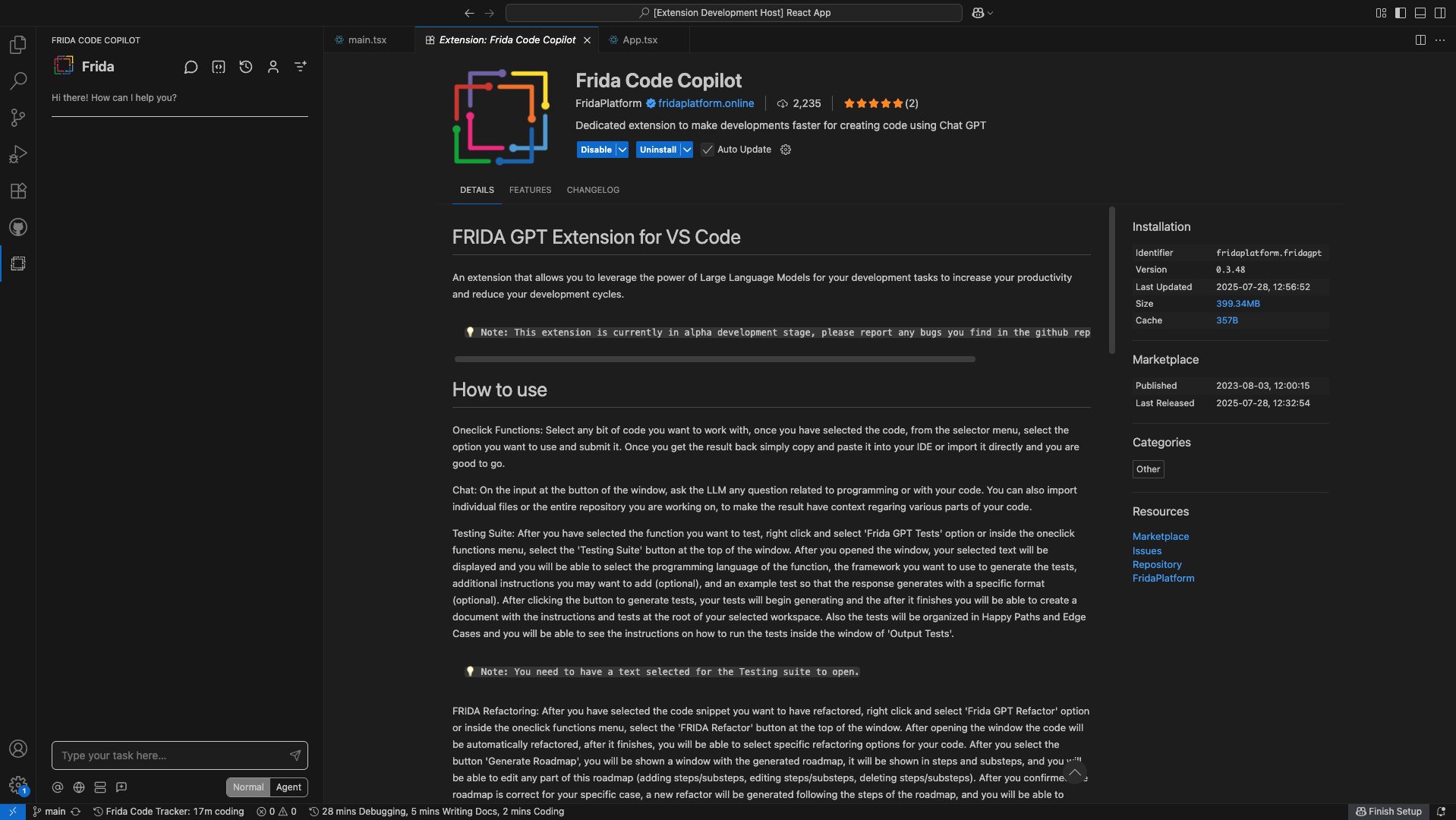
Meet Frida (Framework for Intelligent Data Automation), an AI assistant that can use in your vscode editor to increment and improve your development process.
Frida can handle complex software development tasks step-by-step. With tools that let it create & edit files, explore large projects, use the browser, or even use the Model Context Protocol (MCP) to create new tools and extend this extension capabilities.
Use the
CMD/CTRL + Shift + Pshortcut to open the command palette and type "Frida Code Copilot" to see different commands available and shortcuts you may want to use.
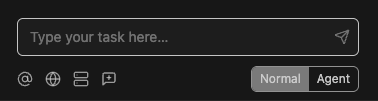
The Best Chat Assistant
Frida supports API providers like Azure OpenAI with a multi-model selection depending on the task. In our chat you can find anything you need, from context documents or files to web search in a single place. Using our Agent mode you can enable the usage of MCP servers added or automatic file creation, edition, deletion, etc.
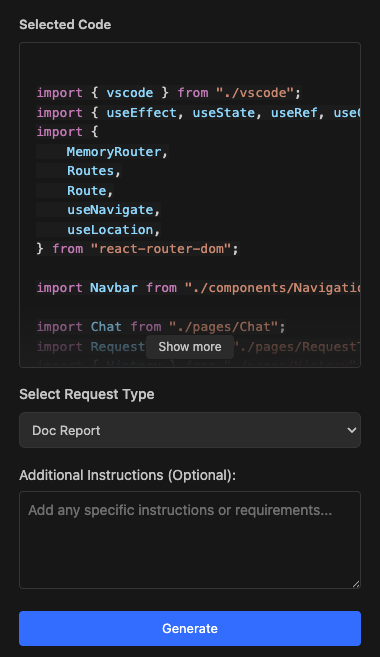
One Click Functions
Frida has the powerful one click functions that are able to handle all your routine tasks with one click. There we have extracted specific common functionalities into single functions where we just need to select the code in the editor, pick our one click function and generate the result. Fast and easy!
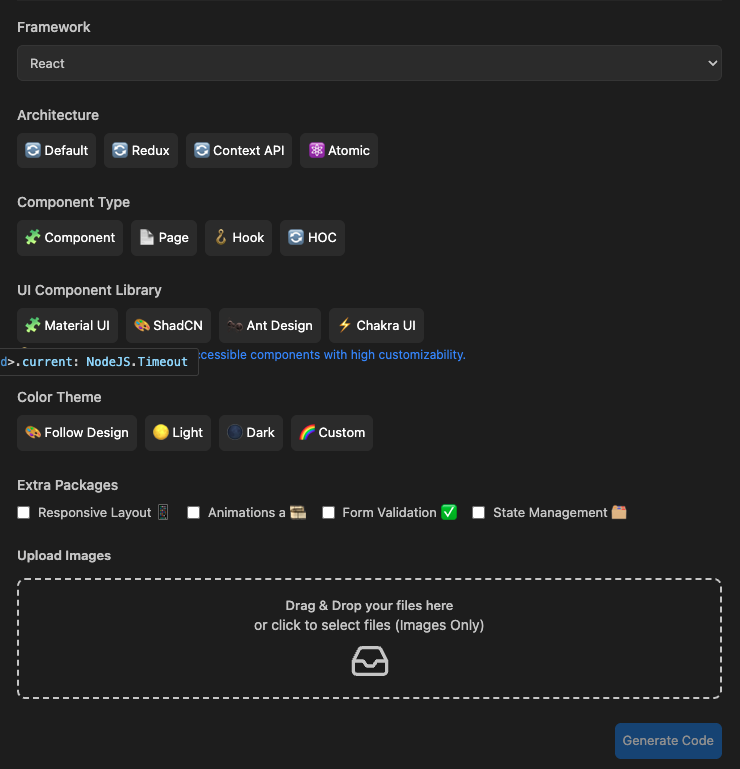
Image to Code
Frida can turn your designs into code effortlessly. Just upload an image and choose your preferred stack, whether it’s React, Angular or using libraries like Shadcn UI, Tailwind CSS, or others. Our smart engine analyzes the image and instantly generates clean, ready-to-use component code tailored to your configuration. Say goodbye to manual coding and bring your visuals to life in seconds.
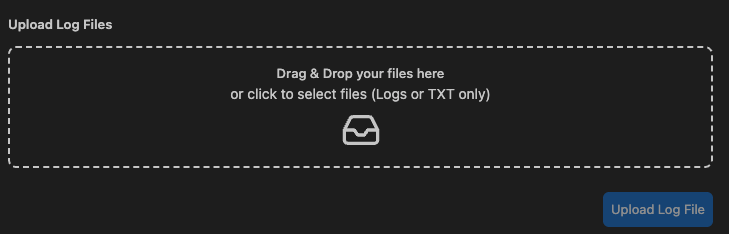
Log Analysis
Frida understand your logs at a glance. Upload any log file, and our tool will break it down into a clear, human readable summary of what’s happening. Errors, events, sequences, and more. To make it even easier, it also generates a visual diagram that maps out the flow and key events, helping you spot issues and patterns in seconds.
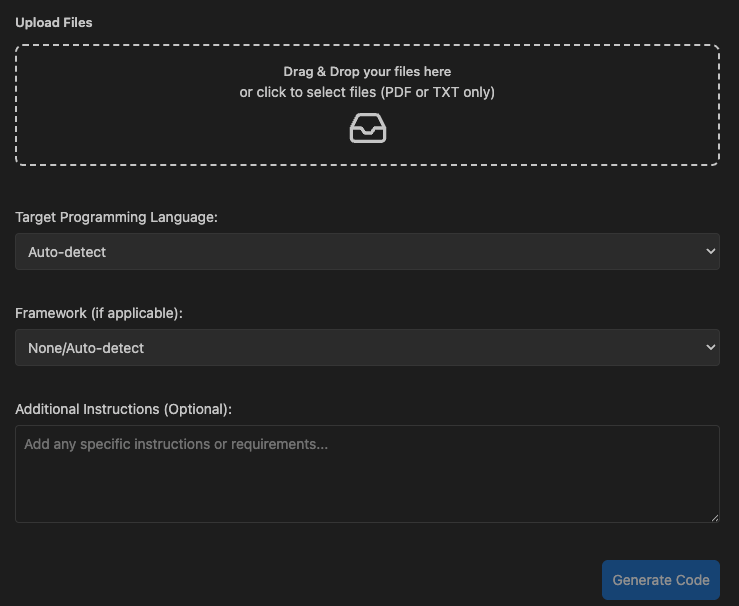
Code from File
Frida can transform your idea into code in one step. Upload a document describing what you want to build, select your preferred language and framework like Python, React, Node.js, or others and instantly generate clean, structured code based on your specifications. Whether it’s a simple script or a full app scaffold, skip the setup and start building faster.
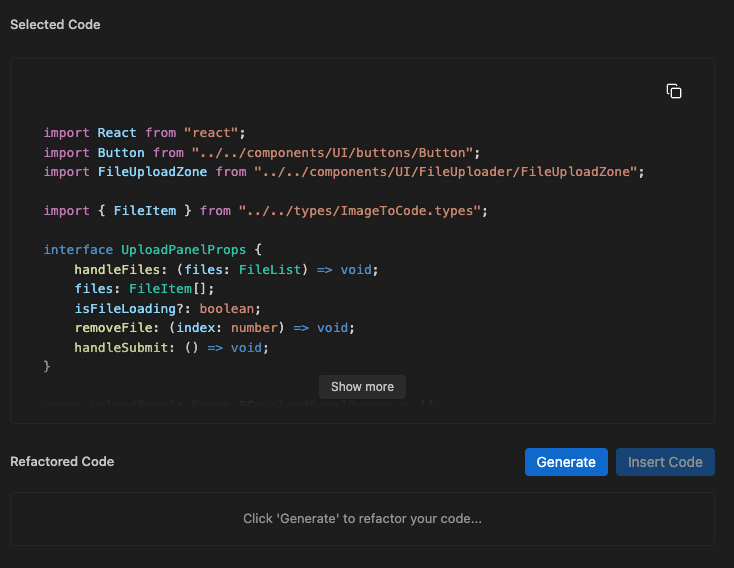
Refactor
Frida can refactor smarter, in one click. Just select your code and instantly transform it using best practices and modern design patterns. There is no setup, no hassle. With a single click, your code becomes cleaner, more efficient, and easier to maintain. Want more? Unlock advanced refactoring options to apply architectural patterns, extract components, and level up your codebase even further.
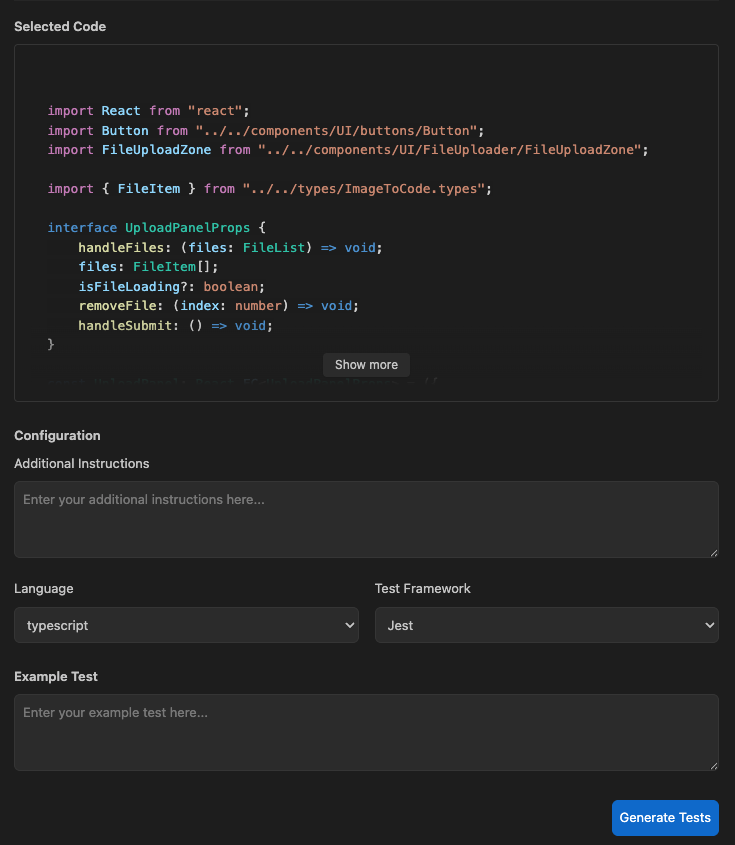
Testing Suite
Frida made testing effortless. Select any piece of code in your editor, provide example scenarios, choose your preferred language and testing framework like Jest, Vitest, or PyTest and generate fully functional test cases with a single click. Instantly create and add test files to your workspace, making reliable testing faster, easier, and part of your everyday flow.
Ansible Generation
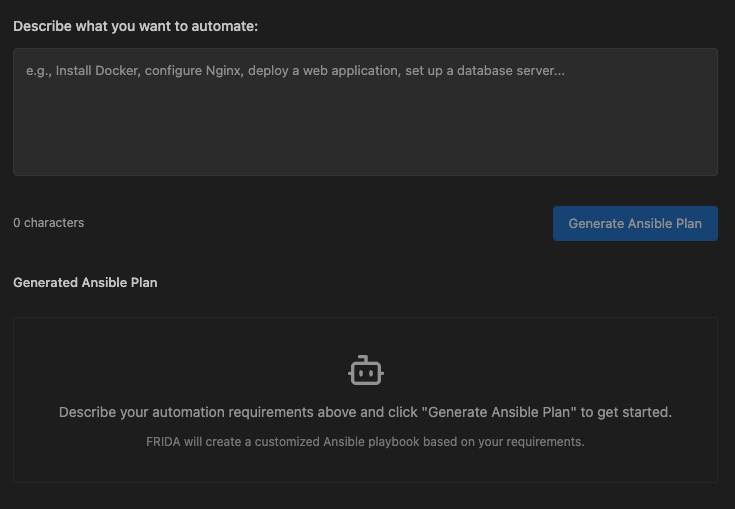
Frida helps you automate anything in seconds. Just describe the automation task you want like configuring servers, deploying apps, or setting up environments and instantly get a ready-to-use Ansible YAML file. No need to write complex syntax from scratch. Simplify your DevOps workflows with fast, accurate playbook generation tailored to your needs.
Generate Diagram
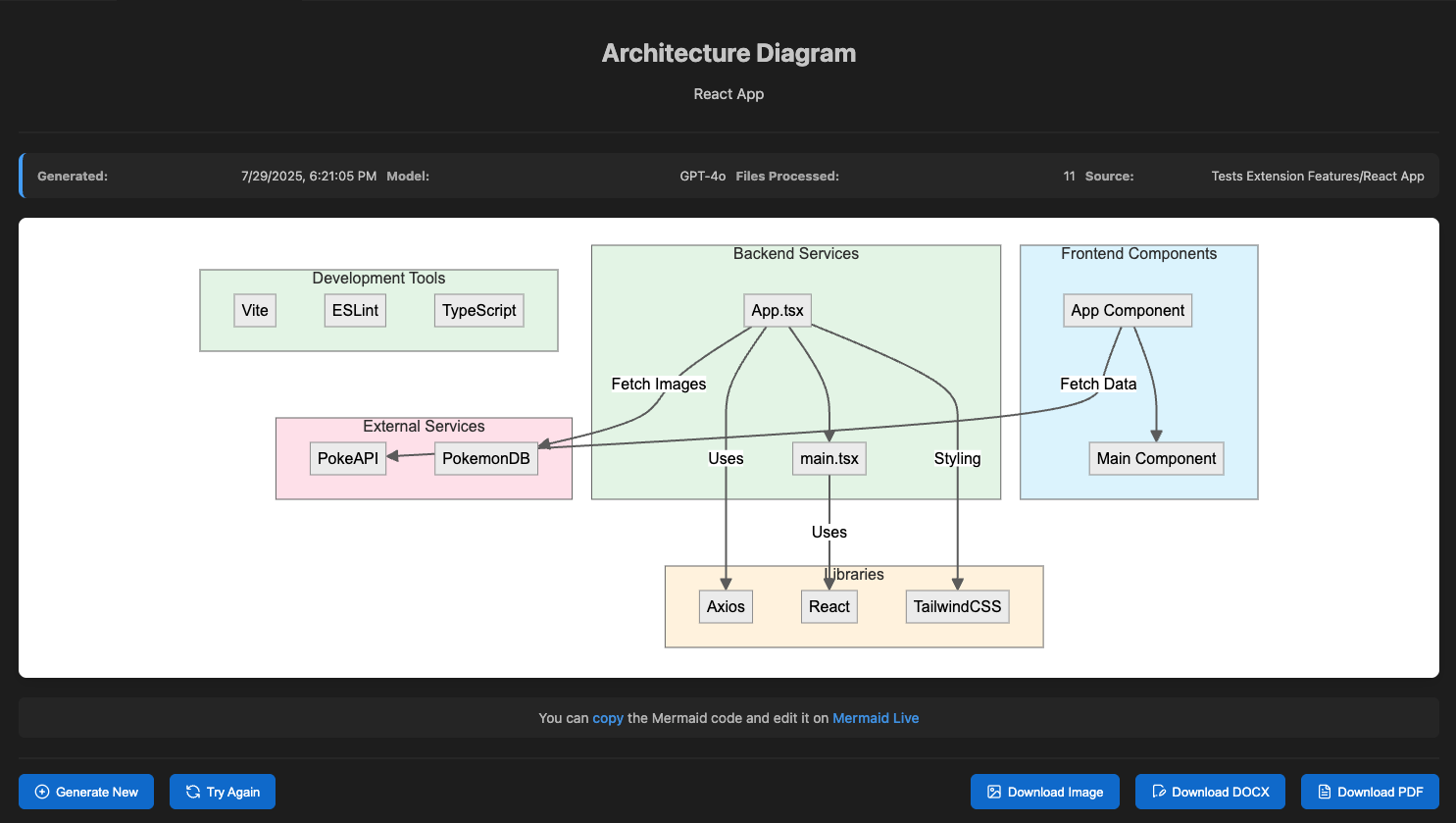
Frida can help you visualize your codebase instantly! Select a folder from your project, and in seconds, get a clear and accurate software architecture diagram that maps out the structure and relationships within your code. Perfect for onboarding, documentation, or planning. You can download your diagram as an image, Word, or PDF file with one click and make your architecture easier to understand and share.
Demo Frida Code Copilot
We’ve prepared a video demo that showcases all the features we’ve discussed. Make sure you try it out!