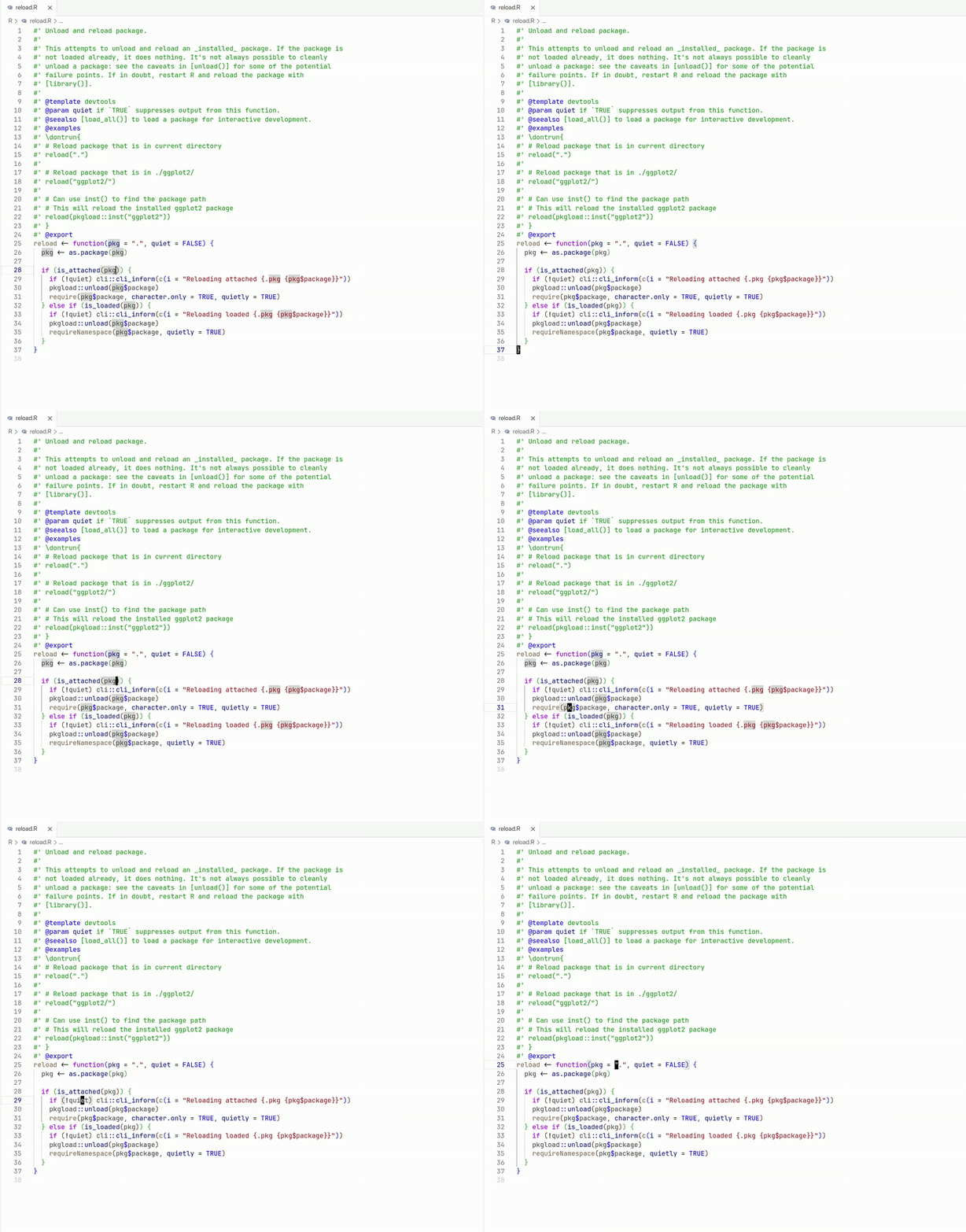
This extension provides support for the R programming language, including workspace symbol search, code formatting, and syntax diagnostics.
Note The VS Code extension from the marketplace includes a bundled version of the ry CLI for Linux x86_64, macOS aarch64 and Windows x86_64. If you are using a different architecture, you will need to install the ry CLI manually.
Features
ry aims to support the following language server features (some are experimental or in progress):
-
Formatting
- Format entire document
- Format selected code range (🧪 experimental)
-
Navigation
- Index global variables, S4 and R6 classes/methods
- Search current document - Ctrl + Shift + O in VS Code
- Search global workspace - Ctrl + T in VS Code
- Go to definition
- Find all references (🧪 experimental)
-
Diagnostics
- Syntax errors - including missing or trailing commas
- Basic linting rules - full list here
- Warning for unused variables (🧪 experimental)
- Error for undefined variable (⚠️ missing)
- Argument validation for function calls (⚠️ missing)
- Type checking (💡 early design phase)
-
Editing
- Autocomplete local and global variables
- Autocomplete variables from other packages (⚠️ missing)
- Rename local variables (🧪 experimental)
- Rename global variables (⚠️ missing)
- Signature help (🔨 work in progress)
-
Highlighting
- Distinct, theme-respecting colors inside
#:type annotations — types, type parameters, parameter names, operators, and@-directives (via semantic tokens, with a bundled TextMate fallback for when semantic highlighting is off)
- Distinct, theme-respecting colors inside
Usage
The extension will automatically start the ry language server for R files. You can also use the built-in commands to start, stop, or restart the server, or open logs.
Configuration
You can customize the ry extension in VS Code through the following settings:
{
  // Use a custom binary instead of the bundled one
  "ry.path": "/path/to/ry",
  // Pass custom arguments; defaults to ["server"]
  "ry.args": ["server", "--verbose"],
  // Enable experimental features
  "ry.experimentalFeatures": ["rename", "range_formatting"],
}
Highlights
Format Document
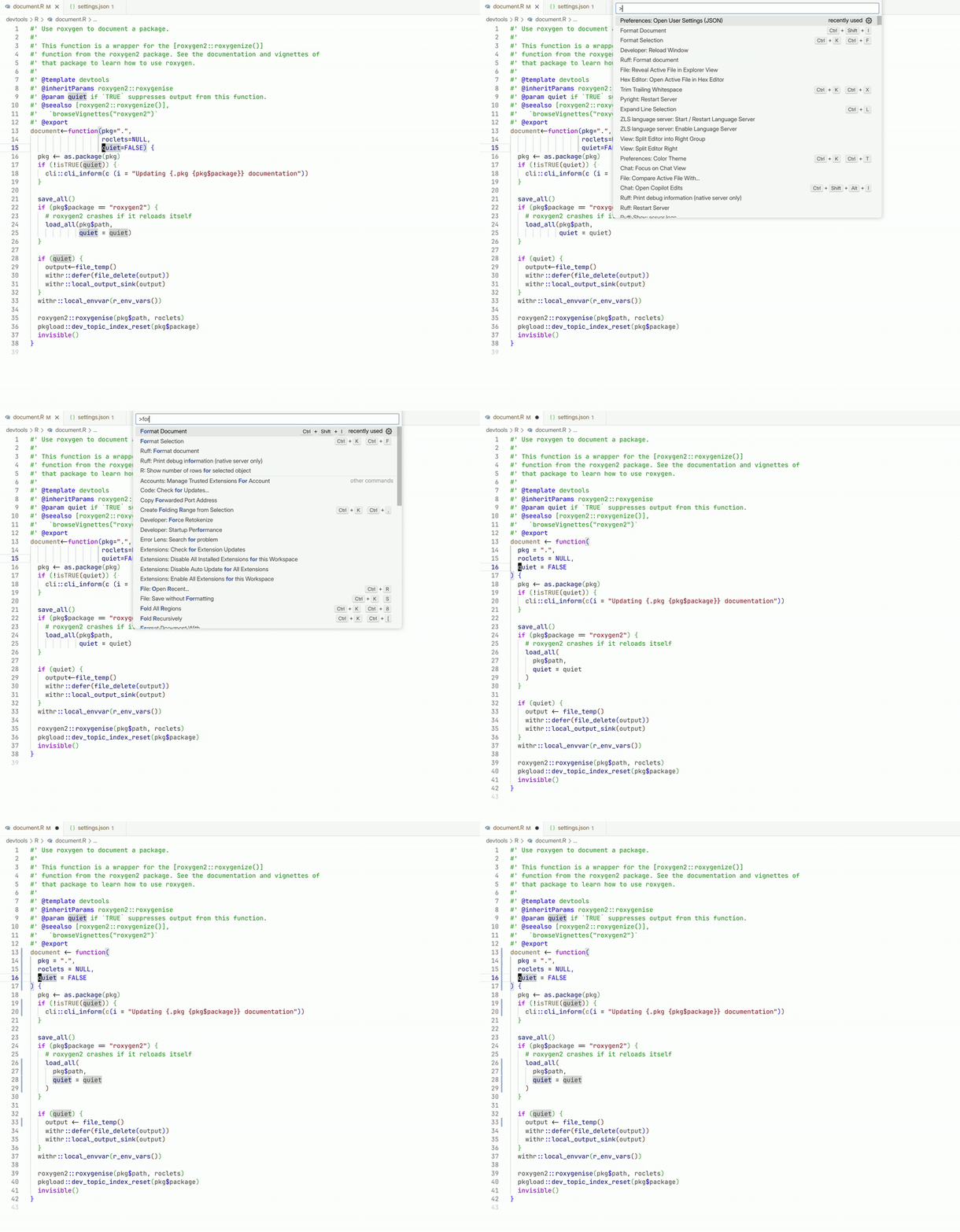
Workspace Symbol Search Ctrl + T
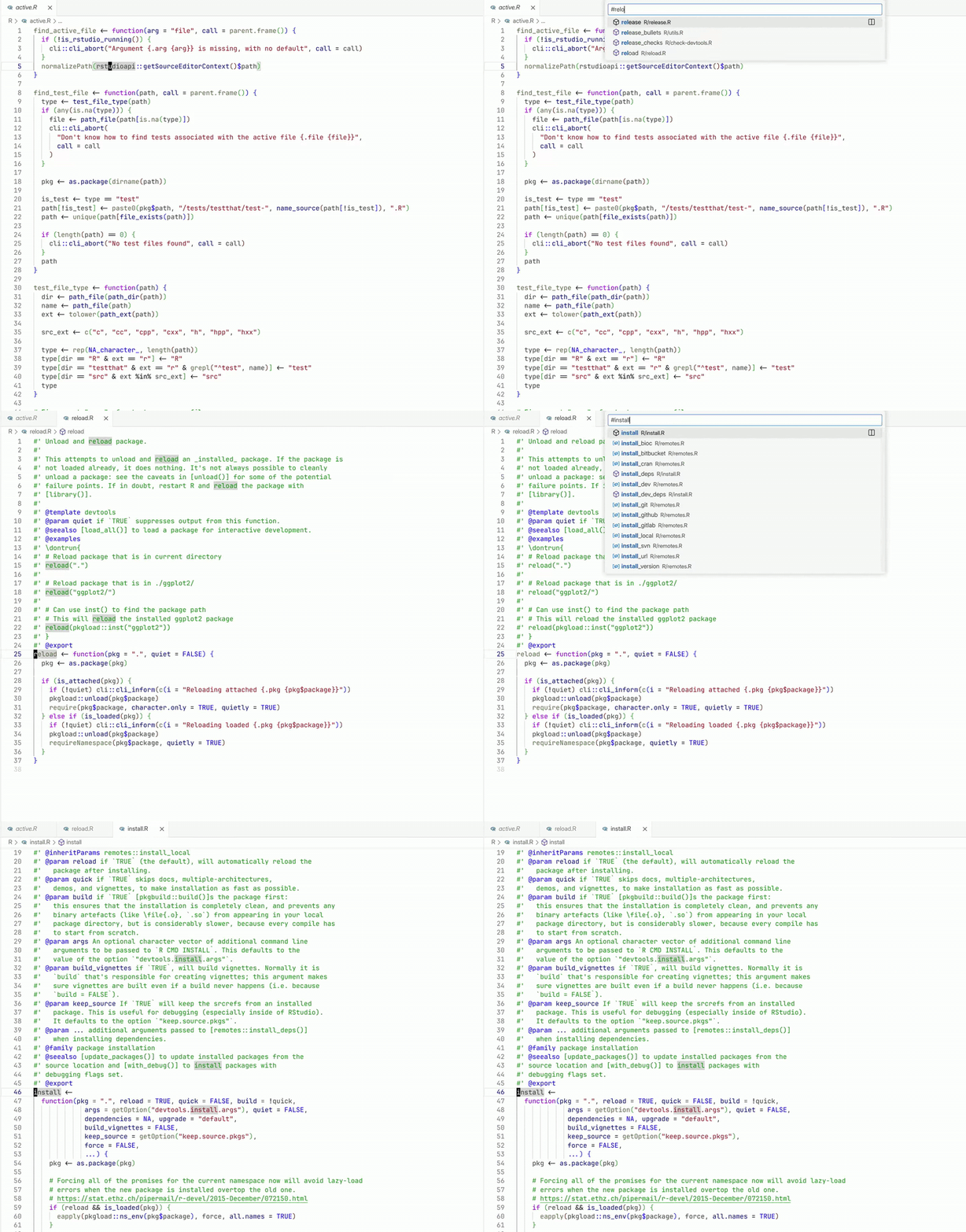
Document Symbol Search Ctrl + Shift + O
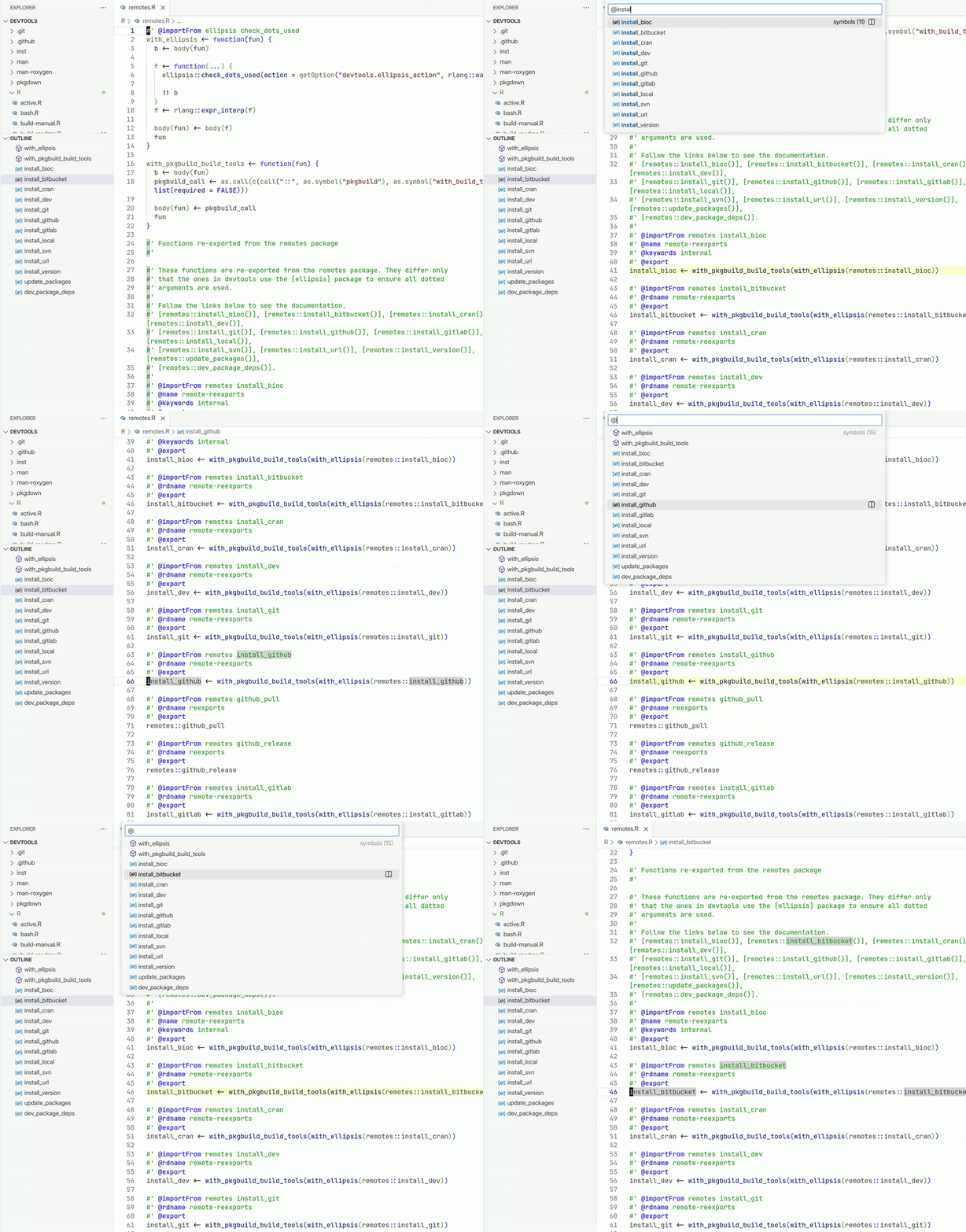
Syntax Errors