A focused VS Code theme family inspired by Agno's official palette: graphite surfaces, clean light neutrals, crisp orange accents, and calm syntax colors for long coding sessions.
Themes
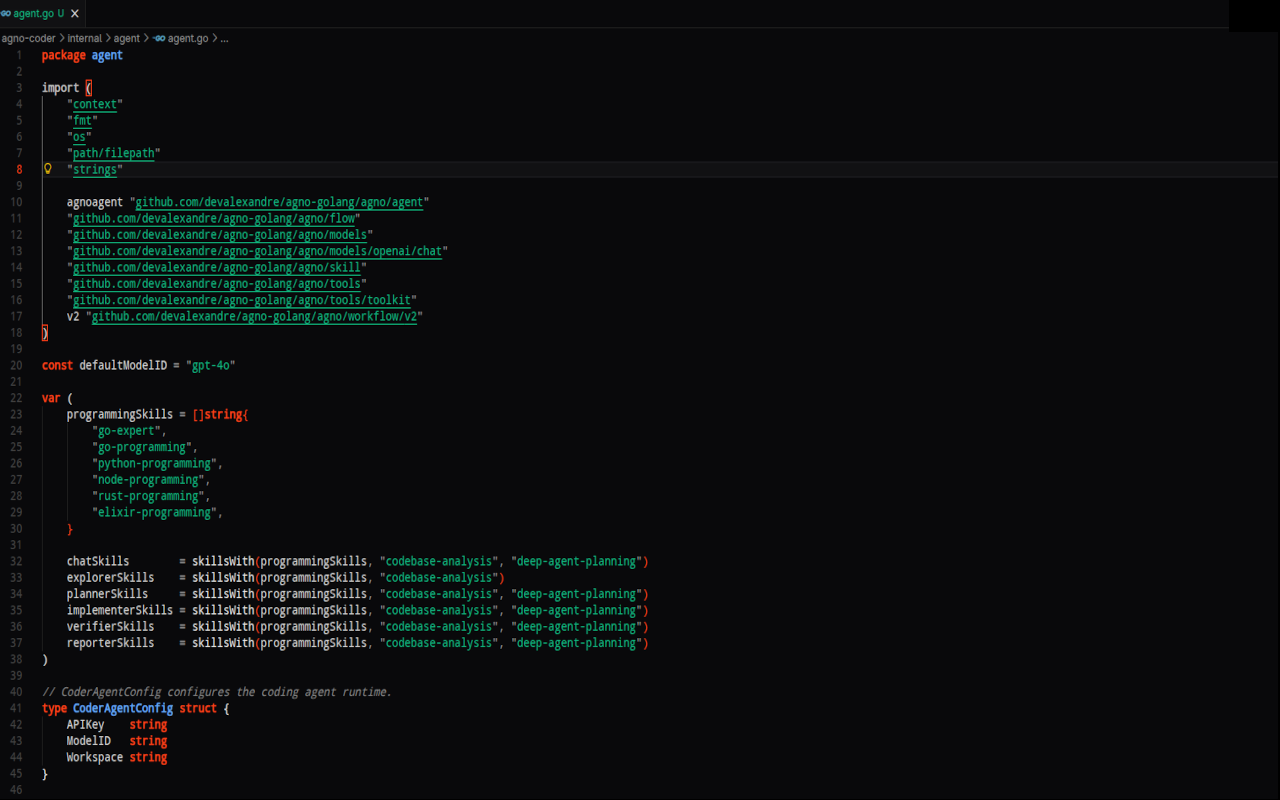
- Agno One Dark: a deeper graphite variant with richer syntax contrast.
- Agno Dark: the original dark theme with warm Agno accents.
- Agno Light: a clean light theme based on Agno's paper-like neutrals.
- Agno Light Soft: a softer light variant for long sessions.
- Agno Light Graphite: a light editor framed by a graphite workbench.
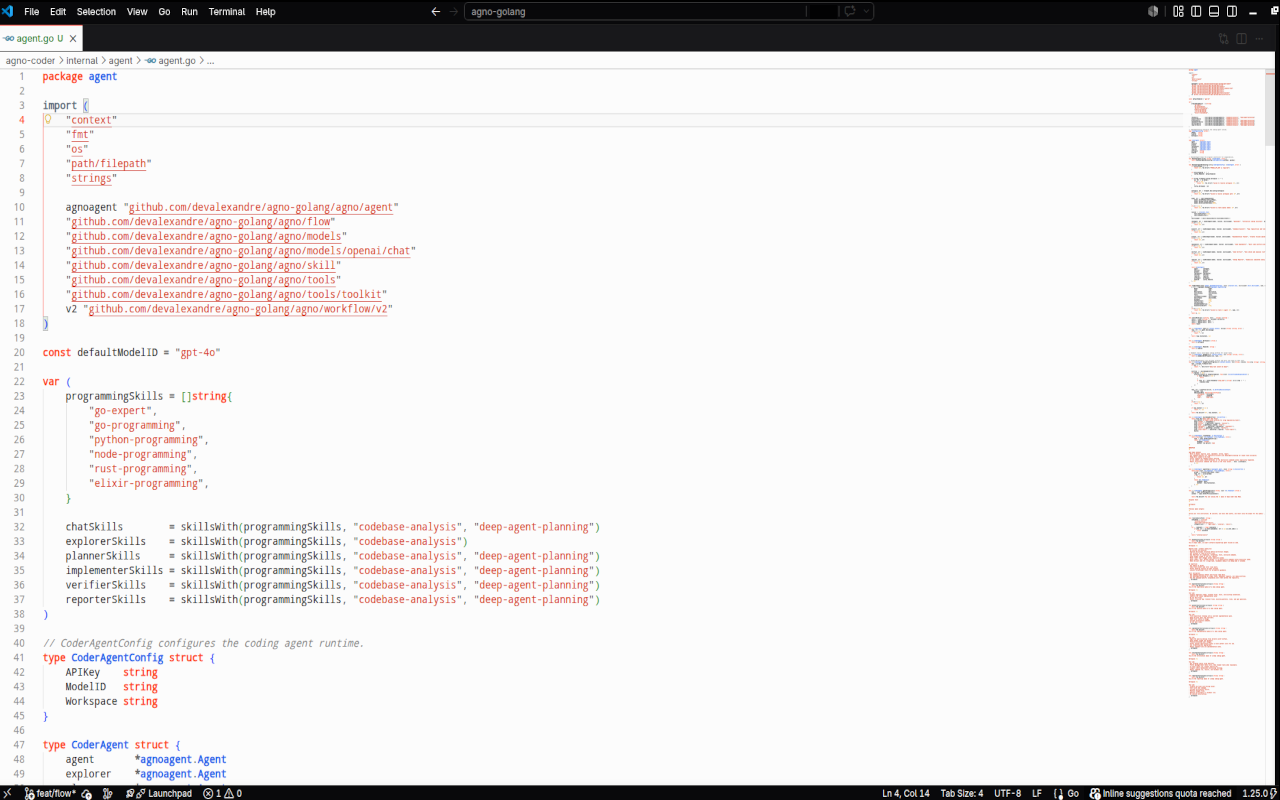
Screenshots
Agno One Dark
Agno Dark
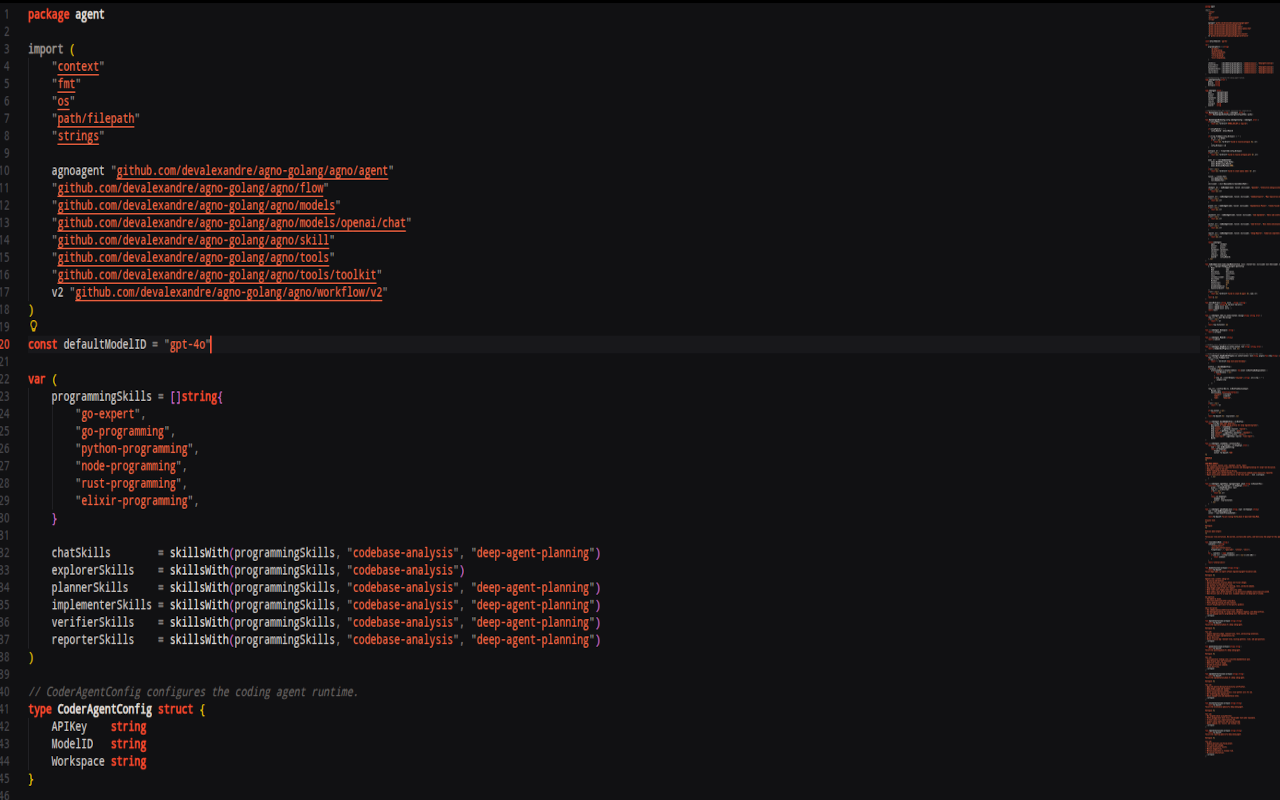
Agno Light
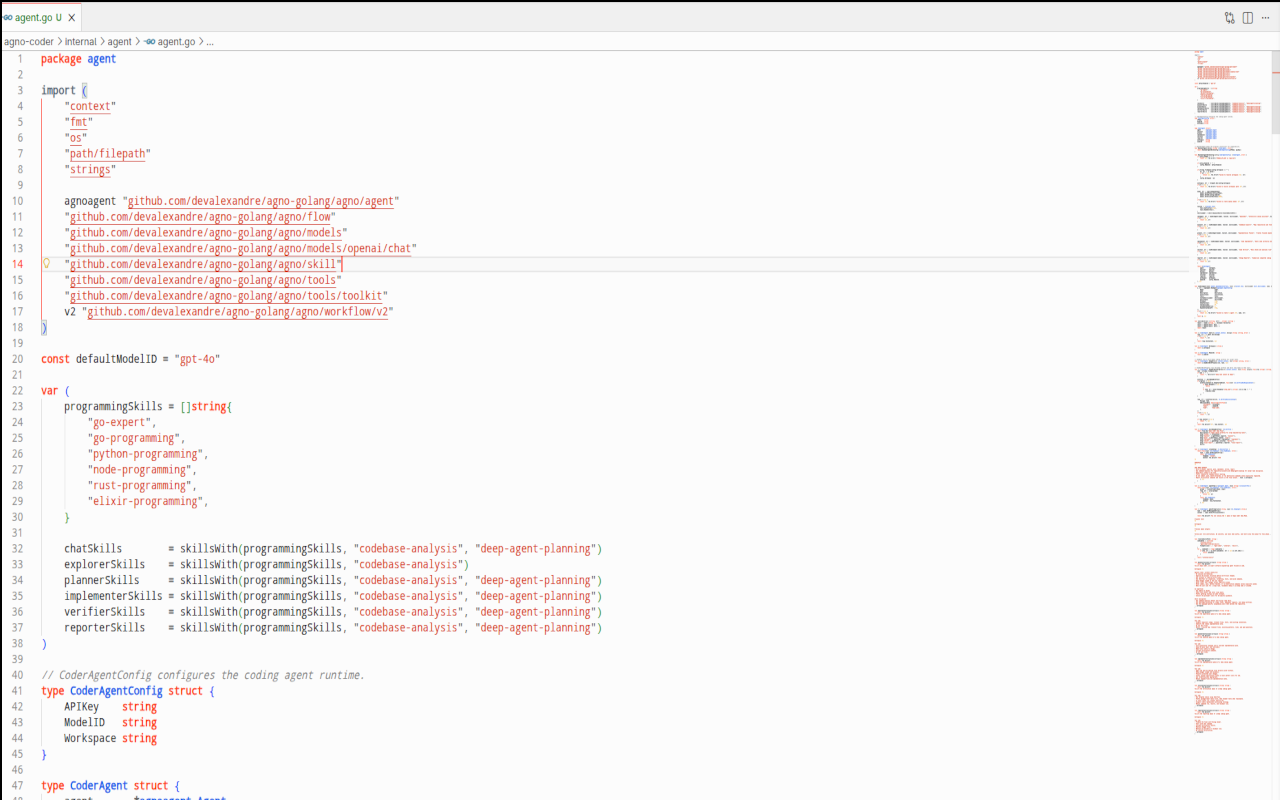
Agno Light Soft
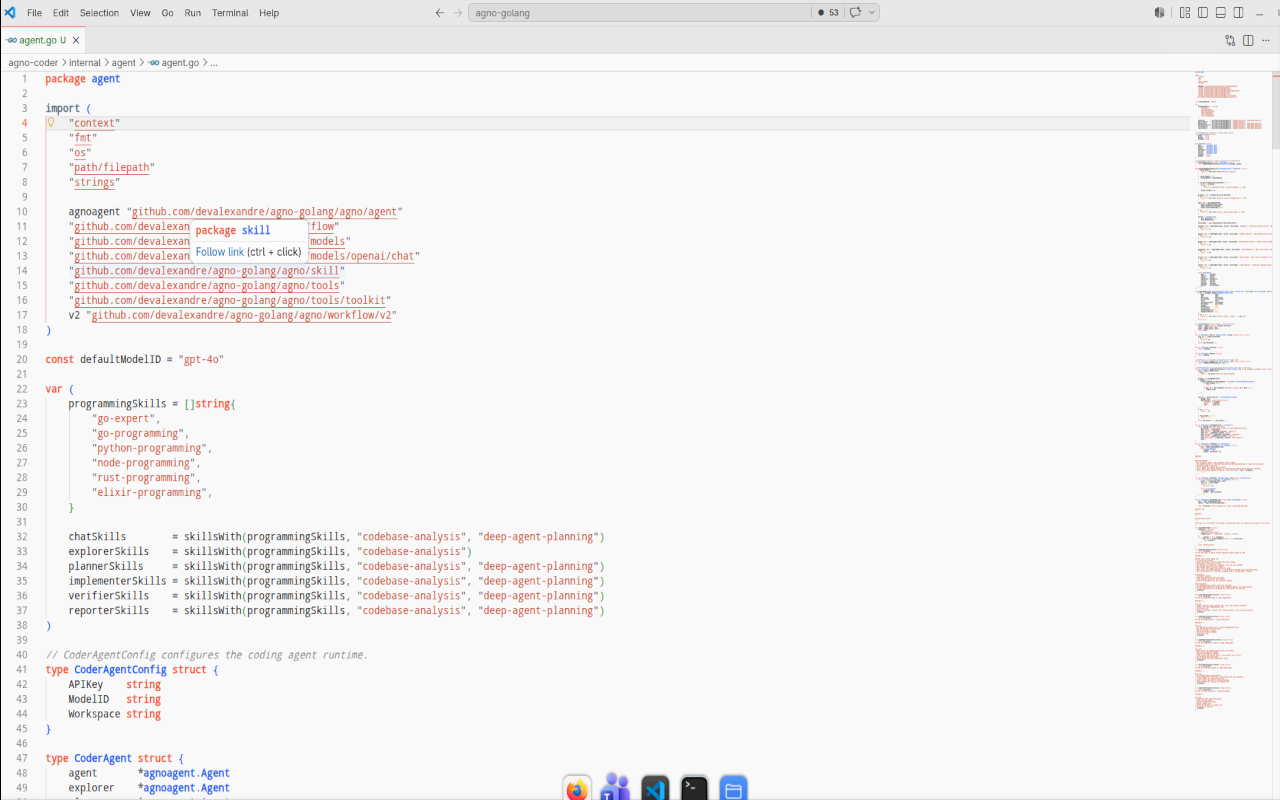
Agno Light Graphite
Installation
Install the extension, open the Command Palette, and run:
Preferences: Color Theme
Then select one of the Agno themes.
You can also install a local VSIX:
code --install-extension agno-dark-theme-0.0.8.vsix
Palette
The themes are built around Agno's public color language:
- Graphite:
#09090B,#18181B,#202020,#262628 - Neutrals:
#F0F0F0,#E8E8E8,#D9D9D9,#BBBBBB,#8D8D8D - Accent:
#FF4017,#F25837,#EB6E52 - Syntax helpers:
#60A5FA,#10B981,#FBBF24,#F87171
Repository
The full theme pack also includes ports for Zed, JetBrains IDEs, Sublime Text, Vim, and Neovim:
https://github.com/devalexandre/agno-theme
Feedback
Issues and suggestions are welcome: