A neon-pink-on-ink dark theme and a crisp-white, vivid light theme for Visual Studio Code. No italics. Complementary cyan & magenta accents. Every color audited to WCAG AA.





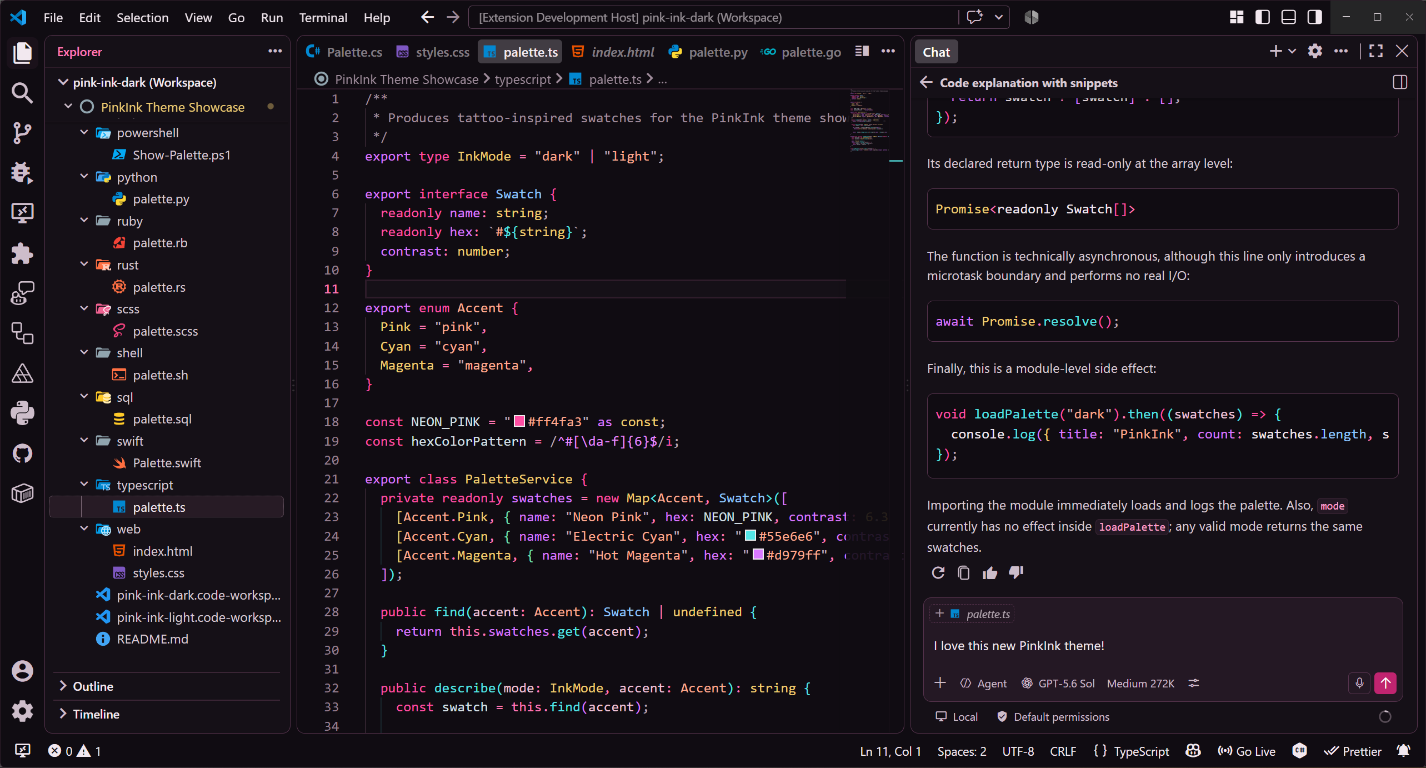
PinkInk Dark — showcase workspace with the Chat panel
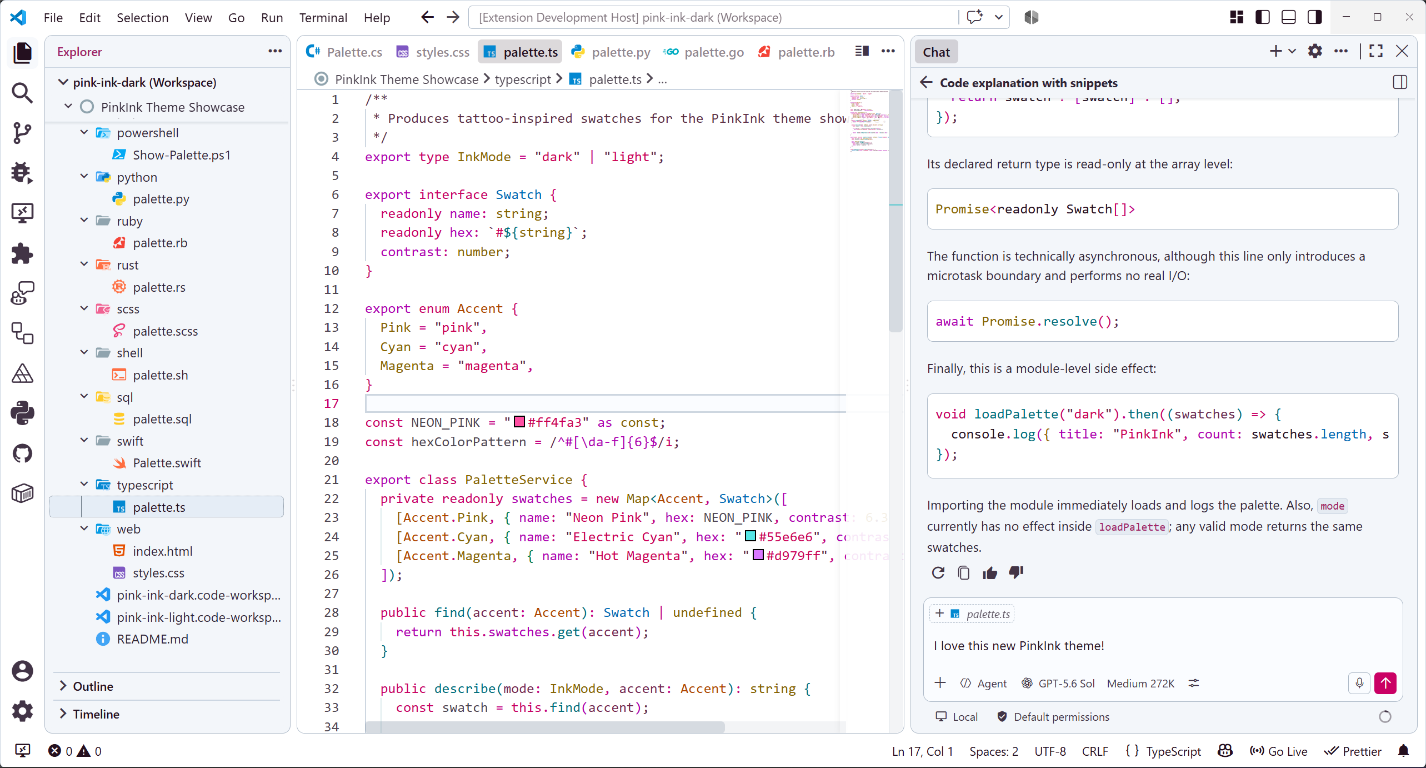
PinkInk Light — showcase workspace with the Chat panel
PinkInk is a two-theme color extension by David Pine:
- PinkInk Dark pairs neon pink with blackened-plum surfaces for an ink-and-tattoo-inspired workspace.
- PinkInk Light uses a crisp white editor with cool-gray chrome so its pink, cyan, teal, azure, and magenta accents feel bold and electric on white.
Both themes intentionally avoid italic token styling, spread meaning across a wide accent palette for readability, and pass an automated WCAG AA contrast gate on every build.
Install
From Visual Studio Code
- Open the Extensions view (
Ctrl+Shift+X, orCmd+Shift+Xon macOS). - Search for PinkInk.
- Click Install.
From the command line
code --install-extension davidpine-dev.pink-ink
From Quick Open - press Ctrl+P (Cmd+P on macOS), then run:
ext install davidpine-dev.pink-ink
PinkInk is also published on the Open VSX Registry for VSCodium, Gitpod, and other compatible editors.
Activate a theme - press Ctrl+K Ctrl+T (Cmd+K Cmd+T on macOS) for Preferences: Color Theme, then choose PinkInk Dark or PinkInk Light.
Two themes, one ink
PinkInk Dark
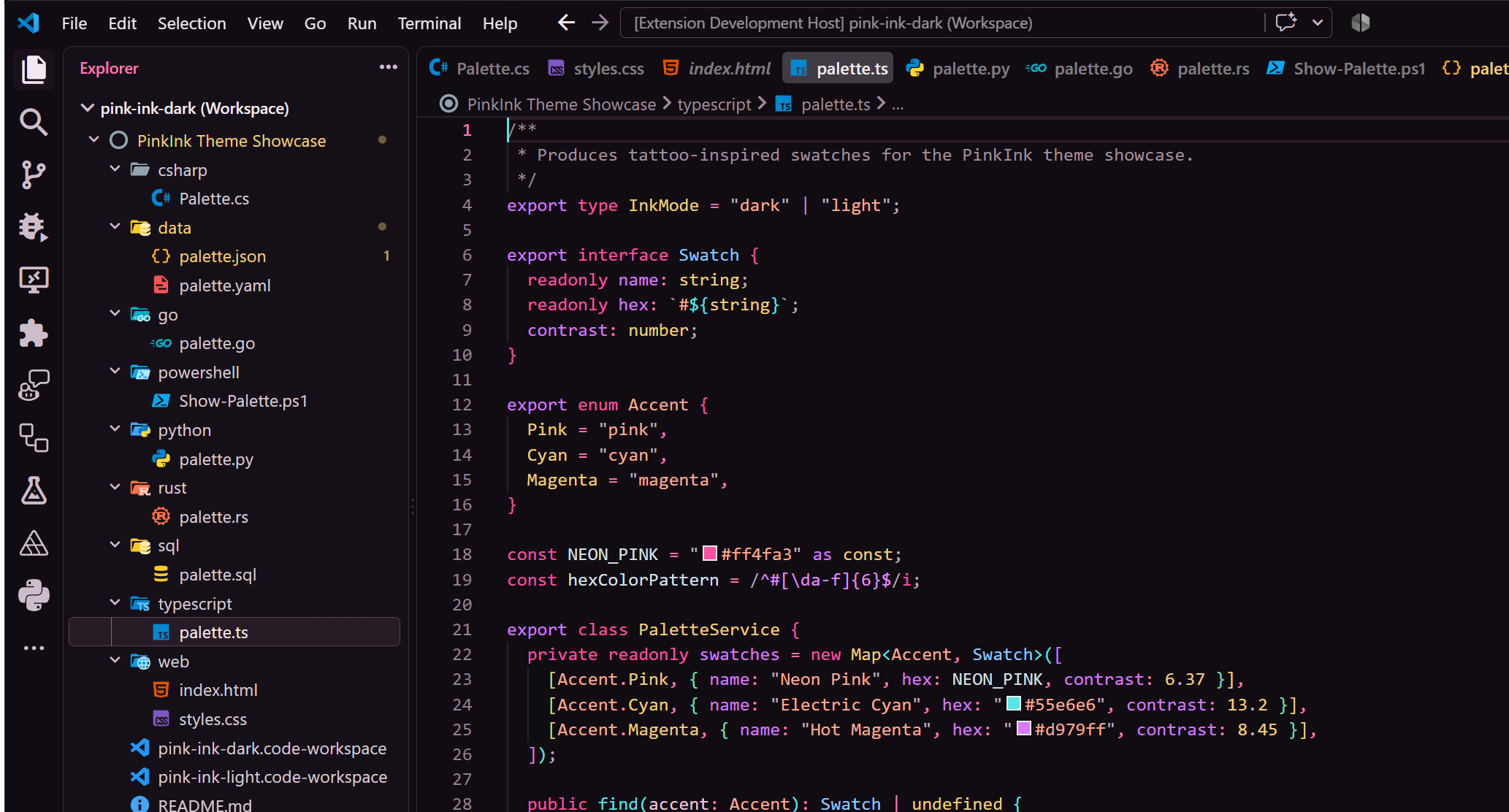
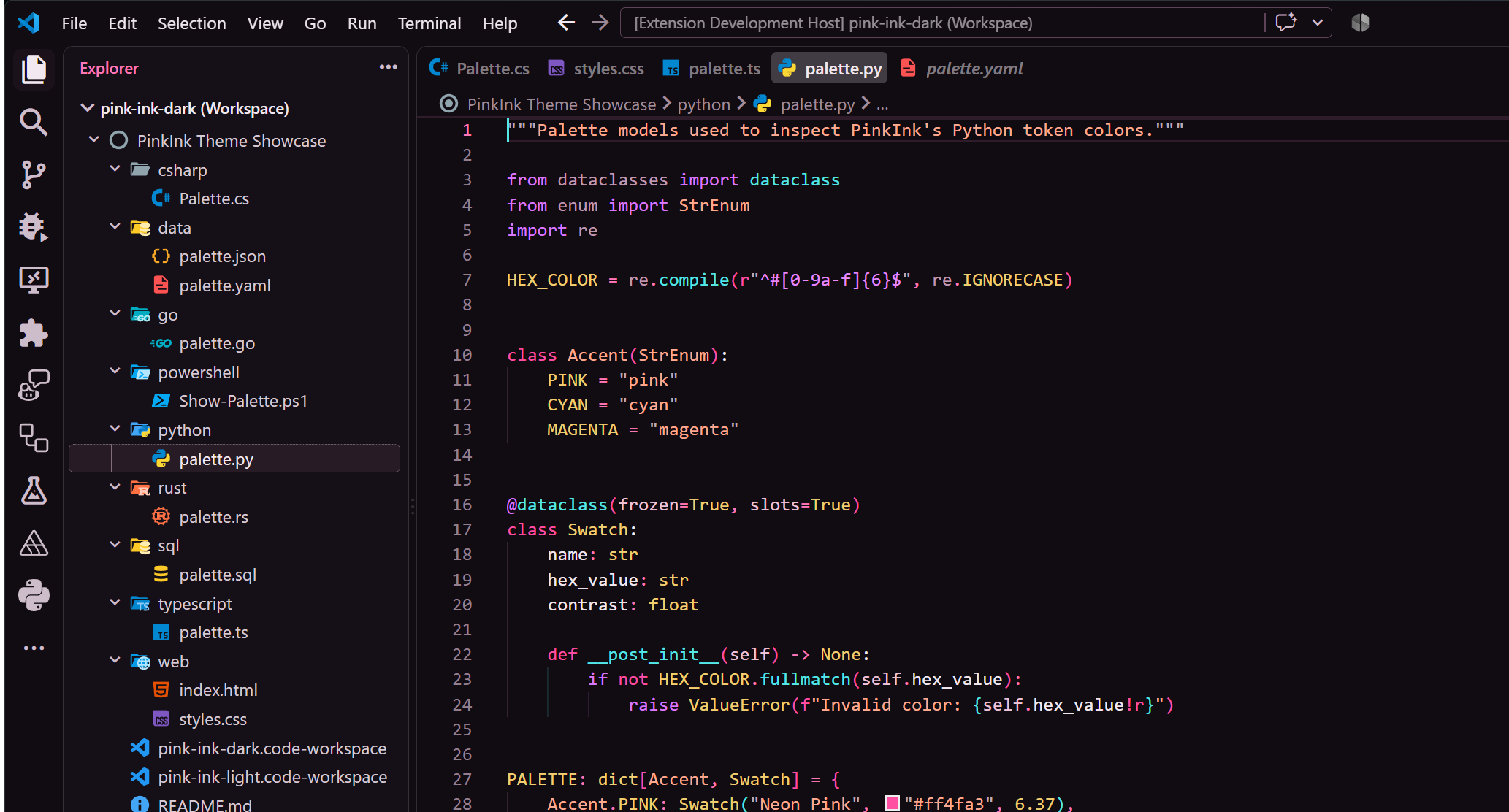
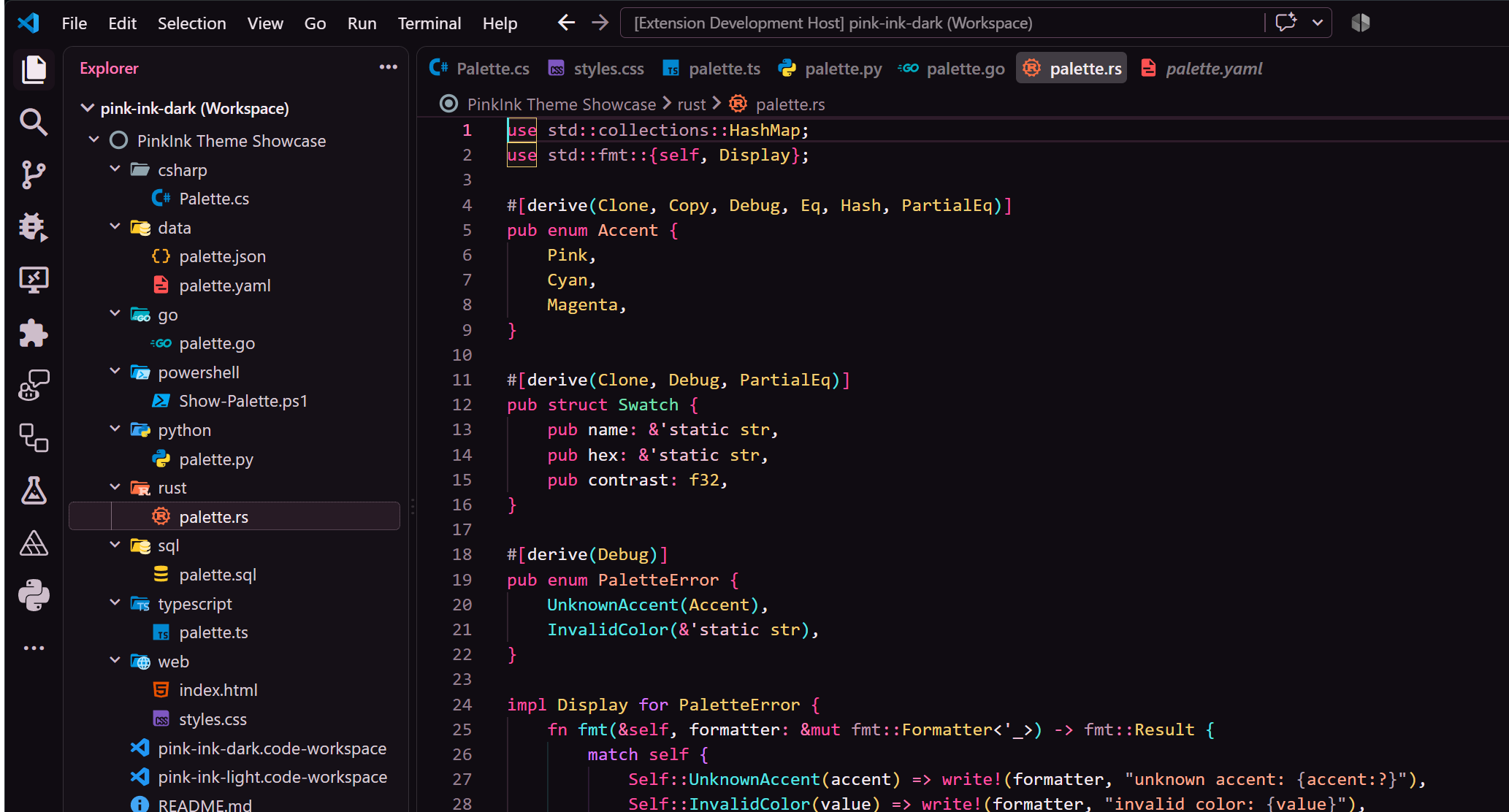
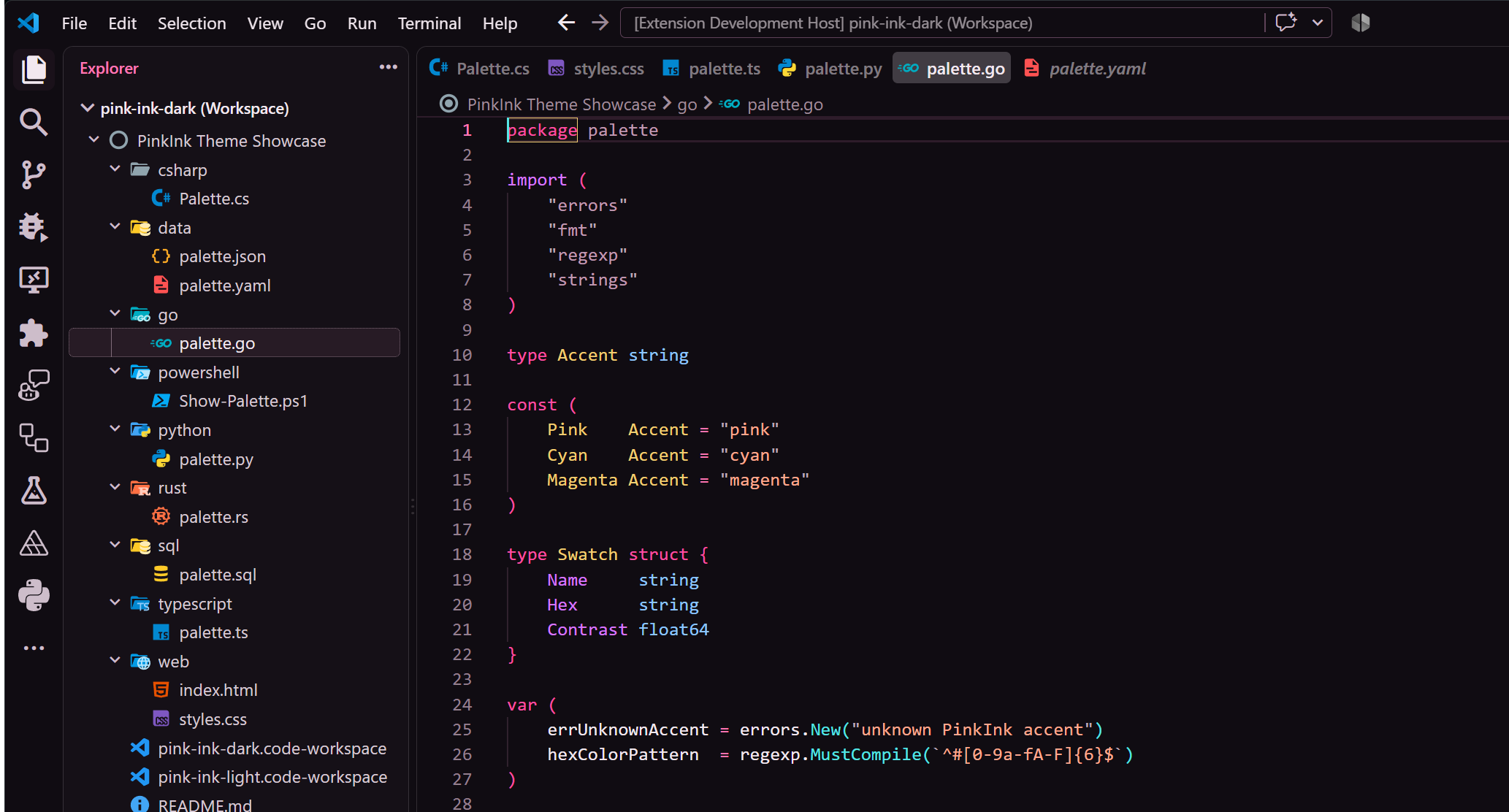
Neon pink on a near-black plum canvas. Magenta and violet carry keywords and declarations, cyan lights up functions and calls, gold marks types and constants, and warm coral handles strings - a high-contrast, tattoo-flash palette that stays comfortable for long sessions.
PinkInk Light
A graphic, high-impact light theme. The editor is pure white with cool-gray panels, slate borders, and controlled cool-tinted selection states. Every accent is tuned to the most saturated ink that still clears WCAG AA on white, so keywords, strings, types, and functions read vivid instead of washed out.
Language showcase
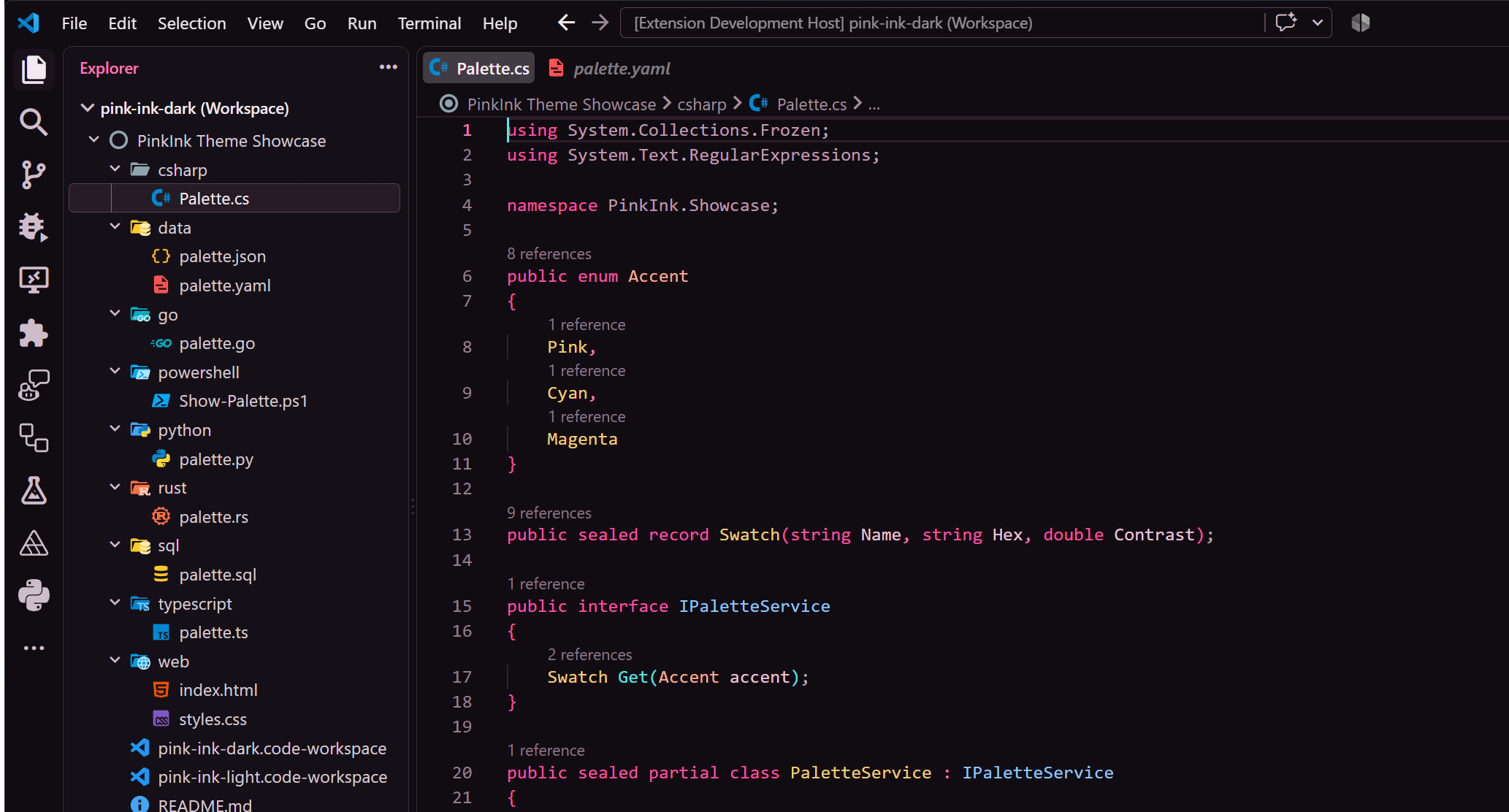
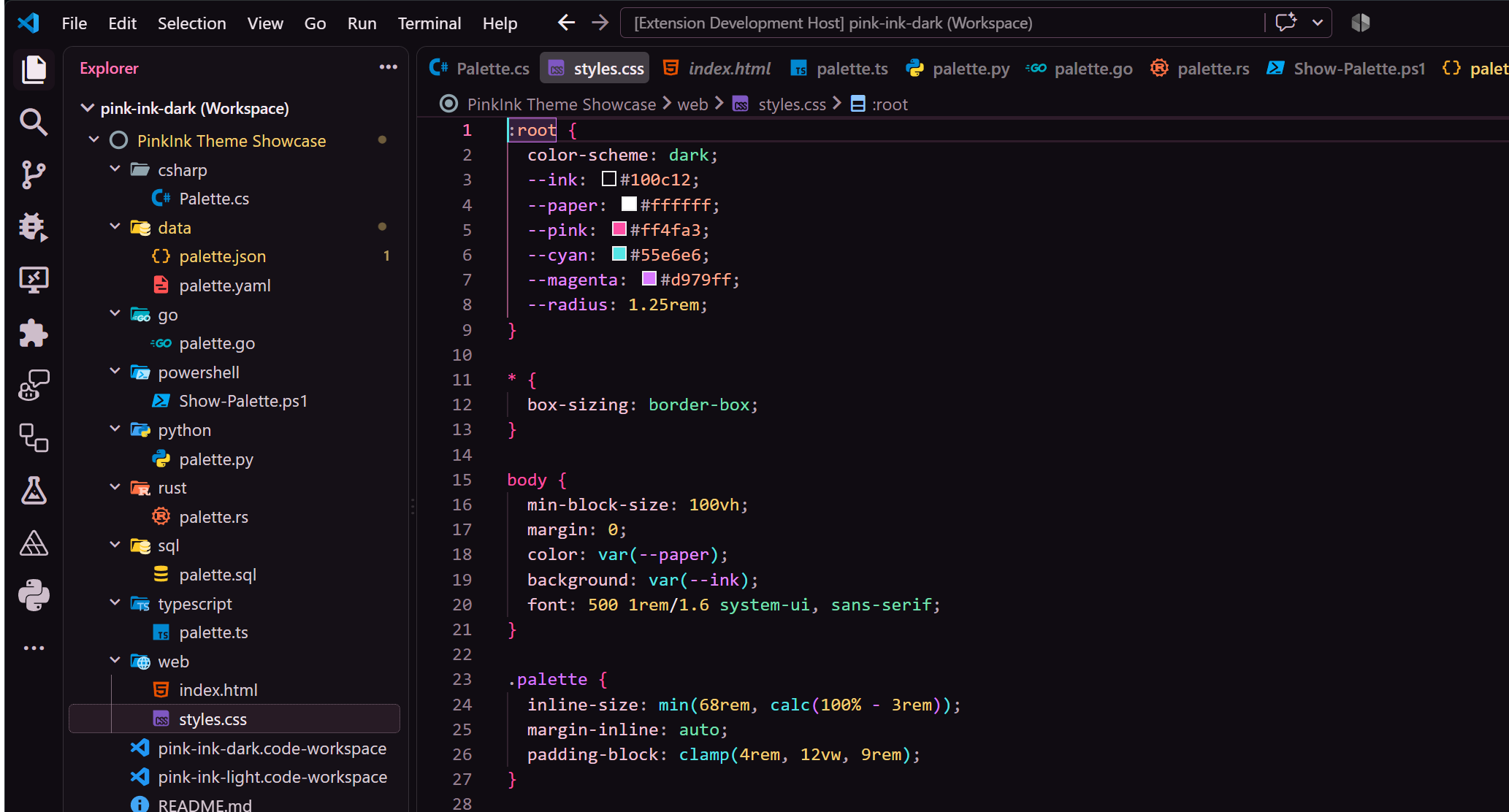
A few of the languages PinkInk styles, shown in PinkInk Dark:
| C# | TypeScript |
|---|---|
 |
 |
| Python | Rust |
 |
 |
| Go | CSS |
 |
 |
Palette
Representative colors. The full role set is defined in the theme files under themes/.
Canvas & UI
| Role | Dark | Light |
|---|---|---|
| Canvas | #100C12 |
#FFFFFF |
| Foreground | #F2E8EF |
#24101F |
| Primary pink (UI accent) | #FF4FA3 |
#CA0065 |
Syntax
| Role | Dark | Light |
|---|---|---|
| Keywords | #D979FF |
#B000B2 |
| Operators | #FF78B5 |
#C50082 |
| Functions | #55E6E6 |
#006E7C |
| Strings | #FFAA90 |
#CC0054 |
| Numbers & types | #F2CE72 |
#876300 |
| Comments | #A18E9D |
#603047 |
Accessibility
PinkInk ships with an automated WCAG AA contrast gate that runs on every build and in CI:
- Text, syntax tokens, and semantic tokens require at least 4.5:1.
- Essential icons, focus indicators, and other non-text UI cues require at least 3:1.
- Translucent colors are composited over their actual surfaces before measurement.
- Editor overlays, diffs, AI/chat, SCM, merge, testing, debugging, notebooks, terminal, and the broad workbench chrome are audited in both themes.
Run the audit on its own with npm run check:contrast. See ACCESSIBILITY.md for the full contract.
Coverage
Languages - vibrant, role-distinct coloring across C#, TypeScript, JavaScript, Python, Go, Rust, Java, C, C++, Objective-C, Swift, Ruby, PHP, Perl, Lua, R, Julia, Dart, Groovy, Clojure, CoffeeScript, F#, Shell, HTML, CSS, SCSS, Less, XML, SQL, PowerShell, HLSL, ShaderLab, INI, JSON, YAML, Markdown, and more - with distinct roles for primitives, members, namespaces, symbols, type aliases, and built-in variables. C# receives extra granularity rather than a separate palette.
Workbench - deep chrome coverage extends to the diff and multi-file-diff editors, debug stack frames and inline values, snippet tab stops, the code-action and command-palette lists, input-validation text, settings rows and headers, toolbar states, sidebar sticky scroll and titles, minimap marks, Markdown alert callouts, charts, the global sash hover highlight, the suggest-widget focus outline, Peek sticky-scroll headers and gutters, test-coverage minimap marks, and the newest agent, voice, and session surfaces.
Develop & contribute
git clone https://github.com/IEvangelist/pink-ink.git
cd pink-ink
npm install
npm run check     # validate themes, run unit tests, and enforce the contrast gate
npm run package   # build the .vsix
Preview locally - open the folder in VS Code, switch to Run and Debug, pick Preview PinkInk Dark or Preview PinkInk Light, and press F5. The showcase/ folder contains representative source files for reviewing syntax colors across common languages.
Issues and pull requests are welcome at IEvangelist/pink-ink. Any change that adds or edits a color must keep both themes at parity and pass npm run check.
Foundation
PinkInk uses the organization and scope coverage of Visual Studio Code's built-in Dark Modern and Light Modern themes as its starting point. The palettes, workbench treatment, and token assignments are original to PinkInk. See THIRD_PARTY_NOTICES.txt for attribution.
License
MIT (c) David Pine