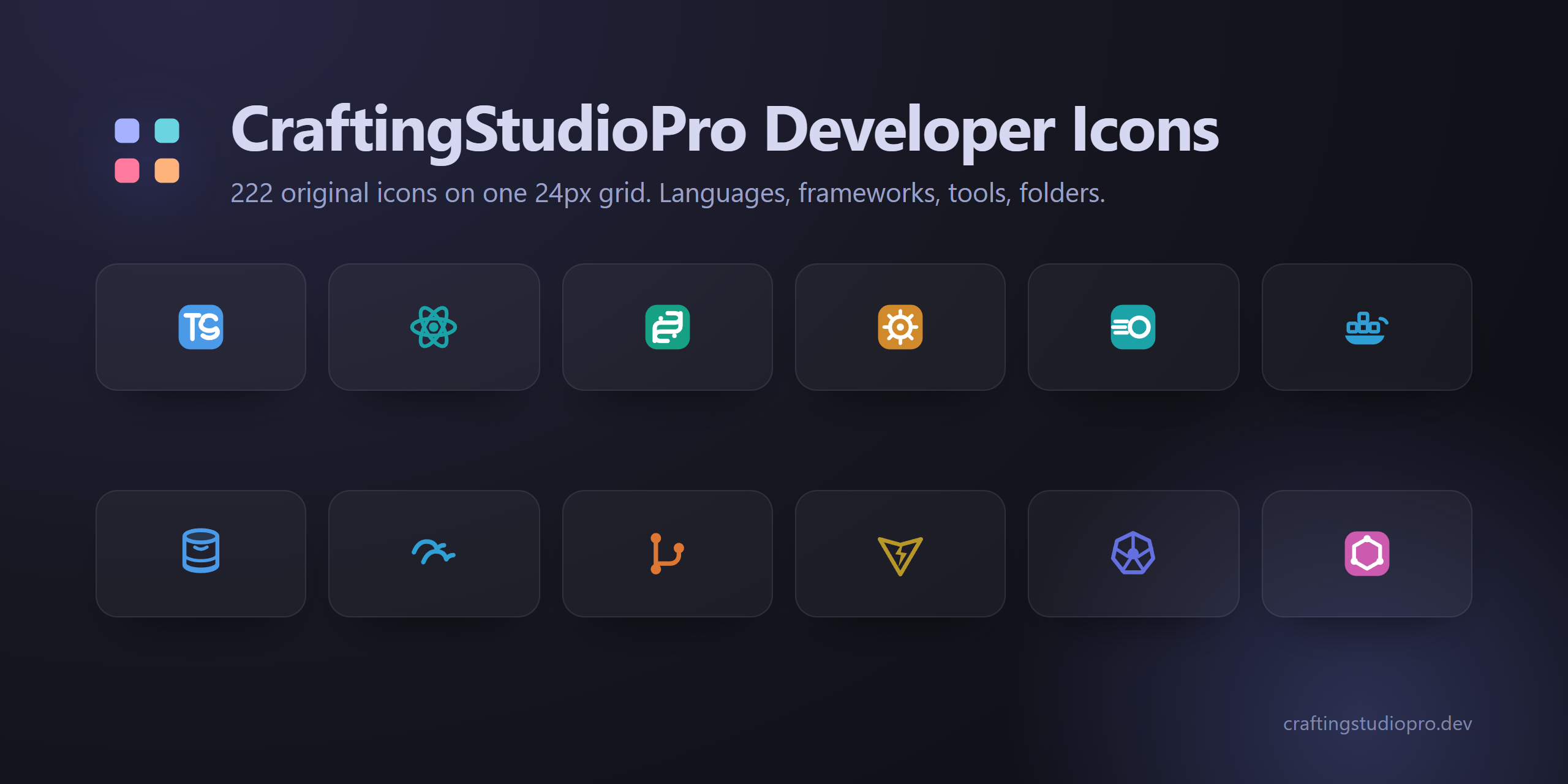
A file icon theme that uses the original technology marks developers recognise, with a consistent local system for generic files and folders. Brand paths come from Simple Icons, are recoloured for the selected CraftingStudioPro palette, and are checked for legibility at 16px — the size the explorer actually renders.
Features
Original marks, one file system. Technology logos keep their recognisable geometry while generic files and folders share one 24px grid:
| Family | Silhouette |
|---|---|
| Languages & formats | Original technology mark |
| Frameworks | Original framework mark |
| Tools | Original tool mark |
| Cloud providers | Original cloud mark |
| Databases | Original database mark |
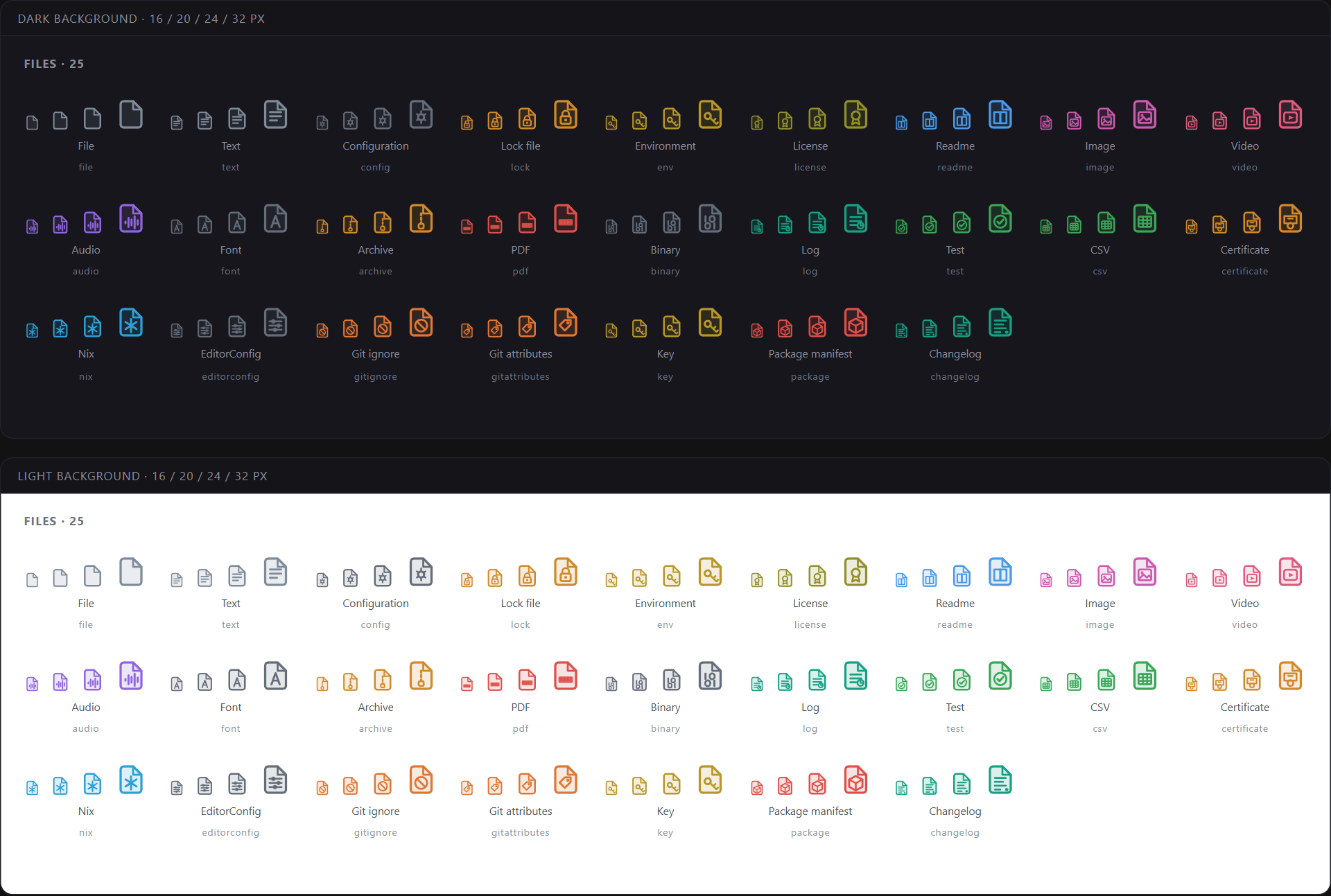
| Files | Folded-corner sheet with a small emblem |
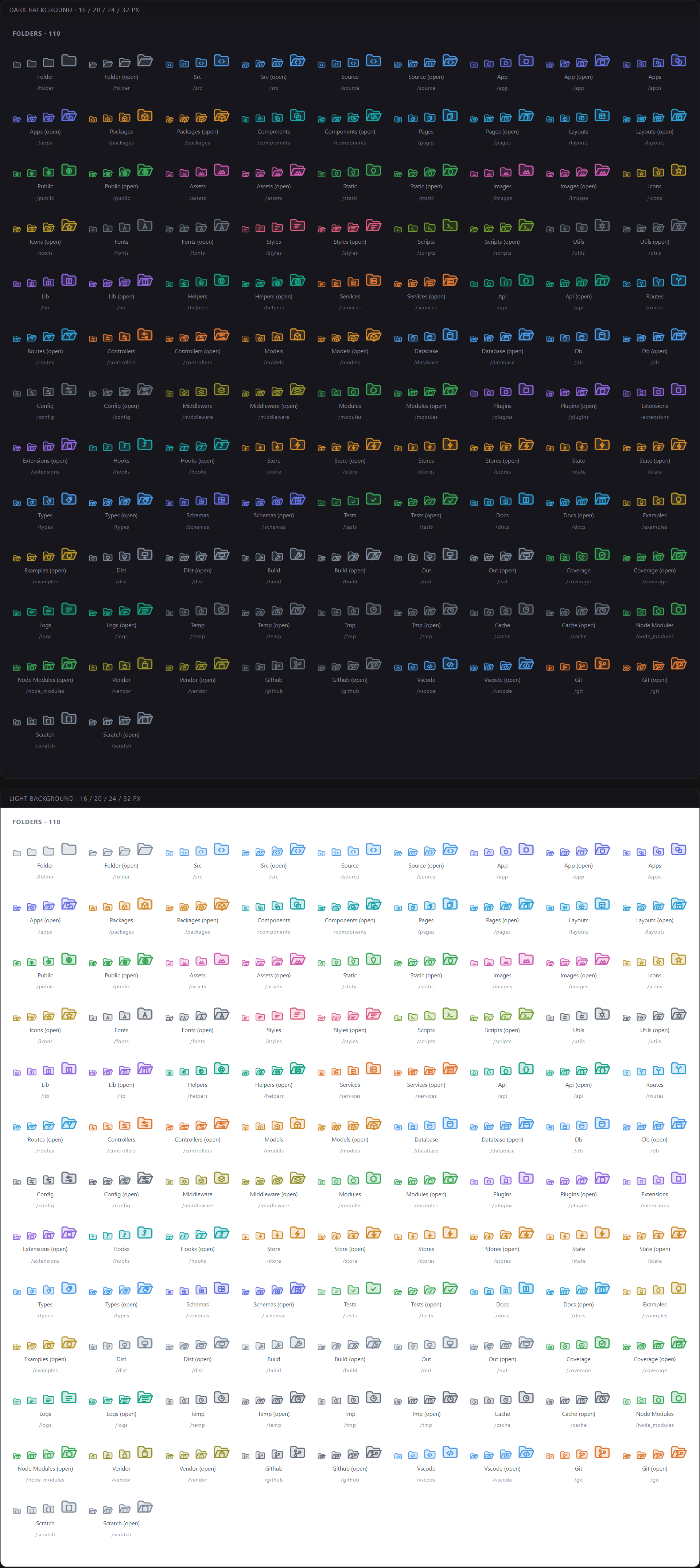
| Folders | Folder silhouette with an emblem, closed and expanded |
At 16px the family lands first and the detail resolves as the icon grows. That is deliberate, and it is why the set stays readable in a dense explorer.
Theme-matched variants. VS Code file icon themes are static SVG mappings, so the extension ships one recoloured variant for every CraftingStudioPro color theme. While this icon pack is active, changing from Deep Ocean to Night Owl or Pure Light switches the matching file icons automatically.
No emoji, no mystery artwork. Brand marks are sourced from Simple Icons and documented in THIRD_PARTY_NOTICES.md; generic file and folder geometry remains maintained in this repository.
Expanded folders keep their emblem. Opening a directory changes its state, not its identity — the same mark stays in the same place on the open silhouette, so you never lose your place while scanning.
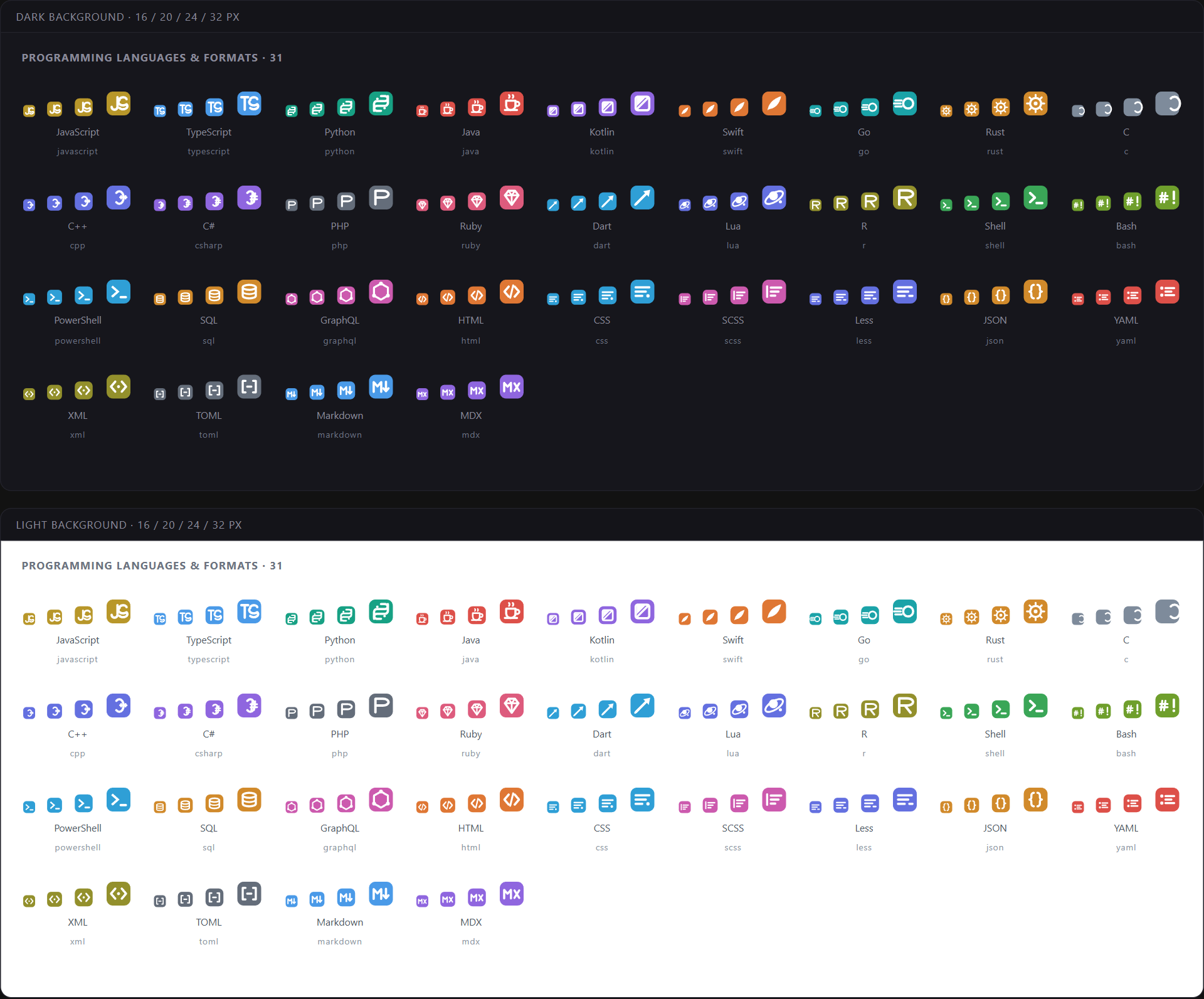
Programming Languages
JavaScript · TypeScript · Python · Java · Kotlin · Swift · Go · Rust · C · C++ · C# · PHP · Ruby · Dart · Lua · R · Shell · Bash · PowerShell · SQL · GraphQL
Plus the markup and data formats that live alongside them: HTML · CSS · SCSS · Sass · Less · JSON · YAML · XML · TOML · Markdown · MDX
Frameworks
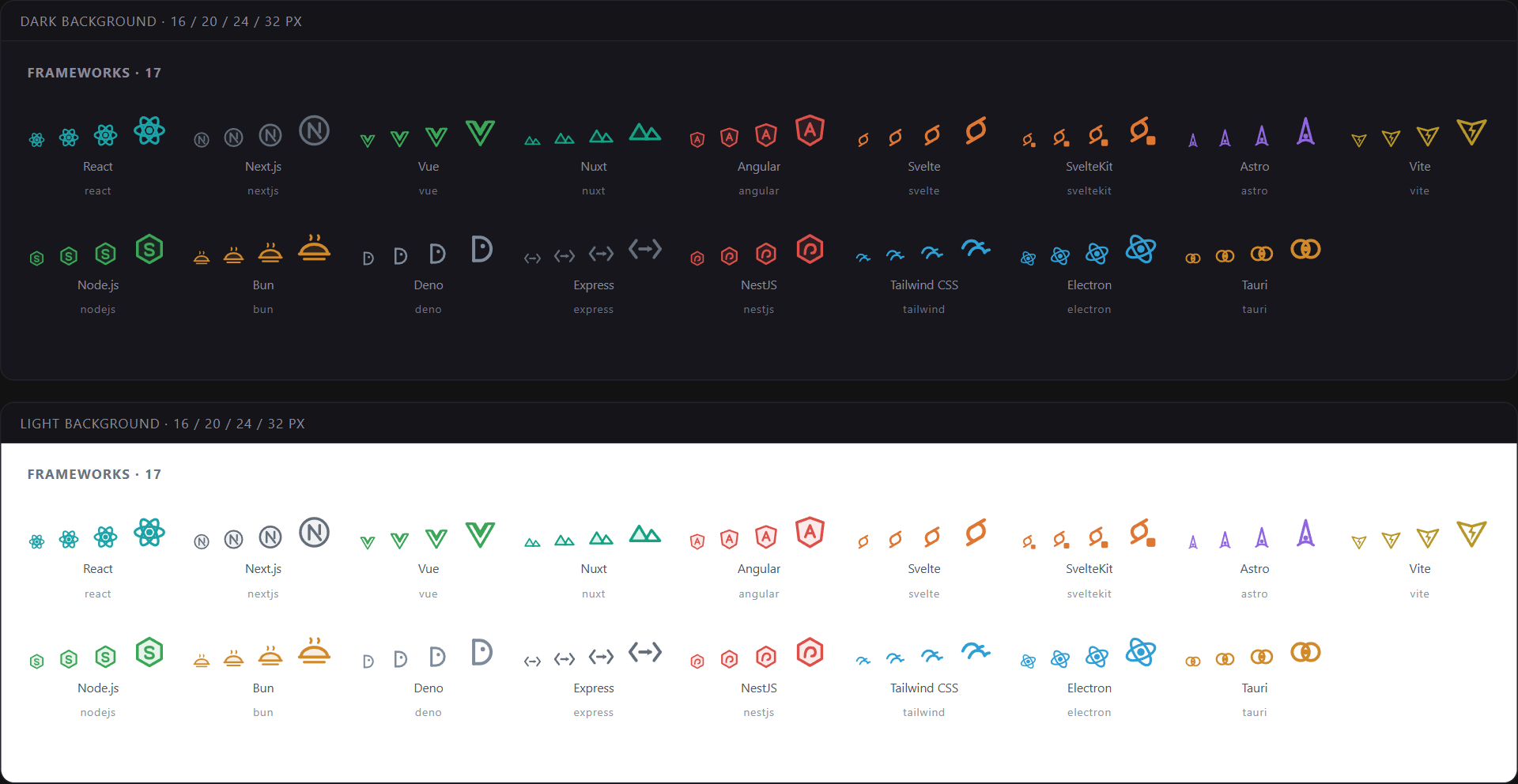
React · Next.js · Vue · Nuxt · Angular · Svelte · SvelteKit · Astro · Vite · Node.js · Bun · Deno · Express · NestJS · Tailwind CSS · Electron · Tauri
Tools
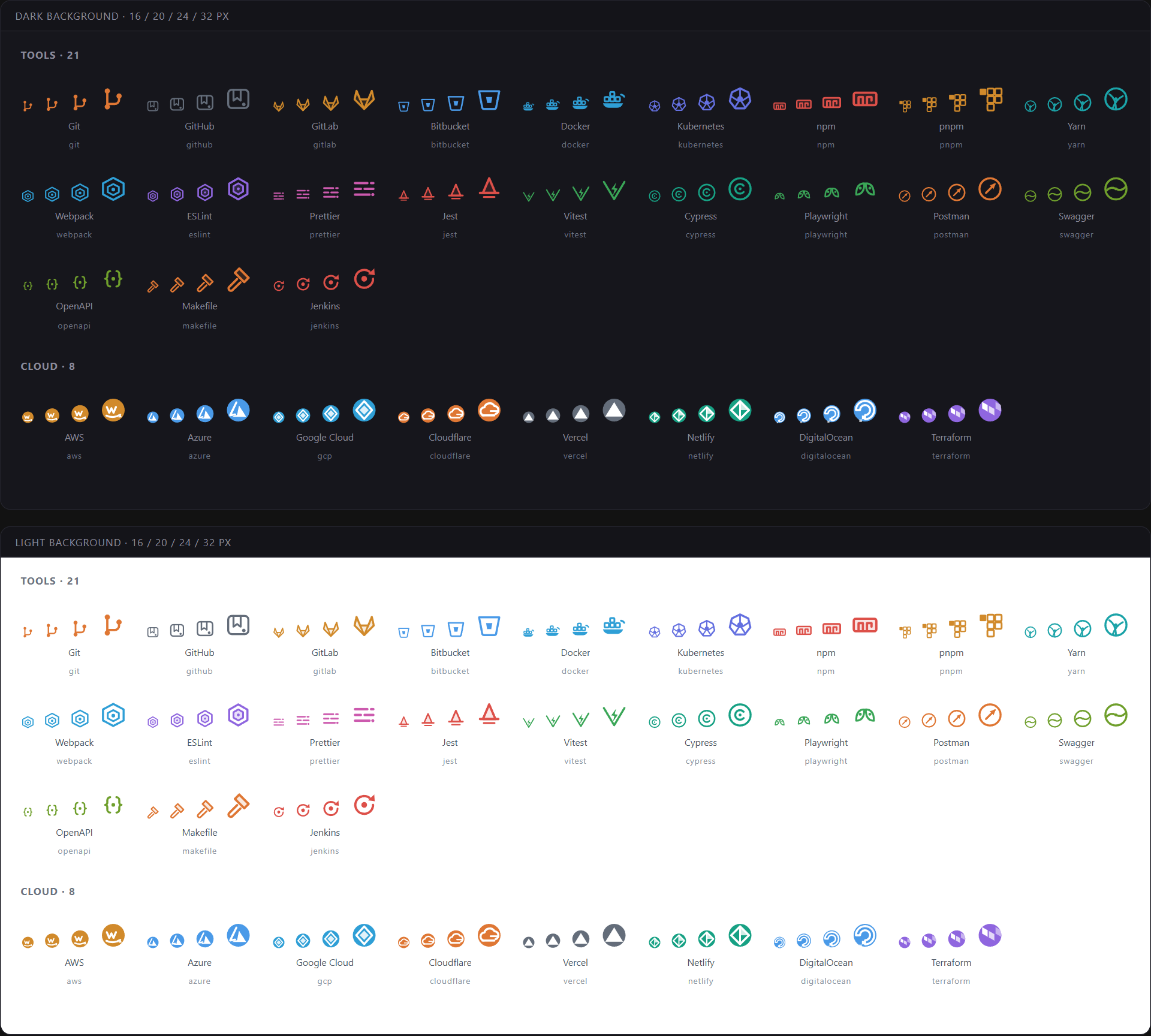
Git · GitHub · GitLab · Bitbucket · Docker · Kubernetes · npm · pnpm · Yarn · Webpack · ESLint · Prettier · Jest · Vitest · Cypress · Playwright · Postman · Swagger · OpenAPI · Makefile · Jenkins
Cloud
AWS · Azure · Google Cloud · Cloudflare · Vercel · Netlify · DigitalOcean · Terraform
Databases
PostgreSQL · MySQL · MariaDB · MongoDB · Redis · SQLite · Supabase · Firebase · Prisma · Drizzle
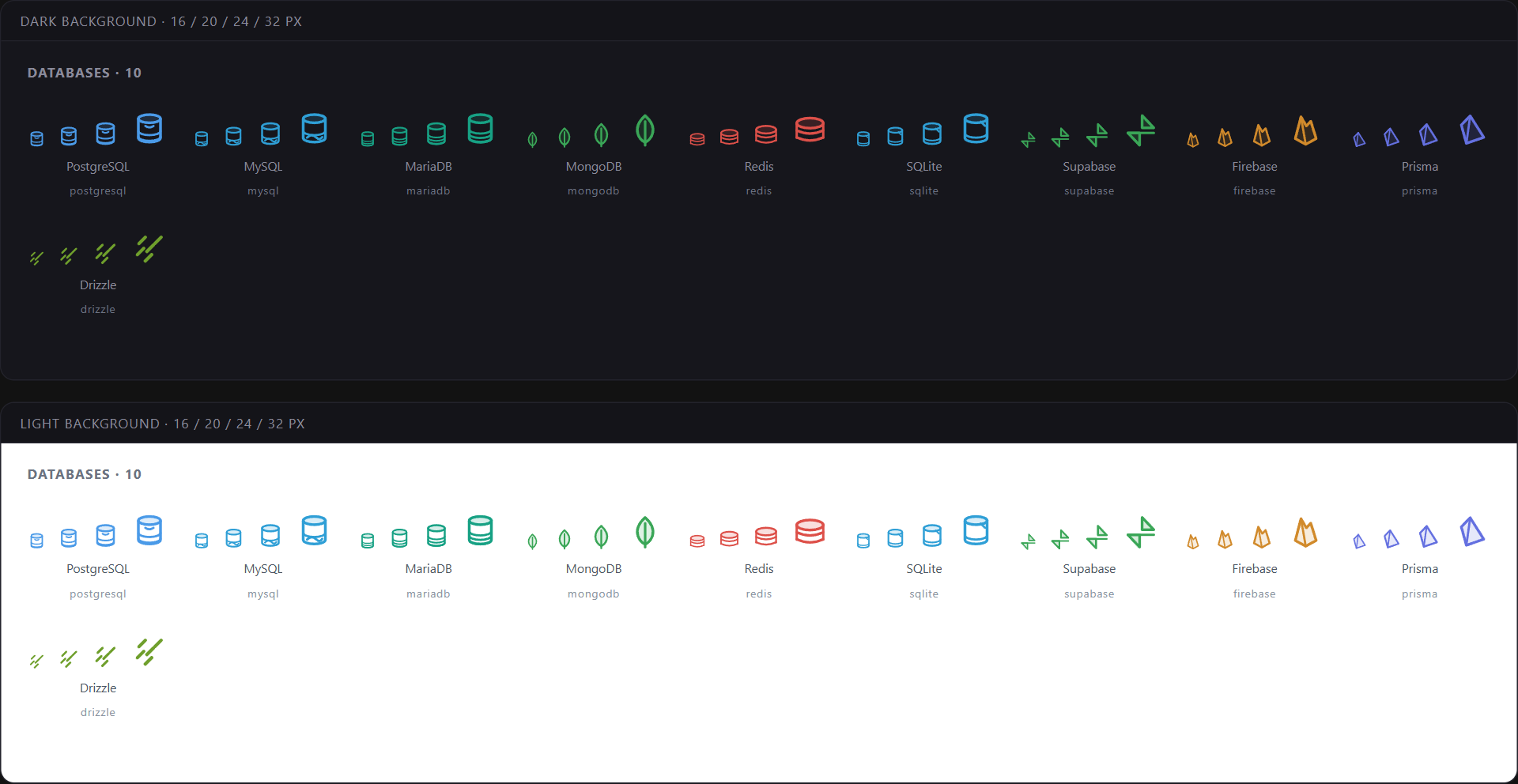
File Icons
166 extensions and 210 exact filenames resolve to a dedicated icon, including everything you touch daily:
- Source —
.js.jsx.ts.tsx.mjs.cjs.mts.cts.py.go.rs.java.kt.php.rb.swift.dart.lua.c.cpp.cs - Web —
.html.css.scss.sass.less.vue.svelte.astro - Data & config —
.json.jsonc.yaml.yml.xml.toml.csv.env.ini - Database —
.sql.prisma.db.sqlite - Infrastructure —
Dockerfiledocker-compose.ymlMakefileJenkinsfile.tf.tfvars.hcl.nix - Repository —
.gitignore.gitattributes.editorconfigLICENSEREADME.mdCHANGELOG.md - Tooling manifests —
package.jsontsconfig.jsonvite.config.tseslint.config.jsplaywright.config.tsCargo.tomlgo.modpyproject.tomlpom.xmland the lockfiles for npm, pnpm, Yarn and Bun - Media & archives — images, video, audio, fonts, archives, certificates, binaries
Folder Icons
117 folder names map to 55 distinct folder icons, each with a closed and an expanded variant:
src app apps packages components pages layouts public assets static images icons fonts styles scripts utils lib helpers services api routes controllers models database db config middleware modules plugins extensions hooks store stores state types schemas tests __tests__ docs examples dist build out coverage logs temp tmp cache node_modules vendor .github .vscode .git
Common aliases resolve to the same icon, so img and images, spec and tests, typings and types, .next and cache all behave the way you would expect.
Screenshots
The galleries above are rendered from the shipped SVGs at 16, 20, 24 and 32px, on both a dark and a light sidebar — the same images the design review uses. Nothing in them is redrawn for marketing.
Installation
From the Extensions view (Ctrl+Shift+X / Cmd+Shift+X), search for CraftingStudioPro Developer Icons and click Install.
Or from the command line:
code --install-extension craftingstudiopro.csp-icons
Then activate it — Ctrl+Shift+P → Preferences: File Icon Theme → CraftingStudioPro Developer Icons — or set it directly:
{
  "workbench.iconTheme": "craftingstudiopro-icons"
}
The extension also contributes a matching icon variant for every CraftingStudioPro color theme. While this icon pack is active, switching between Tokyo Night, Deep Ocean, Night Owl and the other palettes selects the matching variant; choosing another icon pack leaves that choice alone.
Pair with CraftingStudioPro Themes, which shares the same design language:
{
  "workbench.colorTheme": "CraftingStudioPro Tokyo Night",
  "workbench.iconTheme": "craftingstudiopro-icons"
}
Feedback & Issues
Missing a file type, or got an icon that reads wrong at 16px? Both are worth reporting — the second one especially, since small-size legibility is the whole point of the grid.
- Issues: https://github.com/DevVoxelv2/craftingstudiopro-vscode/issues
- Discussions: https://github.com/DevVoxelv2/craftingstudiopro-vscode/discussions
- Website: https://craftingstudiopro.dev
License
MIT © CraftingStudioPro. See LICENSE.